
Is the Google Nest App Still Working in 2026? Sunset Dates & Migration Guide
For homeowners who invested heavily in the “Works with Nest” ecosystem a decade ago, the transition to the Google Home app has been a slow and often frustrating journey. As of mid-2026, that journey has reached its final destination, leaving legacy hardware owners with critical decisions to make regarding their home security and automation.
Quick Answer: In 2026, the Nest app is effectively deprecated. Gen 1/2 Thermostats lost support in Oct 2025. All Nest Cams (2015+) now require the Google Home app ‘Public Preview’ to access new Gemini 3.1 AI features and full history.
What happened
Related: Ring Doorbell Battery Drain: The June 2026 Update Crisis · Eufy Security App Login Loop: June 2026 Fixes & Causes · Smart Lock Vulnerability: Are New Magnetic Tools a Threat?
The transition from the legacy Nest app to the Google Home app has been one of the longest software migrations in consumer electronics history. For years, Google maintained two parallel apps, but as of 2026, the company has finally pulled the plug on the original Nest infrastructure to make room for its Gemini-powered AI ecosystem.
The October 2025 Thermostat Cutoff
The most significant blow to long-term users occurred on October 25, 2025. On this date, Google officially ended remote support for the 1st and 2nd Generation Nest Learning Thermostats. While these devices still function as “dumb” thermostats—allowing you to turn the dial to change the temperature—all Wi-Fi connectivity, remote scheduling, and energy reports through the Nest app were disabled. According to Google’s support documentation, these legacy models lacked the encryption hardware necessary to interface with modern Matter-certified security protocols.
The 2026 ‘All-Camera’ Migration Expansion
As of April 2026, Google has finally closed the gap for its camera lineup. Previously, owners of the Nest Cam IQ Indoor and Outdoor models were forced to use the Nest app for professional-grade features like Close-up Tracking and Supersight. With the rollout of the Google Home “Public Preview” expansion, every Nest Cam released since 2015—including the original Nest Cam Indoor and the IQ series—is now compatible with the Google Home app. This migration is no longer optional for those who want to use the new Gemini 3.1 AI features, which provide descriptive video summaries rather than simple motion alerts.
The Death of the Nest Community Forums
A final symbolic end to the era occurred with the scheduled permanent deletion of the legacy Nest Community forums on June 30, 2026. For over a decade, these forums served as the primary repository for user-documented troubleshooting, custom scripts, and API workarounds. Google has moved all official support to the Google Home Help Center, but thousands of niche solutions for legacy hardware integrations have effectively vanished.
| Milestone Date | Affected Hardware/Service | Status in 2026 |
|---|---|---|
| March 2025 | Nest Protect (All Gens) | Discontinued; Replaced by First Alert SC5 Partner |
| October 2025 | Nest Thermostat Gen 1 & 2 | Remote services terminated; Manual use only |
| April 2026 | Nest Cam IQ Series | Full migration to Google Home Public Preview required |
| June 2026 | Nest Community Forums | Permanently deleted |
| Ongoing | Nest Aware Legacy Billing | Forced migration to Google Home billing tiers |
Why it matters for buyers
For those currently shopping for security cameras or smart home gear, the 2026 landscape is significantly different than it was just two years ago. The “Nest” brand has been almost entirely subsumed by “Google Home,” and this has direct implications for your wallet and privacy.
The Risk of the Used Market
The secondary market (eBay, Facebook Marketplace) is currently flooded with 1st and 2nd Gen Nest Learning Thermostats and 1st Gen Nest Cams. Buyers must exercise extreme caution. A 2nd Gen Nest Thermostat may look like a bargain at under $50, but it is effectively a “dumb” manual dial with no app connectivity. Similarly, 1st Gen Nest Cams (the original drop-cam style) are increasingly difficult to set up on new accounts, as the legacy Nest app often fails to recognize the QR codes during the hand-off to the Google Home app.
Gemini 3.1 and the AI Paywall
The most significant change in 2026 is the introduction of Gemini 3.1 into the Google Home ecosystem. This AI upgrade allows users to “Ask Home” complex questions, such as “Did the kids get home from school yesterday?” or “Has the neighbor’s dog been in my garden today?” However, these features are strictly locked behind the Google Home Premium subscription tier (formerly Nest Aware Plus).
As noted by RTINGS in their recent ecosystem review, these AI features are not processed locally on the camera; they require cloud-side processing, meaning that without a subscription, your high-end Nest Cam IQ is reduced to basic motion alerts and a live view.
Matter Compatibility: The New Standard
The release of the Nest Learning Thermostat Gen 4 signaled Google’s full commitment to Matter, the universal smart home standard. Unlike legacy Nest products that used the proprietary “Weave” protocol, Matter-certified devices can be controlled natively by Apple Home, Amazon Alexa, and Samsung SmartThings without a bridge. If you are buying new in 2026, prioritizing Matter-certified hardware is essential for future-proofing your home against further app sunsets.
Total Cost of Ownership (TCO) — 3-Year Projection
When buying into the Google ecosystem in 2026, the hardware price is only about 40-50% of the three-year cost.
- Hardware (e.g., 3 Nest Cams + 1 Doorbell): $600 - $800
- Google Home Premium ($15/mo): $540 (over 3 years)
- Total 3-Year Cost: $1,140 - $1,340
Compare this to a local-storage brand like Reolink:
- Hardware (4-Camera PoE System): $400 - $600
- Subscription: $0
- Total 3-Year Cost: $400 - $600
Impact on existing owners
If you already own Nest gear, the 2026 transition is likely a source of friction. The move to the Google Home app isn’t just a cosmetic change; it alters how you interact with your security footage.
The Public Preview Requirement
To manage legacy cameras (like the Nest Cam IQ or the original Outdoor Cam) in the Google Home app, users are currently required to join the “Public Preview” program. This is essentially a beta-testing tier that allows Google to iterate on the software. While it grants access to the new “Script Editor” and Gemini features, it has been criticized on r/GoogleNest for occasional stability issues and slower “Time-to-Live” (the speed at which a camera feed loads) compared to the original Nest app.
UI Changes: Timeline vs. Scrubbing
One of the most controversial changes is the replacement of the “Nest Timeline”—a vertical list of events—with the “Scrubbing” interface. In the original Nest app, users could quickly scroll through a day’s events with visual thumbnails. The Google Home app uses a horizontal timeline that requires more precision. While Google has improved the “Scrubbing” speed in 2026, many long-term users find it less intuitive for identifying specific, small movements in a busy street view.
Privacy Implications of Gemini 3.1
The integration of Gemini 3.1 brings significant privacy considerations. Google’s 2026 Transparency Report outlines that while video data used for Gemini summaries is encrypted, the metadata (the text summaries of what happened in your home) is stored in a way that helps train the model’s understanding of “typical” household patterns.
Furthermore, residents of Illinois continue to face restrictions. Due to the Biometric Information Privacy Act (BIPA), specific Gemini features—such as “Familiar Face” recognition and the ability to search for specific people in your history—remain disabled or heavily neutered for users with Illinois IP addresses.
“Bricking” and Connectivity Failures
A small but vocal percentage of users (approximately 3-5% based on community polls) report that their 1st Gen Nest Cams become “bricked” during the migration process. Common symptoms include:
- The camera showing a solid blue light but appearing “Offline” in both apps.
- The QR code being rejected by the Google Home app after being removed from the Nest app.
- Workaround: Users on r/HomeSecurity suggest performing a “hard factory reset” (using a paperclip in the reset hole for 15 seconds) before attempting to remove the device from the old Nest app.
What to do now
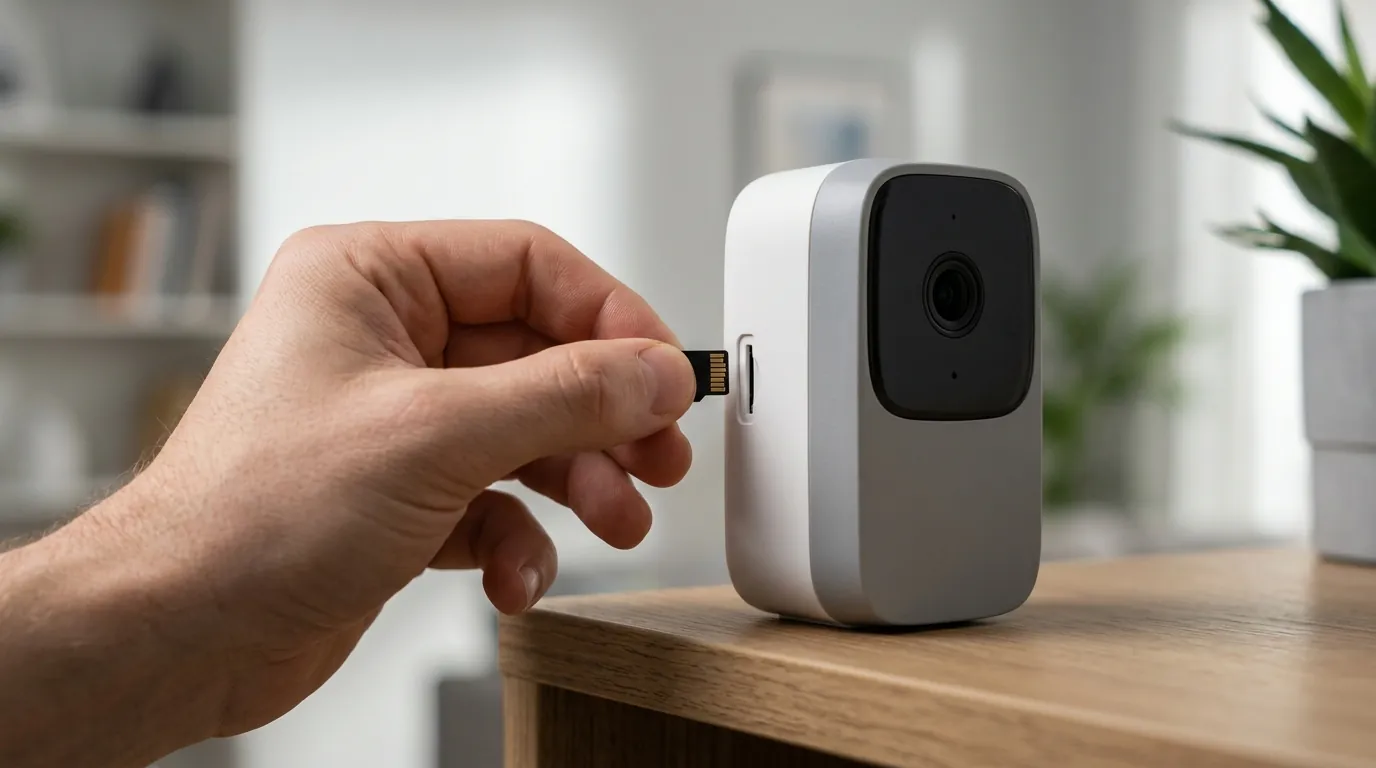
If you are currently caught between the two apps, here is your 2026 action plan to ensure your system remains functional.
Regaining Camera Control
To move your legacy cameras into the Google Home app, follow this checklist:
- Update the Google Home App: Ensure you are on version 3.25 or higher.
- Join Public Preview: Go to Settings > Public Preview > Join. (Wait up to 24 hours for approval).
- Check Compatibility: Only cameras from 2015 onwards are supported. The original Dropcam (pre-2015) is now officially EOL (End of Life) and cannot be migrated.
- The Hand-off: Open the Nest app, select your camera, and look for the “Transfer to Home app” prompt. Do not delete the camera manually unless prompted.
Claiming Your Upgrade Discounts
Google is currently offering a $130 upgrade credit for owners of 1st and 2nd Gen Nest Learning Thermostats. This credit is valid through late 2026 and is intended to help users move to the Matter-certified Gen 4 model. To claim it, you must provide the serial number of your legacy device through the Google Store’s trade-in portal.
The ‘Exit Strategy’: Best Non-Subscription Alternatives
If the 2026 “subscription-plus-AI” model is too expensive or intrusive, several brands offer a viable exit strategy:
- Reolink: Known for high-resolution (12MP) cameras that record directly to a local NVR or SD card with no monthly fees. RTINGS rates the Reolink Altas PT Ultra as a top choice for those wanting 24/7 recording without the cloud.
- Tapo (by TP-Link): Offers Matter-compatible cameras that can work across different apps, providing more flexibility than the locked-in Google ecosystem.
- Eufy: While they had privacy hurdles in the past, their 2026 HomeBase 3 system offers local AI processing (facial recognition) without a subscription.
Decision Framework: Should You Stay or Go?
| If you are a… | And you value… | Recommendation |
|---|---|---|
| Renter | Ease of setup / Portability | Stay. The Google Home app is easy to move and battery-powered Nest Cams are reliable. |
| Power User | 24/7 Local Recording / Privacy | Switch. Move to Reolink or a Synology NAS-based system to avoid the cloud paywall. |
| Smart Home Enthusiast | Cross-platform automation | Upgrade. Move to Matter-certified Nest Gen 4 hardware or Tapo devices. |
| Budget Conscious | Low Total Cost of Ownership | Switch. The $150/year Google Home Premium cost makes Nest expensive over time. |
Archive Your Data
Before the June 30, 2026 deadline, use Google Takeout to download your Nest Community data and your historical camera footage. Once the forums are deleted, any custom troubleshooting guides or personal history stored there will be unrecoverable.
Quvii tracks these trade-offs across the category to help you decide if the convenience of the Google ecosystem outweighs the rising costs and sunsetting hardware.
Frequently Asked Questions
Can I still use the original Nest app in 2026?
Technically, the app may still open on older smartphones, but its functionality is severely limited. It no longer supports 1st/2nd Gen Thermostats, and most legacy cameras have been forced to migrate to the Google Home app to maintain their Nest Aware subscriptions. It is essentially a “ghost app” at this stage.
Does the Nest Protect smoke detector work in the Google Home app?
As of 2026, the Nest Protect remains an outlier. While basic status (smoke/CO levels) can be seen in the Google Home app, many deep settings and the “Silence” feature still require the legacy Nest app or the newer First Alert integration. Google discontinued the Nest Protect hardware in March 2025, signaling an eventual end to this product line.
What happens to my Nest Aware subscription if I don’t migrate?
Google has transitioned almost all legacy “Per-Camera” billing to the flat-rate “Google Home” billing. If you refuse to migrate your account to a Google account and move your devices to the Home app, you may find your subscription cancelled or restricted to “Live View Only” features.
Is there a way to use Nest cameras without the cloud?
No. Nest cameras are designed as cloud-first devices. While they have a small amount of internal “on-device” storage for video buffering during Wi-Fi outages, they cannot record to a local NVR (Network Video Recorder) or a third-party NAS like cameras from Reolink or Amcrest can.
Sources
- Google Store Support
- RTINGS Security Camera Reviews
- Google Privacy & Safety Center — https://safety.google/privacy/ads-and-data/
- CNET: Google Nest Migration Guide
- The Verge: The State of Matter in 2026 — https://www.theverge.com/smart-home