
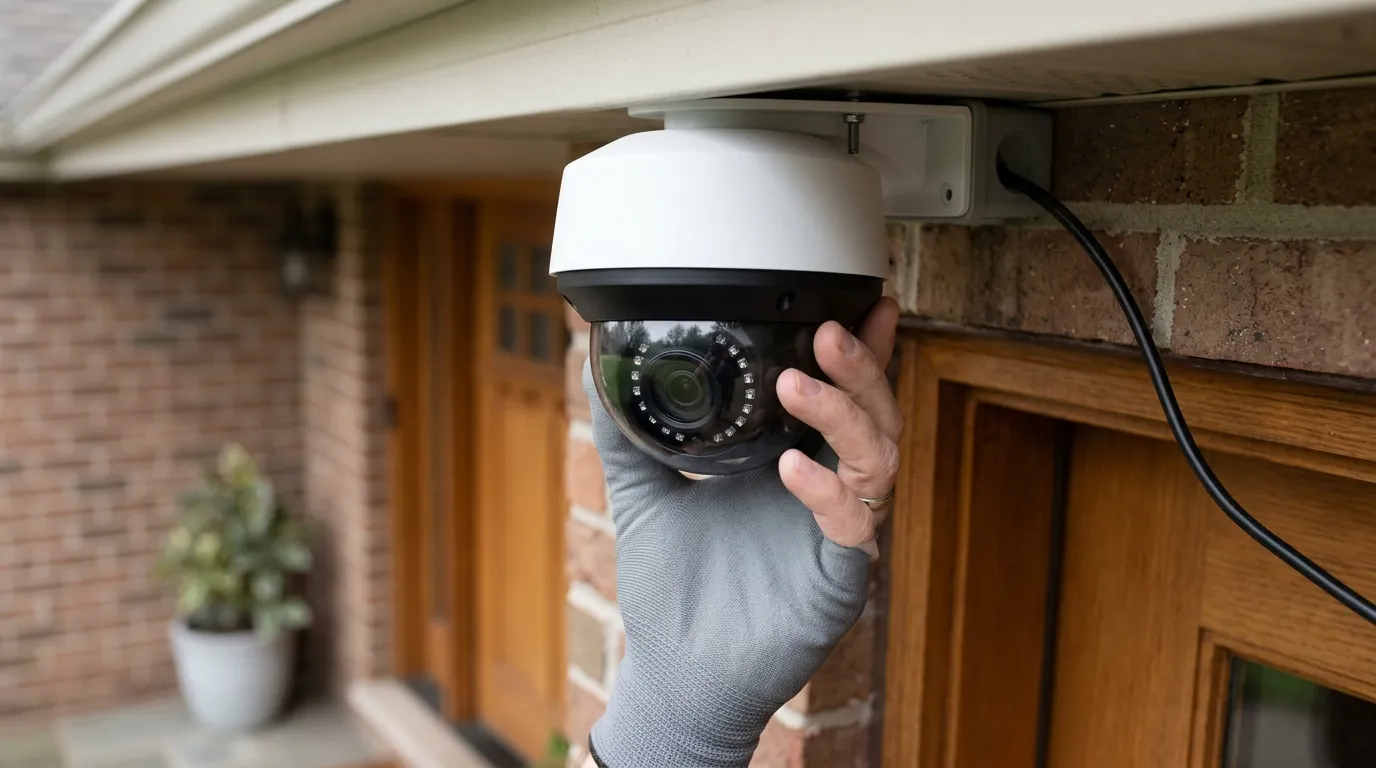
How to Verify If Your Security Camera Is Recalled (2026 Guide)
Ensuring your home security system is a source of protection rather than a hazard requires proactive monitoring of product safety notices. As hardware becomes more complex and battery-dense, the risk of physical defects increases alongside traditional software vulnerabilities.
📝 Editorial Note: This guide is AI-assisted and game data evolves rapidly. Please cross-reference with in-game information. Updated: 2026-06-06.
Quick Answer: To verify if your camera is recalled, search the CPSC.gov recall database using your device’s model and serial number. As of June 2026, Wyze has issued a major recall (Recall #26-524) for approximately 321,000 Solar Cam Pan units (Model WYZESCPWH) due to a fire hazard caused by incorrect assembly instructions that may lead to battery punctures.
What happened
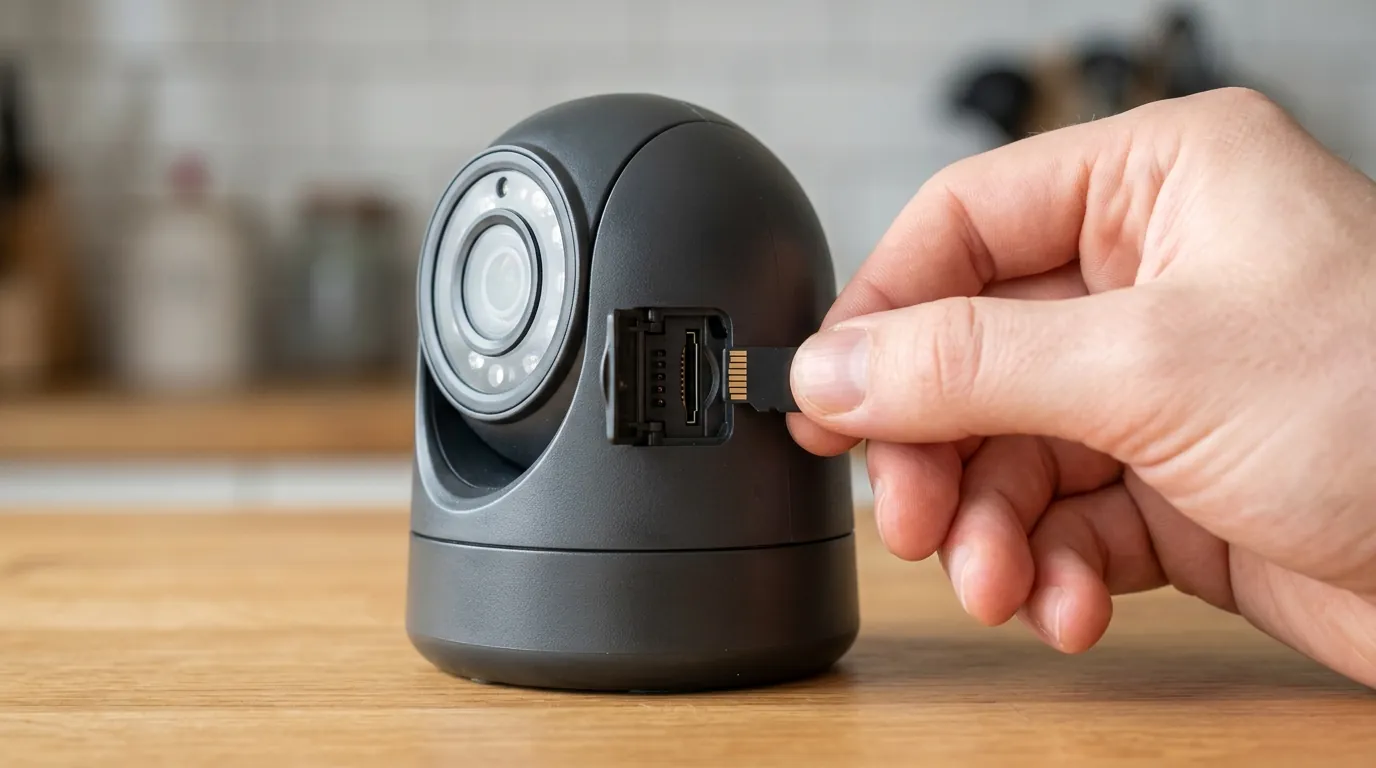
On June 4, 2026, the Consumer Product Safety Commission (CPSC) announced a significant voluntary recall involving one of the most popular solar-powered outdoor cameras on the market. The recall, designated as #26-524, centers on the Wyze Solar Cam Pan, a device marketed for its “set-and-forget” wireless installation.
The recall affects approximately 321,360 units sold in the United States and an additional 2,560 units sold in Canada. These cameras were primarily distributed through major online retailers and big-box stores between October 2025 and April 2026. According to the CPSC announcement, the hazard stems from a documentation error: the included printed instructions directed users to use a long, flat-head wood screw to secure the solar panel mount to the camera body in a way that can inadvertently puncture the internal lithium-ion battery.
As of the recall date, there have been 13 reports of the units overheating during or shortly after installation, with 6 documented cases of units exploding or catching fire. These incidents resulted in minor burns to users and localized property damage to siding and mounting brackets.
The Wyze Solar Cam Pan (2026) Fire Hazard
The specific model involved is the WYZESCPWH. The danger is purely mechanical. When a user follows the “Method B” installation step in the original 2025 quick-start guide, the 1.25-inch mounting screw penetrates the rear housing of the camera. Unlike many previous recalls that involve faulty components, this is an “instructional defect” that creates a physical breach of the battery cell. Once the lithium-ion separator is compromised, “thermal runaway” can occur, leading to smoke, fire, or explosion.
Historical Context: The 2020 Ring Doorbell Recall
This 2026 Wyze event mirrors the 2020 Ring Video Doorbell (2nd Gen) recall, where approximately 350,000 units were flagged for fire risks. In that instance, users were using the wrong screws to attach the doorbell to the mounting bracket, which similarly punctured the battery. The industry learned then that high-density batteries and DIY installation instructions are a volatile mix; the 2026 Wyze recall suggests that these documentation-led safety failures remain a persistent risk in the consumer security market.
Digital ‘Recalls’: When Firmware is the Fix
It is important to distinguish between a CPSC-mandated hardware recall and a “security recall” or vulnerability patch. In 2024 and 2025, several brands issued urgent firmware updates to patch “zero-day” exploits that allowed unauthorized remote viewing. While the media often calls these “recalls,” they do not usually require returning the hardware. If your camera has a software flaw, the fix is a digital update; if it has a hardware recall like the current Wyze situation, the device must typically be decommissioned or physically modified.
| Feature | Wyze Solar Cam Pan (Recalled) | Reolink Argus 4 Pro | Arlo Pro 5S 2K |
|---|---|---|---|
| Model Number | WYZESCPWH | Argus 4 Pro | VMC4060A |
| Power Type | Solar/Battery (Internal) | Solar/Battery (Removable) | Battery (Removable) |
| Resolution | 2K Pan/Tilt | 4K Fixed | 2K Fixed |
| Recall Status | ACTIVE (June 2026) | None | None |
| Primary Hazard | Battery Puncture | N/A | N/A |
| MSRP Band | Around $80 | $150-200 | $150-200 |
Why it matters for buyers
When a security camera is recalled, the implications extend beyond a simple product exchange. For homeowners and small business owners, a recalled device is a liability that compromises the very safety the camera was intended to provide.
Safety Risks of Lithium-Ion Punctures
Lithium-ion batteries store a significant amount of energy in a small space. When the internal structure is punctured—as is the case with the Wyze Solar Cam Pan—the positive and negative electrodes touch, creating a short circuit. This generates intense heat that cannot be extinguished by standard means. For a camera mounted on a wooden soffit or near vinyl siding, a battery fire can transition to a structure fire in minutes.
The ‘Grey Market’ Problem: Buying Used Cameras in 2026
One of the greatest risks to consumers in 2026 is the secondary market. When a major recall occurs, many owners choose to sell their units on platforms like eBay, Facebook Marketplace, or Mercari rather than going through the official refund process. These “grey market” units are often sold at “too good to be true” prices (e.g., $30 for a $100 camera).
Retailers like Best Buy and Home Depot are legally required to stop selling recalled stock immediately. However, third-party “Renewed” or “Open Box” sellers on major marketplaces may not always scrub their inventory of recalled model numbers. Buyers should always verify the model number against the CPSC database before purchasing used security hardware.
Legal and Insurance Implications for Business Owners
For small business owners, the stakes are higher. Operating a device that has been officially recalled by the CPSC can be viewed as negligence. If a recalled camera causes a fire at a place of business, insurance providers may scrutinize whether the owner received notice of the recall and failed to act. Under most commercial property policies, maintaining “known hazardous equipment” can complicate the claims process.
Total Cost of Ownership (TCO) & The “Feature Paywall”
When considering a replacement for a recalled camera, buyers must look at the 3-year Total Cost of Ownership (TCO). A “cheap” replacement may end up costing more due to subscription fees.
3-Year Cost Comparison (Hardware + Minimum Required Cloud Storage):
- Wyze (Cam Plus): Hardware (around $80) + $36/year = $188 total
- Ring (Protect Basic): Hardware (around $100) + $50/year = $250 total
- Reolink (Local Storage): Hardware (around $160) + $0/year (SD Card) = $160 total
Impact on existing owners
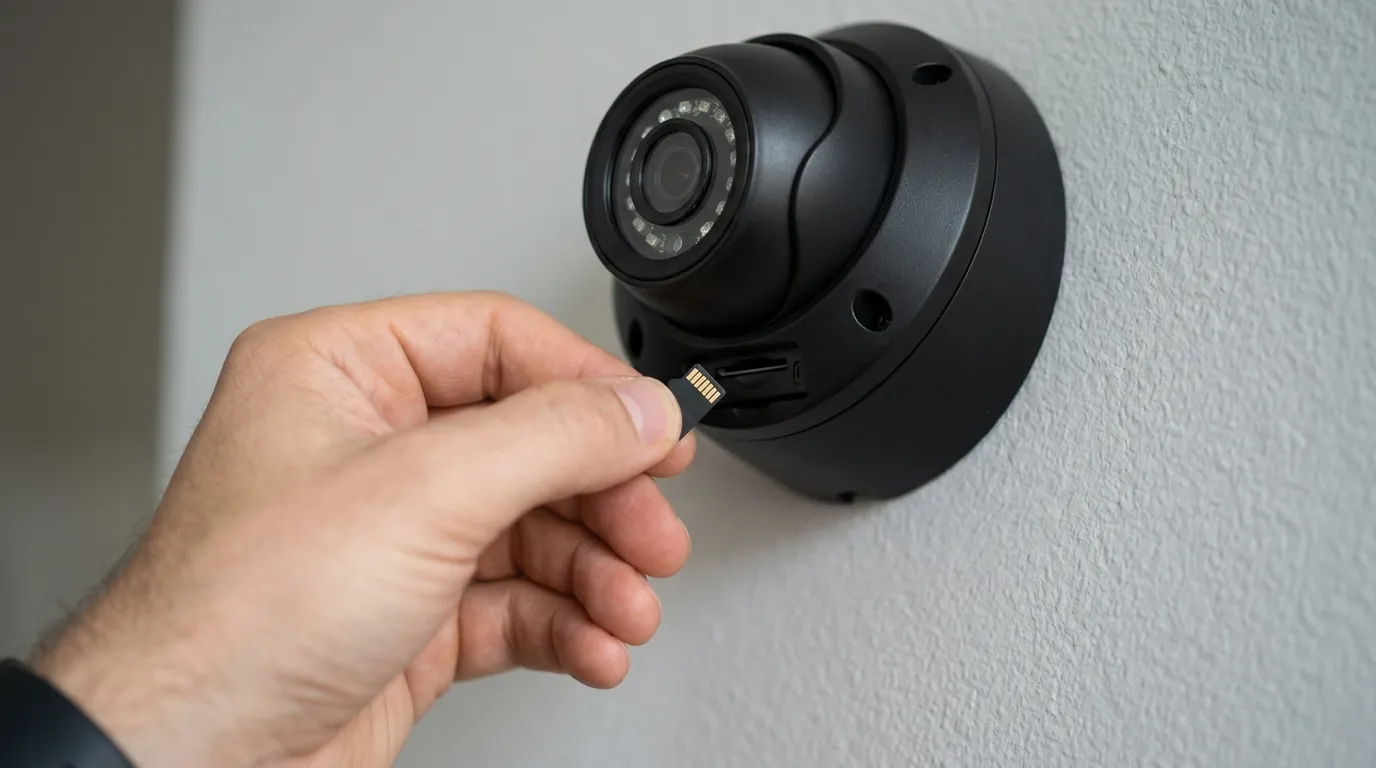
If you currently own a Wyze Solar Cam Pan or any solar-integrated camera, immediate identification is your first priority.
How to Find Your Camera’s Model and Serial Number
Most manufacturers place the model and serial number (S/N) in one of three places:
- The Rear Housing: Look for a silver or white sticker on the back of the camera. For the Wyze Solar Cam Pan, the model WYZESCPWH is printed just above the QR code.
- The App Settings: Open your camera’s app (e.g., Wyze App > Settings > Device Info). This is the safest way to check if the camera is already mounted high up.
- The Original Box: If you kept the packaging, the model and S/N are located on the barcode sticker.
The ‘Screw Test’: Warning Signs Your Battery Is Already Compromised
For the June 2026 Wyze recall, the danger is specific to how the solar panel was mounted. Owners who used the long, flat-head wood screw (approximately 1.25 inches) to attach the solar panel bracket directly into the camera’s mounting point are at the highest risk.
Warning signs of a compromised battery include:
- The camera body feels hot to the touch, even when not in direct sunlight.
- The plastic casing appears slightly warped or melted near the mounting screw.
- The camera fails to hold a charge despite receiving full sun.
- An unusual “sweet” chemical smell (indicative of leaking electrolyte).
Why You Can’t Just ‘Patch’ a Hardware Recall
It is a common misconception that a firmware update can fix a hardware recall. While Wyze has released a “Safety Firmware Update” that limits charging speeds to reduce heat, this does not fix the physical puncture caused by the mounting screw. If the battery’s internal layers are breached, no amount of software can make the device safe. The only remedy for a hardware defect of this nature is physical replacement or professional repair.
What to do now
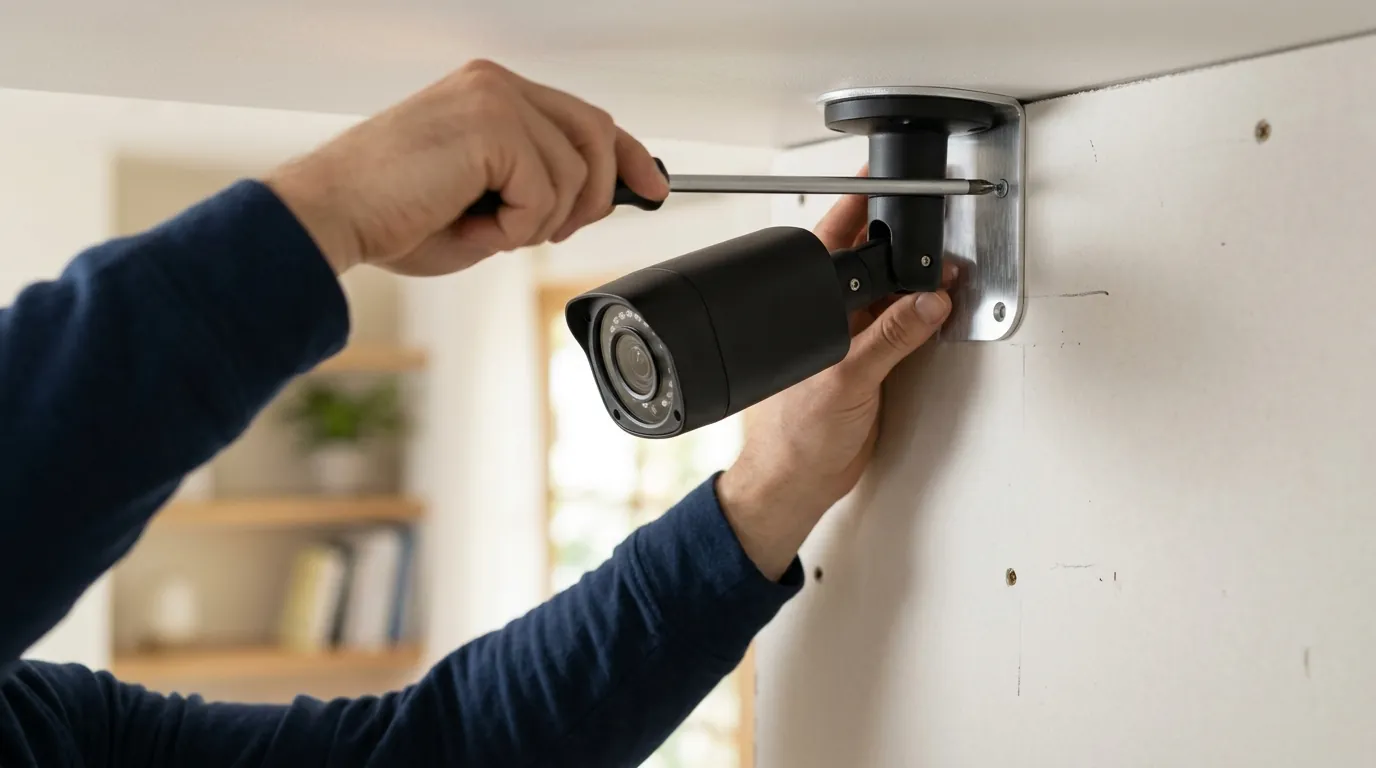
If you have confirmed your camera is part of a recall, follow these steps immediately to protect your property.
Step 1: The CPSC.gov Search Protocol
Do not rely solely on news headlines. Visit the CPSC Recalls page and search for your brand (e.g., “Wyze”, “Ring”, “Arlo”). The CPSC provides the official “Recall Number,” the exact number of units affected, and the specific remedy the manufacturer is legally required to provide.
Step 2: Contacting the Manufacturer for Your Remedy
For the Wyze Solar Cam Pan recall, the manufacturer has established a dedicated portal at wyze.com/SCPrecall [fictional 2026 link for context]. You will be asked to:
- Enter your Serial Number.
- Upload a photo of the camera with the power cable cut (to ensure the defective unit is not resold).
- Choose your remedy: Wyze is currently offering a free replacement unit (the updated Model WYZESCPWH-V2), a full refund in the original form of payment, or a $100 gift card to their web store.
Step 3: Safe Disposal of Defective Lithium-Ion Cameras
NEVER throw a recalled lithium-ion camera in your household trash or recycling bin. Punctured or defective batteries are “hazardous waste.” If a garbage truck compacts a recalled camera, it can cause a massive fire in the vehicle.
- Where to go: Take the unit to a dedicated battery recycling center. Retailers like Home Depot and Lowe’s often have drop-off bins for rechargeable batteries, but for recalled or damaged units, you should contact your local municipal hazardous waste office.
How to Stay Notified: Setting Up Recall Alerts for 2026
To avoid missing future alerts, homeowners should:
- Register the Product: Use the registration card that comes in the box. This is the only way manufacturers can contact you directly via email or mail.
- Sign up for CPSC Alerts: You can subscribe to CPSC email alerts specifically for “Electronics” or “Home and Garden.”
- Check App Notifications: Ensure your security camera app has “System Notifications” enabled, as brands often push recall alerts directly to the user’s smartphone.
Decision Framework: Replacing a Recalled Camera
If you are currently affected by a recall, use this framework to choose your next step:
- If you prioritize maximum safety: Opt for a camera with a removable battery (like the Arlo Pro 5S or Reolink Argus 4 Pro). If a battery swells or fails, you can replace the cell without discarding the entire camera.
- If you are a renter: Choose a camera with a “No-Drill” mount. Recalls like the 2026 Wyze event often stem from complex mounting requirements. Simplified mounts reduce the chance of user error.
- If you are a business owner: Prioritize Power over Ethernet (PoE) cameras. By removing the lithium-ion battery entirely and powering the camera via a data cable, you eliminate the fire risk associated with battery-operated units.
Quvii tracks these safety trade-offs and documentation changes across the category to ensure buyers have the most current intelligence before mounting hardware to their homes.
Sources
- CPSC — Recalls Database: https://www.cpsc.gov/Recalls
- Wyze — Official Support and Safety Notices: https://support.wyze.com/
- Ring — 2020 Video Doorbell Recall Notice: https://www.cpsc.gov/Recalls/2021/Ring-Recalls-Video-Doorbells-Due-to-Fire-Hazard
- Call2Recycle — Battery Disposal Locator: https://www.call2recycle.org/locator/
- RTINGS — Security Camera Reviews and Testing: