
How to Keep Security Cameras Cool: 2026 Summer Heatwave Guide
As record-breaking temperatures sweep across the United States in the summer of 2026, your home security system faces its most grueling technical challenge yet: surviving the heat.
To keep cameras cool in 2026, mount them under eaves for shade, use white silicone skins to reflect UV, and reduce AI processing loads. Avoid direct sun for battery units like Nest or Ring to prevent thermal shutdown at 104°F+.
What happened
Related: AI Surveillance Privacy Risks: What Homeowners Must Know in 2026 · Ring Camera Overheating: 2026 Heatwave Failures & Fixes · Botslab W101 Window Camera Launch: Dual-Lens 2.5K Security
The summer of 2026 has introduced a “Heat Dome” phenomenon that has pushed ambient temperatures above 110°F in 36 states, creating an unprecedented environment for consumer electronics. Unlike previous years, where intermittent heat spikes were the norm, the sustained duration of the 2026 heatwave is pushing residential security hardware to its breaking point.
The 2026 Heatwave Context
The current climate reality has resulted in widespread reports of “Thermal Shutdown” alerts across major camera ecosystems. According to community data from r/HomeSecurity, users are seeing frequent offline status updates specifically during the peak hours of 2:00 PM to 5:00 PM. This is not merely a connectivity issue; it is a hardware protection mechanism. When internal components reach a critical threshold, the system cuts power to prevent permanent board damage or battery combustion.
The Rise of Thermal Throttling in 4K Hardware
The industry-wide shift toward 4K and 8K sensors in 2025 and 2026 has inadvertently exacerbated the heat problem. High-resolution sensors and the powerful AI processors required to run “Person Detection” and “Vehicle Recognition” on-device generate significant internal heat. When combined with high ambient temperatures, these modern units reach their thermal limits much faster than older 1080p models.
For example, a modern 4K sensor produces roughly 30% more heat during active processing than a standard HD sensor. In 2026, we are seeing a clear divergence in how different brands handle this thermal load.
Table 1: 2026 Operating Temperature Ranges & Shutdown Thresholds
| Camera Model | Resolution | Power Type | Max Operating Temp | Notable Thermal Feature |
|---|---|---|---|---|
| Google Nest Cam (Battery) | 1080p | Battery | 104°F (40°C) | Automatic charging halt at 113°F |
| Ring Battery Doorbell Pro | 1536p | Battery | 120°F (48.5°C) | High-heat performance mode |
| Eufy SoloCam S340 | 3K (Dual) | Battery/Solar | 122°F (50°C) | Integrated solar thermal management |
| Arlo Pro 5S 2K | 2K | Battery | 113°F (45°C) | Low-power thermal state |
| Reolink Argus 4 Pro | 4K | Battery | 131°F (55°C) | Advanced heat dissipation housing |
| Reolink RLC-811A | 4K | PoE | 131°F (55°C) | Aluminum alloy heat-sink body |
Data synthesized from Google Nest Support, Ring.com, and Reolink.com.
Why it matters for buyers
For those shopping for cameras in 2026, heat resistance is no longer a “nice-to-have” specification; it is a core reliability metric. If a camera is offline due to heat, it provides zero security, rendering your investment useless during the brightest, most active parts of the day.
Hardware Longevity and Sensor Degradation
Heat is the primary enemy of electronics, specifically CMOS sensors and Lithium-ion batteries. Manufacturers design these devices with a “Solar Loading” factor in mind—the understanding that a camera in direct sunlight can be 30°F to 50°F hotter than the surrounding air. On a 95°F day, a black-cased camera can easily reach internal temperatures of 145°F.
Sustained exposure to these temperatures leads to “dark current” increases, which permanently degrades the sensor’s ability to capture clear images in low light. Furthermore, Lithium-ion batteries used in wireless models face permanent capacity loss if they are frequently operated or charged in environments exceeding 140°F.
The Hidden Cost of Heat-Induced Downtime
There is a significant financial impact to heat-related failures that goes beyond the hardware itself. Most modern systems are tied to monthly subscriptions.
Total Cost of Ownership (TCO) Analysis: 3-Year Projection
- Hardware Cost: Around $200 (Mid-range 4K Battery Camera)
- Subscription Fees: $10/month (e.g., Nest Aware or Ring Protect) = $360
- Replacement Cost: $150 (Assuming one out-of-warranty heat failure in 3 years)
- Total 3-Year Investment: ~$710
When a camera shuts down for 4 hours a day during a heatwave, you are effectively losing 16% of the service you are paying for. Furthermore, brands like Arlo and Ring generally specify that warranties do not cover damage resulting from “misuse,” which can sometimes include operating the device outside of the published temperature range found in the Ring Terms of Service.
Decision Framework: Choosing the Right Hardware for Your Climate
- If you live in the Desert Southwest (AZ, NV, TX): Prioritize PoE (Power over Ethernet) cameras with metal housings (like Reolink or Amcrest). Avoid battery-powered units for south-facing walls.
- If you are a Renter: Focus on white-colored battery cameras and use high-quality silicone skins. Avoid permanent modifications but prioritize north-facing mounting.
- If you need 24/7 Recording: Avoid all battery/solar models. The heat generated by constant recording will trigger shutdowns in ambient temps as low as 95°F. Use wired (PoE) systems.
Impact on existing owners
If you already own a system, the 2026 heatwave is likely manifesting in subtle performance drops before the unit actually fails.
Identifying Heat-Related Performance Issues
One of the first signs of thermal stress is “Connectivity Churn.” The Wi-Fi radio in a security camera is often the most heat-sensitive component. As the internal temperature rises, the Wi-Fi chip may throttle its power to stay cool, leading to dropped connections or “Device Offline” errors in your app, even if your router is nearby.
Additionally, most battery-powered cameras (such as the Eufy SoloCam S340) have safety sensors that stop the battery from charging if the internal temperature exceeds roughly 113°F (45°C). This creates a paradox for solar-powered cameras: the sun that provides the power also generates the heat that prevents the battery from accepting that power.
The ‘Purple Tint’ and Sensor Noise Problem
Have you noticed your daytime footage looking grainy or developing a purple/magenta tint in the corners? This is a direct result of sensor overheating. High temperatures increase the “noise floor” of the image sensor. In 2026, with the higher pixel density of 4K sensors, this noise is more visible than ever. If left unaddressed, this thermal stress can lead to “stuck pixels” that remain as permanent white or colored dots on your footage forever.
Physical damage is also a rising concern. We are seeing reports of plastic housings warping and, more critically, the rubber seals around the lens expanding and contracting until they fail, allowing moisture to enter the camera once the heatwave breaks and the first summer storm arrives.
What to do now
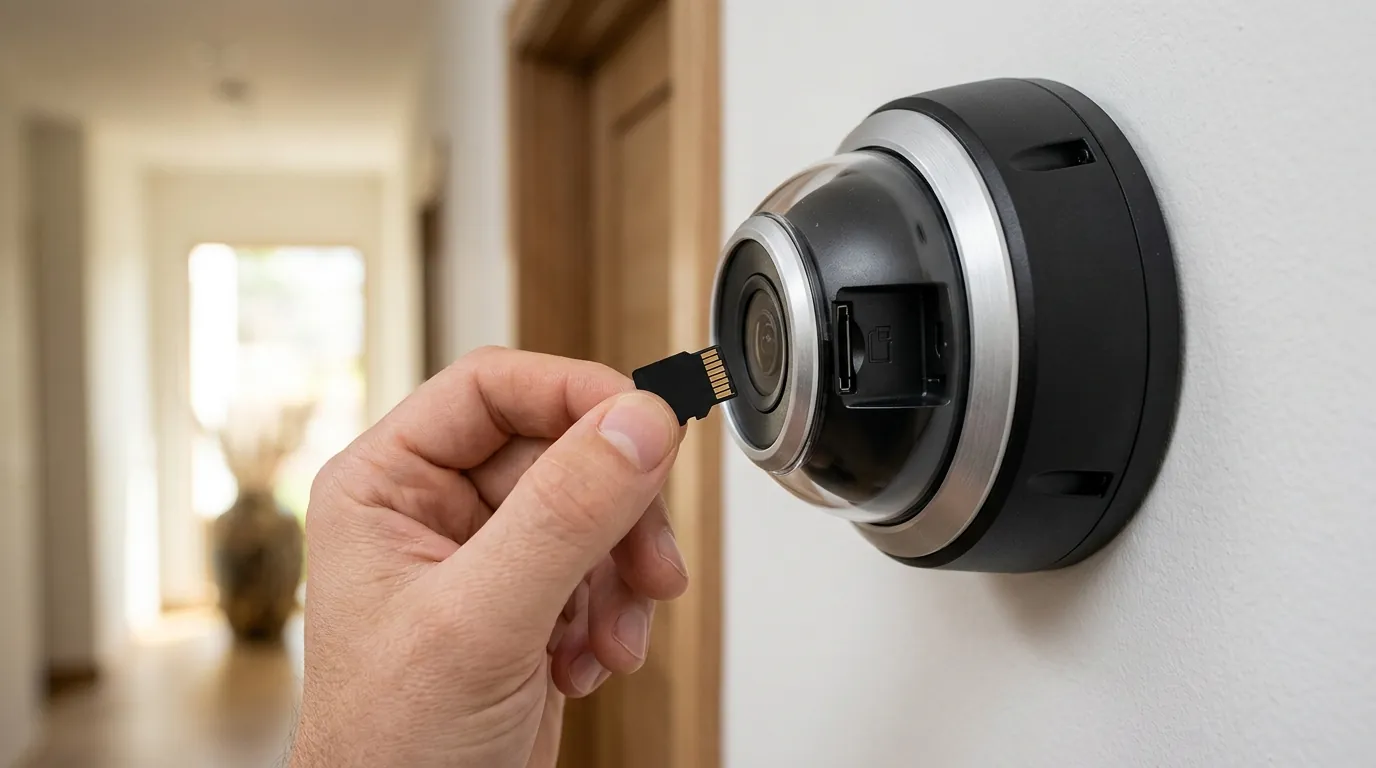
Protecting your cameras requires a combination of physical shielding and software optimization.
Physical Shielding and Placement
The most effective cooling strategy is passive: get the camera out of the sun.
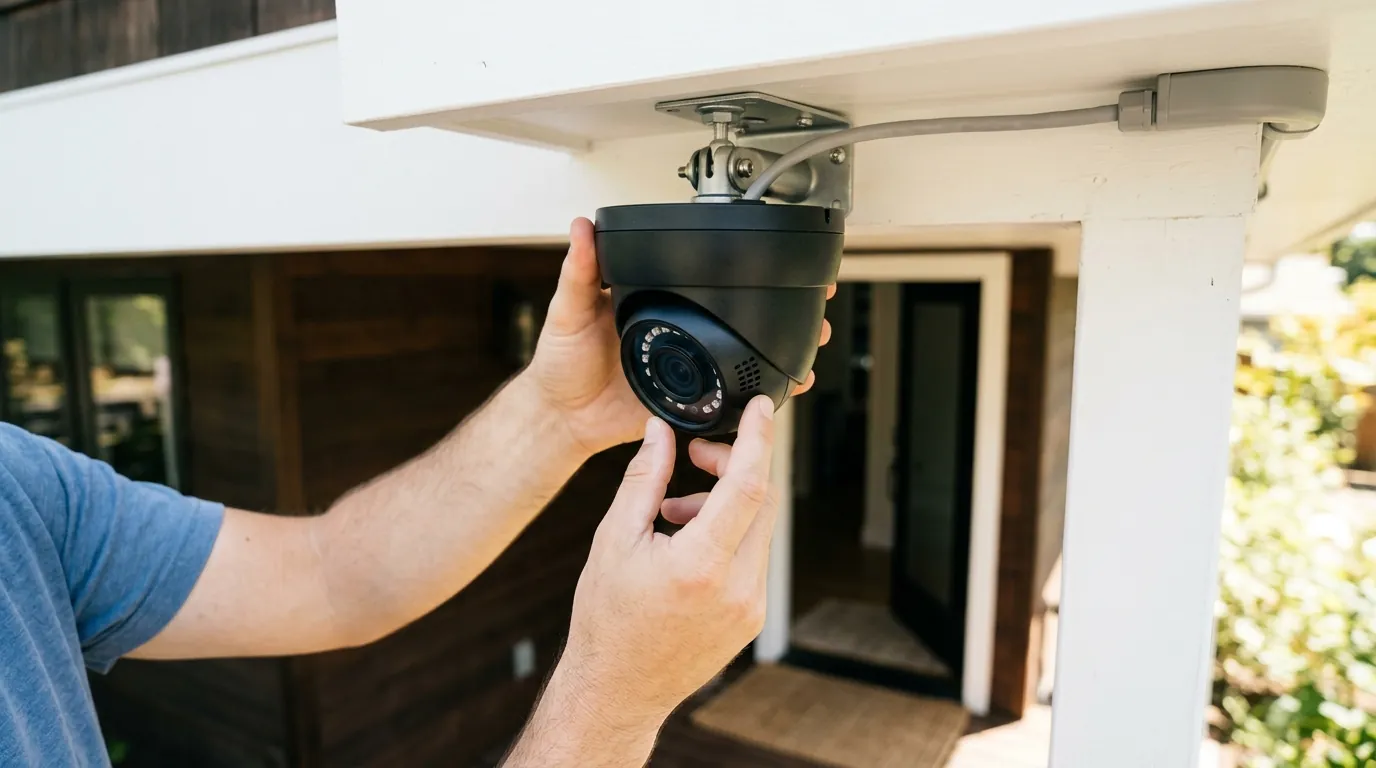
- The Eave Advantage: Mount cameras under architectural eaves or soffits. This provides a permanent shadow and protects the unit from the “greenhouse effect” of direct UV radiation.
- North-Facing Priority: If possible, move critical cameras to North or East-facing walls. South and West-facing walls absorb the most thermal energy and radiate it back into the camera body long after the sun has moved.
- Reflective Accessories: Use white silicone skins. Testing data from RTINGS and independent YouTube reviewers like The Hook Up has shown that white skins can reduce internal temperatures by as much as 10-15°F compared to black or dark green housings.
Software Settings to Lower Internal Temps
You can “cool” your camera from the inside by reducing the workload on its processor:
- Reduce Bitrate/Resolution: During extreme heatwaves, dropping your 4K camera to 2K or 1080p significantly reduces the heat generated by the image signal processor (ISP).
- Disable ‘Pre-Roll’: Features like Ring’s Pre-Roll or Nest’s 24/7 preview keep the sensor and processor active at all times. Turning these off allows the hardware to “rest” between motion events.
- Limit AI Zones: Shrink your motion detection zones to only the most critical areas. This reduces the amount of “pixel analysis” the AI chip has to perform, lowering the thermal output.
The Case for PoE in Extreme Climates
If your battery cameras continue to fail, 2026 is the year to consider transitioning to Power over Ethernet (PoE). Systems like Reolink’s 2026 PoE lineup dissipate heat much more efficiently. Because the power conversion happens at the switch (inside your cool house) and not inside the camera (outside in the heat), and because they lack a volatile lithium battery, PoE cameras can typically withstand ambient temperatures up to 131°F without shutting down.
Summer-Proofing Checklist:
- Check app for “Overheat” or “Charging Suspended” logs.
- Inspect lens seals for visible warping or gaps.
- Install white silicone skins on all dark-colored cameras.
- Relocate solar panels to a spot with morning sun but afternoon shade.
- Update firmware; many 2026 updates include “Thermal Management” profiles that adjust frame rates during high heat.
As the industry evolves, Quvii tracks these trade-offs across the category to ensure your security remains operational regardless of the thermometer’s climb.
Frequently Asked Questions
Can I point a small fan at my outdoor camera to keep it cool?
While a fan provides convective cooling, it is generally ineffective for outdoor security cameras. Most consumer cameras are “weather-sealed” (IP65/IP66), meaning they are airtight. A fan will blow air over the exterior plastic, but it won’t cool the internal components effectively unless the camera has a metal housing that acts as a heat sink.
Does the color of the camera really matter for heat?
Yes, significantly. Black and dark-colored housings absorb a much wider spectrum of solar radiation, converting it into heat. Switching to a white housing or a white silicone skin can lower the surface temperature of the device by over 15°F in direct sunlight, which is often the difference between a functional camera and a thermal shutdown.
Why does my solar-powered camera stop charging when it’s sunny?
Most solar cameras have a safety “cut-off” for the battery. Lithium-ion batteries become unstable if charged at temperatures above 113°F (45°C). On a hot summer day, the internal temperature of the camera often exceeds this limit, so the system disables charging to prevent a fire or battery swelling, even if the solar panel is producing plenty of power.
Will overheating void my security camera’s warranty?
It depends on the brand’s policy. Most manufacturers, including Arlo and Google Nest, specify an operating temperature range. If their internal logs show the camera was consistently operated in environments exceeding 115°F-120°F, they may deny a warranty claim for a failed sensor or battery, citing “usage outside of specified environmental conditions.”
Sources
- Google Nest Cam Technical Specifications
- Ring Battery Doorbell Pro Product Page — https://ring.com/products/battery-doorbell-pro
- Reolink Argus 4 Pro Thermal Data — https://reolink.com/product/argus-4-pro/
- Eufy SoloCam S340 Environmental Limits
- Ring Terms of Service and Warranty — https://ring.com/terms