
How to Install a Doorbell Camera in an Apartment (2026 Guide)
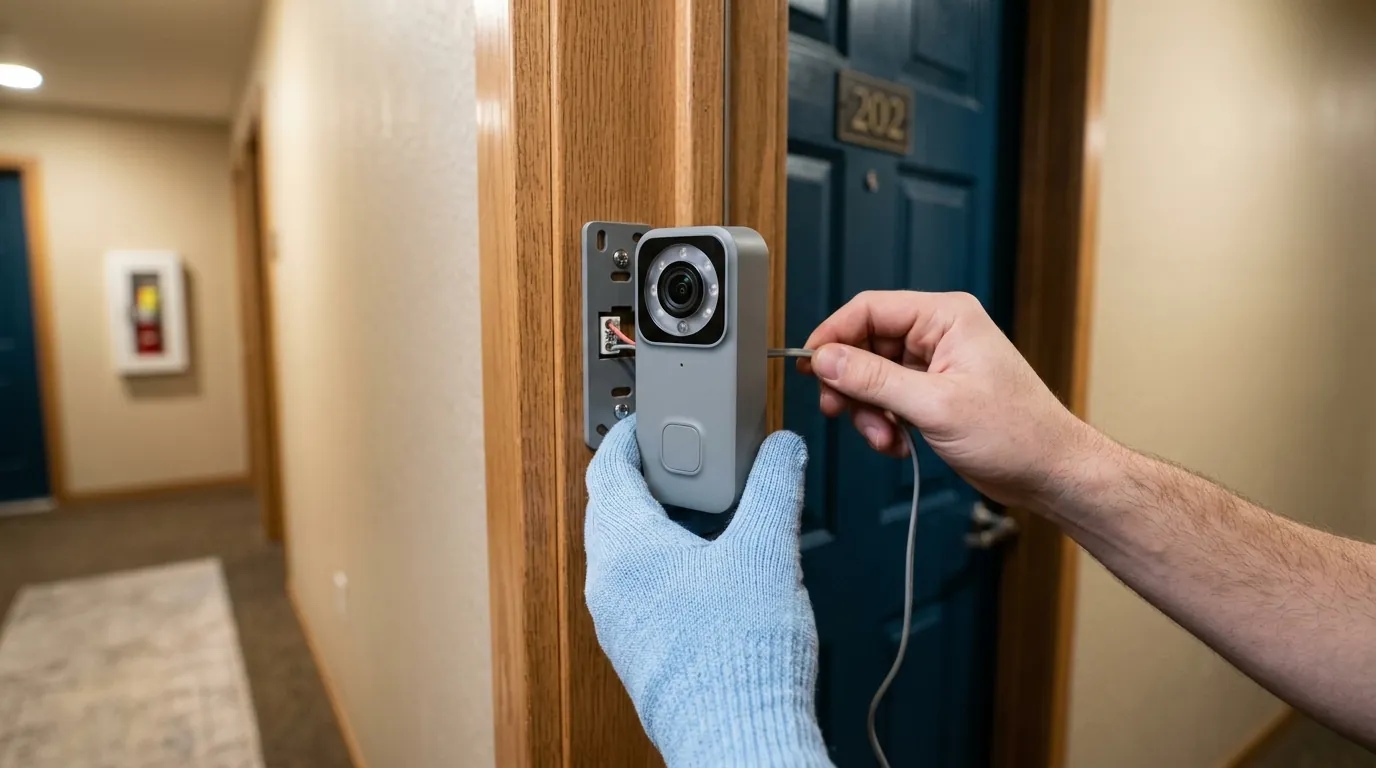
Installing a doorbell camera in a rental unit used to require a compromise between home security and keeping your security deposit. By 2026, the industry has shifted toward non-destructive hardware that allows tenants to secure their front door without drilling a single hole.
Install an apartment doorbell camera using a no-drill door mount or a peephole camera like the Ring Peephole Cam or Eufy Video Doorbell E340 with a renter-specific mounting kit. These options require zero drilling and leave no permanent damage to the door or frame.
What happened
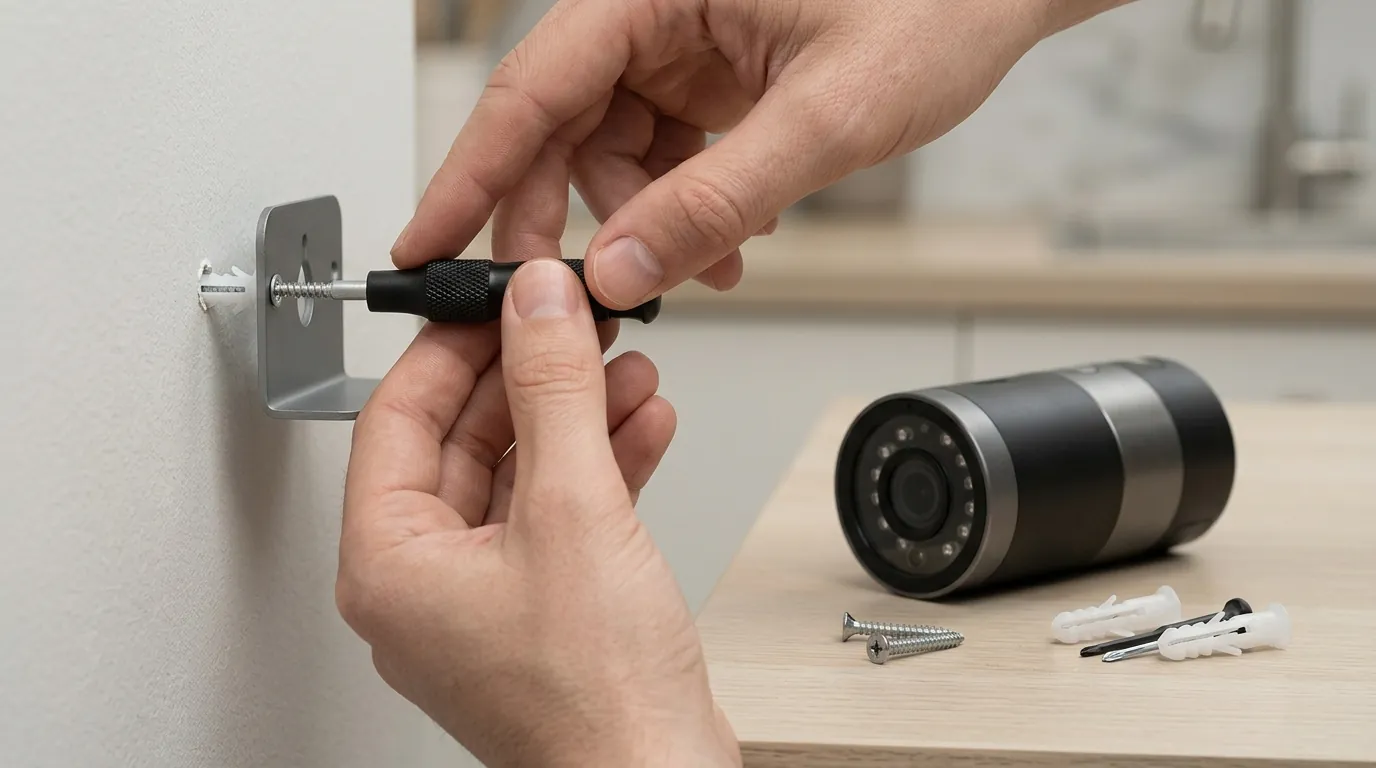
The security camera market in 2026 has fundamentally changed for apartment dwellers, driven by the widespread adoption of the Matter 1.4 protocol and a new generation of non-destructive mounting hardware. Previously, renters were often forced to use weak adhesives or bulky, insecure over-the-door brackets. Today, brands like Reolink and Eufy include no-drill mounting kits in the box, utilizing high-tensile steel tension mounts that provide the security of a screwed-in bracket without the permanent damage.
The technical landscape has also evolved. The transition to Wi-Fi 6 and 6E (6GHz) in flagship doorbells has mitigated the “apartment interference” problem, where dozens of 2.4GHz routers in close proximity would previously cause video lag or connection drops. Furthermore, the Matter 1.4 specification has standardized how battery-powered doorbells interact with indoor hubs, allowing for instantaneous chime response without the need for existing doorbell wiring.
The Death of the Drill: Why 2026 is the Year of the Renter
In 2026, drilling into an apartment door or hallway wall is largely unnecessary. Manufacturers have pivoted to three primary mounting technologies: high-grade mechanical tension, 3M VHB (Very High Bond) industrial adhesives, and peephole replacements. Mechanical tension mounts, such as those used for the Ring Battery Doorbell Pro, now feature anti-theft locking mechanisms that prevent the camera from being removed while the door is closed, solving the primary security flaw of older renter-friendly mounts.
New Privacy Regulations for Multi-Family Dwellings
Recent legal shifts in 2025 and early 2026 across several US states have clarified tenant rights regarding “removable security.” While property managers once had broad authority to ban exterior cameras, new precedents generally protect a tenant’s right to install non-permanent devices. However, these rights come with stricter privacy requirements. 2026 firmware now includes mandatory “Privacy Masking” tools that allow users to digitally black out a neighbor’s door, ensuring the camera only monitors common hallway traffic or the immediate entryway.
Table 1: Evolution of Apartment Mounting Technology (2024 vs. 2026)
| Feature | 2024 Standard | 2026 Standard | Benefit for Renters |
|---|---|---|---|
| Primary Mount | Adhesive or Screw-in | Steel Tension Brackets | Higher theft resistance; zero damage. |
| Connectivity | 2.4GHz Wi-Fi | Dual-Band (5GHz/6GHz) | Stable video in dense buildings. |
| Smart Home | Proprietary Apps | Matter 1.4 / Local Hubs | Cross-brand compatibility; no lag. |
| Storage | Cloud-heavy | Local NVR / Hub-based | No monthly fees; higher privacy. |
| Removal Time | 5–10 minutes | < 60 seconds | Easier for moving or inspections. |
Why it matters for buyers
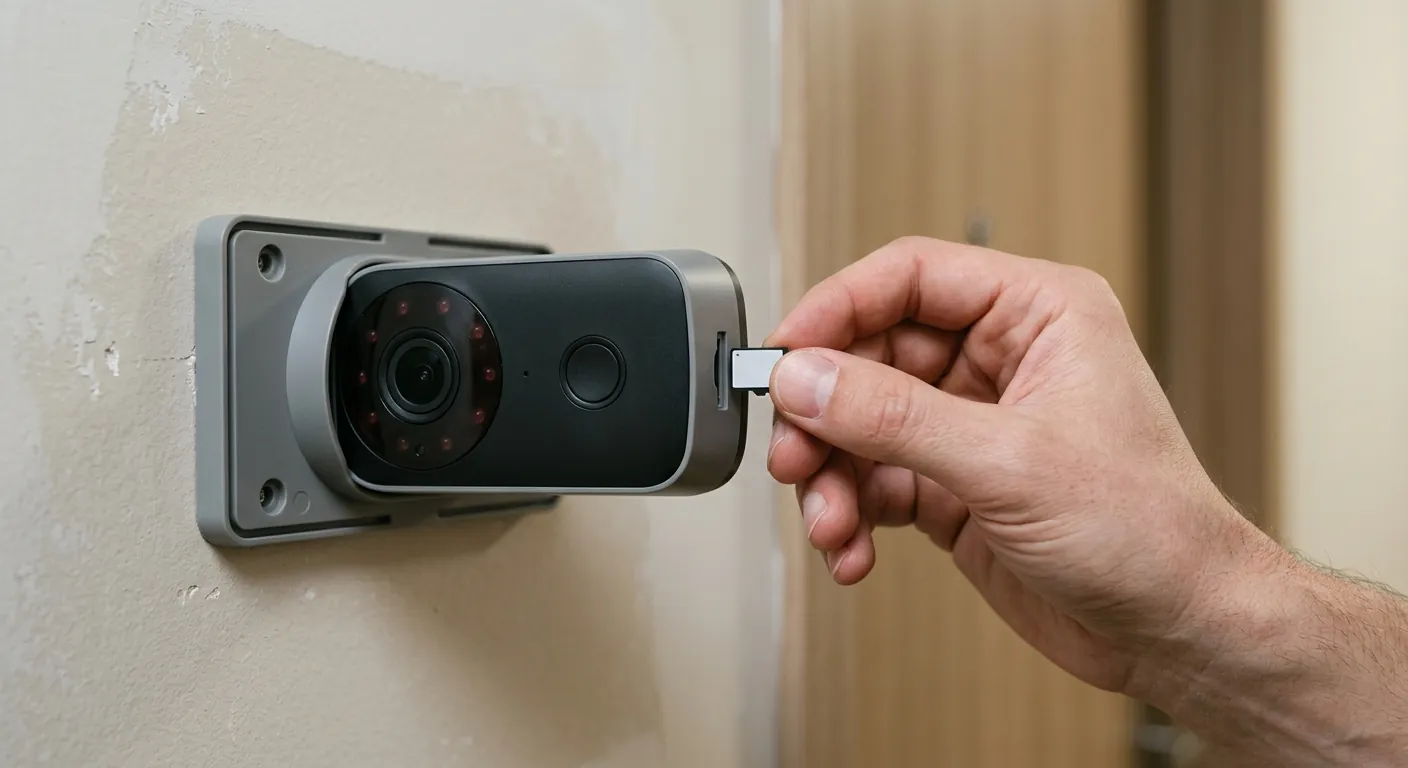
For the modern renter, the priority has shifted from “can I install this?” to “how much will this cost me over three years?” The 2026 market offers significant protection for security deposits. Because modern mounts use steel tension or 3M VHB that can be removed with heat (a hairdryer) without stripping paint, the risk of “property damage” fees has been virtually eliminated.
Portability is another major factor. High-end 2026 doorbells are designed for rapid uninstallation. If you move frequently, a device like the Reolink Battery Doorbell can be detached and reset at a new location in under a minute. This “plug-and-play” nature ensures that your security investment travels with you.
Avoiding the ‘Subscription Trap’ in 2026
Subscription fatigue has led to a surge in local-storage-first devices. Apartment dwellers, who may already be paying for multiple streaming services, are increasingly opting for hardware that avoids monthly fees. The Reolink Home Hub and Eufy HomeBase 3 allow for encrypted, local video storage. This not only saves money—often between $40 and $120 per year—but also ensures that hallway footage (which may capture neighbors) stays off third-party cloud servers.
Overcoming Wi-Fi Congestion in Dense Buildings
In a 50-unit apartment building, the 2.4GHz spectrum is often unusable due to signal overlap. This leads to “doorbell lag,” where a visitor has already walked away by the time the notification reaches your phone. 2026 models like the Eufy Video Doorbell E340 utilize 5GHz Wi-Fi to bypass this congestion. When shopping, buyers should prioritize dual-band or Wi-Fi 6/6E capabilities to ensure the camera remains responsive in high-density environments.
Table 2: 2026 Battery Life & Performance Benchmarks
| Model | Resolution | Wi-Fi Band | Battery Life (Est.) | Storage Type |
|---|---|---|---|---|
| Ring Battery Doorbell Pro | 1536p | 2.4 / 5.0 GHz | 4–6 Months | Cloud (Subscription) |
| Eufy Video Doorbell E340 | 2K (Dual Cam) | 2.4 / 5.0 GHz | 3–6 Months | Local (HomeBase 3) |
| Reolink Battery Doorbell | 2K | 2.4 / 5.0 GHz | 2–5 Months | Local (SD / Hub) |
| Blink Video Doorbell | 1080p | 2.4 GHz | Up to 2 Years | Local (Sync Module 2) |
Impact on existing owners
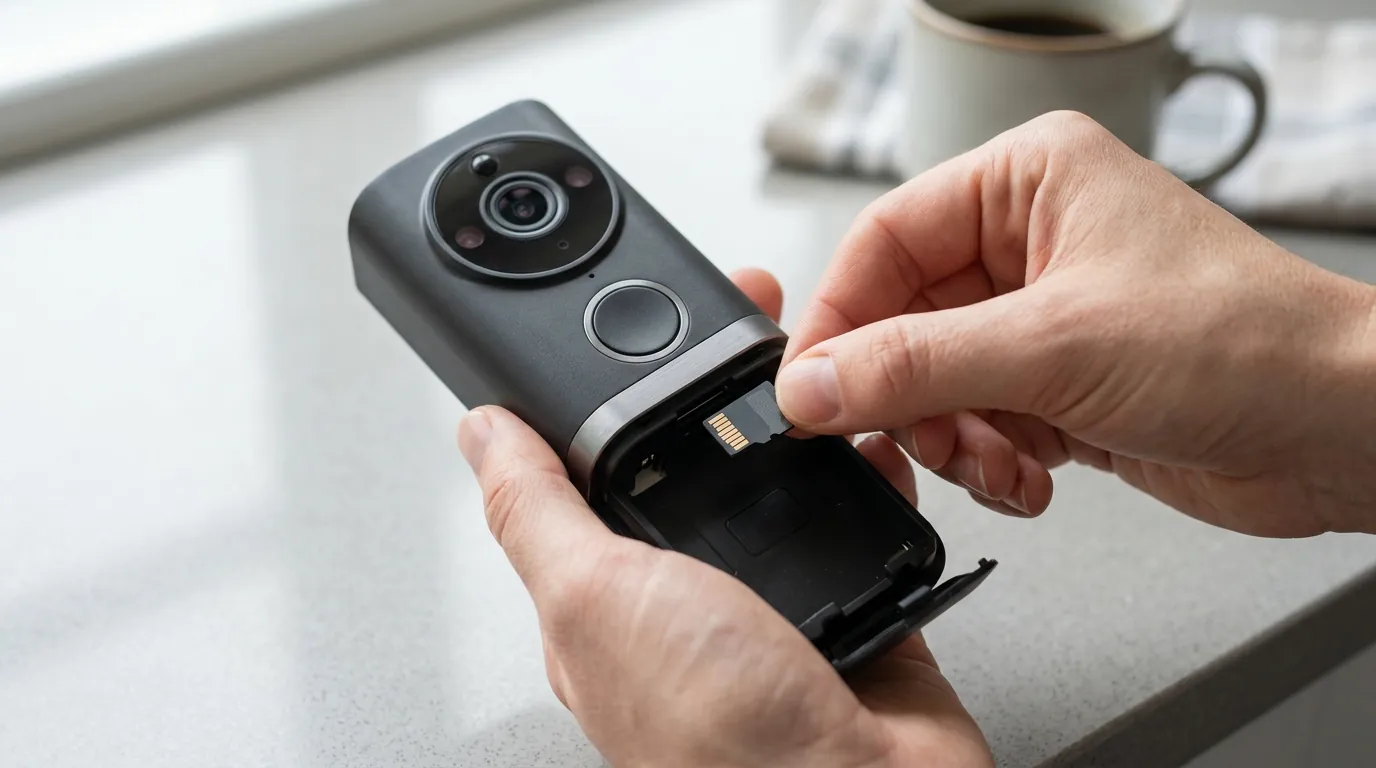
If you already own a doorbell camera from 2023 or 2024, you may not need to buy new hardware to achieve a renter-friendly setup. Many 2026 no-drill mounts are backward compatible with older chassis designs. For example, a 3rd-party anti-theft mount for a Ring Battery Doorbell Plus will typically fit the 2026 “Pro” models due to standardized housing dimensions.
However, legacy owners are facing a “feature gap.” Older 2.4GHz-only models are increasingly struggling with the higher bitrates required for 4K streaming and AI-driven motion filtering. If your older camera frequently disconnects or fails to load live views, the issue is likely local Wi-Fi congestion rather than a hardware failure.
Retrofitting Your Old Camera with New No-Drill Tech
Owners of older units can often purchase standalone “no-drill” brackets from manufacturers or verified third parties. These brackets encase the camera in a steel box that clamps onto the edge of the door. This is a significant upgrade from the flimsy adhesive strips provided with early battery doorbells.
The Resale Value of Renter-Friendly Hardware
Because 2026 hardware focuses on non-destructive installation, the resale value of these units remains higher. A camera that was screwed into a brick wall often has a scratched chassis or degraded weather sealing. In contrast, a camera kept in a tension mount remains in “like-new” condition. When it’s time to upgrade, these units command a premium on the secondary market.
Table 3: 2026 Firmware & Privacy Tracker
| Brand | Feature Name | Function | Availability |
|---|---|---|---|
| Ring | Privacy Zones | Black out specific areas in FOV | All current models |
| Eufy | Dual-Cam AI | Filters hallway traffic vs. door traffic | E340 / S330 |
| Reolink | Privacy Masking | Localized pixel-blocking | All Matter models |
| Google Nest | Activity Zones | Only alerts for specific door-front motion | Gen 2 / Gen 3 |
What to do now
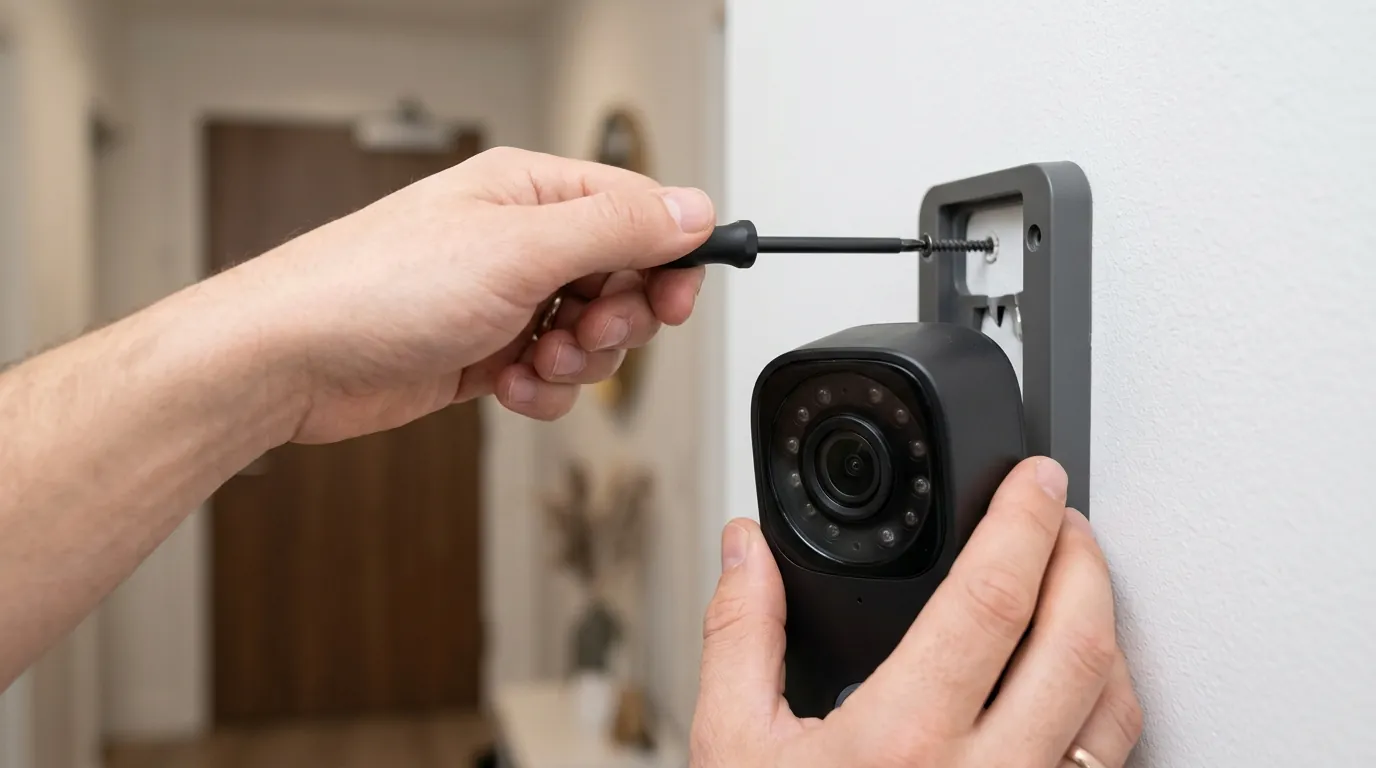
If you are ready to secure your apartment, follow this 2026 implementation strategy to ensure compliance with your lease and maximum device performance.
Step 1: Audit Your Lease Agreement
Before purchasing, check your lease for clauses regarding “external modifications” or “hallway obstructions.” Most 2026 lease templates now explicitly allow non-permanent security devices. If your lease is older, look for the term “permanent alteration”—since no-drill mounts are removable, they typically do not fall under this restriction.
Step 2: Choose Your Mounting Style
- Over-the-Door Tension Mount: Best for high security. These steel cages are nearly impossible to remove from the outside while the door is closed.
- Peephole Replacement: Best for aesthetics. These replace your existing optical peephole with a camera lens. They are the most “invisible” option but require your door to have a standard peephole.
- Adhesive Mount: Best for protected hallways with low theft risk. Use only 3M VHB strips to ensure the camera doesn’t fall.
Step 3: Configure for Apartment Hallway Privacy
Immediately upon setup, open your app’s “Privacy Zones” or “Privacy Masking” settings. Draw a box over any neighbor’s door that is visible in your camera’s field of view. This ensures that even if you are recording, you are not capturing the interior of their home when they open their door—a critical step for maintaining good neighbor relations and legal compliance.
Step 4: Calculate Your Total Cost of Ownership (TCO)
Don’t be fooled by the “sticker price.” A cheaper camera with a mandatory subscription is often more expensive over the life of a two-year lease.
Decision Framework: 3-Year Total Cost Analysis
| Scenario | Recommended Model | Hardware Cost | Sub. Cost (3yr) | Total |
|---|---|---|---|---|
| Strict Budget | Blink Video Doorbell | Under $100 | $0 (Local Sync) | ~$100 |
| Premium / Renter | Ring Battery Pro | Around $230 | $120 ($3.99/mo) | ~$350 |
| Privacy / No-Sub | Eufy E340 + Hub | Around $200 | $0 | ~$200 |
| High-Density Apt | Reolink + Home Hub | Around $200 | $0 | ~$200 |
Step-By-Step: Installing an Over-the-Door Mount
- Slide the bracket: Place the steel “U-shaped” bracket over the top or side of your door.
- Insert the camera: Place your battery-powered doorbell into the protective housing.
- Tighten the tension knob: From the inside of the door, tighten the screw or knob until the bracket is snug.
- Test the clearance: Slowly open and close the door to ensure the bracket does not hit the door frame.
How to Replace a Standard Peephole with a Camera
If you use a device like the Ring Peephole Cam, the process is different:
- Unscrew the existing peephole: Use a large flathead screwdriver or the included tool to unscrew the interior half of your optical peephole.
- Push out the exterior half: The peephole should slide out easily. Store it in a safe place to reinstall when you move out.
- Insert the camera tube: Slide the camera lens through the hole from the outside.
- Secure from the inside: Attach the battery compartment/processor to the tube on the inside of the door and tighten the locking nut.
Configuring Your Camera for Apartment Hallway Privacy
To avoid complaints from property management, use the following settings:
- Sensitivity: Set motion detection to “Near” or “Low” to avoid triggering every time someone walks down the hallway.
- Audio Recording: Check local “two-party consent” laws. Many apartment dwellers choose to disable audio recording to avoid legal complications.
- Activity Zones: Draw a narrow box that only covers the floor directly in front of your door.
By following these steps, you can maintain a high level of security without risking your deposit or infringing on your neighbors’ privacy. Quvii tracks these trade-offs across the category to help renters make informed, data-backed decisions.
Sources
- Matter 1.4 Specification Update — https://csa-iot.org/all-solutions/matter/
- Ring Battery Doorbell Pro Product Page — https://ring.com/products/battery-doorbell-pro
- Eufy Video Doorbell E340 Official Specs
- Reolink Battery Doorbell & Home Hub Data — https://reolink.com/product/reolink-video-doorbell-battery/
- Ring Peephole Cam Installation Guide
- FCC ID Filing for Wi-Fi 6 Security Devices — https://www.fcc.gov/oet/ea/fccid