
Wyze Solar Cam Pan Recall 2026: How to Check Your Model
The safety of your home security system depends as much on physical build quality as it does on digital encryption. When a hardware flaw creates a fire hazard, immediate action is required to protect your property and your family.
Quick Answer: As of June 4, 2026, the Wyze Solar Cam Pan (Model WYZESCPWH) is under a voluntary CPSC recall due to fire hazards. Check the back of your unit for the model number; if matched, stop using it and contact Wyze for a refund or replacement.
What happened
On June 4, 2026, Wyze Labs, in coordination with the U.S. Consumer Product Safety Commission (CPSC) and Health Canada, announced a voluntary recall of approximately 321,360 Wyze Solar Cam Pan units in the United States and an additional 2,560 units in Canada. The recall, designated as CPSC Recall Number 26-524, was triggered by a manufacturing and documentation error that presents a significant risk of fire and explosion.
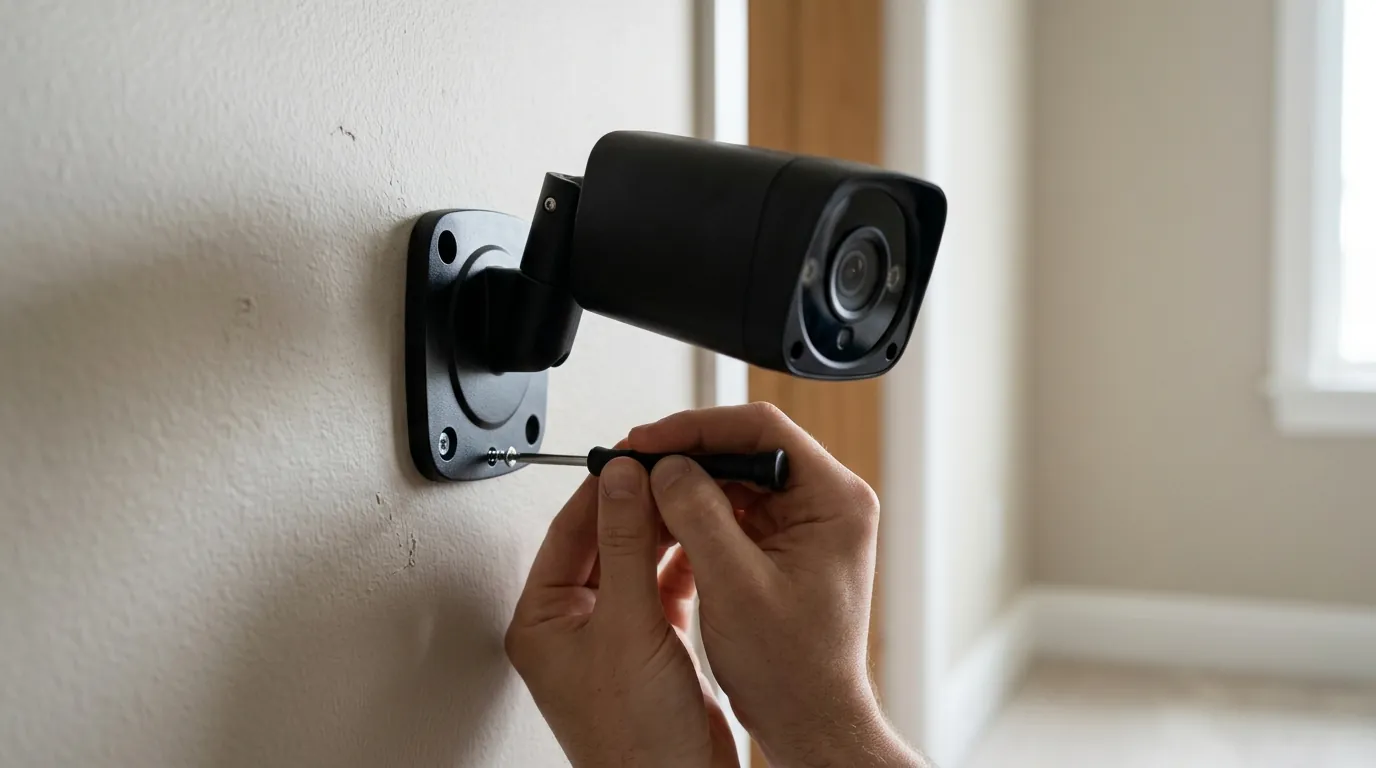
The core of the issue lies in the installation kit and accompanying instructions. The Solar Cam Pan was shipped with multiple screw types, but the manual incorrectly identified which screws should be used for specific mounting surfaces. Specifically, the instructions led some users to use long, flat-head wood screws in mounting points where only short pan-head screws were intended. Because of the camera’s compact internal layout, these longer screws can penetrate the internal housing and puncture the integrated lithium-ion battery.
When a lithium-ion battery is punctured, it can enter a state of “thermal runaway.” This is a chemical chain reaction where the battery’s internal temperature rises uncontrollably, leading to the release of toxic gases, intense heat, and potentially an explosion. As of the recall date, Wyze has documented 13 reports of the devices overheating and 6 reports of the units catching fire or exploding. Fortunately, no injuries have been reported to date, though property damage to siding and mounting eaves has been noted in several instances.
The Technical Failure: Screws vs. Batteries
The engineering failure here is two-fold: a lack of physical “stoppers” within the camera housing to prevent over-penetration and a critical error in the user-facing documentation. In modern consumer electronics, battery placement is often optimized for weight distribution—especially in a “Pan/Tilt” camera like the Solar Cam Pan where balance affects motor longevity. By placing the battery close to the mounting plate without a reinforced steel shield, Wyze left the unit vulnerable to assembly errors.
The affected units were sold between October 2025 and April 2026. They were distributed through major retail channels including Amazon, Home Depot, and directly via Wyze.com.
| Recall Metric | Detail |
|---|---|
| CPSC Recall Number | 26-524 |
| Affected Model | WYZESCPWH (White) |
| Units Impacted | ~323,920 (US & Canada) |
| Hazard Type | Fire / Explosion (Battery Puncture) |
| Reported Incidents | 19 (13 overheating, 6 fires) |
| Sale Window | October 2025 – April 2026 |
Historical Context: From v1 Retirement to the 2026 Recall
This is not the first time Wyze has faced scrutiny over device longevity and safety. In 2022, the company made headlines for the “end-of-life” retirement of the original Wyze Cam v1, which left units with unpatched security vulnerabilities. More recently, in early 2024, a major thumbnail breach allowed thousands of users to see into the homes of strangers.
However, the 2026 Solar Cam Pan recall represents a shift from digital security failures to physical safety hazards. While a software bug can be patched over the air (OTA), a punctured battery is a permanent hardware failure that requires a physical replacement. For a brand built on the promise of “democratizing” smart home technology through ultra-low pricing, these recurring incidents raise questions about the hidden costs of budget-tier manufacturing.
[Image: A close-up photo of the back of a white Wyze Solar Cam Pan, showing the model number WYZESCPWH clearly visible on the label in a real-world outdoor setting. Aspect Ratio 16:9]
Why it matters for buyers
For the average consumer, a security camera is a “set it and forget it” device. This recall disrupts that peace of mind. Unlike the 2024 security breach, which users could mitigate by changing passwords or enabling Two-Factor Authentication (2FA), the 2026 recall requires the physical removal of the hardware.
Warning for Second-Hand Buyers
If you are shopping for a security camera in mid-2026, exercise extreme caution on secondary markets. Platforms like eBay, Facebook Marketplace, and Mercari are often flooded with recalled hardware sold by individuals who either missed the recall notice or are looking to offload “New in Box” (NIB) inventory.
A “New in Box” Wyze Solar Cam Pan from 2025 is effectively a fire hazard waiting to be installed. Because Wyze has disabled the setup process for these specific serial numbers in the Wyze app, a second-hand buyer may find themselves with a “bricked” device that cannot be activated and is ineligible for a refund if the original proof of purchase is missing.
The Cost of ‘Budget’ Security
The Solar Cam Pan was marketed as an affordable, wire-free solution for those who didn’t want to deal with monthly subscriptions or complex wiring. However, when evaluating the Total Cost of Ownership (TCO), the “Wyze Tax”—the time and effort spent managing recalls and security patches—must be factored in.
When compared to competitors like Reolink or Eufy, Wyze typically offers a lower entry price but often locks essential features (like person detection or extended cloud storage) behind the Cam Plus subscription.
Total Cost of Ownership Comparison (3-Year Estimate)
| Feature | Wyze Solar Cam Pan | Reolink Argus 4 Pro | Eufy SoloCam S340 |
|---|---|---|---|
| Hardware Cost | Around $100 | $150–200 range | $150–200 range |
| Subscription Req. | Cam Plus (~$20/yr) | Optional ($0 for local) | $0 (No subscription) |
| Storage Type | Cloud-heavy / MicroSD | Local MicroSD / NVR | Local 8GB eMMC |
| 3-Year TCO | ~$160 | ~$180 | ~$190 |
| Key Advantage | Lowest entry price | No-sub 4K dual-lens | Dual-lens, no sub |
While Wyze remains the cheapest over three years, the gap is narrowing. Buyers prioritizing reliability over the absolute lowest price may find that the $20–$30 premium for a Reolink or Eufy unit provides better long-term value, especially considering their superior track record with physical hardware safety.
Impact on existing owners
If you currently have a Wyze Solar Cam Pan installed, you must determine if your unit is part of the affected batch. The recall is specific to the Model WYZESCPWH, which is the white version of the Solar Cam Pan.
How to Identify Your Model Number
- Physical Inspection: The model number is printed on the product label located on the back of the camera body, near the mounting threads.
- App Verification: Open the Wyze app, select your camera, go to Settings (gear icon) > Device Info. Look for the “Model” field.
- Visual Check: If your camera is black, it is not part of this specific recall. If it is white and was purchased between late 2025 and early 2026, it is likely affected.
The ‘Screw Test’: Is Your Installation Dangerous?
The hazard only manifests if the wrong screws were used during installation. However, the CPSC advice is clear: Stop using the device immediately regardless of which screws you think you used. The risk of internal damage is too high to verify by “feeling” the resistance of the screw.
[Image: A side-by-side comparison photo of the two screw types included with the camera: the safe short pan-head screw and the hazardous long flat-head screw. Aspect Ratio 4:3]
Hazardous Screw: Long (approx. 1.25 inch), flat-head, silver or zinc-plated wood screw. Safe Screw: Short (approx. 0.5 inch), pan-head (rounded top), machine or wood screw.
If you used the long flat-head screws to mount the camera directly to a wooden surface, there is a high probability that the screw tip is currently pressing against or has already punctured the battery casing.
Functionality Loss and ‘Bricking’
To prevent further incidents, Wyze has implemented a “setup block” for the affected MAC addresses. If you have an uninstalled Solar Cam Pan sitting in a box and attempt to set it up today, the Wyze app will likely display an error message stating the device is part of a safety recall and cannot be activated. This effectively “bricks” the device for safety reasons.
Furthermore, owners should be aware of “VerifiedView,” a security feature introduced in 2025 to combat deepfake and unauthorized stream access. While the recall is hardware-based, ensuring your other Wyze devices (v3, v4, OG) are updated to the latest firmware (version 4.x or 5.x) is essential to maintain this digital security layer.
Decision Framework: Should You Replace or Switch?
| If you are… | Recommendation |
|---|---|
| A Renter | Switch. Renters often lack the tools to safely remove damaged outdoor mounts. Opt for a refund and move to a simpler “no-drill” battery cam like the Eufy SoloCam. |
| A Homeowner | Replace. If you are already in the Wyze ecosystem (Cam Plus, etc.), take the free replacement. The new kit includes a redesigned mounting bracket that makes battery puncture impossible. |
| Privacy-Focused | Switch. Use the refund toward a Reolink Argus 4 Pro. It offers local storage and higher resolution without the recurring safety/privacy concerns associated with Wyze. |
| On a Budget | Replace. Wyze’s replacement offer is the most cost-effective way to maintain outdoor coverage without a new capital outlay. |
What to do now
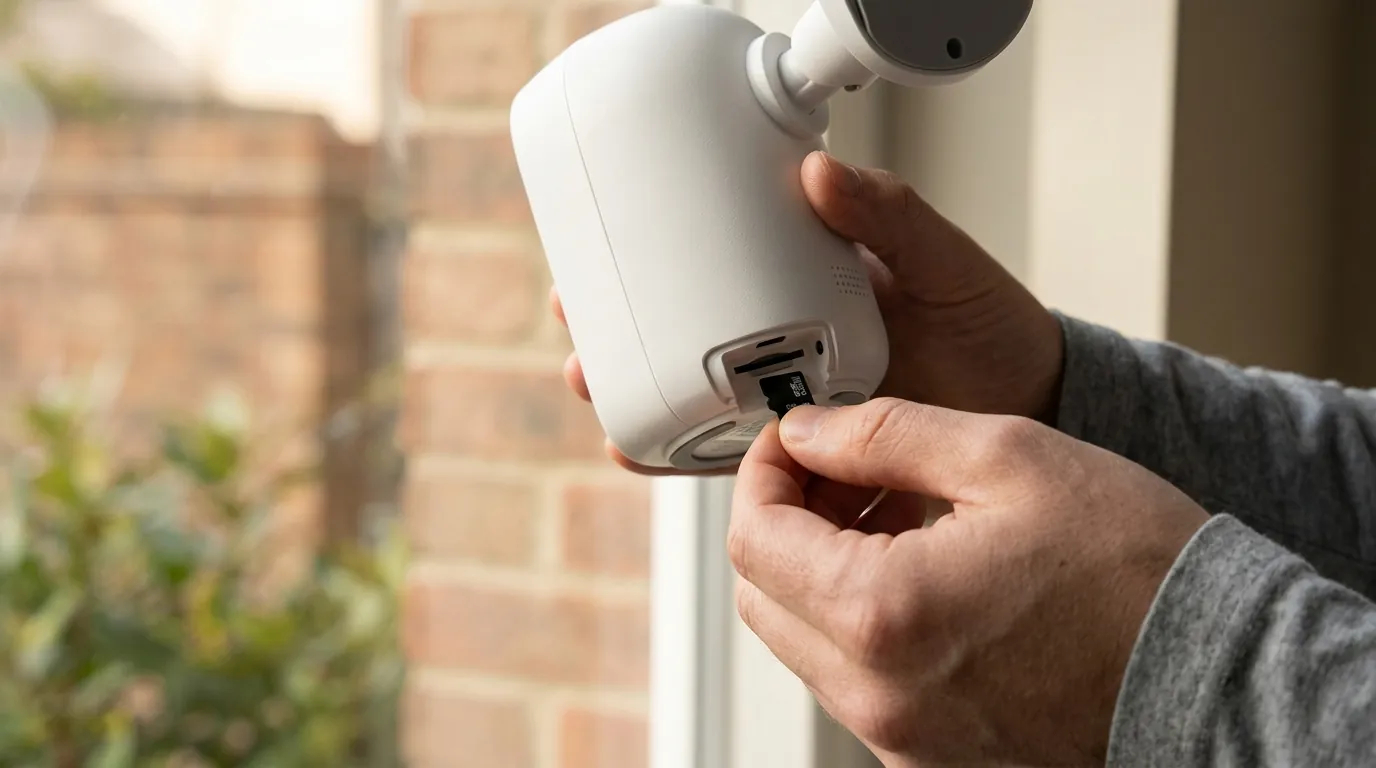
If you have confirmed your camera is a Model WYZESCPWH, follow these steps to secure your home and claim your remedy.
Step 1: Immediate Decommissioning
Power down the camera immediately. If the camera is plugged into the solar panel, disconnect the USB cable. Carefully unscrew the camera from its mount. If you feel significant resistance or smell a “sweet” metallic odor (a sign of a leaking lithium-ion battery), stop immediately and contact a professional or local fire department for advice. Do not attempt to force a stuck screw that may be embedded in the battery.
Step 2: Locate Your Serial/MAC Address
You will need your device’s unique identifier to file a claim. This can be found:
- In the Wyze app under Settings > Device Info.
- On the QR code sticker on the bottom or back of the camera.
- On the original packaging (if you still have it).
Step 3: Claiming Your Refund or Replacement
Visit the official Wyze Recall Participation Form (Note: This link is specific to the 2026 Solar Cam Pan recall). You will be asked to enter your serial number and provide proof of purchase (Amazon order ID or a photo of the receipt).
Wyze is offering three options:
- Free Replacement: A new Solar Cam Pan with a redesigned solar accessory and safe mounting hardware.
- Full Refund: A check or PayPal credit for the full purchase price.
- Wyze Store Credit: A gift card for the Wyze store, often with a small “bonus” (e.g., $10 extra) to encourage brand loyalty.
Step 4: Safe Disposal of Recalled Units
DO NOT throw the recalled camera in your household trash or recycling bin. Lithium-ion batteries are a major cause of fires in garbage trucks and processing centers.
- Visit Call2Recycle to find a drop-off location near you.
- Many retailers like Best Buy and Home Depot offer battery recycling kiosks that accept small electronics.
- Check SaferProducts.gov for additional disposal guidelines for recalled hazardous goods.
Step 5: Securing Your Remaining Wyze Ecosystem
While you wait for your replacement or refund, perform a security audit on your other cameras.
- Firmware Update: Ensure all Wyze Cam v3, v4, and OG units are running the latest firmware to patch 2025 vulnerabilities.
- Hardware Check: Inspect any other battery-powered units (like the Wyze Battery Cam Pro) for signs of swelling or heat.
- Password Reset: If you haven’t changed your Wyze password since the 2024 breach, do so now and enable TOTP-based 2FA.
Frequently Asked Questions
Can I just use the short screws and keep my current camera?
No. Wyze and the CPSC strongly advise against this. If the battery was even slightly nicked during the initial installation, it could fail months later due to moisture ingress or thermal cycling. The recall is for the entire unit to ensure no damaged batteries remain in the field.
Will Wyze pay for the damage the fire caused to my house?
If the recalled camera caused property damage, do not simply fill out the standard recall form. You should contact Wyze Customer Support directly and file a formal incident report. You may also need to contact your homeowners’ insurance provider. Document all damage with photos before removing the device.
Is the Wyze Cam Pan v3 also recalled?
No. As of June 2026, the recall only applies to the Solar Cam Pan (WYZESCPWH). The standard Wyze Cam Pan v3 (which is powered by a plug-in USB cable and has no internal battery) is not affected by this specific fire hazard.
How long does the replacement take to arrive?
According to Wyze’s recall notice, replacement units are expected to ship within 4–6 weeks of claim approval. However, due to the high volume of the recall (over 300,000 units), delays are possible.
Sources
- CPSC Official Recall Database — https://www.cpsc.gov/Recalls/2026/Wyze-Labs-Recalls-Solar-Cam-Pan-Due-to-Fire-Hazard
- Wyze Labs Safety Notice
- Health Canada Recall Portal
- RTINGS Security Camera Testing
- Call2Recycle Battery Disposal Guide — https://www.call2recycle.org/locator/
Quvii tracks these trade-offs across the home security category to help buyers make informed decisions about hardware safety and digital privacy.