
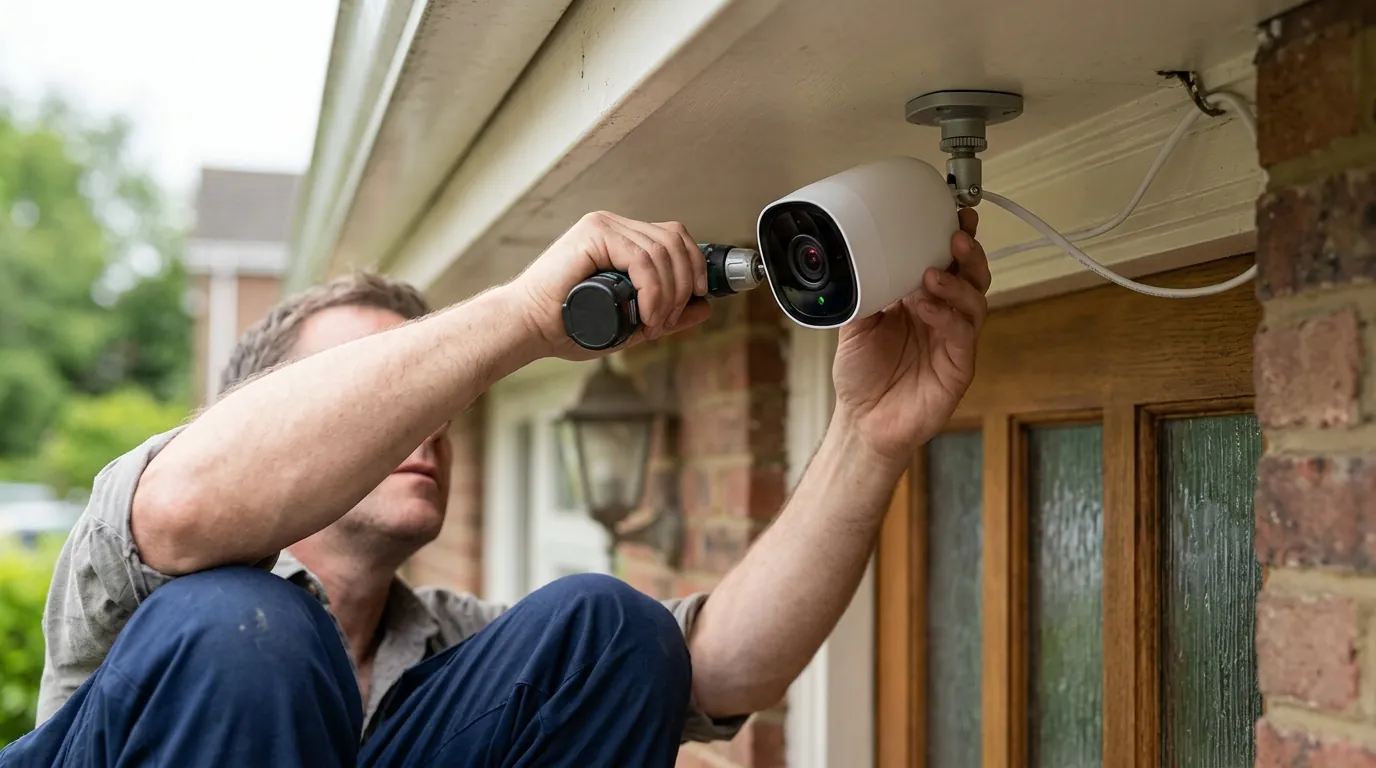
HOA Fines for Window Security Cameras: What Homeowners Need to Know in 2026
Homeowners Associations (HOAs) are increasingly clashing with residents over the placement of security cameras, but a new wave of state legislation in 2026 is beginning to curb the power of these boards to issue fines for window-mounted devices.
Quick Answer: Homeowners Associations (HOAs) are increasingly enforcing or updating rules regarding exterior-facing security cameras, including those mounted in windows, leading to potential fines for violations of aesthetic guidelines or privacy concerns. However, recent legislative changes, such as Utah’s Senate Bill 122 (2026), are beginning to protect homeowners’ rights to install personal security cameras near entry points and windows.
What happened
Related: Yoosee App Scam: Forced ‘Kingshot’ Game Installs & Deleted Footage · Wyze Cam v4 Overheating: June 2026 Heatwave Survival Guide · Eufy Security Cloud Storage Pricing Changes 2026: What You’ll Pay
The relationship between residential security and community governance has reached a tipping point in 2026. For years, HOAs operated with broad authority to regulate the exterior appearance of homes, often categorizing window-mounted cameras as “unauthorized exterior modifications” or “aesthetic nuisances.” This has led to a surge in enforcement actions where homeowners are fined not for the act of recording, but for the visible presence of hardware that disrupts the uniform look of a neighborhood.
Increased HOA Scrutiny on Exterior Modifications
In 2026, many HOA boards have moved beyond simply banning structural changes like fences or sheds to scrutinizing smaller, high-visibility items. Window-mounted cameras, even those installed on the interior side of the glass, are frequently flagged if they use suction cups, specialized brackets, or adhesive mounts that are visible from the street. HOAs argue that these devices constitute an alteration of the “building envelope” or exterior facade. According to community management resources like Associa, boards are increasingly advised to update their Covenants, Conditions, and Restrictions (CC&Rs) to specifically address the “visual clutter” of modern smart home devices.
Privacy Concerns as a Driving Factor
Beyond aesthetics, privacy remains the primary legal lever HOAs use to issue fines. If a camera mounted in a window has a field of view that captures a neighbor’s backyard, bedroom window, or a restricted common area (like a pool changing entrance), the HOA may deem it a “nuisance” or a violation of the community’s “quiet enjoyment” clauses. Legal experts at LS Carlson Law note that while homeowners have a right to secure their property, that right ends where a neighbor has a “reasonable expectation of privacy.”
Key Legislative Developments in 2026
The most significant shift in 2026 is the emergence of state-level protections for homeowners.
- Utah Senate Bill 122 (2026): This landmark legislation explicitly prohibits HOAs from banning a unit owner from installing a personal security camera immediately adjacent to an entryway or window. While the HOA can still mandate “reasonable” aesthetic guidelines (such as matching the camera color to the trim), they can no longer issue blanket bans or prohibitive fines for the mere presence of the device.
- California Civil Code § 4750: This existing law, which has seen expanded interpretation in 2026 court cases, prevents HOAs from “unreasonably” restricting the installation of security cameras.
- Florida HB 1203: Recent updates to Florida’s HOA laws have increased transparency requirements, making it harder for boards to issue “gotcha” fines for security devices without a 14-day notice and a clear opportunity for the homeowner to appeal to an independent committee.
| State | Primary Protection Law | 2026 Status | Key Limitation |
|---|---|---|---|
| Utah | SB 122 | Active | HOA may still regulate camera size/color. |
| California | Civil Code § 4750 | Active | Must not capture private areas of neighbors. |
| Florida | HB 1203 | Active | Fines capped; 14-day notice required. |
| Texas | Property Code § 202 | Active | Protects “security measures” generally. |
Why it matters for buyers
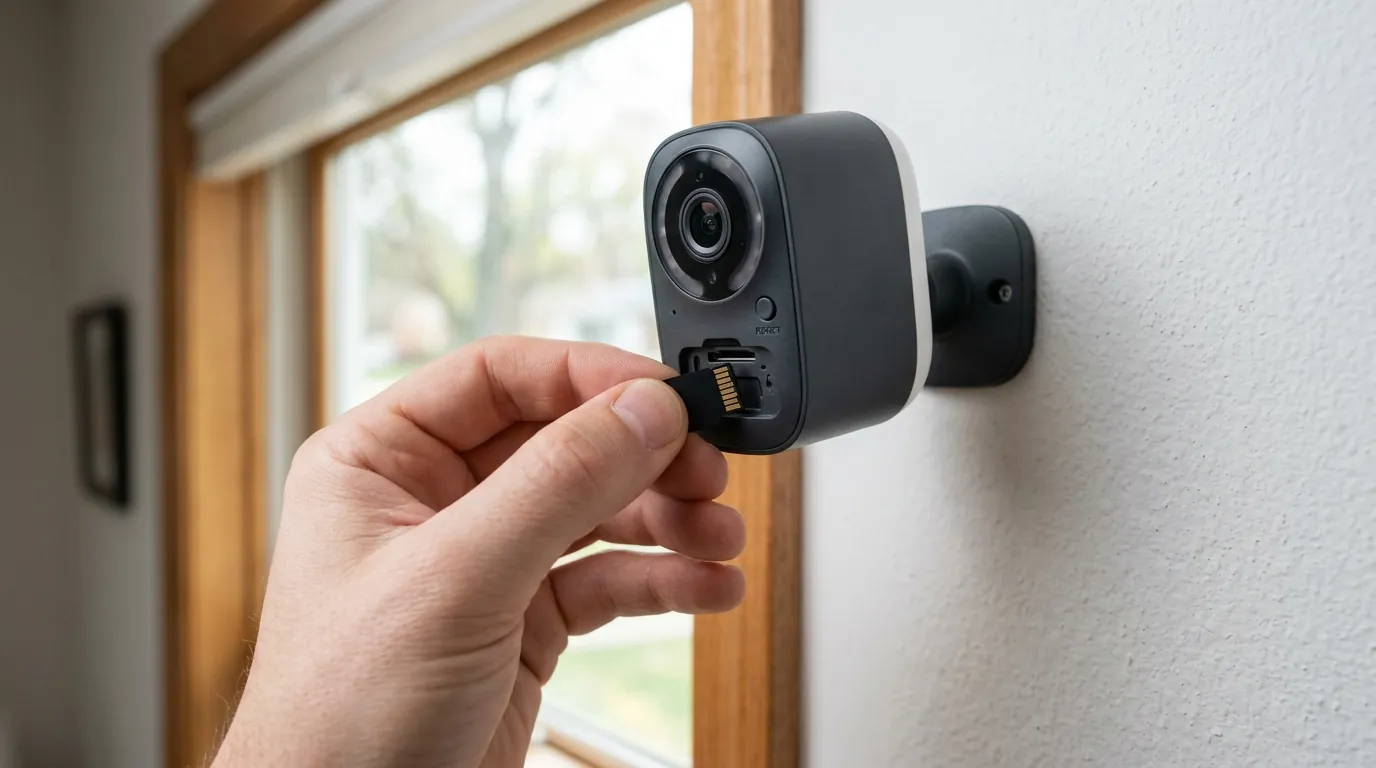
For those shopping for a home or a new security system in 2026, the “HOA factor” is now a critical part of the purchase funnel. A camera that works perfectly in a standalone suburban home might be a liability in a strict condo or townhome community.
Pre-Purchase Due Diligence on HOA Rules
Prospective buyers must look beyond the “Aesthetic Guidelines” and dive into the “Architectural Review Committee” (ARC) standards. In many 2026 communities, any device that attaches to a window or is visible through the glass requires a formal application. Failure to check these rules can result in a “Notice of Violation” within days of moving in. According to The HOA Handbook, many modern CC&Rs now include “technology clauses” that define exactly what types of cameras are permitted.
Financial and Legal Risks of Non-Compliance
The financial stakes have risen. While a typical fine might start at around $25 to $50 per day, some associations have “compounding” fine structures that can reach $1,000 or more before a lien is placed on the property. In extreme cases, legal fees for defending a camera installation can exceed $10,000, often far outweighing the cost of the security system itself.
Choosing Cameras for HOA Environments
To minimize conflict, buyers are shifting toward “discreet-first” hardware. Cameras that sit flush against the glass or those with ultra-slim profiles are less likely to trigger an aesthetic complaint.
Window-Friendly Camera Comparison (2026 Specs)
| Model | Resolution | Storage Type | 2026 Sub Cost (Year) | Key HOA Benefit |
|---|---|---|---|---|
| eufy Indoor Cam C120 | 2K | Local (microSD) | $0 (Optional Cloud) | Compact; no recurring fee. |
| Wyze Cam v4 | 2.5K | Local + Cloud | around $40 | Official window mount hides LEDs. |
| Reolink E1 Pro | 4MP | Local (microSD) | $0 | Pan/Tilt allows “stowing” the lens. |
| Ring Indoor Cam (2nd Gen) | 1080p | Cloud Only | around $50 | Physical privacy shutter for board proof. |
Decision Framework: Choosing Your Setup
- If you are a Renter in an HOA: Prioritize non-permanent mounts. Use the Wyze Window Mount which adheres to the glass and prevents interior light reflection (glare), making the camera nearly invisible from the street.
- If you have a strict HOA Board: Prioritize cameras with Privacy Masking. Features in the eufy Security app or Reolink app allow you to black out specific areas of the video feed (like a neighbor’s window). Showing this to a board can often settle privacy disputes.
- If you are in a high-theft area: Prioritize Local Storage. If an HOA demands you remove a camera, having the footage stored on an internal SD card ensures you don’t lose evidence during the dispute period.
Impact on existing owners
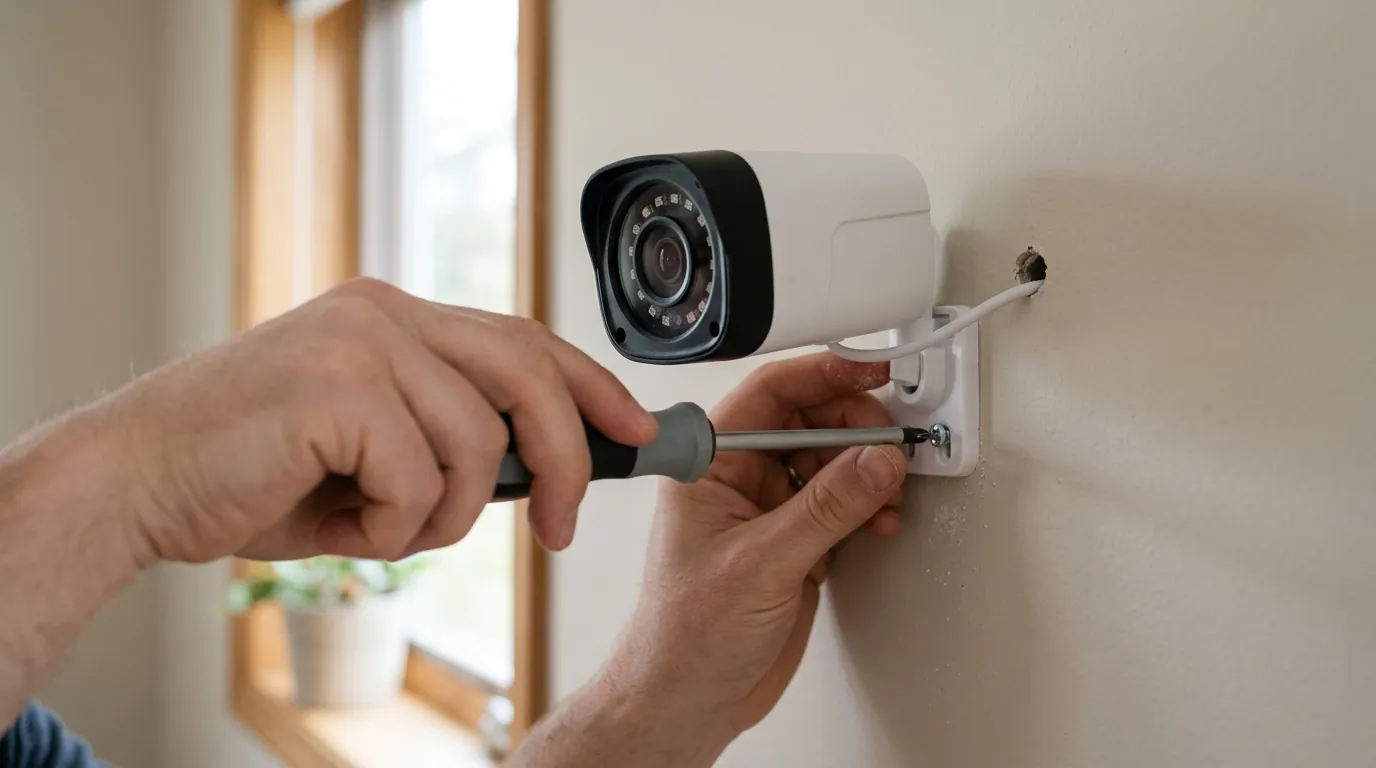
Existing owners are not immune to policy shifts. In 2026, “retroactive enforcement” has become a common tactic for boards looking to “clean up” community aesthetics.
Retroactive Enforcement and Policy Changes
Even if a window camera has been in place for years, a change in board leadership or a “community refresh” can trigger new violation notices. Most CC&Rs contain a “non-waiver” clause, meaning that just because the HOA didn’t enforce a rule for three years doesn’t mean they can’t start enforcing it today. However, homeowners in states like Utah or California can now point to 2026 legislative updates to “grandfather in” their existing security setups.
Financial and Practical Implications
When a violation notice arrives, the owner typically has three choices:
- Remove/Relocate: This may create “blind spots” in home security.
- Modify: Switching to a more discreet mount or a different model.
- Appeal: Requesting a hearing with the board.
According to FS Residential, the internal dispute resolution (IDR) process is the first step. Owners should bring photos of the camera’s field of view to prove it does not infringe on neighbor privacy.
Privacy Considerations for Existing Setups
The “Reasonable Expectation of Privacy” is the most common legal standard used in 2026. If your window camera is zoomed in on a neighbor’s backyard, you are likely in violation of both HOA rules and potentially state surveillance laws. Existing owners should audit their camera angles annually to ensure that as trees are trimmed or fences are moved, their cameras aren’t inadvertently capturing private spaces.
Common HOA Violation Notice Example:
“Notice of Non-Compliance: Section 4.2 (Architectural Control). It has been observed that an unauthorized electronic device (camera) has been attached to the front-facing window of Unit 204. Please remove the device or submit an ARC application within 14 days to avoid a $50 daily fine.”
What to do now
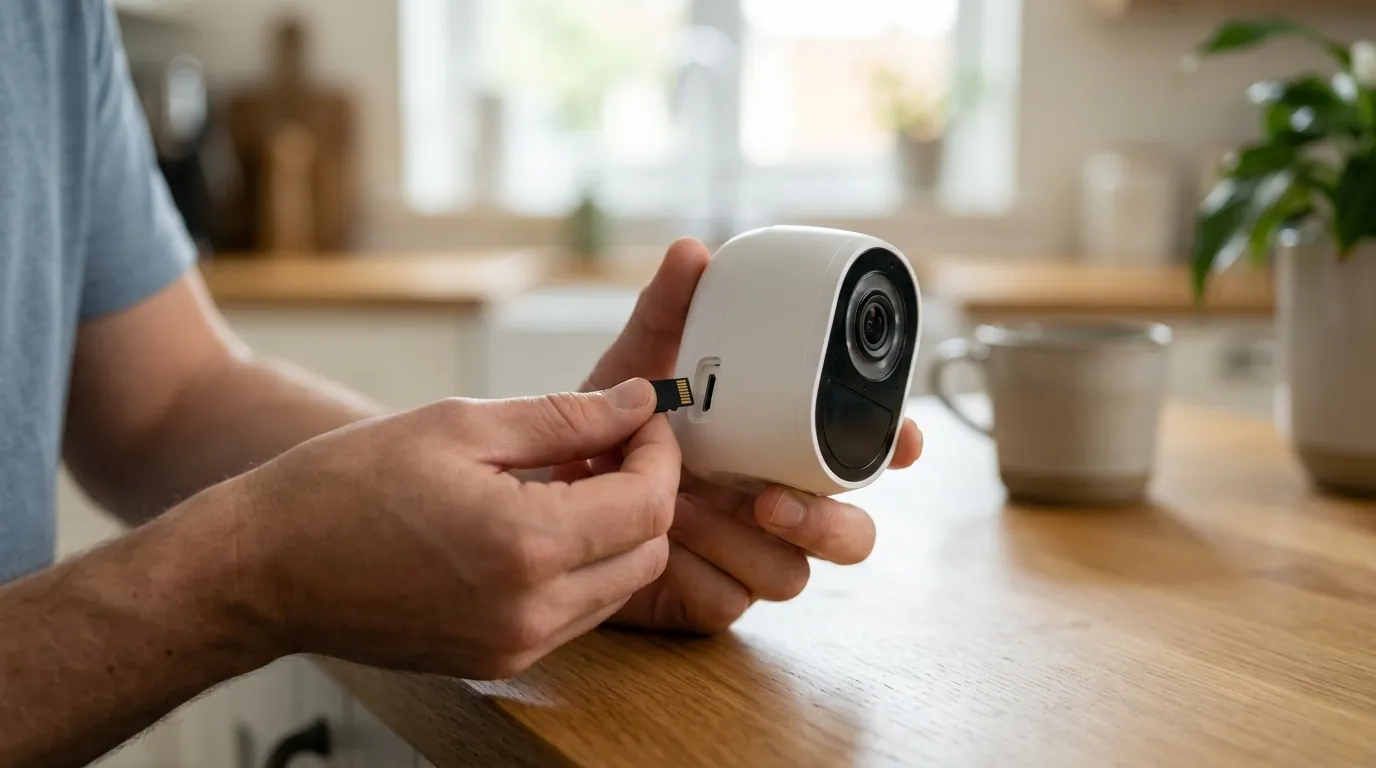
If you are facing an HOA fine or planning an installation, follow this 2026 compliance checklist.
Review and Understand Your HOA Documents
Do not rely on what a neighbor told you. Download the latest PDF of your CC&Rs and Architectural Guidelines. Search for terms like “security,” “camera,” “window,” “exterior modification,” and “nuisance.” In 2026, many HOAs have moved these rules to a separate “Security Device Policy” document that may not be in the main bylaws.
Communicate and Seek Approval
The most effective way to avoid a fine is the Architectural Review Request.
- Template Tip: When submitting, describe the camera as a “Security Monitoring Device” rather than a “Window Camera.”
- Include Specs: Provide the manufacturer’s spec sheet showing the camera’s size and color.
- Show the View: Attach a screenshot of the camera’s view (with privacy masking active) to prove you aren’t spying on neighbors.
Prioritize Privacy and Discreet Placement
Use hardware solutions to reduce the camera’s profile. For example, the Wyze Window Mount (around $10-15) allows the camera to sit directly against the glass, which eliminates “IR glare” at night and makes the camera look like a small black square from the outside, rather than a protruding white device.
Leverage Camera Features for Compliance
Modern 2026 firmware for brands like Reolink and Eufy includes “Privacy Zones.”
- Action: Open your camera settings and draw “No-Go” boxes over any neighboring property.
- Proof: If the HOA board challenges you, offer to show them the live feed on your phone to demonstrate that those areas are digitally blacked out and never recorded.
Know Your Rights and Document Your Actions
Keep a folder of every interaction. If you live in Utah, Florida, or California, print out the relevant state statute (e.g., Utah SB 122) and include it with your ARC application. If a board denies a “reasonable” request in these states, they may be in violation of state law, which gives you significant leverage in a fine dispute.
Total Cost of Ownership (3-Year Breakdown) When choosing a compliant camera, consider the “Paywall Trap.”
| Brand | Hardware Cost | 3-Year Sub Cost | Total 3-Year Cost | HOA Risk Level |
|---|---|---|---|---|
| Eufy (Local) | $50-$100 | $0 | $50-$100 | Low (Discreet) |
| Wyze (Plus) | $35-$60 | $120 | $155-$180 | Low (Window Mount) |
| Ring (Basic) | $60-$100 | $150 | $210-$250 | Medium (Identifiable) |
Frequently Asked Questions
Can my HOA legally tell me to remove an indoor camera pointed out a window?
In most cases, yes, if the camera is visible from the exterior or captures private areas of other units. While the camera is physically “inside,” its function is “exterior monitoring,” which falls under HOA architectural or nuisance rules. However, 2026 laws in states like Utah (SB 122) significantly limit an HOA’s ability to force removal if the camera is near an entry point.
What is “Privacy Masking” and does it satisfy HOA requirements?
Privacy masking is a software feature that allows you to draw a box over specific parts of the camera’s field of view so they are never recorded or viewed. Many HOA boards in 2026 accept this as a “reasonable accommodation” for privacy concerns, provided the homeowner can prove the mask is active.
How much can an HOA fine me for a security camera?
Fines vary by community but typically range from $25 to $100 per violation. In many states, these fines can be levied daily until the “violation” is cured. In 2026, Florida’s HB 1203 limits total fines for most violations, but homeowners should check their specific state’s “Fine Cap” laws to avoid escalating debt.
Do I need my neighbor’s permission to install a window camera?
Legally, you do not need a neighbor’s permission to record from your own property, provided you are not capturing areas where they have a “reasonable expectation of privacy” (like inside their home). However, from an HOA perspective, getting a neighbor’s “No Objection” letter can often fast-track an ARC approval.
Sources
- Utah State Legislature — SB 122 2024-2026 Session Info
- California Legislative Information — Civil Code Section 4750
- Florida Senate — HB 1203 Homeowners’ Associations
- Eufy Official Site — Indoor Cam C120 Specs
- Wyze Official Site — Wyze Cam v4 and Window Mount
- Reolink Official Site — E1 Pro 4MP Security Camera
- Associa Online — HOA Security Camera Policies
- LS Carlson Law — HOA Privacy and Camera Disputes
- Mozilla Foundation — Privacy Not Included: Security Camera Research