
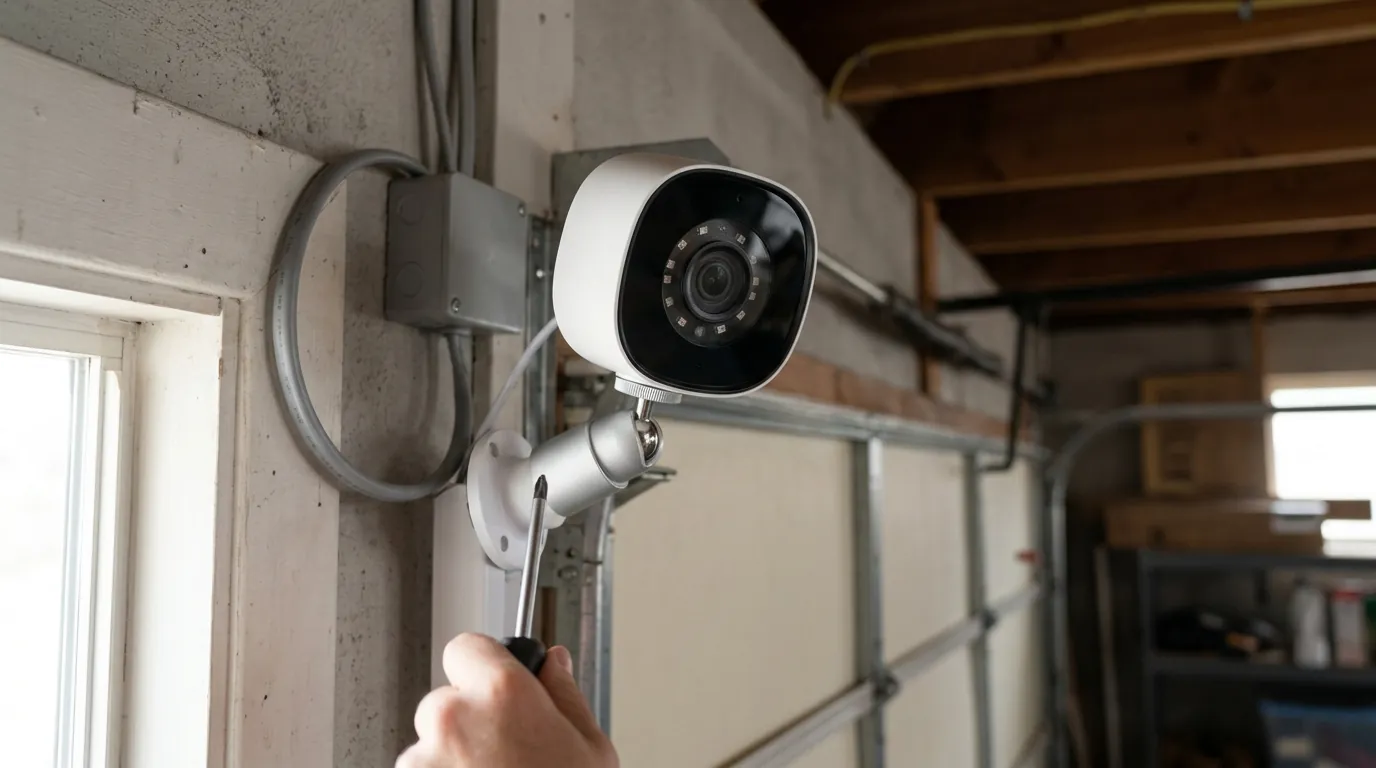
Google Nest Camera Offline After June 2026 Updates: What You Must Know
For many Google Nest users, the transition into mid-2026 has been marked by unexpected downtime and technical friction. If your camera is currently showing an “Offline” status or failing to load live feeds, you are likely caught in the intersection of a major app migration, a significant infrastructure outage, and the permanent removal of legacy support resources.
Quick Answer: While no widespread official outage has been confirmed specifically due to a June 2026 firmware update, many Google Nest camera users experienced significant connectivity issues and cameras going offline following a widespread Nest app outage in May 2026. Furthermore, a major Google Home app update rolled out in June 2026, and the critical Nest community forums are being permanently deleted on June 30, 2026, removing a vital resource for troubleshooting offline cameras and other issues.
What happened
Related: Eufy EdgeAgent: Local AI Security Platform Announced for H2 2026 · Wyze Camera Outages & Overheating During June 2026: What You Need to K · Google Nest Community Migration Outage 2026: What You Need to Know
The current wave of connectivity issues is not the result of a single failure but rather a “perfect storm” of software transitions and infrastructure instability. For many owners, the trouble began in late May 2026 and has been compounded by the rollout of new AI-driven features in the Google Home ecosystem.
The May 2026 Nest App Outage
In late May 2026, a significant backend outage affected the legacy Nest app and associated cloud services. This was particularly disruptive for users with older hardware—such as the original Nest Cam Indoor and Outdoor models—that still rely on the Nest app for certain configuration settings. During this window, thousands of users reported that their cameras dropped offline and failed to reconnect automatically once services were restored. According to reports tracked by 9to5Google, this outage highlighted the increasing fragility of the aging Nest infrastructure as Google shifts its primary focus toward the unified Google Home platform.
June 2026 Google Home App Enhancements
Coinciding with the recovery from the May outage, Google pushed a major update to the Google Home app in June 2026. This update integrated Gemini-powered AI more deeply into the camera experience, offering “Advanced Audio Analysis” capable of distinguishing between specific sounds like a dog barking versus a delivery truck idling. While these features aim to add value, the update required a significant refresh of the device firmware for most Nest Cam (Battery) and Nest Cam (Wired) models. Technical updates of this scale often lead to “handshake” errors between the camera and the local Wi-Fi router, causing devices to remain in an offline state until a manual reboot is performed.
The June 2026 Nest Forum Shutdown
Perhaps the most concerning development for long-term owners is the permanent shutdown of the official Google Nest community forums, scheduled for June 30, 2026. For over a decade, these forums served as a searchable archive of user-generated fixes for niche connectivity bugs. Google’s decision to delete this content rather than archive it means that specific troubleshooting steps for older hardware—often not found in official “help” articles—will disappear. This move forces users to rely solely on direct Google Support channels, which can experience high wait times during widespread updates.
Persistent Connectivity Challenges
Beyond these specific events, the “offline” issue remains a persistent challenge for the Nest lineup due to its cloud-dependent architecture. Unlike cameras with local processing, a Nest camera must maintain a constant “heartbeat” with Google’s servers. Even a momentary lapse in DNS resolution or a minor firmware mismatch during a background update can cause the app to flag the camera as offline, even if the user’s home internet is functioning perfectly.
Why it matters for buyers
For those currently shopping for a security system, the events of June 2026 serve as a case study in the trade-offs of choosing a “Big Tech” ecosystem. While the integration with Gemini AI is a powerful draw, the reliance on cloud stability is a significant variable.
Reliability and Uptime Concerns
The recurring outages in the first half of 2026 underscore a critical reality: if Google’s servers go down, your security system is effectively blind. For buyers who require high-availability monitoring—such as for a small business or a remote vacation home—the lack of a robust local-only failover mode is a significant drawback. Most Nest models only offer up to one hour of local “on-device” recording during a Wi-Fi outage, but this is useless if the cloud service itself is the point of failure.
The Cost of “Smart” Features: Subscription Reliance
Google Nest cameras are increasingly designed as “hardware-as-a-service.” To access the AI features introduced in the June 2026 update, users must subscribe to the Google Home Premium tier (which succeeded the older Nest Aware branding).
- Standard Tier: Around $10/month; provides basic event history.
- Advanced Tier: Around $20/month; required for 24/7 continuous video recording and the full suite of Gemini AI audio/visual analysis.
Without these subscriptions, the hardware’s utility is limited to live-viewing and very brief event clips, making the total cost of ownership significantly higher than the initial sticker price.
Privacy and Data Handling
Privacy remains a polarizing topic for Google users. While Nest cameras utilize encrypted streams, Google does not offer end-to-end encryption (E2EE) for cloud-stored video in the same way that competitors like Apple (via HomeKit Secure Video) or certain local-storage brands do. This means that under specific legal circumstances, or during “emergency situations” as defined in Google’s Transparency Reports, the company may provide access to footage to law enforcement without a warrant—a policy that remains a point of contention for privacy-conscious buyers.
Diminishing Community Support
The loss of the Nest forums makes the brand less attractive to “prosumers” or DIY enthusiasts who prefer to fix their own equipment. When a camera goes offline, the ability to search for a specific error code and find a community-verified fix is a valuable part of the product’s ecosystem. Moving forward, buyers must be comfortable with a more “closed” support model.
| Feature | Nest Cam (Battery) | Nest Cam (Wired, Gen 2) | Nest Doorbell (Battery) |
|---|---|---|---|
| Resolution | 1080p HDR | 1080p HDR | 960 x 1280 |
| Field of View | 130° | 135° | 145° (3:4 ratio) |
| Power Source | Internal Battery / Wired | Wired Only | Internal Battery / Wired |
| Local Storage | 1hr Event Backup | 1hr Event Backup | 1hr Event Backup |
| AI Features | Gemini (Sub Required) | Gemini (Sub Required) | Gemini (Sub Required) |
| Price Band | $150–$200 | Under $100 | $150–$200 |
Impact on existing owners

If you already own a suite of Nest products, the June 2026 updates represent a forced evolution of your home security setup.
Disruption from Recent Outages and Updates
Existing owners likely noticed their cameras dropping off during the May outage. However, the June Google Home app update is more insidious because it can lead to “zombie” devices—cameras that appear to be on but fail to trigger notifications or record events. This is often due to a mismatch between the new app’s AI processing requirements and the camera’s local firmware. Owners should check their “Device Information” tab in the Google Home app to ensure they are running the latest firmware version.
Loss of Valuable Community Knowledge
For those who have spent years fine-tuning their Nest setups—perhaps using third-party integrations like Home Assistant or Starling Home Hub—the June 30 deletion of the Nest forums is a major blow. Many of the workarounds for getting older Nest Cams to work with modern Wi-Fi 6E routers were documented only in those forum threads. Once deleted, troubleshooting these specific “offline” bugs will become significantly more difficult.
Navigating Subscription Changes
Google has been aggressively migrating users from the “Legacy Nest Aware” plans to the “Google Home Premium” structure. Existing owners need to be aware that some of the new Gemini AI features introduced in June 2026 are only available on the newer plans. If your camera is offline, it may be because a legacy subscription failed to renew or was flagged for migration, causing a temporary “lockout” of cloud services.
Potential for Device Obsolescence
There is a growing concern that the first-generation Nest Cam Indoor and Outdoor (the “dropcam” style units) are being phased out. While Google has offered some users discounts to upgrade to newer models, those who choose to stay on the old hardware are finding that the cameras go offline more frequently as the legacy Nest service is deprecated in favor of the Google Home app.
What to do now
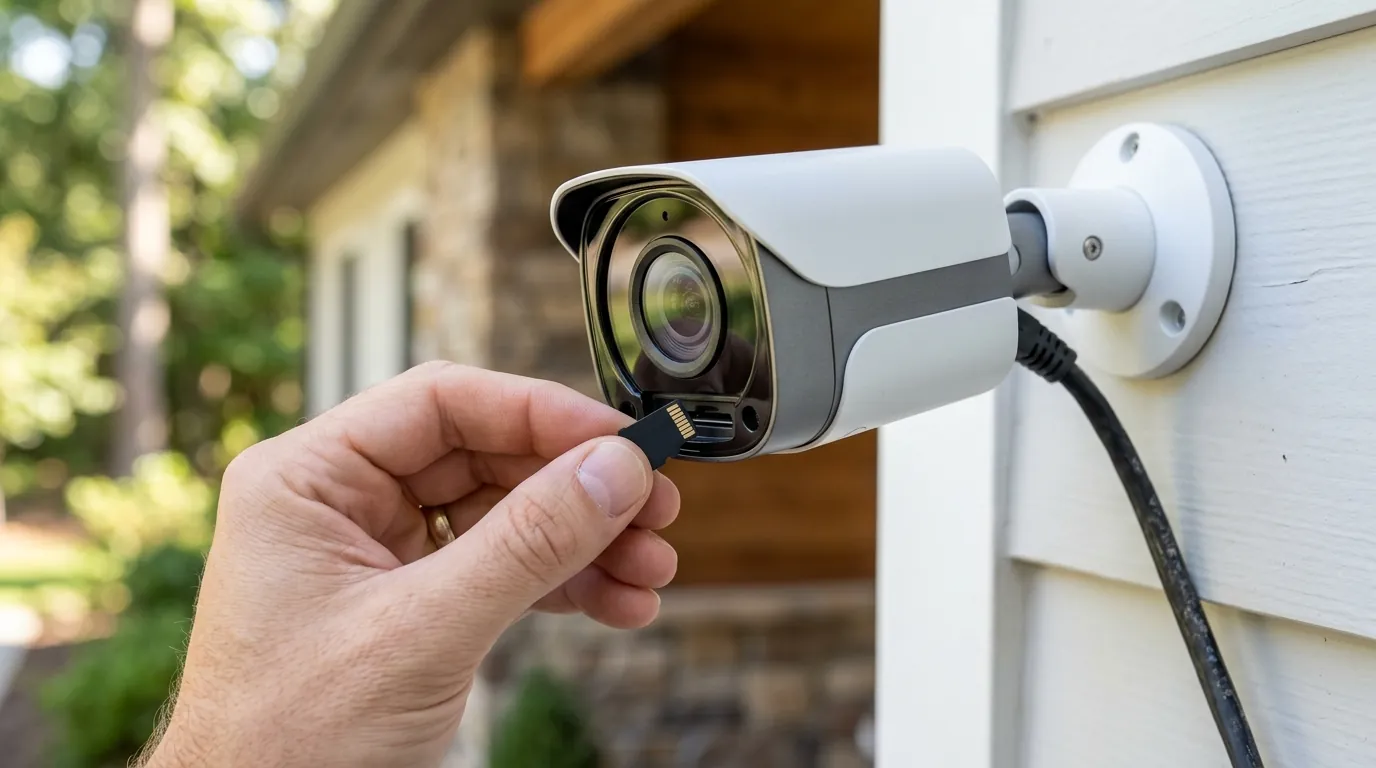
If your camera is currently offline or you are worried about the upcoming forum deletion, take the following proactive steps.
Immediate Troubleshooting for Offline Cameras
- The 60-Second Power Cycle: Unplug the camera (or disconnect the battery) for a full minute. This clears the local cache and forces the device to request a new IP address from your router.
- Router Reboot: Modern Nest cameras can be sensitive to Wi-Fi channel congestion. Rebooting your router can force the camera onto a cleaner 2.4GHz or 5GHz channel.
- Check for “Home” App Updates: Ensure your smartphone is running the latest version of the Google Home app from the App Store or Play Store. A mismatch between the app version and the cloud backend can cause “offline” display errors.
- Factory Reset (Last Resort): If the camera remains offline, use a paperclip to press the reset button on the back/bottom of the device. Warning: This will delete all settings and any unsaved video history.
Preserving Community Knowledge Before Deletion
If you rely on a specific forum thread for your setup (e.g., “How to fix Nest Cam error NC023”), you must act before June 30, 2026.
- Manual Save: Use “Print to PDF” on your browser to save important threads.
- Wayback Machine: Check if the thread has been archived on the Internet Archive.
- Reddit Migration: Many community members are moving their troubleshooting guides to r/Nest or r/GoogleHome. Search those subreddits for mirrored content.
Staying Proactive with Updates and Support
Review the release notes for the June 2026 Google Home update. If you are experiencing persistent issues, document your camera’s firmware version and the exact time it goes offline. This data is essential when contacting Google Nest Support to ensure your ticket isn’t dismissed with generic advice.
Considering Alternatives for Future Purchases
If the recent outages and the forum shutdown have shaken your confidence in cloud-only systems, consider the following decision framework for your next purchase:
- If you are a Renter: Stick with the Nest Cam (Battery) for its ease of installation, but be prepared for occasional cloud-related downtime.
- If you are a Homeowner (High Security): Prioritize cameras that offer Local Storage (via SD card or a dedicated NVR). Brands like Reolink or Eufy allow you to record and view footage even if the manufacturer’s servers go offline.
- If you are Privacy-Focused: Look for systems that support End-to-End Encryption or “Local-Only” modes where no data ever leaves your home network (e.g., Ubiquiti UniFi Protect).
Decision Framework: Subscription vs. Local Storage
- Choose Google Nest if: You want the best-in-class AI (Gemini) and don’t mind a monthly fee of $10–$20.
- Choose Local Storage if: You want to avoid monthly fees and ensure your cameras work 100% of the time, regardless of an internet outage.
Total Cost of Ownership (3-Year Estimate)
When calculating the cost of a Google Nest system, the hardware is only the beginning.
- Hardware (2 Cameras): Around $300–$400.
- Subscription (3 Years of Premium): $360–$720.
- Total: $660–$1,120. By comparison, a subscription-free system with local storage typically costs $300–$500 total over the same period, providing a significant long-term saving.
Quvii tracks these trade-offs across the category to help you decide if the convenience of Google’s AI outweighs the risks of its cloud-dependent architecture.
Frequently Asked Questions
Why does my Nest camera say “offline” but my Wi-Fi is working?
This is usually caused by a “handshake” error between the camera and Google’s cloud servers, not your local internet. It can also happen if the camera’s firmware is out of date or if there is a temporary outage in the Google Home app backend, such as the ones reported in May and June 2026.
Will my Nest camera work after the forums are deleted on June 30?
Yes, the hardware will continue to function. However, you will lose access to a decade of user-generated troubleshooting guides. If you encounter a bug after that date, you will have to rely on official Google Support or community platforms like Reddit.
Do I have to pay for Google Home Premium to keep my camera online?
No, a subscription is not required to keep the camera “online” or to see a live view. However, without a subscription, you will lose nearly all video history (limited to 3 hours of event clips) and the advanced Gemini AI features introduced in the June 2026 update.
Can I save my Nest camera footage locally if the cloud goes down?
Most modern Nest Cams have a small amount of internal memory that can record up to one hour of “event-based” footage during a Wi-Fi outage. This footage is uploaded to the cloud once the connection is restored. You cannot, however, plug in an SD card or hard drive for permanent local storage.
Sources
- Google Nest Support
- 9to5Google: Nest App Outage Reports — https://9to5google.com/
- Google Safety Center: Privacy & Data — https://safety.google/privacy/data/
- PCMag: Google Home App Gemini Integration — https://www.pcmag.com/
- Android Authority: Nest Community Forum Shutdown Notice — https://www.androidauthority.com/