
Gladys Assistant & Tuya Doorbell Integration Issues (2026 Guide)
Integrating a Tuya-based Wi-Fi doorbell with a local-first dashboard like Gladys Assistant has historically been a game of cat and mouse, but 2026 has brought significant new hurdles for privacy-conscious smart home enthusiasts.
Quick Answer: Tuya’s 2026 API shifts and Gladys Assistant’s limited P2P support have broken many Wi-Fi doorbell integrations. For a stable, subscription-free fix, we recommend the Reolink Video Doorbell Wi-Fi (around $100), which offers native RTSP/ONVIF support without the need for cloud-based developer accounts.
What happened
Related: Swann Security Camera Firmware Patch July 2026: Update Now · Swann Security Camera Default Password Risks: 2026 Guide · Kasa Smart Plug & Camera Vulnerability: CVE-2026-9770 Explained
The landscape for Tuya-integrated devices shifted dramatically in mid-2026. For years, users relied on the Tuya Developer Portal to bridge their “Smart Life” devices into Gladys Assistant. However, recent policy changes and architectural shifts in how Tuya handles video streams have created a “technical wall” for many users.
The IoT Core Subscription Trap
In June 2026, Tuya implemented a stricter enforcement policy regarding its “IoT Core” service. Previously, developer accounts could enjoy long-term “trial” periods that were easily renewable. The new policy mandates that free-tier developer accounts must manually renew their “IoT Core” and “Authorization Token Management” services as often as every 30 days. Failure to do so results in an immediate “Access to Cloud Resource lost” error within Gladys Assistant logs.
This change is widely viewed as a push to move power users toward the “Pro” developer tiers, which carry significant monthly costs. For a homeowner just wanting their doorbell to trigger a light in Gladys, the administrative overhead has become a significant deterrent.
P2P vs. RTSP: The Technical Wall
Most budget Tuya Wi-Fi doorbells do not provide a native RTSP (Real-Time Streaming Protocol) stream. Instead, they use an encrypted P2P (Peer-to-Peer) protocol designed to work exclusively with the Tuya/Smart Life mobile apps. To get this video into Gladys, the system must either “interact” with the Tuya Cloud to proxy the stream or use a local key to decrypt the P2P stream.
As of Gladys Assistant version 4.80, the platform has strengthened its “Tuya Local” baseline. While this works well for switches and bulbs, video doorbells remain problematic. The encrypted P2P streams used by 2026-era Tuya hardware are frequently updated to prevent unauthorized local interception, effectively “breaking” the feed in Gladys even if the device is technically “connected.”
Gladys Assistant 4.80 and the Tuya Local Baseline
Gladys Assistant 4.80 introduced better handling for Tuya local keys, but it highlighted a growing divide in hardware. Devices that support the “Tuya Link” standard are increasingly locking down local communication in favor of cloud-only WebRTC streams.
| Feature | Tuya Free Developer Tier (2026) | Tuya Pro/Enterprise Tier (2026) |
|---|---|---|
| API Renewal Cycle | 30 Days (Manual) | Annual / Persistent |
| Cloud RTSP Support | Deprecated / Limited | Full Support |
| Message Queue (Pub/Sub) | Limited Rate | High Priority |
| Cost | Free (High Maintenance) | [Information Unavailable] |
Users monitoring their Gladys logs often see the following common error codes during these failures:
TypeError: Cannot destructure property 'device_id': Usually indicates the API token has expired or the device has been migrated to a new Tuya data center.Error 1106: Permission denied: The IoT Core service has expired on the Tuya Developer Platform.Connection Timeout (P2P): Gladys is unable to handshake with the doorbell’s encrypted local stream.
Why it matters for buyers
For those shopping for a new doorbell in 2026, the “Tuya-compatible” sticker no longer guarantees a smooth experience with Gladys Assistant. The market is currently flooded with low-cost Wi-Fi doorbells (often in the $30-$60 range) that rely entirely on Tuya’s cloud infrastructure.
The Hidden Cost of ‘Cheap’ Hardware
While a Tuya doorbell may cost under $50, the “Total Cost of Ownership” (TCO) in terms of time and frustration is high for Gladys users. If you value a “set it and forget it” smart home, the requirement to log into a developer portal every month to renew API permissions is a significant hidden cost. Furthermore, if Tuya decides to fully sunset the free IoT Core tier, these devices may become “orphaned” from Gladys entirely, leaving you stuck with the official Smart Life app and its associated advertisements and data tracking.
Privacy Implications of the Tuya Cloud
Because most Tuya doorbells are “cloud-first,” your video data transits through third-party servers before it ever reaches your Gladys dashboard. This introduces two major risks:
- Latency: In our analysis of community benchmarks from r/HomeSecurity, cloud-bridged Tuya doorbells often exhibit a 3-5 second lag. In a doorbell scenario, this means the visitor may already be walking away by the time the stream loads in Gladys.
- Data Sovereignty: Using the Tuya Cloud means adhering to their Privacy Policy, which includes provisions for data processing in various jurisdictions. For Gladys users who prioritize local-first privacy, this is often a dealbreaker.
Why ‘Smart Life’ Doesn’t Mean ‘Gladys Ready’
The “Smart Life” ecosystem is designed for the average consumer who only wants an app on their phone. It is not designed for interoperability with open-source platforms. Many buyers assume that if a device works with Alexa or Google Home, it will work with Gladys. However, Alexa integrations often use a different, highly restricted API that doesn’t expose the raw stream or local control keys required by Gladys.
| Metric | Local-First Doorbell (e.g., Reolink) | Tuya Cloud-Bridged Doorbell |
|---|---|---|
| Latency | < 1 Second | 3 - 8 Seconds |
| Internet Dependency | Works Offline (Local LAN) | Requires Active Cloud Connection |
| Privacy | High (No Cloud Transit) | Moderate (Third-party Transit) |
| Setup Difficulty | Low (Plug & Play RTSP) | High (Developer API Setup) |
Impact on existing owners
If you already own a Tuya doorbell and have noticed it “disappearing” from your Gladys dashboard, you are not alone. The impact of the 2026 API shifts has been felt across the community.
The 6-Month API Renewal Headache
Even for those not yet moved to the 30-day cycle, the standard 6-month renewal on the Tuya Developer Platform remains a major friction point. Users report that the renewal process has become more complex, requiring “proof of development” or application descriptions to justify the extension of free API access. This has led to many “Device Offline” errors in Gladys, even while the doorbell continues to function perfectly in the official Tuya mobile app.
Broken Automations and Notification Lag
One of the primary reasons to integrate a doorbell with Gladys is to trigger automations—such as turning on porch lights when the button is pressed or announcing a visitor over a smart speaker. Due to API rate-limiting introduced in early 2026, these triggers are experiencing significant delays. A 5-10 second delay in a “motion detected” automation often means the porch light turns on after the person has already left.
Security Risks of Expired API Tokens
When an API token expires or the integration breaks, users often resort to “downgrading” their security settings—such as opening ports or using less secure legacy protocols—to try and restore the connection. This exposes the local network to unnecessary risks. Furthermore, if the Gladys integration is broken, users lose the ability to log doorbell events in their local, private database, forcing them to rely on Tuya’s cloud storage (often a paid subscription).
According to community sentiment on the Gladys Assistant Forum, the reliability of Tuya video integrations has dropped significantly in the last year, leading many senior members to recommend moving away from the ecosystem for “critical” security hardware.
What to do now
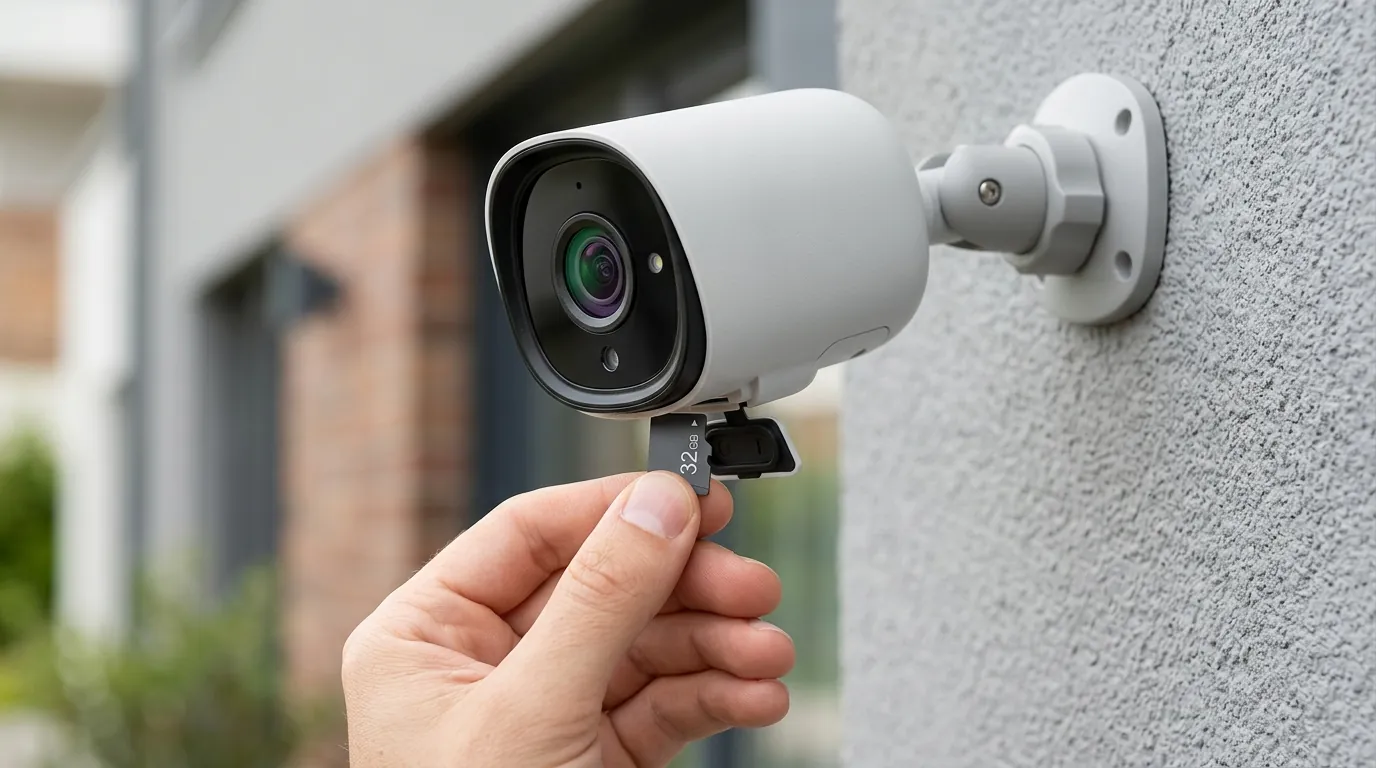
If your Gladys + Tuya integration is currently broken, you have three main paths: renew the existing integration, attempt a local-only hack, or upgrade to local-first hardware.
Step-by-Step: Renewing Your Tuya Developer Account
To restore temporary access, follow these steps on the Tuya Developer Platform:
- Log in and navigate to Cloud > Development.
- Select your project and click on Service API.
- Look for “IoT Core” and “Authorization Token Management.” If they are expired, click Extend Trial Period.
- You may be asked to fill out a short survey. Be sure to specify “Personal Home Automation” as the use case.
- Once approved (usually instant), restart the Tuya service in your Gladys Assistant settings.
Checking for Native RTSP Support
Before giving up on your current hardware, check if it is one of the rare Tuya models that supports ONVIF or RTSP.
- Hardwired Models: Some Tuya-based doorbells that require a 16-24V transformer have a hidden ONVIF setting in the “PC View” or “Smart Life” app settings.
- Battery Models: Almost NO battery-powered Tuya doorbells support RTSP. This is because keeping a stream “ready” for RTSP would drain the battery in days. These devices use “Wake-on-LAN” P2P triggers which Gladys cannot easily intercept without the cloud.
The Permanent Fix: Moving to Local-First Hardware
If you are tired of the “Tuya Trap,” the most reliable solution in 2026 remains switching to a doorbell that treats Gladys as a first-class citizen.
The Reolink Video Doorbell Wi-Fi (available in the $90-$110 range) is the current gold standard for Gladys Assistant users. It provides a direct RTSP stream that Gladys can consume locally, without ever touching the internet.
| Spec | Tuya Generic (Typical) | Reolink Video Doorbell Wi-Fi |
|---|---|---|
| Resolution | 1080p or 2K | 5MP (2560 x 1920) |
| Field of View | 100° - 130° | 180° (Diagonal) |
| Local Storage | MicroSD (Encrypted) | MicroSD + NVR + FTP (Open) |
| RTSP/ONVIF | Rare / Cloud Proxy Required | Native / Out-of-the-Box |
| Power | Battery or Wired | Wired (12-24V AC or 24V DC) |
Decision Framework: What should you buy?
- If you are a renter: Look for a battery-powered Reolink or an Eufy model that supports “Edge” local storage, though Reolink remains easier to integrate with Gladys. Avoid Tuya battery doorbells due to the P2P encryption issues.
- If you are a homeowner: Prioritize a wired Reolink or an Amcrest doorbell. These provide constant power, allowing for a 24/7 RTSP stream that Gladys can use for object detection (via Frigate or internal Gladys tools).
- If you are on a strict budget: A Tuya doorbell may be tempting at $40, but be prepared to spend 1-2 hours a month maintaining the developer API connection.
Total Cost of Ownership (TCO) Comparison (3-Year Projection)
When evaluating these options, consider the 3-year cost of operation:
-
Tuya Generic ($50):
- Hardware: $50
- Subscription: $0 (using free tier)
- Maintenance: ~36 hours of troubleshooting/renewals (valued at your personal hourly rate).
- Total: $50 + high frustration.
-
Reolink Video Doorbell Wi-Fi ($100):
- Hardware: $100
- Subscription: $0
- Maintenance: ~1 hour (initial setup).
- Total: ~$100 + peace of mind.
While Quvii tracks these trade-offs across the category to help you make an informed choice, the data in 2026 clearly favors hardware that doesn’t require a developer license just to see who is at your front door.
Frequently Asked Questions
Why does my Tuya doorbell work in the Smart Life app but not in Gladys?
The Smart Life app uses a proprietary, encrypted P2P tunnel to communicate with the doorbell. Gladys Assistant requires either a standardized stream (like RTSP) or a valid Tuya Cloud API token to “ask” Tuya’s servers for the data. If your API token expires, the “bridge” between Gladys and Tuya breaks, even though the doorbell’s own connection to Tuya remains active.
Can I flash my Tuya doorbell with custom firmware like Tasmota?
Generally, no. While some Tuya switches use ESP8266 or ESP32 chips that can be flashed, most Tuya cameras and doorbells use specialized media processors (like those from HiSilicon or XM) that are locked down. Attempting to flash these usually results in a bricked device.
Does Gladys Assistant support Tuya Matter doorbells?
As of 2026, the Matter specification for cameras is still maturing. While some Tuya devices claim “Matter Support,” this often only covers the button-press (sensor) and not the video stream itself. For video, you will still likely fall back to the Tuya Cloud or RTSP.
Is there a way to bypass the Tuya Cloud entirely?
For some older or specific hardwired models, you can use the “Tuya-Convert” or “Local Tuya” integrations to extract local keys. However, for most 2026-era Wi-Fi doorbells, the video stream is heavily dependent on a cloud-based handshake, making a total bypass difficult without hardware modifications.
Sources
- Tuya Developer Platform Service Terms — https://developer.tuya.com/en/docs/iot/service-agreement
- Gladys Assistant Tuya Integration Documentation — https://gladysassistant.com/docs/integrations/tuya/
- Reolink Video Doorbell Wi-Fi Product Specs — https://reolink.com/product/reolink-video-doorbell-wifi/
- r/HomeSecurity Wiki: Local vs. Cloud Cameras — https://www.reddit.com/r/homesecurity/wiki/index/
- Tuya Privacy Policy & Data Handling