
Frigate NVR Detection Crashing After GPU Upgrade: 2026 Fixes
Upgrading a GPU is often the final step in perfecting a high-performance local AI security system, but for Frigate NVR users, it frequently results in unexpected service failures.
Quick Answer: Frigate NVR detection crashing after a GPU upgrade in 2026 is often due to outdated GPU drivers, incorrect Docker container configurations (e.g., wrong image tag or device passthrough), or misconfigured hwaccel_args in the Frigate YAML. Users should verify driver compatibility (NVIDIA >=545, Compute Capability >=5.0) and ensure the correct Frigate Docker image (like -tensorrt for NVIDIA) is used with proper device mapping and shm_size settings.
What happened
Related: Arlo Motion Detection Issues (July 2026): Firmware Bugs & Delays · Ring Camera Motion Alerts Not Working: July 2026 Outage & Fixes · Tuya WiFi Video Doorbell: 2026 Setup & Integration Guide Updates
Users upgrading their GPU hardware for Frigate NVR setups are reporting instances of detection services crashing or failing to initialize. This issue typically surfaces during the transition from CPU-based detection or older AI accelerators (like the Google Coral USB) to modern discrete GPUs, such as the NVIDIA RTX 30-series or 40-series, or even integrated Intel Iris Xe/Arc graphics.
Frigate NVR, an open-source solution for local AI object detection, relies heavily on efficient hardware acceleration for real-time video decoding and object analysis. Unlike standard NVRs that simply record video, Frigate must decode every frame of a “detect” stream and pass it through a machine learning model to identify people, cars, or pets. When a new GPU is introduced, the software-to-hardware handshake often breaks.
The crashes typically manifest as ffmpeg errors in the logs, the GPU device not being detected within the Docker container, or the entire Frigate container becoming unstable. In some cases, the system may run for several minutes before the detection process hangs, leading to a “Detection appears to be stuck” message in the Frigate UI. These failures are rarely due to “bad hardware” and are almost always a result of the complex interplay between Linux kernel drivers, the Docker runtime environment, and Frigate’s specific configuration requirements.
The Role of Hardware Acceleration in Frigate
Hardware acceleration in Frigate serves two distinct purposes:
- Decoding: Using the GPU’s fixed-function video engines (like NVIDIA NVDEC or Intel QuickSync) to turn compressed H.264/H.265 streams into raw frames.
- Inference (Detection): Using the GPU’s compute cores (CUDA/TensorRT or OpenVINO) to run the AI model against those frames.
A GPU upgrade is intended to alleviate the massive CPU load generated by these tasks, particularly when managing multiple 4K streams. However, if the hwaccel_args in the config.yml do not match the new hardware’s capabilities, or if the Docker container lacks the necessary permissions to access the new hardware, the detection engine will fail to initialize.
Common Symptoms of a Failed GPU Upgrade
When a GPU upgrade goes wrong, the following symptoms are frequently observed in the Frigate system logs:
ffmpegexited with code 139: This often indicates a segmentation fault, frequently caused by driver mismatches or memory access issues.Could not find the device /dev/dri/renderD128: Common on Intel systems where the device mapping indocker-compose.ymlis missing or incorrect.NVIDIA-SMI has failed because it couldn't communicate with the NVIDIA driver: This signifies that the host-side drivers are not correctly passed through to the container.- High CPU Usage: If the GPU is present but incorrectly configured, Frigate may fall back to CPU decoding, causing the host system to overheat or lag.
Why it matters for buyers
Frigate NVR is a leading choice for consumers seeking privacy-focused, subscription-free home security with advanced local AI detection capabilities. For those moving away from cloud-dependent brands like Nest or Arlo, the appeal lies in total data ownership. However, the move to a DIY NVR introduces a steep learning curve regarding hardware maintenance.
Issues with GPU compatibility and stability underscore the inherent complexity of DIY NVR solutions compared to simpler, often subscription-based, commercial camera systems. While a commercial system is “plug and play,” a Frigate setup requires the user to act as their own systems administrator. For new buyers, understanding the critical role of hardware compatibility is essential before investing in expensive GPUs or dedicated server hardware.
The Appeal of Local AI for Privacy
The primary driver for Frigate adoption is the desire to keep video data off third-party servers. By processing AI detection locally on a GPU, users ensure that no “person detected” alerts or video clips are sent to the cloud for analysis. This eliminates the risk of data breaches at the provider level and ensures the system remains functional even if the internet goes down.
DIY vs. Commercial Security: A Balancing Act
Choosing between a DIY NVR like Frigate and a commercial system involves weighing the “cost of time” against the “cost of subscription.”
Table 1: DIY NVR (Frigate) vs. Commercial Subscription-Based Systems
| Feature | DIY NVR (Frigate + GPU) | Commercial (Ring/Nest/Arlo) |
|---|---|---|
| Initial Hardware Cost | High ($300 - $1,000+) | Low to Moderate ($100 - $400) |
| Monthly Fees | $0 | $10 - $25/month |
| AI Processing | Local (Private) | Cloud (Shared/Third-party) |
| Ease of Setup | Difficult (Requires Linux/Docker) | Easy (Mobile App) |
| Storage | Local Hard Drives (Limitless) | Cloud (Often limited to 30-60 days) |
| Maintenance | High (Driver updates/YAML config) | Low (Automatic updates) |
| Reliability | Depends on User Configuration | Depends on Internet/Provider Uptime |
As seen in the table, the DIY path offers superior privacy and long-term savings but demands a higher level of technical involvement. A non-functional or unstable NVR directly compromises the security of the property, making the “What to do now” section of this article critical for maintaining system integrity.
Impact on existing owners
Existing Frigate owners experiencing these crashes face a loss of critical security functionality. When the detection engine crashes, the system effectively becomes “blind.” It may still record “continuous” video if configured to do so, but real-time object detection, event-based recording, and mobile alerts will cease to function.
Security Blind Spots and Missed Events
The most immediate impact is the creation of security blind spots. If a GPU upgrade causes the system to crash while the owner is away, there is no easy “remote fix” if the host OS itself becomes unresponsive. This is particularly problematic for small businesses that rely on Frigate for after-hours monitoring. Unlike a cloud camera that might send a “Camera Offline” notification, a crashed NVR may simply stop updating, leaving the user unaware that their protection has lapsed.
The Technical Debt of DIY Solutions
Troubleshooting these issues requires significant technical knowledge. Owners must navigate Linux command-line interfaces, manage Docker containers, and interpret complex logs. This “technical debt” means that every hardware upgrade—intended to improve the system—carries the risk of an evening spent debugging configuration files.
Leveraging Community Support
Because Frigate is open-source, community forums like r/frigate_nvr and GitHub discussions are the primary lifelines for owners. In 2026, the community has become highly adept at identifying specific driver versions that cause regressions. For example, a common issue involves the NVIDIA Container Toolkit; if the host updates its drivers but the toolkit is not refreshed, the container will lose access to the GPU, leading to an immediate crash upon detection initialization.
What to do now
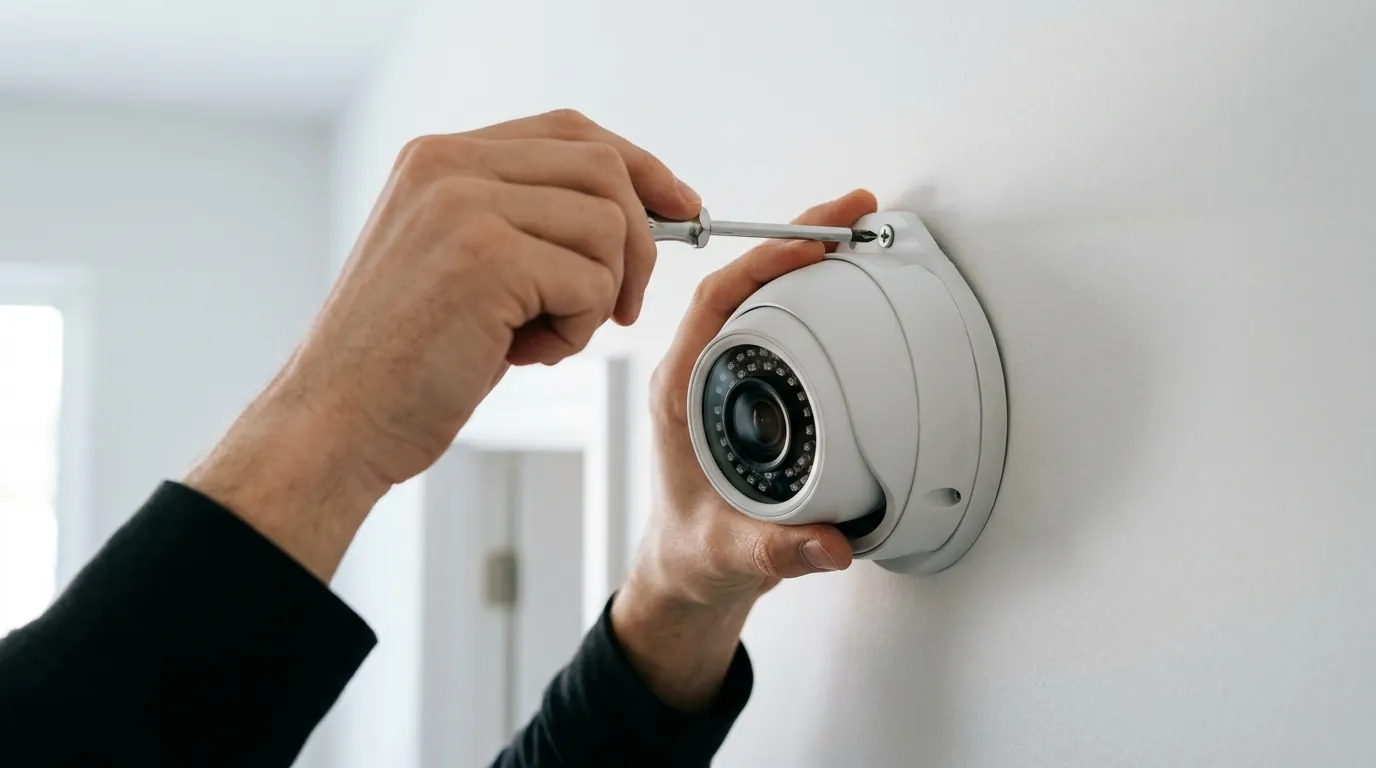
If your Frigate detection is crashing post-upgrade, follow this systematic troubleshooting guide to restore stability.
Step-by-Step Troubleshooting Guide
1. Verify GPU Driver Installation
Ensure your host system has the latest stable GPU drivers. For NVIDIA GPUs in 2026, a minimum driver version of 545 is typically required to support the CUDA 12.x libraries used in modern Frigate builds.
- NVIDIA: Run
nvidia-smion the host. If this fails, the driver is not installed correctly. - Intel: Run
vainfoto verify that the VA-API drivers are present and recognizing the hardware.
2. Check Frigate Docker Image Tag
Frigate provides specific Docker images optimized for different hardware. Using a generic image on an NVIDIA GPU is a common cause of crashes.
- NVIDIA: You must use the
-tensorrttag (e.g.,ghcr.io/blakeblackshear/frigate:0.17.2-tensorrt). - Standard/Intel: Use the default tag or the
-rktag for Rockchip hardware.
3. Correct Docker Device Passthrough
The Docker container must be explicitly told to use the GPU. For NVIDIA, this is handled via the deploy section in your docker-compose.yml.
Example docker-compose.yml for NVIDIA:
services:
  frigate:
    image: ghcr.io/blakeblackshear/frigate:0.17.2-tensorrt
    deploy:
      resources:
        reservations:
          devices:
            - driver: nvidia
              count: 1
              capabilities: [gpu]
    volumes:
      - /etc/localtime:/etc/localtime:ro
      - /path/to/config:/config
      - /path/to/storage:/media/frigate
    shm_size: "512mb" # Critical for 4K streams
4. Configure hwaccel_args
Your config.yml must match the new hardware. If you previously used a Google Coral and switched to an NVIDIA GPU, your old hwaccel_args will cause ffmpeg to crash.
Example Frigate config.yml for NVIDIA:
ffmpeg:
  hwaccel_args: preset-nvidia

detectors:
  tensorrt:
    type: tensorrt
    device: 0 # Matches the first GPU
5. Increase Shared Memory (shm_size)
Frigate uses shared memory to pass video frames between processes. High-resolution 2026-era cameras (4K and above) require more memory than the Docker default (64MB). If shm_size is too low, the detection process will crash as soon as it attempts to process a frame. For a 4-5 camera setup, 512mb is recommended; for 10+ cameras, use 1g.
Total Cost of Ownership (TCO) Analysis
When troubleshooting a DIY NVR, it is helpful to view the investment over a 3-year period. While the GPU upgrade costs money upfront, it eliminates the “feature paywall” found in commercial brands.
3-Year TCO Comparison (Estimated)
- DIY NVR (Frigate): Hardware (Mini PC + RTX GPU: around $600) + Storage ($150) + Electricity (approx. $40/year) = Around $870 total.
- Commercial (e.g., Nest Cam): 4 Cameras (around $600) + Nest Aware Plus Subscription ($150/year x 3) = Around $1,050 total.
The DIY path saves roughly $180 over three years, but more importantly, it provides higher resolution processing and better privacy. However, if the “cost” of your time to fix crashes exceeds this savings, a simpler solution may be warranted.
Decision Framework: Should You Fix or Switch?
- If you are a Homeowner/Power User: Stick with Frigate. The control over detection zones and the ability to integrate with Home Assistant is unmatched.
- If you are a Small Business Owner: Prioritize reliability. If you cannot afford the downtime of a crashed GPU driver, consider a dedicated NVR appliance like those from Reolink or Dahua.
- If you are a Renter/Non-Technical User: Prioritize simplicity. A DIY NVR is likely overkill and too maintenance-intensive.
When to Consider a Simpler Solution
If troubleshooting proves too complex, or if you simply want a system that “just works” without monthly fees, consider the EufyCam 3 (S330) with HomeBase 3.
This system offers:
- 4K Resolution: Comparable to high-end PoE cameras used with Frigate.
- BionicMind AI: Integrated local AI for facial recognition, person, and vehicle detection—no GPU configuration required.
- Local Storage: Expandable up to 16TB with a SATA drive, mimicking the “no cloud” benefits of Frigate.
- Solar Charging: Eliminates the need for wiring in many scenarios.
While it lacks the granular customization of Frigate’s YAML configuration, it provides a stable, local AI experience for those who find GPU driver management too burdensome.
Frequently Asked Questions
Why does Frigate crash only when detection is enabled?
Detection triggers the inference engine (TensorRT or OpenVINO) and the ffmpeg decoding process. If the GPU drivers are missing or the shm_size is too low, the system will function for recording but crash the moment it attempts to analyze a frame for objects.
Can I use an AMD GPU for Frigate detection in 2026?
Yes, but it is less common than NVIDIA or Intel. AMD GPUs typically use the preset-vaapi for hardware acceleration and rely on OpenVINO for detection. Support is generally more complex to configure than NVIDIA’s TensorRT.
Does Frigate 0.17 support the NVIDIA RTX 40-series?
Yes, provided the host system is running NVIDIA drivers version 525 or higher (545+ recommended for 2026 stability). You must use the -tensorrt Docker image to leverage the 40-series’ Ada Lovelace architecture for AI inference.
How do I know if my GPU is actually being used?
Inside the Frigate UI, check the “System” tab. It should list your GPU under the “Processors” or “GPUs” section with a non-zero usage percentage. Alternatively, run nvidia-smi on the host to see if the python3 or ffmpeg processes are listed in the GPU process table.
Sources
- Frigate NVR Official Documentation — Hardware Acceleration
- NVIDIA Driver Downloads — Unix/Linux Support
- Eufy Security — EufyCam 3 (S330) Product Specifications
- Frigate GitHub — Troubleshooting TensorRT Crashes
- Docker Documentation — NVIDIA Container Toolkit