
EZVIZ HP7 Home Assistant Stream Fails: 2026 Firmware & Fixes
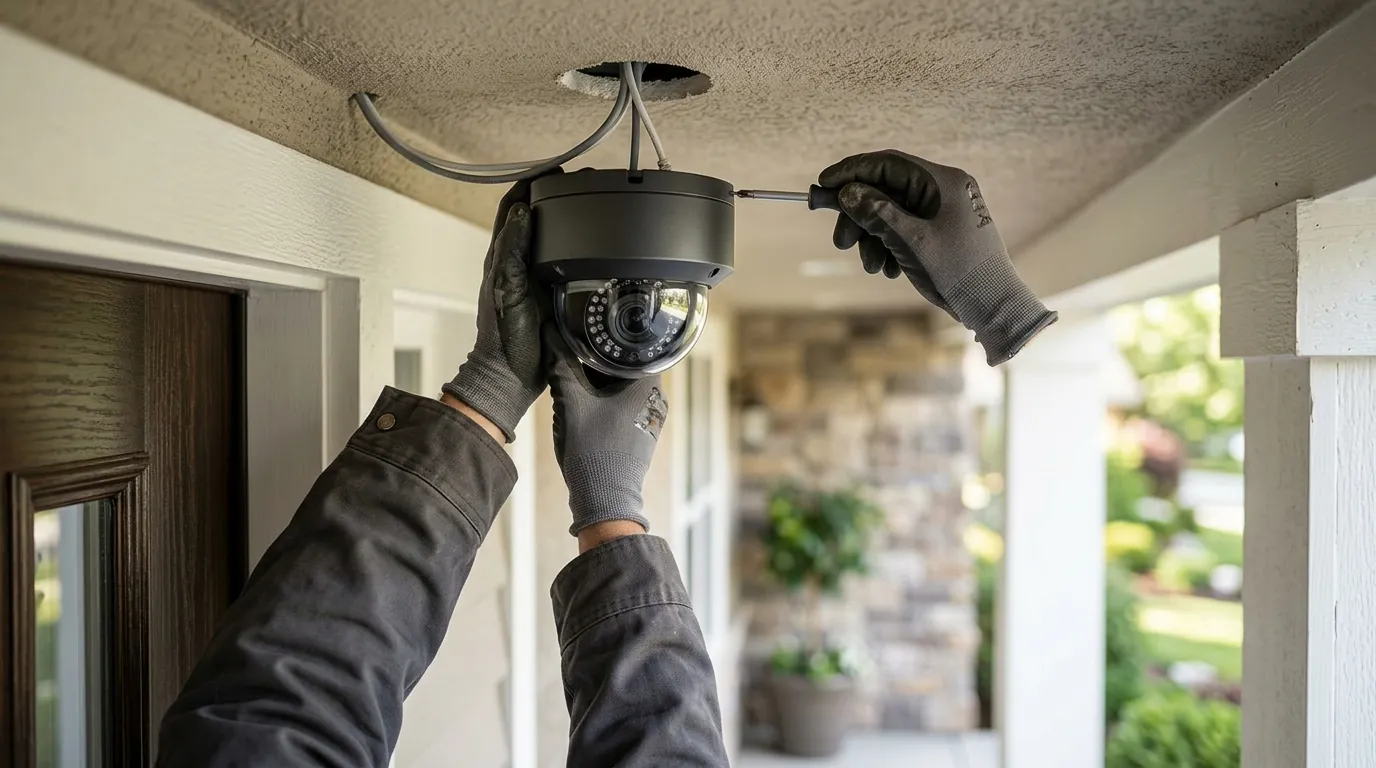
For owners of the EZVIZ HP7, the promise of a local, subscription-free video intercom is currently facing a significant hurdle as Home Assistant integrations fail following recent firmware updates. If your smart dashboard currently shows a “broken image” where your gate feed used to be, you are likely caught in a shift in how EZVIZ handles local data streams.
Quick Answer: EZVIZ HP7 stream failures in Home Assistant are currently caused by firmware v5.3.x changes to local RTSP protocols. To fix, disable ‘Image Encryption’ in the EZVIZ app and update to the latest HACS ‘ezviz_hp7’ v0.9.3+ integration.
What happened
Related: Nest Camera Wi-Fi Dropping After 2026 Update? Causes & Fixes · Ring Doorbell Subscription Price Increase 2026: Best Alternatives · Early Prime Day 2026 Home Security Deals: Top No-Subscription Picks
In mid-2026, a wave of EZVIZ HP7 owners reported that live video feeds in Home Assistant (HA) stopped working, showing ‘Invalid data found’ or ‘Immediate exit requested’ errors in logs. This disruption coincided with the rollout of firmware version v5.3.x, which introduced a fundamental change in how the intercom’s internal server handles RTSP (Real-Time Streaming Protocol) handshakes.
The issue specifically affects the “stream worker” component within Home Assistant Core 2026.6 and 2026.7. While the official EZVIZ mobile application continues to stream correctly by utilizing a proprietary cloud relay, the local “direct” entities used by third-party integrations—which rely on communicating directly with the camera’s IP address over the local network—are failing to decode the incoming data.
The Technical Root: MPEG-TS Compatibility
The core of the problem lies in the transition from standard H.264/H.265 transport streams to a modified MPEG-PS (Program Stream) encapsulation. In previous firmware versions (v5.2.x and earlier), the HP7 provided a relatively standard RTSP stream that Home Assistant’s FFmpeg-based stream component could easily ingest.
Community developers, notably contributors like Bobsilvio and albrzmr on GitHub, have identified that the HP7 now requires specific SPS/PPS (Sequence Parameter Set/Picture Parameter Set) injection at the very start of the stream. Without these parameters being sent immediately upon connection, the Home Assistant stream worker fails to identify the codec and terminates the connection with a “401 Unauthorized” or “Invalid Data” error. Essentially, the camera is “speaking” a slightly different dialect of RTSP that standard players no longer understand without specific translation.
Official vs. Custom Integration Status
As of July 2026, the official EZVIZ integration in Home Assistant Core remains limited. It primarily supports cloud-based entities which suffer from high latency and are subject to EZVIZ’s API rate limits. Most power users rely on the HACS (Home Assistant Community Store) custom integration specifically designed for the HP7 and other high-end EZVIZ doorbells.
The custom integration is currently the only way to bypass the cloud and access the local stream, but it requires frequent updates to keep pace with EZVIZ’s firmware changes. Owners who have not updated their HACS components to version v0.9.3 or higher will find their video feeds permanently stuck in a loading state.
Table 1: EZVIZ HP7 Firmware Impact on RTSP Stability (2026)
| Firmware Version | RTSP Status | HA Compatibility | Primary Error Log |
|---|---|---|---|
| v5.1.x | Stable | High | N/A |
| v5.2.x | Intermittent | Medium | Non-matching transport in response |
| v5.3.1 | Broken (Standard) | Low | Invalid data found when processing input |
| v5.3.4+ | Fixed (via HACS) | High | Immediate exit requested (if unpatched) |
Why it matters for buyers
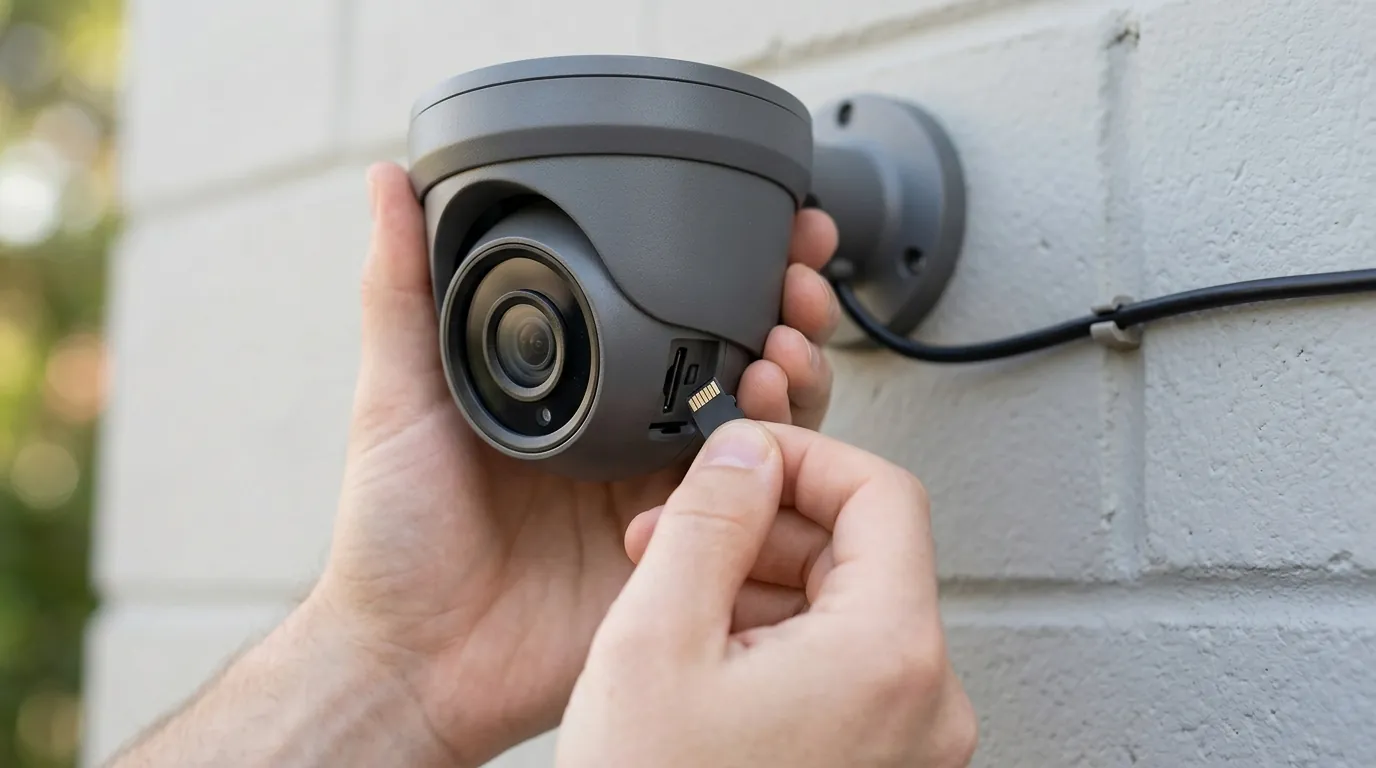
The EZVIZ HP7 is marketed as a premium, subscription-free 2K/4K video intercom in the $250–$350 range, appealing to those avoiding the recurring costs of Ring or Nest. For many, the HP7 is the “Goldilocks” solution: it offers the sleek aesthetic of consumer brands but utilizes a 2-wire installation that is common in older “villa-style” homes where Ethernet (PoE) isn’t readily available.
However, “cloud-locking” firmware updates threaten its value as a local smart home component. When a manufacturer changes local protocols in a way that breaks third-party compatibility, it moves the device closer to a “walled garden.” For a buyer who spent over $300 to avoid subscriptions, finding that their video feed is restricted to the proprietary EZVIZ app is a significant regression in utility.
Interoperability and the “Smart” Intercom
Interoperability is a key selling point for villa-style intercoms. If the video feed cannot be integrated into Home Assistant, it cannot be used in custom security dashboards or automated “person at door” tablet pop-ups. For example, a common automation involves pausing the living room TV and showing the front gate feed when the doorbell is pressed. If the RTSP stream is broken, this automation becomes impossible.
EZVIZ’s history of altering or removing RTSP features via firmware updates creates long-term reliability concerns. We have seen similar patterns in the EZVIZ DB1C and C3TN models, where local access was either hidden behind obscure menus or disabled entirely in favor of cloud-only viewing. For power users, this “feature drift” makes EZVIZ a riskier investment compared to brands that prioritize open standards like ONVIF.
Table 2: 2026 Doorbell Interoperability Comparison
| Feature | EZVIZ HP7 | Reolink Video Doorbell | Amcrest AD410 |
|---|---|---|---|
| MSRP Band | $250–$350 | $100–$150 | $150–$200 |
| RTSP Support | Native (but fragile) | Native (Stable) | Native (Stable) |
| ONVIF Support | Limited (Profile S) | Full (Profile S/T) | Full (Profile S) |
| 2-Wire Support | Yes | No (PoE/Wi-Fi) | Yes |
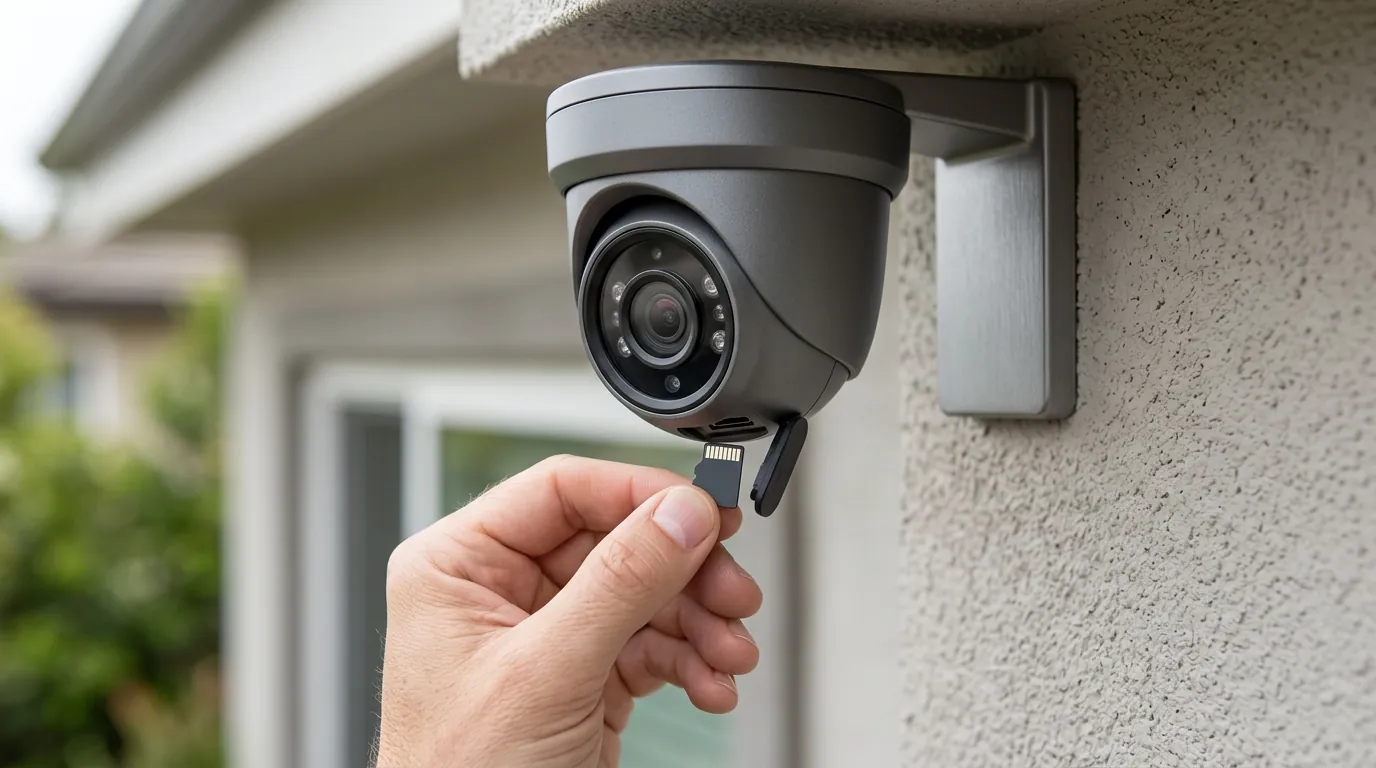
| Local Storage | MicroSD (up to 512GB) | MicroSD / NVR | MicroSD / NVR |
Impact on existing owners
Owners are currently unable to view live gate/door video on Home Assistant dashboards (Lovelace), rendering “smart” wall tablets partially useless. When the doorbell rings, the delay in opening the proprietary EZVIZ app—which must authenticate with a cloud server before showing the feed—can result in missing the visitor entirely.
Automation and AI Failures
Automations that trigger video recordings or AI object detection (via Frigate or Scrypted) are failing because the RTSP source is unreachable. Frigate users, in particular, rely on a constant, low-latency stream to perform person and vehicle detection. When the HP7 firmware v5.3.x breaks this stream, the security system loses its “eyes,” and the doorbell becomes little more than a “dumb” chime.
Privacy and Encryption Trade-offs
Privacy-conscious users are forced to choose between a broken local integration or enabling cloud-based viewing, which routes data through EZVIZ servers. EZVIZ’s 2026 transparency report notes that while they utilize AES-128 encryption for data at rest, they do cooperate with law enforcement requests in accordance with local laws in the regions where they operate (EZVIZ Privacy Policy).
The “Image Encryption” requirement in the EZVIZ app adds a layer of friction. When enabled, the video stream is encrypted with a verification code (usually found on the device sticker). To view this in Home Assistant, the user must manually enter this password into the integration configuration. However, this encryption often breaks third-party players entirely, as many RTSP clients cannot handle the decryption layer in real-time.
What to do now
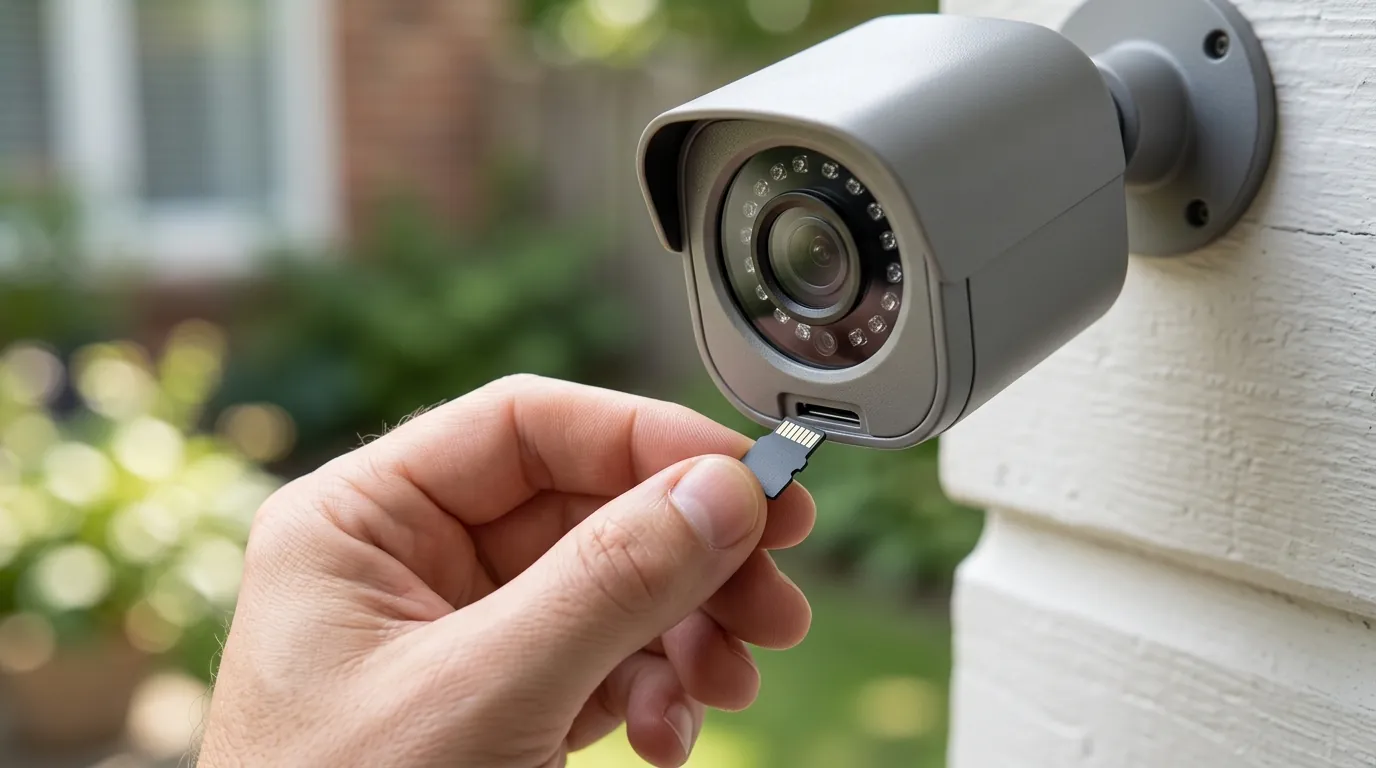
If your HP7 stream has failed, follow these steps to restore functionality.
Step 1: Disable Image Encryption
Open the EZVIZ mobile app, navigate to Device Settings > Privacy, and disable Image Encryption. This is the most common cause of “401 Unauthorized” errors in Home Assistant. While this slightly reduces the security of the stream on your local network, it is often the only way to allow Home Assistant to decode the video.
Step 2: Verify LAN Live View
Use the “LAN Live View” tool within the EZVIZ app (found under the ‘Profile’ or ‘Tools’ section) to verify the camera is still broadcasting on the local network. This tool uses the same local protocols as Home Assistant. If the stream doesn’t work here, the issue may be your network’s RTSP port (usually 554), which might be blocked by a firewall or router setting.
Step 3: Update the HACS Integration
If you are using the custom ezviz_hp7 integration:
- Open HACS in Home Assistant.
- Locate the EZVIZ HP7 integration.
- Update to v0.9.3 or higher.
- In the device configuration, look for a new toggle labeled “Aggressive MPEG-TS compatibility” and enable it. This setting forces the integration to inject the necessary SPS/PPS headers that the new firmware requires.
Step 4: Troubleshooting via EZVIZ Studio
If the mobile app settings are hidden or unresponsive, you can use the EZVIZ Studio software for Windows. This legacy tool often provides access to “Advanced Settings” that the mobile app hides.
- Download and install EZVIZ Studio.
- Log in and go to the Advanced Settings (you may need to click the ‘All Settings’ icon).
- Under Network > RTSP, ensure the port is set to 554.
- Under Video/Audio, ensure the encoding is set to H.264 if H.265 is causing issues with your specific HA hardware.
The ‘Nuclear Option’: Switching to a More Open Ecosystem
For those seeking a permanent, headache-free integration without firmware-locked features, the Reolink Video Doorbell PoE remains the recommended 2026 upgrade for Home Assistant users. While it requires a dedicated Ethernet cable (unlike the HP7’s 2-wire system), Reolink provides a fully documented API and stable RTSP/ONVIF support that does not break with firmware updates.
Decision Framework: Is the HP7 Still Right for You?
| If you are… | Recommendation |
|---|---|
| A Renter | Prioritize Wi-Fi stability. The HP7 is likely overkill; look at the Reolink Battery Doorbell for easier removal and better HA support. |
| A Homeowner (2-Wire) | Stick with HP7 but apply the fixes. If you cannot run new wires, the HP7 is the best hardware available, even with the software headaches. |
| A Power User / Integrator | Switch to PoE. The “cat and mouse” game with EZVIZ firmware is a significant time sink. Prioritize a Reolink or Amcrest PoE unit for 99.9% uptime. |
| Privacy-Focused | Enable Encryption + Use Scrypted. If you must use the HP7, use Scrypted to re-broadcast the encrypted stream into Home Assistant as a standard MJPEG or HLS feed. |
Total Cost of Ownership (3-Year View)
When evaluating the HP7, the sticker price is only one part of the equation. Because EZVIZ pushes its CloudPlay service, the “feature paywall” can become expensive over time if you cannot get the local Home Assistant recording to work.
- Hardware: ~$300 (EZVIZ HP7 Intercom Kit)
- Local Storage: ~$25 (High-end 256GB MicroSD card)
- Cloud Fees (Optional): ~$70/year (Standard CloudPlay plan)
- 3-Year Total (Local): $325
- 3-Year Total (Cloud): $510
By comparison, a Reolink system has a 3-year TCO of approximately $150 (including hardware and SD card), as there are no “paywalled” features like AI detection or rich notifications.
Frequently Asked Questions
Why does the EZVIZ app work when Home Assistant doesn’t?
The EZVIZ app uses a proprietary “P2P” (Peer-to-Peer) tunnel that bypasses standard RTSP protocols. This tunnel is managed by EZVIZ servers, allowing the app to work even if local streaming settings are broken or encrypted. Home Assistant tries to talk to the camera directly, which is why it is more sensitive to firmware changes.
Can I downgrade my EZVIZ HP7 firmware?
Generally, no. EZVIZ does not provide public firmware files for manual flashing, and the device is designed to prevent downgrading to older versions for “security reasons.” Once you have updated to v5.3.x, you must use the software-based fixes in Home Assistant to restore your stream.
Does disabling ‘Image Encryption’ make my camera hackable?
Disabling image encryption means that anyone already on your local Wi-Fi or LAN could potentially intercept the RTSP stream if they have your device password. It does not open your camera to the entire internet. For most home users, the risk is negligible compared to the benefit of having the camera work with their smart home system.
What is the default RTSP password for the HP7?
The default username is always admin. The password is the Verification Code found on the device’s serial number sticker (usually located on the back of the indoor monitor or the outdoor camera body).
Sources
- EZVIZ Official Support — ezviz.com/support
- Home Assistant EZVIZ Integration Documentation — home-assistant.io/integrations/ezviz
- HACS EZVIZ Custom Integration (Bobsilvio) — github.com/Renier0/ezviz_hp7
- RTINGS Security Camera Testing Standards — rtings.com/camera/reviews
- EZVIZ 2026 Privacy & Security Transparency Report — ezviz.com/legal/privacy-policy