
Eufy Security Push Channel Bug: Why Your Device Events Are Silent
A security camera that records a break-in without alerting the homeowner is a digital witness, not a security system. For thousands of Eufy users in June 2026, this distinction has become a frustrating reality as a major backend update has silenced critical “Device Event” notifications.
Quick Answer: A June 2026 Eufy backend update has caused many ‘Device Events’ to default to a silent push channel. To fix this, manually toggle ‘Security’ ON in the app’s Notification settings and set system-level categories to ‘Alerting.’
What happened
Related: Apple Intelligence in the Home App: 4K Video & AI Search (2026) · Grounded Labs Oasis Device Server Outage: Smart Home Impact (Not Secur · Tapo C210 Pan/Tilt Motor Noise After Firmware Update: What to Know
In early June 2026, Eufy began a massive migration of its server-side architecture, internally referred to as the “MegaTransition.” This update was intended to streamline the “eufy_mega” ecosystem, unifying the communication protocols between older HomeBase 2 units, the HomeBase 3 (S380), and the newer standalone Wi-Fi cameras. However, the transition inadvertently remapped the metadata tags for push notifications.
The bug specifically targets “Device Events”—the momentary triggers that constitute the core of a security system’s utility. While state-based sensors (such as entry sensors that remain “Open”) appear to be functioning normally, event-based triggers are failing to generate audible alerts. Technical analysis within the community, specifically among developers maintaining the bropat/eufy-security-client, indicates that while the Firebase Cloud Messaging (FCM) for Android and Apple Push Notification service (APNs) for iOS are successfully delivering payloads to devices, the OS-level “Channel ID” associated with these payloads has been reset to a “Silent” or “Default” priority.
The ‘MegaTransition’ Backend Shift
The transition was designed to move Eufy’s notification delivery from a legacy polling system to a more efficient real-time streaming architecture. During this shift, the event codes used to identify specific triggers—most notably 3103 (Doorbell Ring) and 3102 (Motion Detected)—were assigned to a new notification category in the Eufy Security app (v5.0 and higher).
Because this category did not exist in previous versions of the app, mobile operating systems (Android 14+ and iOS 19+) defaulted these “unknown” channels to the lowest priority to prevent notification spam. The result is a “silent” push: the notification may appear in the history or the pull-down tray, but the phone does not vibrate, ring, or wake the screen.
The Mystery Voice Bug
Adding to the confusion, a subset of users reported a bizarre auditory glitch accompanying the silent events. Instead of the user-selected notification tone, some devices played a jarring “gong” sound or, in rarer cases, a pre-recorded female voice stating, “The print you selected is already in use.”
This specific audio string appears to be a residual asset from Anker’s (Eufy’s parent company) 3D printing or smart appliance lines, which was accidentally cross-linked during the “eufy_mega” backend merge. While harmless from a data-security perspective, it has caused significant alarm among users who believed their cameras or accounts had been hijacked.
Why it matters for buyers
For a prospective buyer, the “silent push” bug highlights a critical trade-off in the Eufy ecosystem. Eufy’s primary selling point is its “no-subscription” model, which relies on local processing and local storage. However, as this June 2026 incident demonstrates, even a “local-first” system remains tethered to the manufacturer’s cloud for the delivery of push notifications.
Reliability is the fundamental metric of any security product. When a software regression silences alerts, the camera’s proactive value drops to zero. Buyers looking at the S380 HomeBase 3 or the latest dual-lens models must weigh the cost savings of no monthly fees against the potential for software instability during major ecosystem updates.
TCO and Reliability Comparison
When evaluating the total cost of ownership (TCO) over three years, Eufy remains one of the most affordable high-end options, but the “reliability tax” comes in the form of manual troubleshooting.
| Feature | Eufy S330 (eufyCam 3) | Eufy S3 Pro | Reolink Altas PT Ultra |
|---|---|---|---|
| Resolution | 4K (3840 x 2160) | 4K with MaxColor Vision | 4K (3840 x 2160) |
| Storage | Local (Expandable to 16TB) | Local (Expandable to 16TB) | Local (SD Card) |
| Subscription | $0 (Optional Cloud) | $0 (Optional Cloud) | $0 (Optional Cloud) |
| Power Type | Solar/Battery | Solar/Battery | Battery (Continuous Recording) |
| Notification Tech | Cloud-Relay Push | Cloud-Relay Push | Local-Push (LAN available) |
| Price Band | $150-200 (per cam) | $200-250 (per cam) | $200-250 (complete) |
Data sourced from eufy.com and reolink.com spec sheets as of mid-2026.
Total Cost of Ownership (3-Year Projection)
- Eufy S3 Pro (2-Cam Kit): Hardware (around $500) + $0 subscription + $0 cloud storage = Total ~$500.
- Ring Spotlight Cam Pro: Hardware (around $400) + $10/mo Ring Protect Plus ($360) = Total ~$760.
- Arlo Ultra 2: Hardware (around $450) + $15/mo Arlo Secure ($540) = Total ~$990.
While Eufy saves the consumer between $260 and $490 over three years, incidents like the June 2026 push channel bug represent a “stability risk” that subscription-heavy brands like Ring or Nest often avoid through more conservative (and expensive) backend management.
Impact on existing owners
Existing owners, particularly those who have invested heavily in the HomeBase 3 ecosystem, are the most affected by this bug. The issue is not just a lack of sound; it is the erosion of trust in the system’s ability to act as a deterrent.
Affected Hardware: HomeBase 2 vs. HomeBase 3
The bug manifests differently depending on the hardware generation:
- HomeBase 3 (S380) Users: These users are seeing the most “silent” events. Because the HomeBase 3 handles BionicMind AI processing locally, it sends a highly detailed metadata packet to Eufy’s servers for relay. The June 2026 update changed how these packets are signed, causing the mobile OS to misidentify the priority.
- HomeBase 2 Users: These users are reporting more “delayed” notifications rather than silent ones. The legacy hardware is struggling to handshake with the new “eufy_mega” protocol, leading to latencies of 30 seconds or more.
- Standalone Wi-Fi Cameras (SoloCams): These devices are experiencing “ghost events,” where the camera records motion to the internal eMMC or SD card, but the push notification is never generated at the server level.
Third-Party Integration Failures
For smart home enthusiasts, the bug has reached beyond the Eufy Security app. Integrations with Home Assistant, Homey, and Hubitat rely on intercepting these push notifications to trigger automations. When the “Device Event” channel went silent or changed its ID structure, these integrations broke.
Users who rely on their Eufy cameras to turn on outdoor floodlights or trigger an indoor siren have found their automations non-functional. According to community reports on r/EufyCam, the “event_type” 3102 (motion) is no longer being broadcast to the local API in the same format, requiring a manual update to the integration drivers.
What to do now
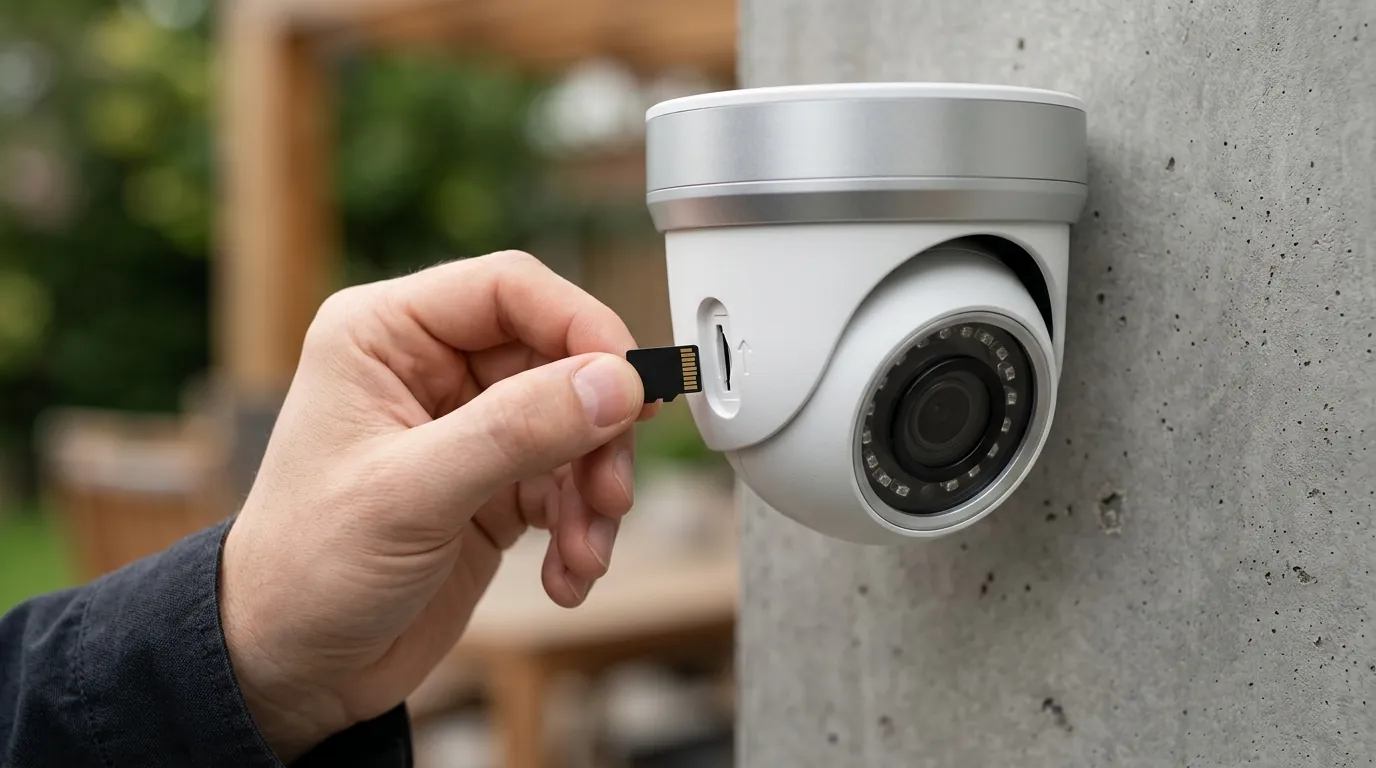
If your Eufy system is currently failing to alert you to motion or doorbell rings, you do not need to wait for a global app update. Most users can resolve the issue by manually re-mapping the notification channels within the smartphone’s operating system.
Step-by-Step Notification Recovery
For Android Users (Android 13, 14, and 15)
- Long-press the Eufy Security app icon and tap the “i” (App Info) icon.
- Select Notifications.
- Ensure the top toggle “Allow Notifications” is ON.
- Scroll down to Notification Categories (sometimes called “Notification Channels”).
- Locate the entries for “Device Events” and “Motion.”
- If they are set to “Silent” or “Default,” tap the category name and change the setting to “Alerting.”
- Ensure “Pop on screen” is enabled to restore heads-up displays.
For iOS Users
- Open the Eufy Security App.
- Navigate to Settings > Notifications.
- Locate the “Security” toggle. Even if it looks ON, toggle it OFF and then back ON to force a re-registration with APNs.
- Go to iOS Settings > Notifications > Eufy Security and ensure “Time-Sensitive Notifications” is enabled.
Firmware Verification
Ensure your HomeBase 3 is running firmware v3.4.x or higher. This version includes the server-side handshake patches required to correctly identify the new “eufy_mega” push identity. To check this:
- App > Devices > HomeBase > Settings > General > About > Check for firmware update.
Value vs. Alternatives: The Reolink Altas PT Ultra
If the frequent software regressions of the Eufy ecosystem are a dealbreaker, the primary alternative in 2026 is the Reolink Altas PT Ultra. Unlike Eufy, which relies heavily on cloud-relay for notifications, Reolink offers a more robust LAN-based notification path for users with a local NVR.
Decision Framework: Should You Switch?
| If you are a… | Recommendation |
|---|---|
| Renter | Stay with Eufy. The ease of setup and the fixable nature of this bug still outweigh the complexity of a wired system. |
| Homeowner | Consider Reolink or PoE. If security is critical, moving to a Power-over-Ethernet (PoE) system avoids Wi-Fi and push-relay instability entirely. |
| Small Business | Switch to a Pro-Sumer brand. Reliability is worth the subscription cost of a brand like Verkada or a high-end Synology Surveillance Station setup. |
The June 2026 Eufy push channel bug is a reminder that in the world of consumer security cameras, “subscription-free” does not mean “maintenance-free.” By following the manual category fixes and ensuring firmware is up to date, owners can restore their system’s alerting capabilities and regain the proactive protection they purchased.
Frequently Asked Questions
Why am I getting notifications but no sound on my Eufy camera?
This is usually caused by the smartphone operating system assigning the Eufy “Device Event” channel to a “Silent” priority. This often happens after a major app or backend update. You can fix this by going into your phone’s App Settings, finding Notification Categories, and manually changing “Motion” or “Device Events” to “Alerting.”
What is the Eufy ‘MegaTransition’ update?
The “MegaTransition” is a 2026 backend update designed to unify Eufy’s various product lines (cameras, vacuums, and sensors) into a single communication protocol. While intended to improve speed, it caused a temporary mismatch in how push notifications are identified by Android and iOS devices.
Does Eufy require a subscription for notifications to work?
No, Eufy does not require a subscription for basic text-based push notifications. However, they do offer a “Plus” subscription for “Rich Notifications” (which include a thumbnail image). The current silent notification bug affects both free and paid users because it is an architectural issue, not a subscription gating issue.
Will resetting my HomeBase fix the silent notification bug?
A simple reboot of the HomeBase 3 can sometimes help re-establish a handshake with the servers, but a full factory reset is usually unnecessary. The fix is typically found in the mobile app’s notification settings or the smartphone’s system-level notification categories.
Sources
- Eufy Official Support — https://support.eufy.com
- Eufy Security Client (Bropat) GitHub — https://github.com/bropat/eufy-security-client
- Reolink Altas PT Ultra Product Page — https://reolink.com/product/altas-pt-ultra/
- Eufy S380 HomeBase 3 Specifications — https://www.eufy.com/products/t80301d1
- FCC ID Search (Anker/Eufy RF Filings) — https://apps.fcc.gov/oetcf/eas/reports/GenericSearch.cfm