
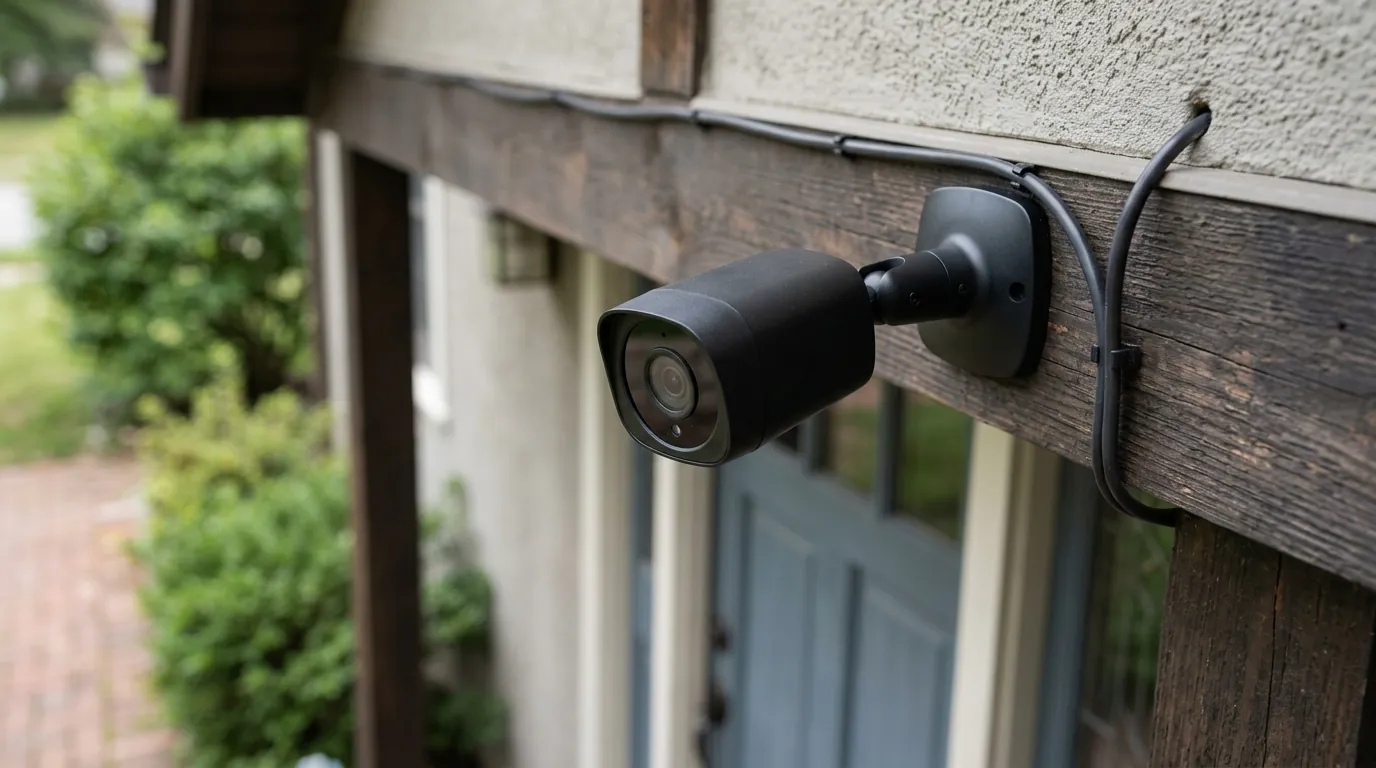
Eufy Security Notification Failure: June 2026 Update Issues & Fixes
Reliability is the silent baseline of any security system; a camera that fails to alert you to an intruder is little more than a digital paperweight. In June 2026, a significant portion of the Eufy Security user base discovered the fragility of this baseline when a series of firmware updates led to widespread motion notification failures.
Quick Answer: Eufy’s June 2026 notification issues stem from firmware v.3.8.2.8 and a media restructuring update. Fix it by clearing your app cache and performing a hard reboot of the HomeBase 3.
What happened
Related: HOA Fines for Window Security Cameras: What Homeowners Need to Know in · Yoosee App Scam: Forced ‘Kingshot’ Game Installs & Deleted Footage · Wyze Cam v4 Overheating: June 2026 Heatwave Survival Guide
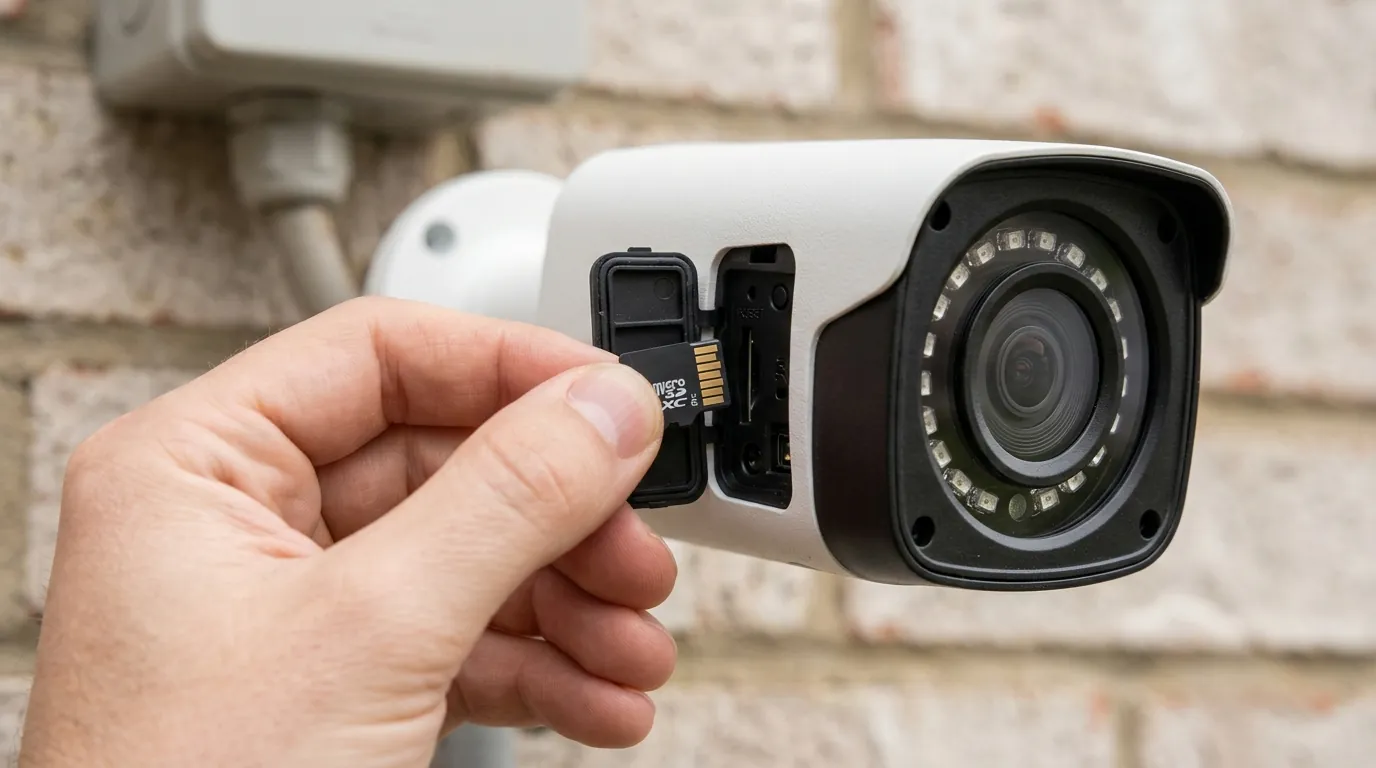
In the first week of June 2026, Eufy Security began rolling out a series of updates intended to refine its BionicMind AI and enhance data privacy. However, the deployment resulted in a cascading failure of push notifications, primarily for users utilizing the HomeBase 3 (S380) central hub. Reports from community hubs like r/EufyCam and official support tickets indicated that while cameras were still recording events to local storage, the critical “handshake” between the local hub and the user’s smartphone was failing.
The v.3.8.2.8 Firmware Rollout
The primary culprit identified by technical analysis was firmware version 3.8.2.8 for the HomeBase 3. According to Eufy’s official firmware release notes, this version was designed to “optimize AI recognition speed and improve system stability.” Instead, it introduced a bug in the notification relay service. The hub would successfully process a BionicMind AI event (identifying a person or vehicle) but would fail to push the encrypted metadata packet to Eufy’s cloud relay, which is necessary to trigger the mobile notification.
The ‘Media Restructuring’ Bug
Simultaneously, a secondary update (v.3.8.2.0 branch) was pushed to the mobile app and certain standalone cameras like the SoloCam series. This update included a “media restructuring” protocol. This was intended to change how the HomeBase 3 handles local video database indexing to allow for faster retrieval by the primary account holder. Unfortunately, for many users, this restructuring triggered an infinite loading loop. When a motion event occurred, the app would attempt to fetch the thumbnail, encounter a database mismatch, and time out before the notification could be delivered to the OS level of the smartphone.
Server-Side vs. Local Processing Conflicts
The failure highlights a complex conflict between local processing and cloud-assisted notifications. While Eufy markets its systems as “local first,” the initial push notification still requires a brief interaction with Eufy’s AWS-hosted servers to wake up the mobile device. In June 2026, the discrepancy between the new local database format (v.3.8.2.0) and the server’s expected metadata format (v.3.8.2.8) caused the servers to reject the notification packets as malformed.
| Firmware Version | Primary Purpose | Observed Issue (June 2026) |
|---|---|---|
| v.3.8.2.0 (App/Camera) | Media Restructuring & Privacy | Infinite loading loops; database indexing errors. |
| v.3.8.2.8 (HomeBase 3) | BionicMind AI Optimization | Intermittent connectivity drops; failed notification relay. |
| v.3.8.2.9 (Hotfix) | Stability Patch | [Information unavailable for all regions] |
Why it matters for buyers
For those currently shopping for a security system, the June 2026 incident provides a critical case study in the trade-offs of the “no-subscription” model. Eufy’s core value proposition is built on local AI and local storage, avoiding the monthly fees associated with Ring, Nest, or Arlo. However, this incident demonstrates that “no monthly fee” does not mean “no external dependencies.”
The Single Point of Failure Risk
The HomeBase 3 (priced in the $150–200 range) is the “brain” of the Eufy ecosystem. While standalone SoloCams can operate independently, the eufyCam S3 Pro and S330 rely on the HomeBase for AI processing and storage. When the HomeBase firmware is unstable, the entire multi-camera ecosystem is compromised. This is a significant risk compared to cloud-native systems where each camera maintains an individual connection to the service provider’s infrastructure.
Local Processing vs. Cloud Stability
Incumbents like Ring and Google Nest charge for subscriptions partly to maintain high-availability cloud clusters. Because their AI processing happens on massive server farms, they can roll back updates or patch bugs server-side without requiring the user to manually reboot hardware. Eufy’s local-heavy approach means that when a bug occurs, it lives on your hardware in your home, requiring manual intervention (like a hard reboot or cache clearing) to resolve.
The Cost of ‘No Subscriptions’
The Total Cost of Ownership (TCO) for a Eufy system is significantly lower over a three-year period, but this incident suggests that the “cost” may instead be paid in reliability and maintenance time.
Total Cost of Ownership (3-Year Estimate)
| Brand/Model | Hardware Cost (approx.) | Monthly Subscription | 3-Year Total Cost |
|---|---|---|---|
| Eufy (3-Cam S330 + HB3) | $450–550 | $0 | $450–550 |
| Ring (3-Cam Spotlight Pro) | $500–600 | $10 (Standard) | $860–960 |
| Nest (3-Cam Outdoor/Indoor) | $450–550 | $8 (Aware) | $738–838 |
Note: Eufy hardware costs include the HomeBase 3; Ring and Nest costs include the mandatory or highly recommended cloud storage plans as of mid-2026.
Impact on existing owners
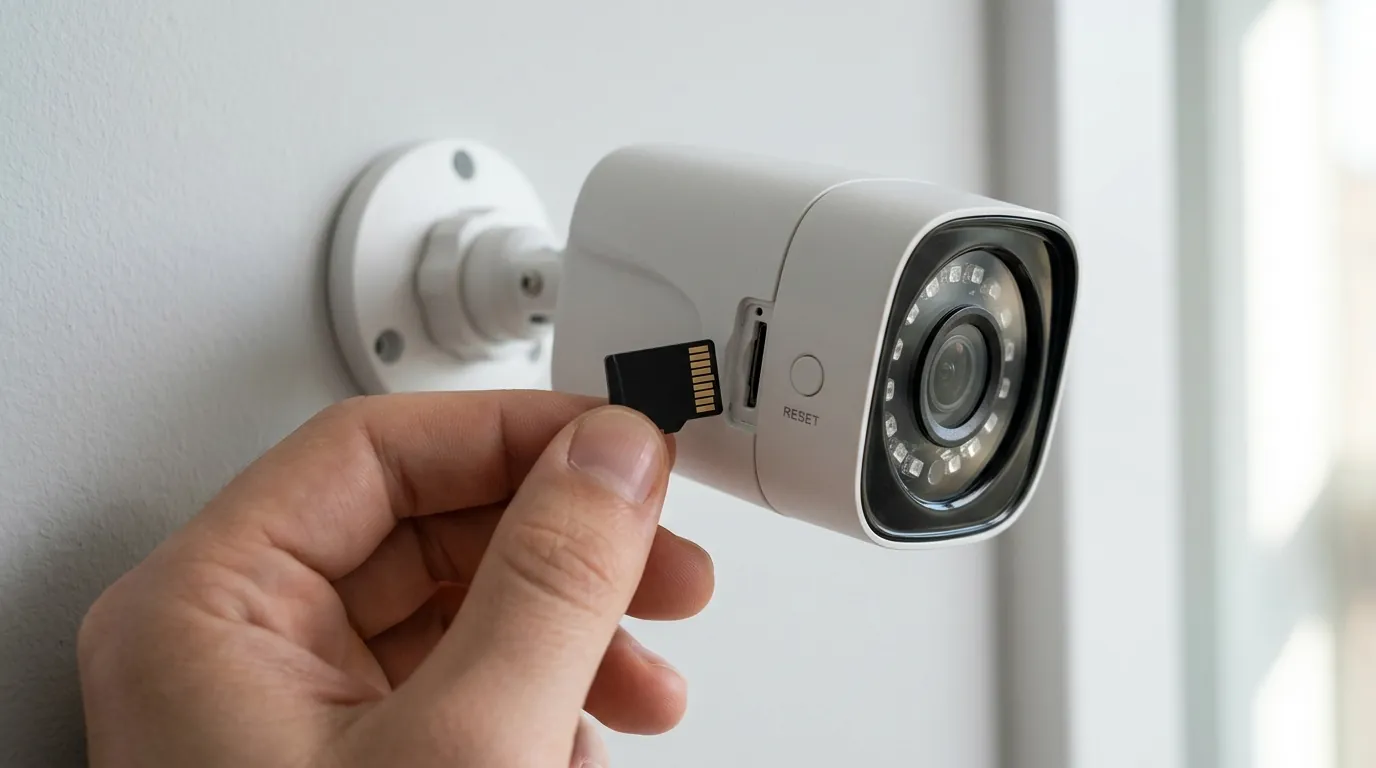
The June 2026 failure was not merely a technical glitch; it had tangible security implications for homeowners and small business owners.
HomeBase 3 (S380) Stability Issues
Owners of the HomeBase 3 reported that the unit would occasionally show a “solid red” LED status, indicating a boot failure or a loss of internet connectivity, even when the local network was stable. This state prevented all connected eufyCams from sending alerts. According to community threads on r/HomeSecurity, some users found that their HomeBase 3 would only recover after a full power cycle, only to fail again within 48 hours.
SoloCam and Doorbell Connectivity
Even standalone devices like the SoloCam S340 and the Dual Video Doorbell were affected. Because these devices share the same app infrastructure, the “media restructuring” bug caused the Eufy app to crash when attempting to open a motion notification. Users reported “ghosting,” where the notification would appear, but clicking it would open a thumbnail from a different camera or a black screen with an “Unable to play live video” error.
The ‘Ghost Image’ and Privacy Concerns
A particularly concerning side effect of the June update was the appearance of “ghost images.” Some users reported seeing thumbnails in their event history that appeared to be from different angles or even different cameras than the one labeled. Eufy addressed this in a technical advisory, clarifying that this was a local cache error caused by the new indexing system and not a cross-user data breach. However, for a brand that has previously faced privacy scrutiny regarding its cloud-based thumbnails, any anomaly in image handling is met with significant skepticism.
Battery Drain
Battery-powered cameras, such as the eufyCam S3 Pro, experienced accelerated battery drain during this period. When the HomeBase 3 failed to acknowledge a motion event notification, the cameras would remain in a “high-power” state, repeatedly attempting to handshake with the hub. Some users reported a 10–15% drop in battery life in a single week—a significant deviation for cameras designed to last months on a single charge.
What to do now
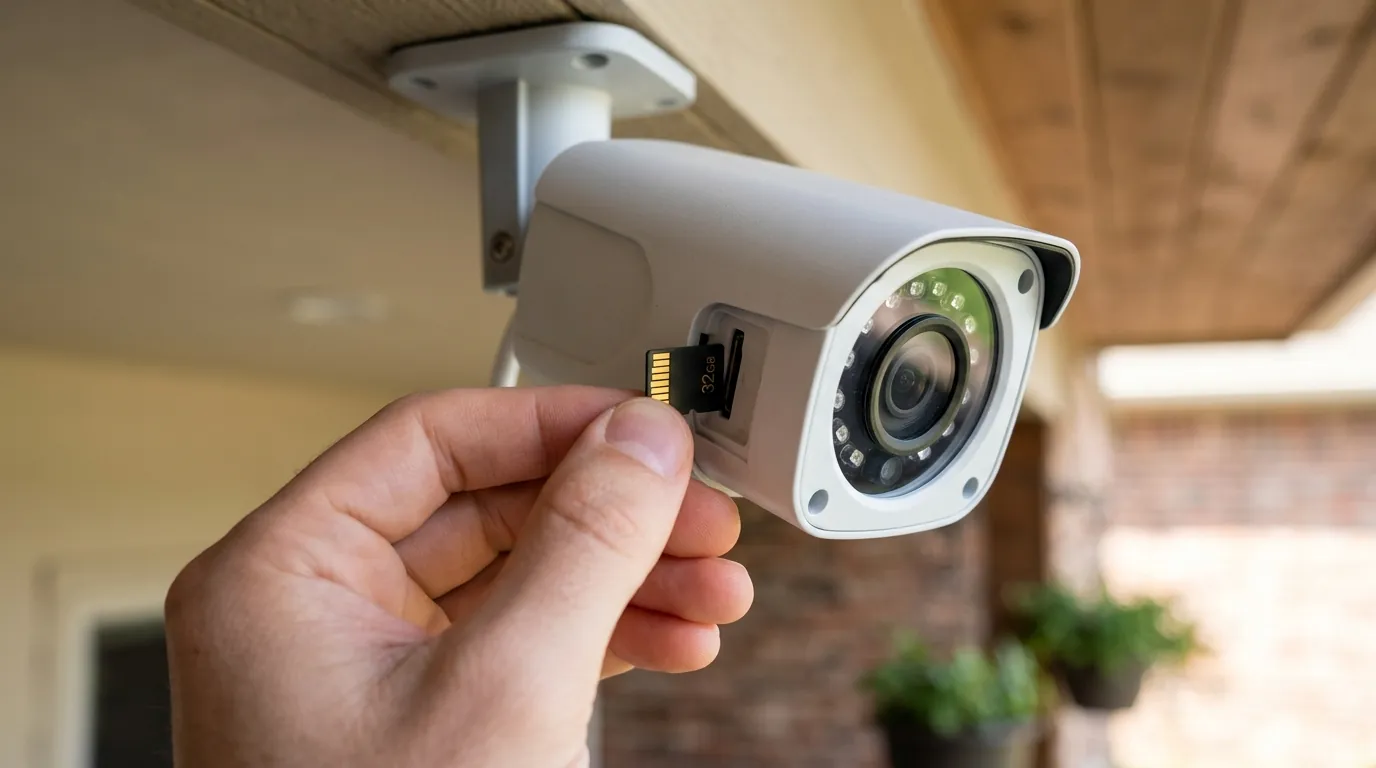
If your Eufy system is currently experiencing delayed notifications or “loading loops,” follow this prioritized troubleshooting protocol based on the most successful community fixes from June 2026.
The ‘Unbricking’ Protocol
Most notification failures are currently tied to corrupted local app data.
- Force Stop and Clear Cache: On Android, go to Settings > Apps > Eufy Security > Storage > Clear Cache. On iOS, you must delete and reinstall the app, as Apple does not allow manual cache clearing for third-party apps.
- Reset Authentication: Log out of the Eufy app, toggle Airplane Mode on and off to reset your network stack, and log back in. This forces the app to generate a new security token with Eufy’s push servers.
Hard Drive Troubleshooting
The “media restructuring” bug is particularly aggressive for users who have installed an internal 2.5-inch SSD or HDD in their HomeBase 3.
- The “Cold Start” Fix: Power down the HomeBase 3. Remove the internal drive. Power the HomeBase back on and wait for it to initialize. Once it is online, re-insert the drive. This forces the HomeBase to re-scan the file system and can often clear the indexing loop.
- Check Drive Health: Ensure your drive is a supported SATA drive. Incompatible or failing drives can cause the notification service to hang while waiting for a write confirmation.
Adjusting Notification Settings for Speed
To bypass some of the processing delays introduced in v.3.8.2.8, you can temporarily adjust your “Working Mode.”
- Open the Eufy Security App.
- Select your HomeBase 3 > Settings > Working Mode.
- Switch from “Standard” to “Performance (Beta)” if available. This mode prioritizes notification speed over battery conservation.
- In the Notification settings for each camera, ensure the “Content” is set to “Most Efficient” (text only) rather than “Include Thumbnail.” This reduces the data packet size and increases the chance of a successful relay during periods of server instability.
Decision Framework: Should You Stay with Eufy?
If you are evaluating your current system or considering a new purchase, use this framework to decide if the Eufy ecosystem meets your needs following the June 2026 updates.
- If you are a Renter or Homeowner on a Budget: Prioritize Eufy. Despite the firmware hiccups, the lack of a monthly fee saves you $100–$150 per year. The June issues are fixable through manual maintenance.
- If you are a Small Business Owner: Prioritize Reliability (Ring/Nest). A 30-minute notification delay is unacceptable for a business. The “forced” updates of a cloud-native system offer better uptime for mission-critical security.
- If you are a Privacy Advocate: Prioritize Eufy with Local-Only Mode. Use the HomeBase 3 but disable cloud thumbnails. This minimizes the “ghosting” risks seen in June 2026, though it requires a more robust home network to handle local streaming.
Frequently Asked Questions
Why is my Eufy camera recording but not sending notifications?
This is usually caused by a communication failure between the HomeBase 3 and Eufy’s push notification servers. The camera successfully records to the local hard drive, but the “push” command is blocked by a firmware bug or a corrupted app cache. Performing a hard reboot of the HomeBase 3 is the most common fix.
Did the June 2026 update cause a security breach?
No. While some users reported seeing incorrect thumbnails (“ghost images”), Eufy has stated this was a local database indexing error where the app pulled the wrong cached image from the phone’s memory. There is currently no evidence that images were shared between different users’ accounts.
How do I stop Eufy from automatically updating my firmware?
Currently, Eufy does not provide a user-facing toggle to disable “forced” firmware updates for the HomeBase 3, as these often include critical security patches. However, you can prevent the mobile app from updating by disabling “Auto-update apps” in the Google Play Store or iOS App Store settings.
Does Eufy HomeBase 3 work without internet?
The HomeBase 3 can record motion events to its local storage without an internet connection. However, you will not receive push notifications, and you will not be able to view live feeds or recordings remotely until the internet connection is restored. The June 2026 failure mimicked this “offline” behavior even when the internet was connected.
Sources
- Eufy Support — HomeBase 3 (S380) Firmware Update Log
- Eufy Privacy Policy — How Eufy Protects Your Privacy
- FCC ID Filing — Anker Innovations/Eufy HomeBase 3 RF Exposure
- The Verge — Eufy’s Lack of Encryption and Cloud Thumbnail Issues
- RTINGS — Eufy Cam S330 (eufyCam 3) Review and Specs