
Eufy Battery Drain Crisis (June 2026): Firmware Fixes & Workarounds
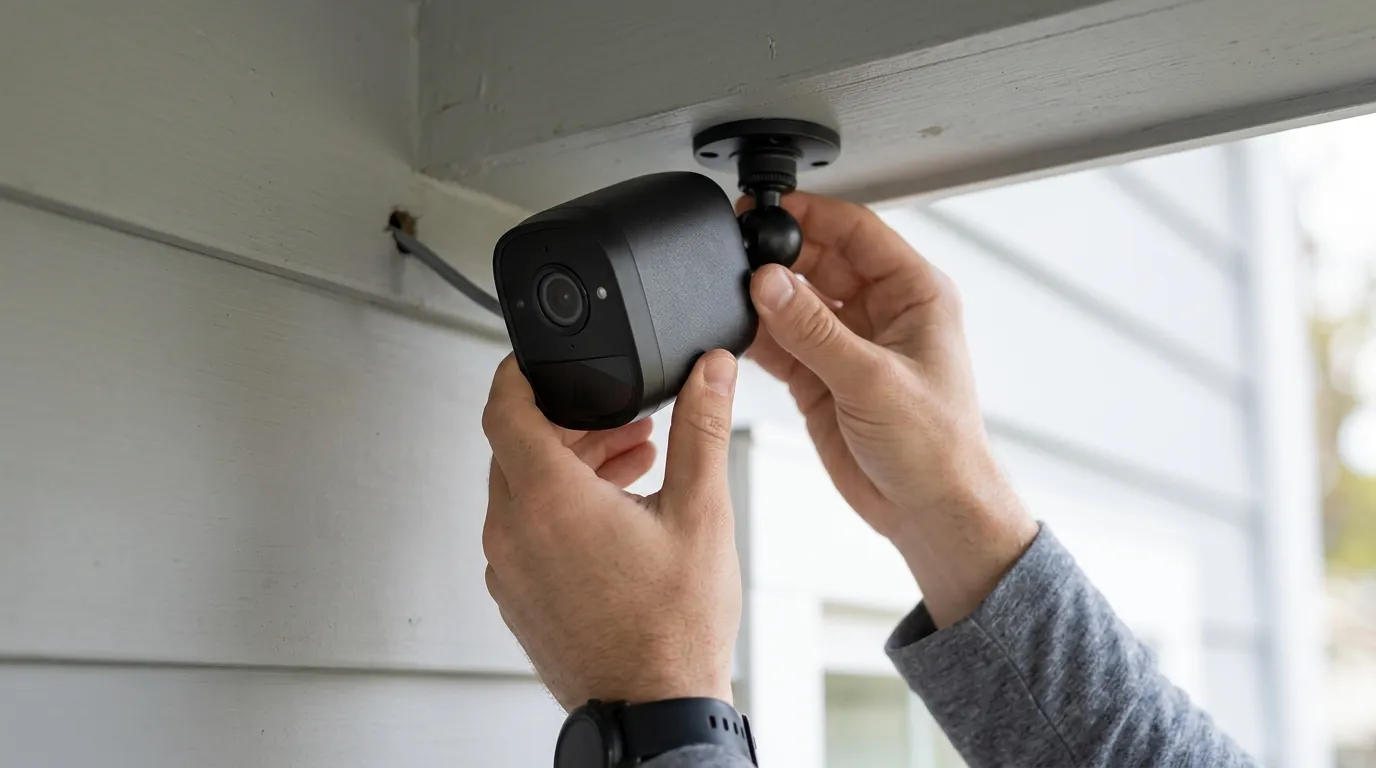
Eufy’s promise of “Forever Power” is facing its toughest test yet as a wave of battery depletion issues hits the HomeBase 3 ecosystem. If your cameras are suddenly dying within days, a series of recent system updates is the likely culprit.
Quick Answer: Recent HomeBase 3 system updates released in May and June 2026 are causing 15–60% daily battery drain on eufyCam S3 Pro and SoloCam S340 units. The issue stems from a communication loop between the cameras and the HomeBase, preventing the hardware from entering “sleep” mode. Current fixes include requesting a manual firmware patch from Eufy support or switching to “Custom” security modes to reset the polling interval.
What happened
Related: Ring Doorbell Overheating in June 2026: What Buyers Need to Know · Blink Camera Battery Drain in Summer Heat 2026: What Buyers Need to Kn · How to Keep Security Cameras Cool: 2026 Summer Heatwave Guide
In May and June 2026, the Eufy user community began reporting a sharp, unexplained decline in battery health across several flagship models. While Eufy’s marketing traditionally promises up to 365 days of battery life on a single charge, many users are currently seeing their cameras go from 100% to zero in less than a week.
The crisis is primarily linked to the HomeBase 3 (S380), the central hub responsible for processing AI and storing footage locally. Following a series of system-wide updates deployed in late Q2 2026, the communication protocol between the hub and the cameras appears to be malfunctioning. Instead of the camera “waking up” only when motion is detected, the HomeBase is keeping the camera’s wireless radio and AI processor in a high-power state.
The HomeBase 3 Connection Bug
The core of the problem lies in what community developers call a “keep-alive” loop. Under normal conditions, a wireless Eufy camera remains in a low-power hibernation state until its Passive Infrared (PIR) sensor triggers. In the current June 2026 scenario, the HomeBase 3 is frequently pinging the cameras to verify their encrypted connection status. When a camera fails to respond instantly, the HomeBase initiates a high-power reconnection cycle. This cycle repeats indefinitely, draining the battery even if no motion is ever detected.
Ghost Triggers and AI Processing Overhead
Beyond the connection bug, users on r/EufyCam have documented an increase in “ghost triggers.” These occur when the camera’s BionicMind AI attempts to categorize an object—such as a swaying branch or a shadow—but fails to reach a confidence threshold to record. Normally, this process is nearly instantaneous. However, the recent firmware has increased the processing time for these non-events. The camera remains “awake” and active for 10–20 seconds per trigger, leading to massive cumulative drain in high-traffic areas or windy conditions.
| Firmware Event | Reported Symptoms | Observed Drain Rate |
|---|---|---|
| Early May 2026 Update | Frequent “Offline” status; delayed notifications | 10–20% per day |
| Late May 2026 Update | AI recognition lag; HDD recognition failure | 20–40% per day |
| June 2026 System Patch | Constant radio polling; solar charging bypass | 40–60% per day |
| Normal Operation | Standard PIR wake-up; local AI processing | < 1% per day |
Note: Firmware version numbers for these specific updates are currently [information unavailable] as Eufy has paused the public versioning display in some regions during the rollout of the fix.
Why it matters for buyers
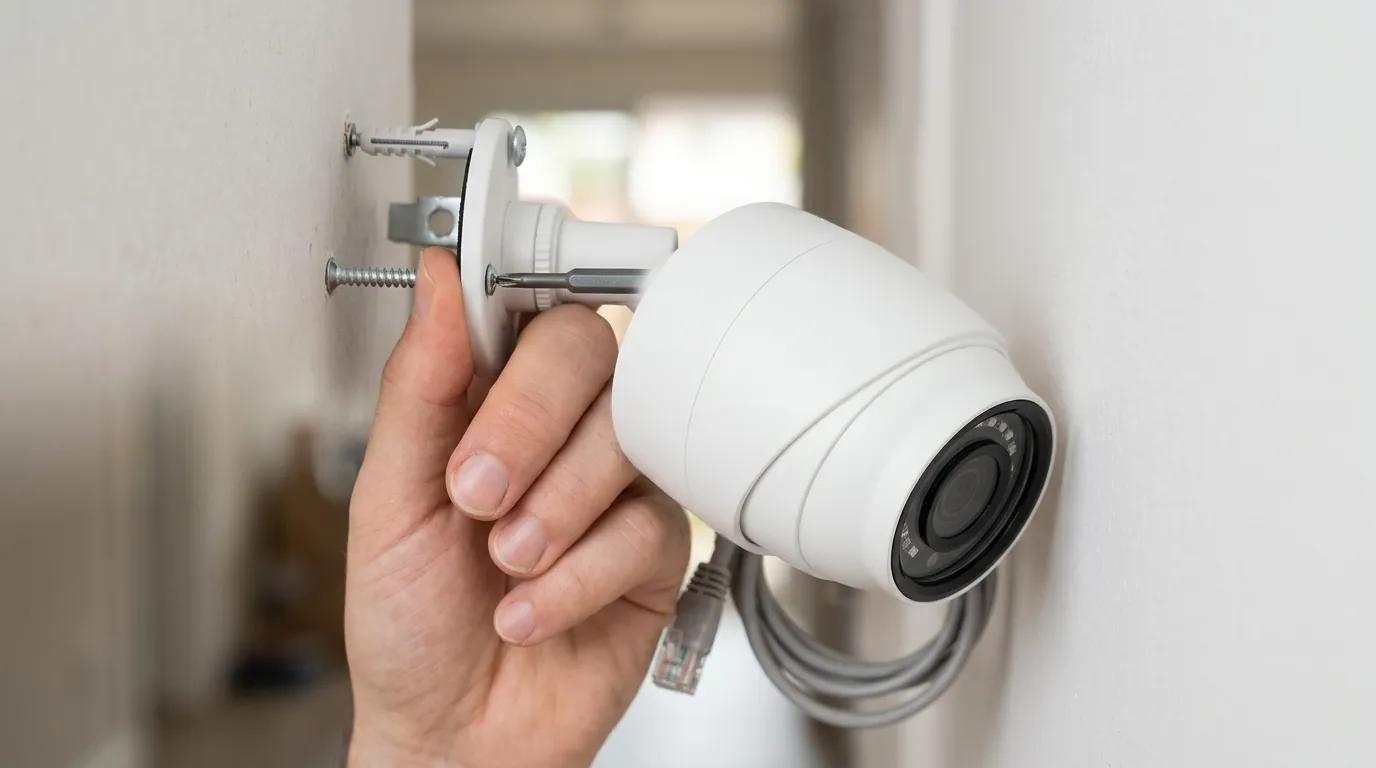
For those currently shopping for a security system, the June 2026 battery crisis represents a significant breach of the “set it and forget it” value proposition. Eufy’s primary advantage over competitors like Ring or Arlo is the lack of monthly fees and the promise of “Forever Power” via integrated solar panels on models like the eufyCam S3 Pro.
The Reliability Gap in “Subscription-Free” Hardware
The current bug effectively nullifies the solar advantage. When a camera drains at 30% per day, a standard integrated solar panel—which typically adds 2–5% of charge per day under ideal sun—cannot keep up. This forces homeowners to treat their “wireless” cameras as high-maintenance devices that require frequent manual intervention. For buyers escaping the subscription models of Nest, where software stability is generally higher due to cloud-side processing, these local-processing regressions represent a hidden “maintenance cost” in the form of manual labor and potential security gaps during downtime.
Impact on the 2026 Product Lineup (S4 and E42 Series)
The timing is particularly poor for Eufy, as it coincides with the launch of the SoloCam E42 (around $150). The E42 and other 2026 entries rely on the same HomeBase 3 BionicMind ecosystem. Because the bug is centralized in the HomeBase software rather than the individual cameras, even the newest hardware is vulnerable. Buyers should be aware that a single “hub” update can compromise the security of an entire multi-camera property, a risk inherent to centralized local-storage systems.
Decision Framework: Is Eufy Still the Right Choice?
| If you are a… | Recommendation |
|---|---|
| Renter | Wait. Until the HomeBase 3 stability is confirmed, the frequent need to unmount cameras for charging is a major inconvenience in temporary housing. |
| Homeowner | Proceed with Caution. If you can hardwire your most critical cameras (using Eufy’s outdoor power cables), the software bug is a non-issue. For purely solar installs, wait for the July patch. |
| Small Business | Look at PoE. For critical security, the reliability of a battery-powered system is currently too low. Consider the Eufy Professional line or a wired Reolink system. |
| Privacy-First User | Buy. Despite the battery bugs, Eufy remains one of the few consumer brands offering 4K local AI processing without a mandatory cloud subscription. |
Impact on existing owners
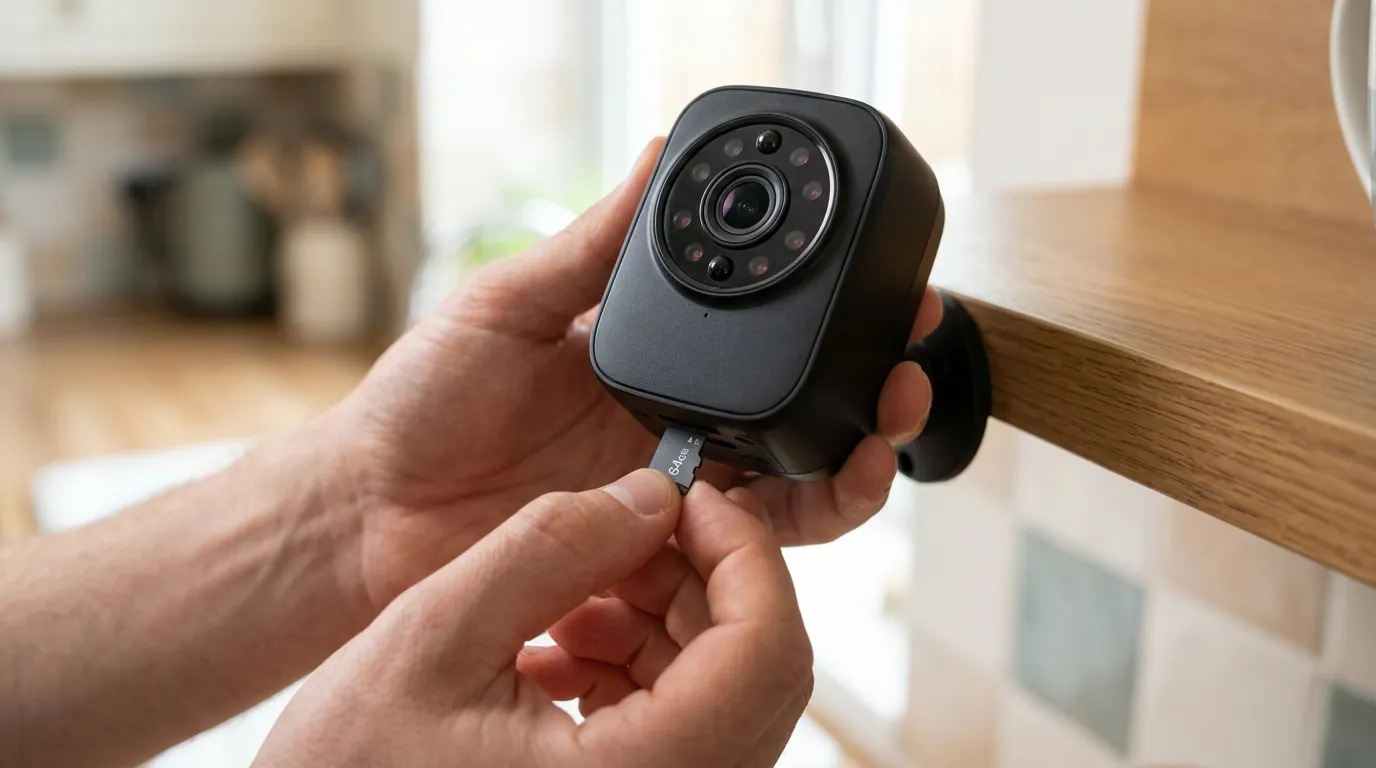
Existing owners are bearing the brunt of this firmware regression, with many reporting “ladder fatigue”—the frustration of having to physically unmount cameras mounted 10–15 feet high to bring them inside for a USB-C charge.
Hardware Longevity and Battery Health
The most concerning long-term impact is the potential for permanent battery degradation. Lithium-ion batteries are most stable when kept between 20% and 80% charge. The June 2026 bug is forcing many units into “deep discharge” cycles, where the camera hits 0% and stays there until the owner can reach it. Repeatedly dropping to 0% can shorten the 5-year expected lifespan of the internal cells, potentially leading to a hardware failure long before the camera’s optics or processor become obsolete.
The Local Storage Failure (HomeBase 3 HDD Issues)
Alongside the battery drain, some users have reported that the latest system updates have caused the HomeBase 3 to stop recognizing internal SATA hard drives. This forces the system to rely on its 16GB of built-in eMMC storage, which fills up rapidly with 4K footage. When the storage is full, the system may struggle with file overwriting, causing additional CPU load on the HomeBase and further contributing to the communication lag that drains the camera batteries.
Third-Party Integration Draw
Users utilizing Home Assistant or other third-party bridges have noted that the recent updates have changed how the Eufy API handles status requests. The cameras are reportedly receiving “unstoppable” polling requests from the hub, which is attempting to sync the local AI database. If you use a smart home dashboard, your battery drain may be even more severe as the camera is caught between the HomeBase’s bugged requests and the dashboard’s status pings.
Total Cost of Ownership (3-Year Estimate)
When evaluating Eufy against competitors, the lack of a subscription is the main driver, but the “maintenance cost” of the 2026 bug must be factored in.
- EufyCam S3 Pro (2-Cam Kit): Around $500.
- Subscription Fees (3 Years): $0.
- Maintenance Cost: Estimated 6-8 hours of troubleshooting/ladder work during firmware crises.
- Total 3-Year Cost: ~$500 + time.
Compare to:
- Ring Battery Doorbell Pro: Around $230 + $180 (3 years of Ring Protect Basic). Total: ~$410.
- Nest Cam (Battery): Around $180 + $240 (3 years of Nest Aware). Total: ~$420.
While Eufy is more expensive upfront, it remains cheaper over three years, provided the hardware survives the current battery stress.
What to do now
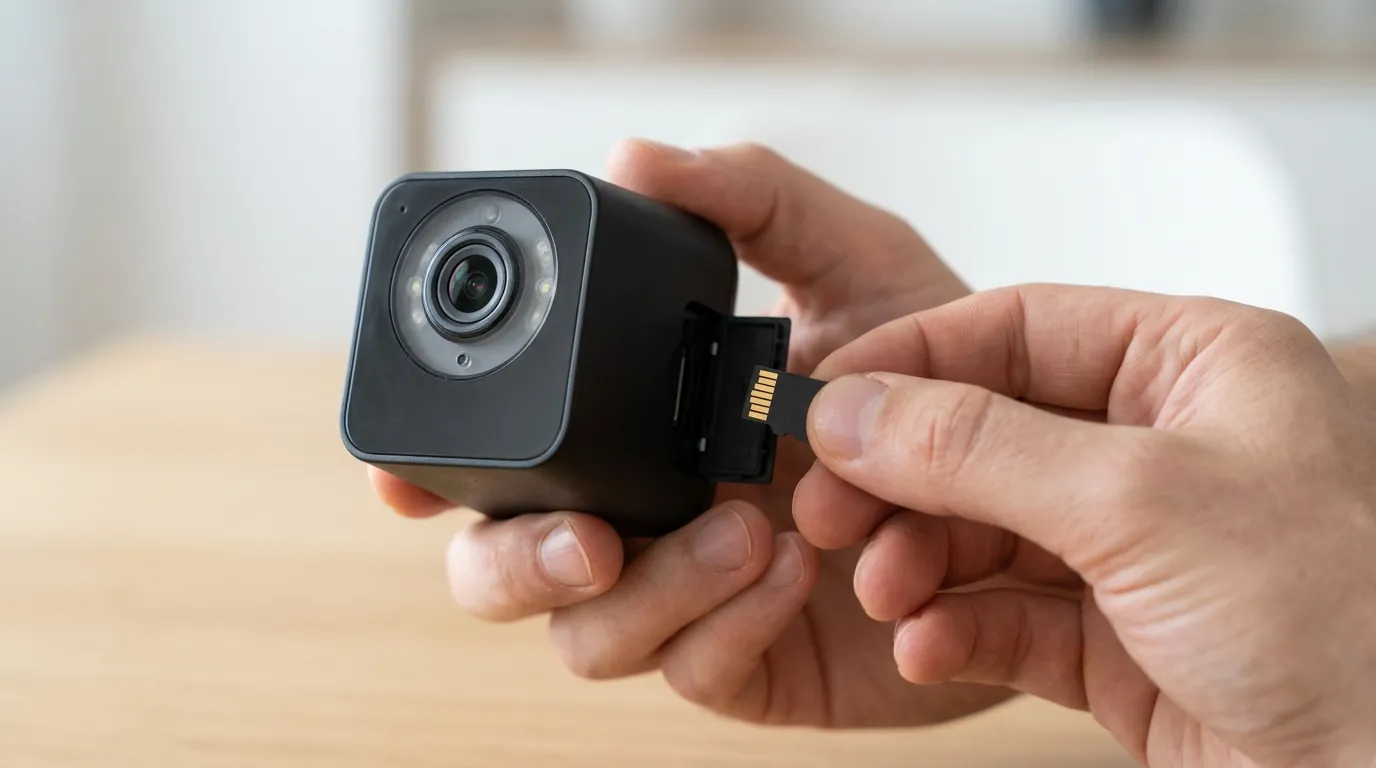
If your cameras are currently losing more than 5% of their charge per day, follow these steps to mitigate the damage while waiting for a permanent fix from Eufy.
Step-by-Step Troubleshooting Guide
- Check Firmware Status: In the Eufy Security app, go to Device Settings > General > About Device. Check both the HomeBase 3 and the individual cameras. If the “Check for firmware update” button shows no new versions, you are likely on the bugged June 2026 build.
- The “Custom Mode” Workaround: This is the most successful community-discovered fix. Navigate to the Security tab in the app, select your HomeBase, and create a Custom Mode. Mirror your “Away” settings exactly, but ensure that “Record Video” and “Push Notification” are the only active toggles. Switching to this custom profile appears to reset the polling interval and has reduced drain for many users.
- Optimize Power Manager: Go to Device Settings > Power Manager. Ensure the camera is set to “Optimal Battery Life.” While “Optimal Surveillance” is tempting for its 60-second clips, it will accelerate the current drain bug.
- Lower Detection Sensitivity: Reduce the “Motion Detection” sensitivity to Level 3 or lower. This minimizes the “Ghost Triggers” mentioned earlier, giving the AI less work to do while the software is unstable.
How to Contact Eufy Support for the 2026 Patch
Eufy often releases “canary” patches to specific users before a global rollout. To get on this list:
- Email support@eufy.com.
- Subject: “Battery Drain Issue - HomeBase 3 - [Your Serial Number]”
- In the body, state: “I am experiencing 20%+ daily battery drain on my S3 Pro/S340 cameras since the June update. Please push the battery optimization patch or provide a firmware rollback for my HomeBase 3 (SN: [Your SN]).”
Optimizing Settings for the Interim
If your cameras are mounted in high, hard-to-reach places, consider purchasing a 13-foot USB-C charging cable (around $20) to temporarily power the camera from a ground-level power bank or outlet. This prevents the battery from hitting 0% and saves you from repeated ladder trips until Eufy confirms a stable system update has been deployed.
Frequently Asked Questions
Why is my Eufy solar camera not charging in the sun?
In June 2026, many users are finding that the power draw from the firmware bug (15-60% daily) far exceeds the 2-5% daily charge provided by integrated solar panels. The camera is charging, but it is losing power faster than the sun can replenish it.
Can I roll back my Eufy firmware myself?
No. Eufy does not provide a user-facing tool to roll back firmware. You must contact Eufy support and provide your device’s serial number so they can manually “push” an older, stable version or a new beta patch to your specific HomeBase 3.
Does the battery drain affect wired Eufy cameras?
The bug affects the communication protocol between the HomeBase 3 and its connected devices. While wired cameras (like the OutdoorCam series) won’t “die,” they may experience “Offline” errors, laggy live feeds, and delayed notifications as the HomeBase struggles with the same processing loops affecting the battery units.
Will Eufy replace my camera if the battery dies permanently?
Eufy typically offers a 12-month limited warranty. If your camera’s battery health has significantly degraded due to these deep discharge cycles and you are within the warranty period, you should document your battery percentage charts in the app to support an RMA (Return Merchandise Authorization) claim.
Sources
- Eufy Official Support - Battery Optimization Guide
- eufyCam S3 Pro Product Specifications
- SoloCam S340 Dual-Lens Tech Specs
- Eufy Privacy and Security Commitment
- Community Discussion: HomeBase 3 Connectivity Issues (r/EufyCam)
Quvii tracks these software trade-offs across the security category to help buyers understand the long-term reliability of “subscription-free” hardware.