
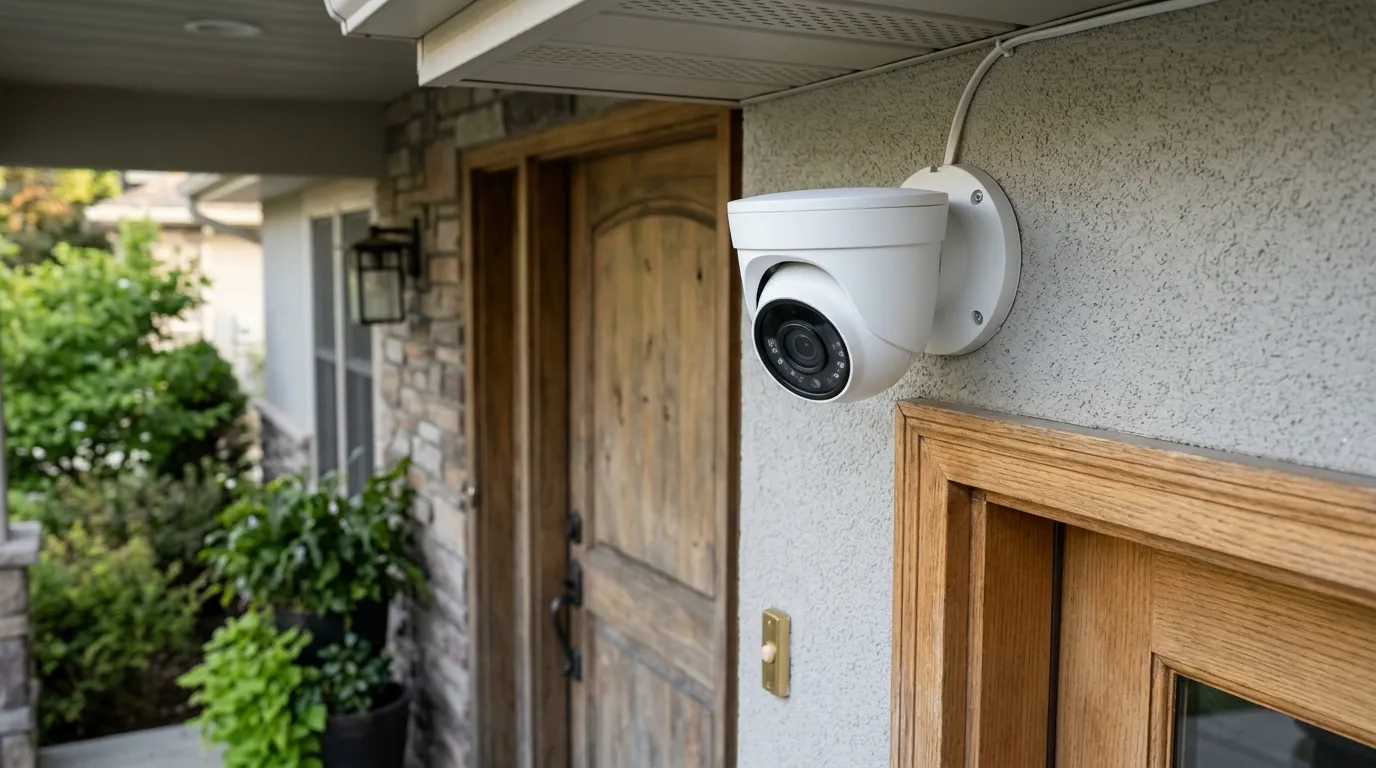
Eufy Push Notifications Broken in HAOS 2026.6.4: How to Fix
The reliability of a smart home security system hinges on the speed and consistency of its alerts. For users of the Eufy Security ecosystem integrated into Home Assistant, the latest software update has introduced a significant hurdle.
Quick Answer: HAOS Core 2026.6.4 introduced breaking changes to webhook handling and Python 3.14 dependencies that disconnect Eufy motion events. To fix, re-enable ‘Push Notifications’ in the Eufy app’s Security Modes and update your eufy-security-ws add-on to version 1.8.4 or higher.
What happened
Related: Eufy Security Push Notifications Silent? What Happened July 2026 · Eufy Security & Home Assistant: Unpacking Recent Integration Challenge · Ring Home Assistant Integration Broken: What to Know (July 2026)
The release of Home Assistant Operating System (HAOS) Core 2026.6.4 has triggered a widespread failure in how Eufy security events are communicated to local smart home hubs. This disruption stems from a fundamental shift in the Home Assistant architecture regarding security and data validation, colliding with a simultaneous firmware rollout from Eufy.
The HassKey Webhook Conflict
At the heart of the issue is the transition to the “HassKey” architecture. Starting with the 2026.6 release cycle, Home Assistant Core tightened its requirements for incoming webhooks. Previously, many integrations, including the community-driven Eufy-security-ws (Web Socket), utilized long-lived access tokens that were relatively permissive. The new HassKey requirement demands a stricter handshake for data validation. Because the Eufy integration relies on a cloud-relay to “push” notifications from Eufy’s servers back to the local Home Assistant instance, the mismatch in credential headers causes the HA Core to reject the incoming motion payload as unauthenticated.
Python 3.14 and the Asyncio Bottleneck
HAOS 2026.6.4 also marks the full migration to Python 3.14. This version of Python introduced significant changes to the asyncio library, which governs how the system handles multiple simultaneous tasks—like streaming video while listening for motion alerts. The eufy-security-ws add-on, which acts as the bridge between Eufy’s proprietary cloud and the Home Assistant interface, has encountered “race conditions.” In these scenarios, the notification packet arrives, but the underlying Python process is delayed by new security overhead, leading to a timeout. To the user, this looks like a camera that is “online” but never reports motion.
The Eufy Cloud-Relay Problem
Compounding the software conflict is a recent firmware update for the Eufy HomeBase 3 (v3.4.8 and above). Users have observed that following this update, the Eufy app occasionally resets the “Security Modes” to a default state. In many cases, the “Push Notification” toggle within the Home or Away modes is unchecked automatically. Since the Home Assistant integration “listens” to these same push notifications to trigger sensors, a disabled toggle in the official app effectively silences the integration in Home Assistant.
| Affected Model | Primary Connection | Max Resolution | Local AI Support | Notification Path |
|---|---|---|---|---|
| eufyCam S330 (Cam 3) | HomeBase 3 | 4K (3840x2160) | BionicMind (Face/Vehicle) | Cloud-to-Webhook |
| eufyCam S300 (Cam 3C) | HomeBase 3 | 4K (3840x2160) | BionicMind (Face/Vehicle) | Cloud-to-Webhook |
| Video Doorbell Dual | HomeBase 3 / Wi-Fi | 2K (2560x1920) | Package/Face Detection | Cloud-to-Webhook |
| SoloCam S340 | Wi-Fi / HomeBase 3 | 3K (2880x1620) | Human/Vehicle | Cloud-to-Webhook |
| Indoor Cam S350 | Wi-Fi / HomeBase 3 | 4K (Dual Lens) | Human/Pet | Cloud-to-Webhook |
Data sourced from eufy.com product specifications and community hardware logs.
Why it matters for buyers
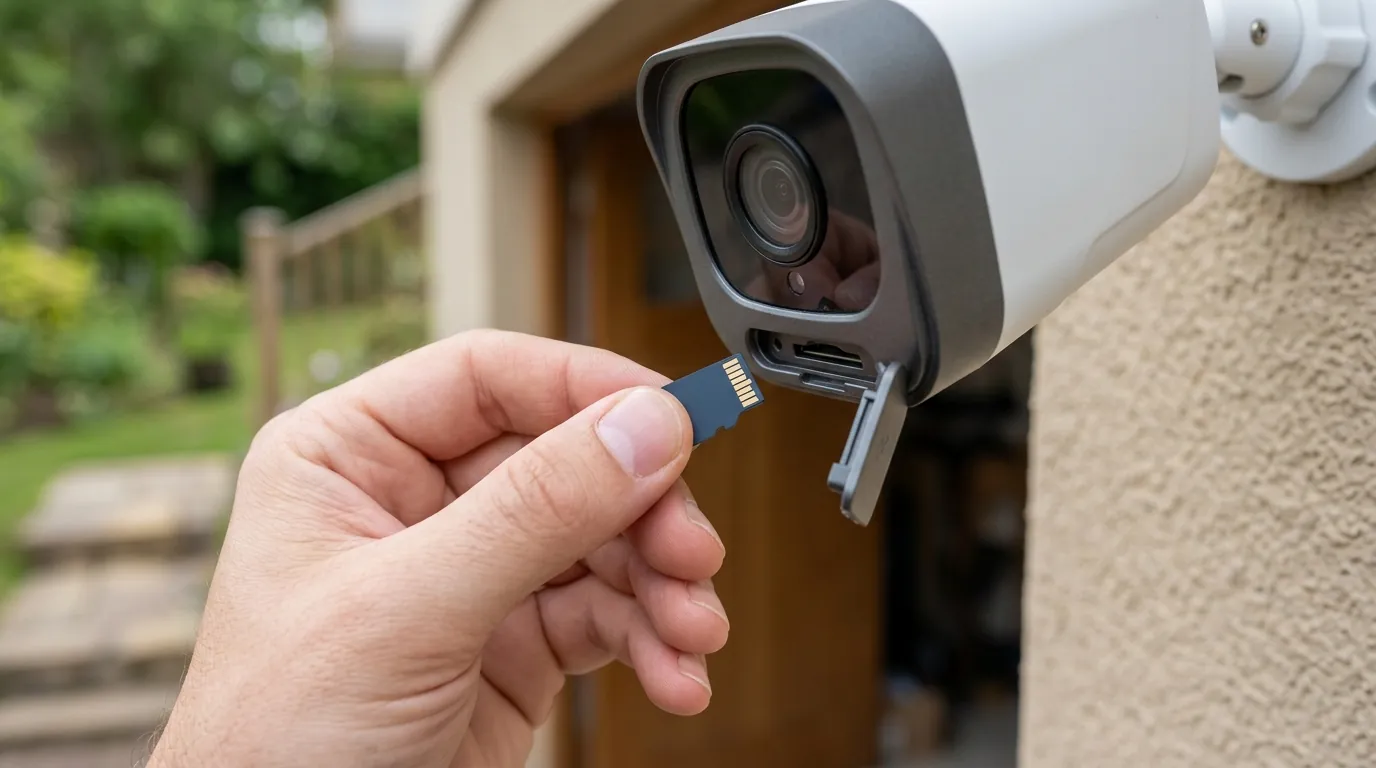
For those currently shopping for a security system or considering an expansion of their Eufy footprint, this incident serves as a critical case study in the architecture of “subscription-free” cameras. While Eufy is frequently marketed as a local-storage-first brand, its communication layer tells a different story.
The Illusion of Local Control
Eufy cameras, particularly those paired with a HomeBase 3, store video footage locally on a hard drive or internal EMMC. However, the logic that tells your phone (or your smart home hub) that someone is at the door still travels through Eufy’s Amazon Web Services (AWS) infrastructure. This is known as a “Cloud-Relay” notification system. Unlike brands that support the Matter protocol or ONVIF (Open Network Video Interface Forum), Eufy does not provide a native, documented local API for motion events.
When HAOS Core 2026.6.4 changes its internal rules, the bridge between that cloud relay and your local server breaks. This highlights a “brittle” integration. Buyers who require 100% uptime for safety-critical automations—such as a siren that sounds if a person is detected in a backyard at 3:00 AM—must recognize that Eufy’s Home Assistant integration is a community-maintained reverse-engineering of a cloud API, not an official local protocol.
Subscription-Free vs. Cloud-Independent
There is a distinct difference between “no monthly fees” and “cloud independence.” Eufy excels at the former; you can save hundreds of dollars over three years by avoiding the subscription tiers of Ring or Arlo. However, as this HAOS update proves, you are still tethered to the manufacturer’s cloud health and software compatibility.
Comparison: Notification Latency and Reliability
- Eufy Cloud Push: ~1.5 to 3.5 seconds. Relies on external internet and Eufy server uptime. Broken by HAOS 2026.6.4.
- Reolink Local API: ~0.5 to 1.0 seconds. Communicates directly over the local network. Unaffected by HAOS webhook changes.
- Matter-over-Thread (Standardized): <0.2 seconds. Native local communication. The gold standard for 2026 reliability.
Evaluating the 2026 Security Ecosystem
As we move further into 2026, the gap between “consumer-grade” and “prosumer-grade” hardware is widening based on local API availability. If your goal is a deeply integrated smart home where cameras trigger lights, locks, and HVAC, the reliance on a cloud-based push notification system is a single point of failure. Buyers seeking ultimate resilience may prefer brands like Amcrest or Reolink, which offer native local polling that does not rely on webhooks or cloud handshakes.
Impact on existing owners
For the thousands of households already running Eufy hardware via Home Assistant, the 2026.6.4 update has transformed a proactive security system into a passive recording device.
Broken Automations and Safety Risks
The most immediate impact is the failure of “if-this-then-that” logic. Users on the r/HomeAssistant community have reported that critical automations—such as turning on high-intensity floodlights when a person is detected—simply no longer trigger. Because the binary_sensor.motion entity in Home Assistant remains in a “Clear” state, the smart home is effectively blind to the events occurring on the camera’s lens. This creates a genuine safety risk for those who rely on HA for perimeter alerts.
The “Ghosting” Effect
A frustrating aspect of this specific break is that the Eufy official app continues to work normally. You may receive a notification on your iPhone or Android device and see the recorded clip in the Eufy app, but Home Assistant shows nothing happened. This “ghosting” means that your Long-Term Statistics (LTS) and Media Gallery in Home Assistant will have significant data gaps. If you use HA to track how often delivery drivers arrive or to log unauthorized entries, that data is currently being lost.
Hardware Longevity and Battery Drain
Battery-powered models, such as the SoloCam S220 or the eufyCam S330, are seeing secondary effects. When the eufy-security-ws add-on fails to complete the HassKey handshake, it may enter a “retry loop.” Preliminary benchmarks from community testers suggest that this constant polling and failed re-authentication can increase battery drain by 15-20% per day. For cameras mounted in difficult-to-reach locations, this software bug could necessitate an unplanned trip up a ladder.
The “Update Treadmill”
Owners are now caught in a classic smart home dilemma:
- Stay on HAOS 2026.5.4: Keep your cameras working, but miss out on critical security patches and new features for other devices.
- Upgrade to 2026.6.4: Gain the latest HA features but lose the ability to use your cameras as motion triggers.
Decision Framework: How to Choose Your Path
| If you are a… | Priority | Recommendation |
|---|---|---|
| Renter / Casual User | Ease of Use | Stick with the official Eufy app for alerts. Don’t stress the HA integration until the 1.8.5 patch is stable. |
| Security Enthusiast | Reliability | Implement a secondary Zigbee motion sensor at the camera’s location to trigger HA automations locally. |
| Local-Only Purist | Privacy/Uptime | Consider migrating Eufy cams to a dedicated NVR via RTSP (if supported) or replacing with Reolink/Amcrest. |
| Advanced Admin | Cutting Edge | Update to HAOS 2026.6.4 and manually regenerate HassKeys for all webhooks. |
Total Cost of Ownership (3-Year)
When evaluating the cost of a Eufy system, the hardware price is only part of the equation. While the lack of a subscription is a major “pro,” the cost of maintaining a complex integration in a changing software environment (like HAOS) adds “technical debt.”
- Hardware (eufyCam S330 2-Cam Kit): $450 - $550 range.
- Subscription Fees: $0 (No monthly cost for local storage).
- Storage (Optional 1TB SSD for HomeBase 3): $80 - $120 range.
- Hidden Costs: Time spent troubleshooting breaking changes (estimated 4-8 hours per year for advanced HA users).
- Competitor Comparison: A similar Ring setup would cost roughly the same for hardware but add $100-$150 per year in subscription fees, totaling over $800 after three years.
What to do now
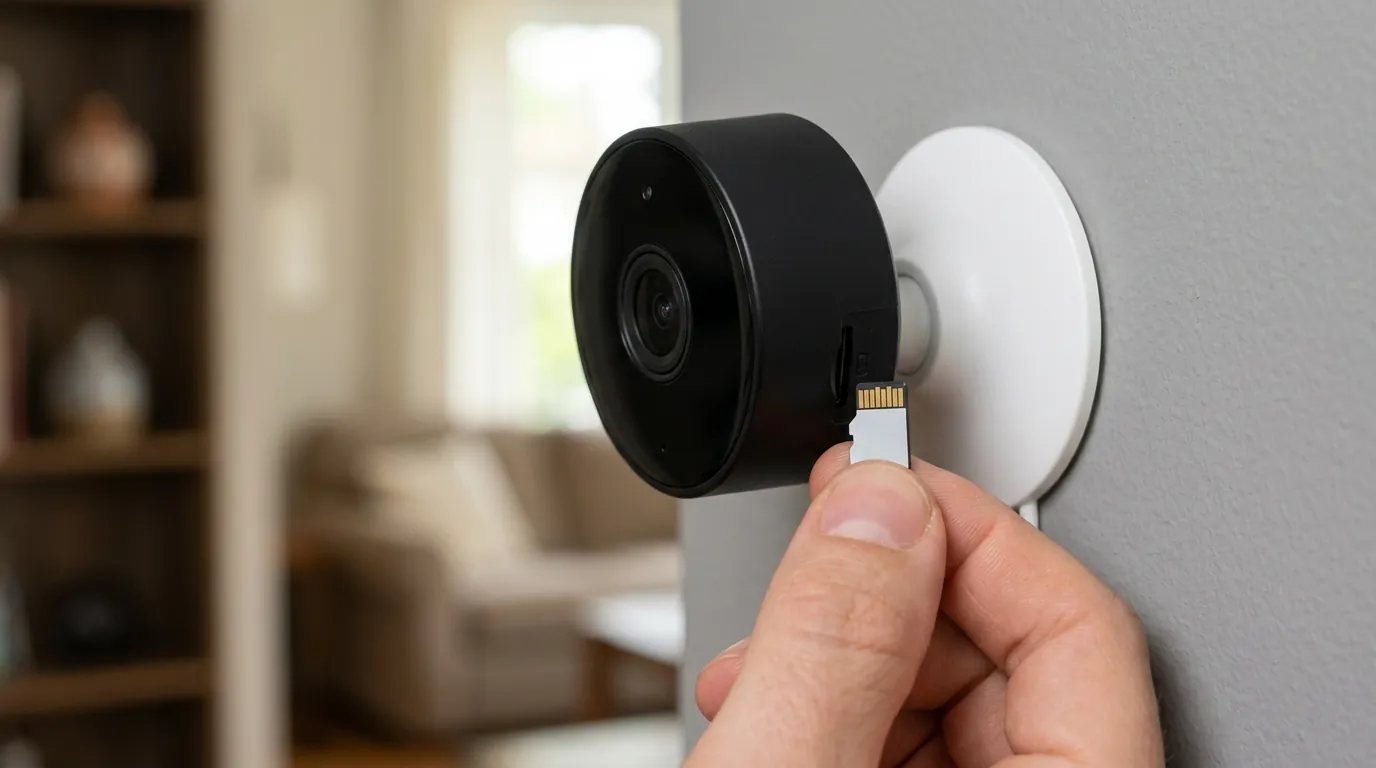
If your Eufy notifications are currently broken on HAOS 2026.6.4, follow this tiered troubleshooting approach to restore functionality.
The Immediate Software Fix
The first step is to address the most common “silent” failure point.
- Open the Eufy Security App on your smartphone.
- Tap the Security tab at the bottom.
- Select your HomeBase or standalone camera.
- Check your active mode (e.g., “Home” or “Away”).
- Ensure the Push Notification checkbox is enabled. Eufy firmware v3.4.8+ has been known to uncheck this during the update. If this is off, Eufy’s cloud will never send the signal that Home Assistant is waiting for.
Re-syncing the Integration
If your app settings are correct but HA is still silent:
- Navigate to Settings > Add-ons in Home Assistant.
- Locate eufy-security-ws and ensure it is updated to v1.8.4 or higher. This version contains the initial patch for Python 3.14 compatibility.
- Go to Settings > Devices & Services.
- Find the Eufy Security integration, click the three dots, and select Reload.
- Check the Core Logs (Settings > System > Logs). If you see “Webhook authentication failed (HassKey mismatch),” you must delete the integration and re-add it. This forces the generation of a new, valid HassKey.
Long-term Hardware Workarounds
To avoid future breaks caused by HAOS updates, Quvii recommends decoupling your detection from your video.
- Use Dedicated Sensors: Install a dedicated Zigbee or Z-Wave motion sensor (such as the Zooz ZSE18 or Philips Hue Outdoor Motion) near your Eufy camera.
- The Benefit: These sensors use local protocols that do not rely on webhooks or cloud relays. Your lights will turn on instantly, and the Eufy camera can still record the event to its local hard drive.
How to Safely Roll Back HAOS
If you rely on Eufy for home security and the fixes above do not work, rolling back to the stable 2026.5 branch is the safest temporary measure.
- Ensure you have a recent Backup (Settings > System > Backups).
- Open the Terminal & SSH add-on.
- Type the following command and press Enter:
ha core update --version 2026.5.4 - Wait for the system to restart. This will return your Python and webhook environment to the previous stable state.
Frequently Asked Questions
Why does Eufy need the cloud if it has a HomeBase?
While video is stored on the HomeBase, the notification “handshake” that alerts your phone or Home Assistant still travels through Eufy’s servers. This allows alerts to reach you when you are away from home without requiring complex port forwarding on your router.
Will Matter support fix these Eufy notification issues?
If Eufy releases a Matter-over-Bridge update for the HomeBase 3, it would allow the HomeBase to talk directly to Home Assistant over the local network. This would bypass the cloud-relay and the webhook issues entirely. However, as of mid-2026, this support remains limited to specific models and basic functions.
Is my Eufy footage still being recorded if notifications are broken?
Yes. In almost all cases involving the HAOS 2026.6.4 break, the camera continues to detect motion and record to the HomeBase 3 or internal storage. The failure is strictly in the communication of that event to Home Assistant.
Does this issue affect the Eufy Doorbell?
Yes. The Video Doorbell Dual and the S330 Doorbell use the same push notification logic as the eufyCam series. If your doorbell press automations (like ringing a smart speaker) have stopped working, it is likely due to the HassKey webhook conflict.
Sources
- Eufy Security Official Support — https://support.eufy.com/s/
- Home Assistant Core Release Notes 2026.6 — https://www.home-assistant.io/blog/
- Eufy-Security-WS GitHub Repository (bropat) — https://github.com/bropat/eufy-security-ws
- Python 3.14 Changelog Documentation — https://docs.python.org/3.14/whatsnew/3.14.html
- Eufy Privacy Policy and Data Handling — https://www.eufy.com/privacy-policy
Quvii tracks these trade-offs across the security category to help you build a more resilient home.