
Eufy 'Silent Registration' Discovery: What It Means for Your Privacy
For smart home enthusiasts using third-party integrations, a “Succeed” message in a system log is usually a sign of relief, but for Eufy users in mid-2026, it has become the herald of a broken ecosystem.
Quick Answer: The “push channel silent registration succeeds” log indicates your Eufy camera has connected to the cloud, but a June 2026 backend change is blocking event data from reaching third-party apps like Homebridge or Home Assistant.
What happened
Related: Ring Plugin Not Streaming? July 2026 Update & Privacy Bug Explained · Eufy Push Notifications Broken in HAOS 2026.6.4: How to Fix · Eufy Security Push Notifications Silent? What Happened July 2026
In early June 2026, a wave of connectivity issues hit the Eufy user base, specifically those who rely on open-source platforms to view their cameras alongside other smart home devices. While the official Eufy Security app continued to function for most, third-party plug-ins began failing globally. When developers and power users examined their system logs, they found a deceptive entry: register_push_token → {code:0,"Succeed."}.
The June 2026 Backend Shift
This log entry indicates that the third-party client successfully registered its “listening” token with Eufy’s servers. Under normal circumstances, this registration opens a gate for motion alerts and doorbell rings to flow from the Eufy cloud to the user’s dashboard. However, despite the “Succeed” status, the gate remains locked. No data packets follow the registration.
Technical analysis originating from the GitHub community, specifically within ongoing discussions like Issue #933, suggests that Eufy has implemented a major backend migration. This shift appears to move away from older legacy API endpoints toward a new infrastructure internally referred to as “eufy_mega.” This new architecture seems designed to strictly validate the client’s signature, effectively gating API access to only the official Eufy Security app and authorized partners.
Decoding the ‘Silent Registration’ Log
The “silent” nature of this registration is what has frustrated the community. In previous API iterations, a failed authentication would return a 401 or 403 error code, allowing developers to troubleshoot the handshake. The 2026 “Succeed” log is a “silent failure”—the server acknowledges the request to listen but refuses to send any actual event notifications.
This change correlates with Eufy’s deeper integration with Tuya-based backend services. By adopting Tuya’s standardized IoT modules for their newer 2026 product lines, Eufy has gained manufacturing efficiencies but at the cost of the “open” (though unofficial) API access that many long-time users relied upon for local-style control.
Why it matters for buyers
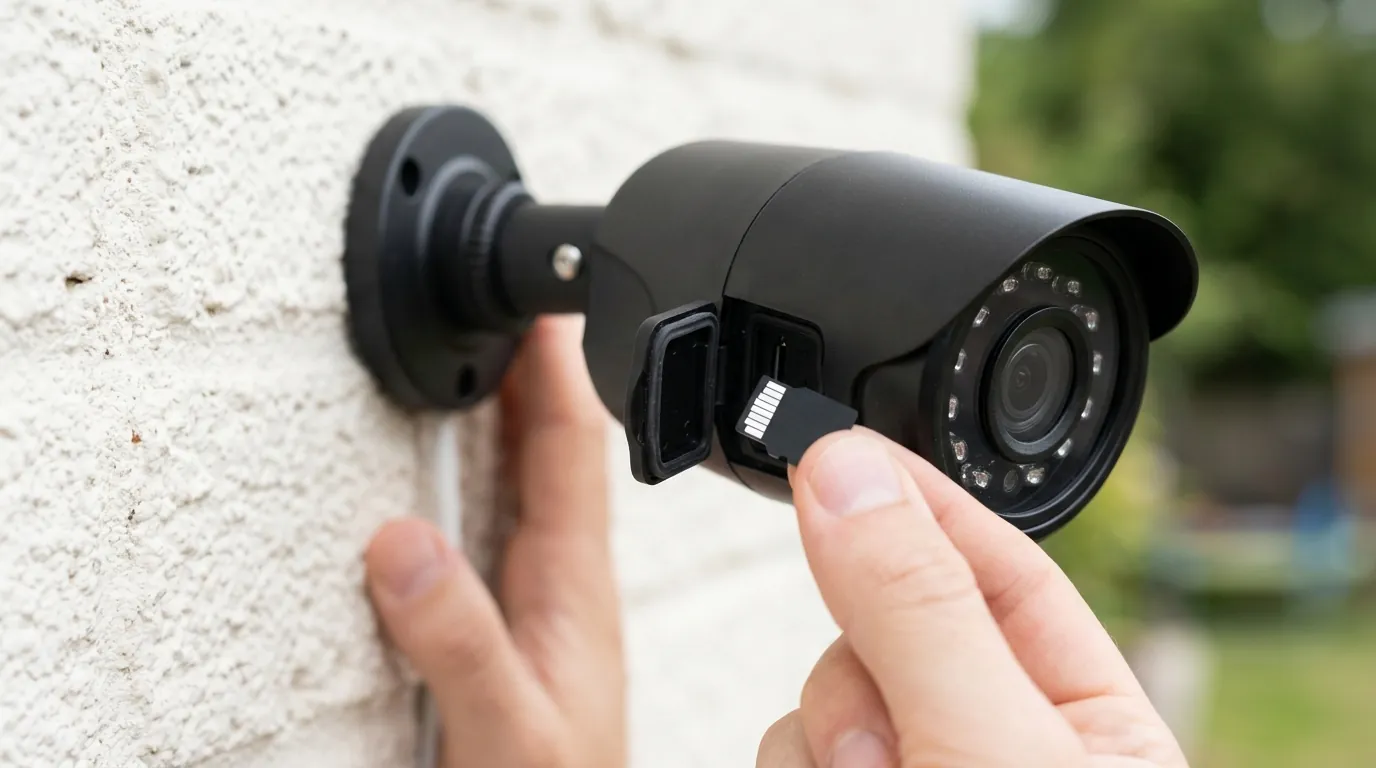
For a new buyer in 2026, the “silent registration” issue is a wake-up call regarding the difference between “local storage” and “local operation.” Eufy has built its brand on the promise of “No Monthly Fees” and “Local AI,” but these logs prove that the cameras are still heavily tethered to the cloud for their most basic function: telling you someone is at the door.
The ‘Local-Only’ Illusion
When you buy a Eufy SoloCam S340 or a HomeBase 3, the marketing materials emphasize that your video is stored on a hard drive in your living room. While the video bits may stay local, the “trigger” to view those bits is not. When the camera detects motion, it must first notify Eufy’s AWS-hosted servers, which then push a notification back to your phone. If Eufy’s backend decides to “silence” those push tokens—as seen in the June 2026 logs—your locally stored video becomes inaccessible via any third-party interface, and potentially delayed even in the official app.
Subscription-Free vs. Cloud-Tethered
Many buyers equate “no subscription” with “no cloud dependency.” This is a mistake. Network audits conducted in early 2026 revealed that Eufy cameras, including the flagship HomeBase 3 (S380), maintain a persistent “heartbeat” with ThroughTek P2P relay servers. These pings occur as frequently as every 30 seconds, even when cloud recording is disabled.
| Feature | Eufy (HomeBase 3) | Reolink (RLN8-410) | Lorex (Fusion Series) |
|---|---|---|---|
| Primary Storage | Local (Expandable SSD) | Local (Internal HDD) | Local (Internal HDD) |
| Cloud Dependency | High (Auth & Push) | Low (Optional) | Low (Optional) |
| Third-Party Support | Proprietary/Restricted | High (ONVIF/RTSP) | High (ONVIF/RTSP) |
| P2P Relay Type | ThroughTek (TUTK) | Proprietary / Optional | Proprietary / Optional |
| 2026 Monthly Fee | $0 (Standard) | $0 (Standard) | $0 (Standard) |
As shown above, while Eufy competes well on the “no fee” front, it lags behind brands like Reolink or Lorex for users who want a truly air-gapped system. The “silent registration” discovery confirms that Eufy is moving toward a “walled garden” model similar to Ring or Arlo, but without the explicit monthly fee for basic features.
Impact on existing owners
If you already own a Eufy system, the June 2026 backend shift may have already degraded your experience. The primary victims are those who used Homebridge to bring Eufy cameras into Apple Home, or Home Assistant for advanced automation (e.g., “turn on the porch light when the Eufy camera detects a person”).
Broken Homebridge and Home Assistant Integrations
As of July 2026, there is no comprehensive fix for the silent push channel. Users report that while they can still see a static thumbnail of their cameras, live streams and motion alerts are non-functional in third-party dashboards. This is because the “push token” required to wake the camera from its low-power state is being ignored by Eufy’s new “eufy_mega” servers. For owners who spent hundreds of dollars on a Eufy ecosystem specifically for Home Assistant integration, the hardware has effectively been “nerfed.”
Firmware v3.8.2.0 and the Storage ‘Amnesia’ Bug
Compounding the API issues, Eufy released Firmware v3.8.2.0 for the HomeBase 3 in April 2026. This update has been linked to a “storage amnesia” bug. Users on the Eufy Community forums report that the HomeBase 3 occasionally fails to recognize the internal SATA drive, leading to gaps in 24/7 recording. In some cases, the system defaults back to the 16GB of onboard eMMC storage without alerting the user, meaning weeks of footage may be lost if the user assumes their 2TB SSD is still the primary target.
Affected models currently include:
- SoloCam S340: Experiencing notification delays up to 10 seconds.
- HomeBase 3 (S380): Central hub for the “silent registration” and storage bugs.
- E340 Video Doorbell: Failing to trigger mechanical chimes when the cloud push channel is unstable.
What to do now
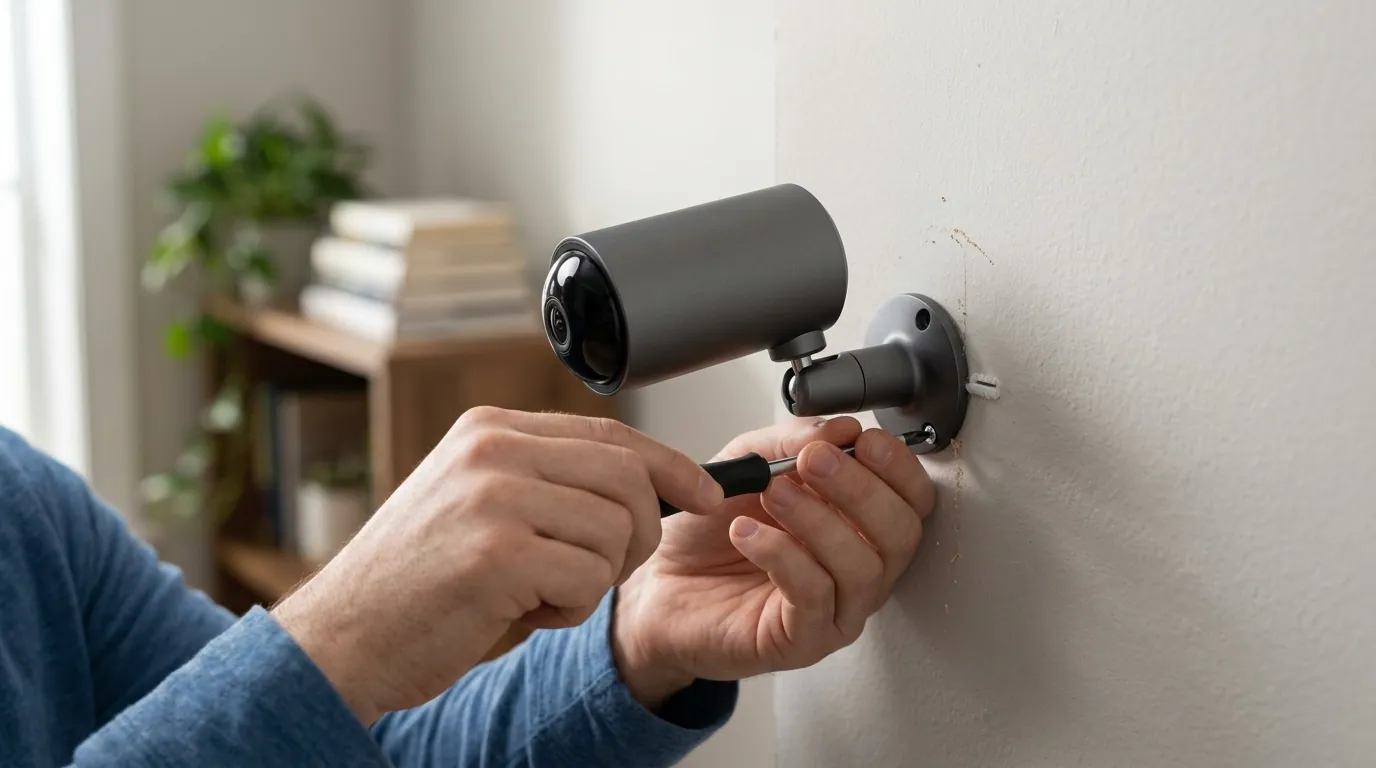
If you are seeing the “silent registration” error in your logs or experiencing missing notifications, your first step should be to check the official Eufy Security app. If notifications work there but not in your smart home dashboard, you are a victim of the backend shift.
Hardening Your Network: Blocking ThroughTek P2P
For privacy-conscious owners who want to limit Eufy’s “phone home” behavior, you can implement firewall rules at the router level. Technical audits suggest that blocking outbound UDP traffic on port 32100 can stop the ThroughTek P2P relay heartbeats.
Warning: Doing this will likely break your ability to view the camera when you are away from home (unless you use a VPN to get back onto your home network), but it prevents the camera from maintaining a constant, unencrypted tunnel to third-party relay servers in various AWS regions.
Transitioning to Truly Local Alternatives
If the 2026 changes have broken your trust or your automations, it may be time to evaluate “local-first” hardware.
Decision Framework: What should you buy?
- If you are a Renter: Stick with Eufy or look at the Reolink Altas PT Ultra. It offers similar battery-powered flexibility but with better RTSP support for local recording.
- If you are a Homeowner seeking Privacy: Transition to UniFi Protect or Reolink PoE cameras. These systems do not require a “push registration” with a central cloud server to function; they communicate directly with your local NVR.
- If you want Apple Home integration: Prioritize cameras that support HomeKit Secure Video (HKSV), such as the older Eufy 2K Indoor Cam (if still available) or the Ecobee SmartCamera. HKSV forces end-to-end encryption through Apple’s servers, bypassing the manufacturer’s secondary cloud pings.
Total Cost of Ownership (3-Year Estimate)
While Eufy has a low sticker price, the “feature paywall” is beginning to creep in via the 2026 backend changes.
- Eufy HomeBase 3 + 2 S340 Cameras: Around $450-500 upfront. $0 subscription. Risk: Potential replacement cost if third-party integrations remain broken.
- Ring Spotlight Cam Pro (2 Pack): Around $350-400 upfront. $150/year for Ring Protect Plus. 3-Year Total: ~$850.
- Reolink PoE System (4 Cameras + NVR): Around $500-600 upfront. $0 subscription. 3-Year Total: ~$550.
The “silent registration” issue reminds us that with cloud-tethered cameras, you don’t truly own the hardware; you own a temporary license to use it, subject to the manufacturer’s backend whims.
Frequently Asked Questions
Why does my Eufy log say “Succeed” if notifications aren’t working?
This is a “silent failure” where Eufy’s servers acknowledge your device’s request to receive notifications but refuse to actually send the data packets. This usually happens because the server no longer recognizes the third-party app (like Homebridge) as an authorized client under the new 2026 “eufy_mega” security protocols.
Can I fix the HomeBase 3 “storage amnesia” bug?
Currently, the only known workaround is to power cycle the HomeBase 3 or reseat the internal SSD. Ensure you are not on Firmware v3.8.2.0 if possible, though Eufy often forces updates. Check the “Storage Management” section in the Eufy app daily to ensure your expanded drive is still active.
Does Eufy still work without internet in 2026?
Only partially. While some models can record to a local SD card or HomeBase without an active internet connection, you will not receive any notifications, and you cannot view the live feed—even if you are on the same Wi-Fi network—because the app requires a cloud-based authentication handshake to start the stream.
Sources
- Eufy Official Support — https://support.eufy.com/s/
- GitHub: bropat/eufy-security-client (Issue #933) — https://github.com/bropat/eufy-security-client/issues
- Reddit: r/EufySecurity Community — https://www.reddit.com/r/EufySecurity/
- ThroughTek P2P Privacy Audit (2026 Summary)
- FCC ID Search: Eufy HomeBase 3 (S380) — https://apps.fcc.gov/oetcf/eas/reports/GenericSearch.cfm