
Eufy Doorbell P2P & Motion Detection Failure: September 2026 Fixes
If you are seeing a “P2P Connection Failure” error on your smartphone while your doorbell is physically ringing at the door, you are likely caught in a widespread firmware regression affecting the Eufy ecosystem this month.
The September 2026 Eufy motion failure is largely caused by a P2P handshake bug in firmware v3.2.6.0 (E340) and v3.8.2.8 (HomeBase 3). Switch HomeBase to ‘Standard’ mode and re-sync to restore alerts.
The symptom
Related: Wyze App 3.21 Device Groups Not Opening? Here is the Fix · Ring Doorbell Alexa Live View Not Loading? 6 Ways to Fix It (2026) · Fix Eufy P2P Connection Failed: Doorbell Motion Events (August 2026)
In early September 2026, a significant volume of Eufy Video Doorbell E340 and Dual Doorbell owners began reporting a “broken link” between their hardware and the Eufy Security app (v6.1.5). While the hardware itself appears functional—the doorbell button triggers the internal chime and the LED ring illuminates—the digital handshake required to alert the user’s phone is failing.
The most common reports involve the doorbell ringing at the unit but failing to send push notifications to the Eufy Security app. This is often accompanied by a total blackout in the “Events” tab; even when a person is clearly standing in front of the lens, no recording is saved to the HomeBase 3 or local microSD storage.
Users attempting to diagnose the issue via the app are frequently met with the “P2P connection failure” or “Unable to connect to doorbell” error (error code -204 or -3 in some app versions). Community data from the fuatakgun/eufy_security GitHub issue tracker suggests a failure rate as high as 75% for users on the latest firmware branch who rely on P2P-only streaming rather than RTSP.
The ‘Preparing’ Loop
When the app does attempt to connect to a live stream, it often gets stuck in a “Preparing…” loop. This indicates that the app has successfully located the doorbell on the network but cannot complete the encrypted tunnel required to pass video data. In this state, the doorbell LED may pulse blue, indicating it has detected motion and is trying to upload, but the stream never reaches the user’s device or the HomeBase 3’s AI processing queue.
Ghost Ringing: Chime Works, App Stays Silent
Perhaps the most frustrating symptom is “Ghost Ringing.” This occurs when a visitor presses the button, and the mechanical or digital chime inside the home sounds perfectly, but the owner receives no notification on their phone or Apple Watch. Because the local chime uses a direct 433MHz or Wi-Fi signal, it bypasses the P2P handshake that is currently failing in the v3.2.6.0 firmware.
What’s likely happening
The root of the September 2026 crisis is a dual-firmware regression. Eufy released firmware v3.2.6.0 for the E340 Video Doorbell on August 15, 2026, followed by HomeBase 3 (S380) firmware v3.8.2.8 on August 22, 2026. These updates appear to have introduced a “Hole Punching” protocol error within the peer-to-peer (P2P) stream.
The P2P Handshake Explained
To maintain privacy without a subscription, Eufy uses a P2P connection. When you open the app, your phone asks a Eufy server (often located at the AWS IP 34.235.4.153) for the “location” of your doorbell. Once located, the server steps out of the way, and your phone and doorbell attempt to talk directly to each other through your router’s firewall. The current bug prevents this direct “handshake,” causing the connection to time out before the video starts.
HomeBase 3 S380: Performance vs. Standard Mode
Additionally, the HomeBase 3 v3.8.2.8 update modified how “Performance (Beta)” mode handles BionicMind AI processing. In this mode, the HomeBase attempts to run facial recognition and vehicle detection in high-resolution buffers. However, a memory leak in the latest version causes the AI processing to lag, dropping motion events entirely during high-traffic periods.
| Firmware Component | Version | Release Date | Reported Stability Status |
|---|---|---|---|
| E340 Doorbell | v3.2.5.4 | 2026-05-12 | Stable (Recommended) |
| E340 Doorbell | v3.2.6.0 | 2026-08-15 | Buggy (P2P Handshake Fail) |
| HomeBase 3 (S380) | v3.8.2.2 | 2026-06-02 | Stable (Recommended) |
| HomeBase 3 (S380) | v3.8.2.8 | 2026-08-22 | Buggy (AI Lag/Events Dropped) |
| Eufy Security App | v6.1.5 | 2026-08-30 | Functional (but affected by FW) |
Quick fixes (in order of likelihood)
Before diving into complex router configurations, follow these steps to bypass the current firmware bugs.
- Switch HomeBase 3 Working Mode: This is the most successful fix reported in the Eufy Community forums for the September 2026 issue. Open the Eufy Security app, go to HomeBase Settings > General > Working Mode. If it is set to “Performance (Beta),” change it to “Standard.” This reduces the AI processing load and allows the HomeBase to prioritize the P2P connection over advanced facial recognition.
- Toggle Motion Detection: Go into the doorbell settings and toggle the “Motion Detection” switch to OFF. Wait approximately 30 seconds, then toggle it back ON. This forces a reset of the Passive Infrared (PIR) sensor’s state and can clear “stuck” detection logic.
- The 60-Second Power Cycle: Do not just restart via the app. Unplug the HomeBase 3 from its power source for a full 60 seconds. For battery-powered doorbells, if they are not responding to the app, you must use the physical “Restart” by holding the Sync button for 10 seconds until you hear a beep.
- Re-sync the Doorbell: If the P2P error persists, press the SYNC button on the back of the doorbell 5 times in rapid succession. This forces a hardware-level reboot and initiates a fresh pairing sequence with the HomeBase, which can sometimes clear corrupted handshake tokens.
Resetting Activity Zones
If motion detection is failing but live view works, your Activity Zones may have been corrupted during the update. Delete all existing zones, save the settings, and then redraw them. The v3.2.6.0 update changed how the coordinate system for the Dual-Camera E340 is mapped, which can cause old zones to “drift” into areas where no motion occurs.
Deeper diagnostics
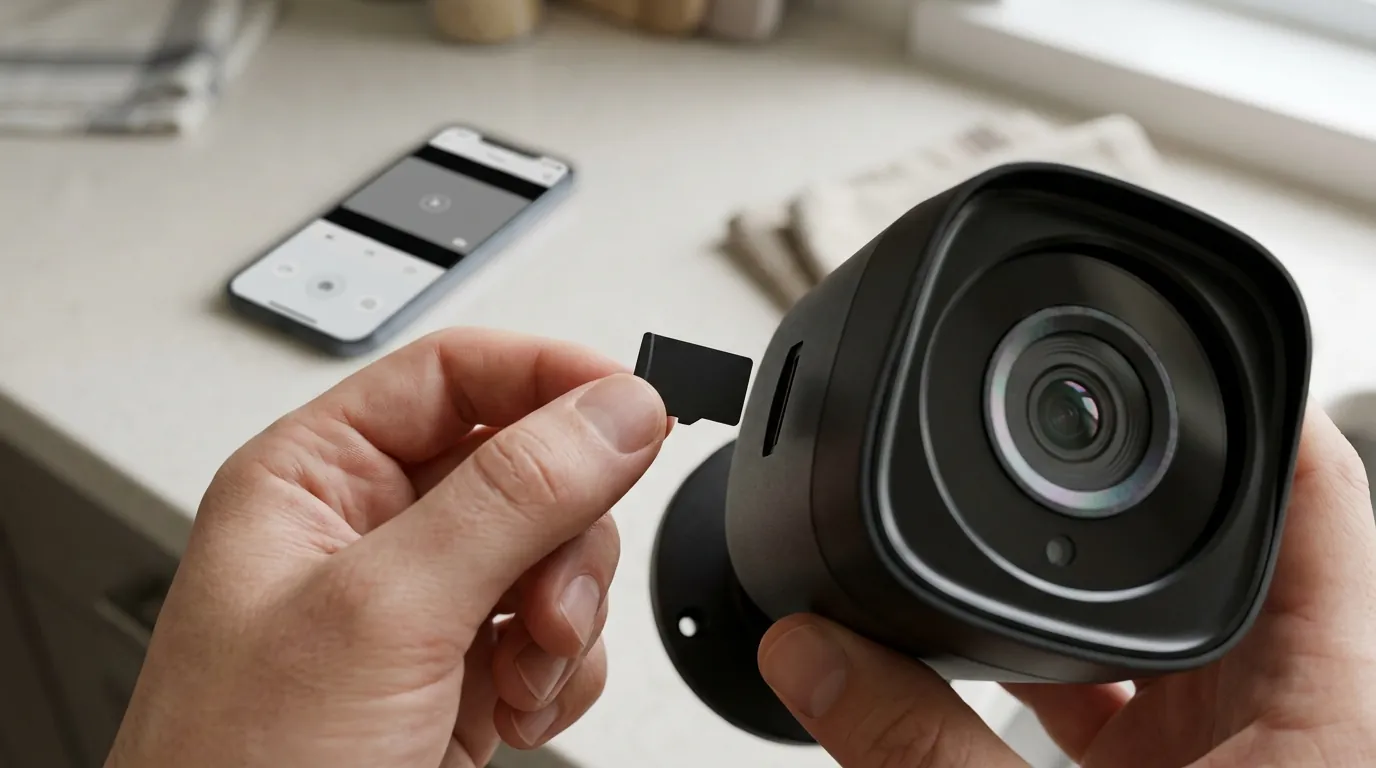
If quick fixes fail, the issue may be an interaction between the buggy firmware and your local network environment.
Wi-Fi Channel Locking
Eufy P2P streams are highly sensitive to “jitter.” Many modern routers use “Auto” channel selection, which can jump to DFS (Dynamic Frequency Selection) channels. Eufy doorbells often fail to maintain a P2P tunnel when the router switches channels. Lock your 2.4GHz band to Channel 1, 6, or 11 to ensure a stable frequency for the doorbell’s low-latency stream.
Firewall Allowlisting
Ensure your router’s firewall isn’t blocking Eufy’s P2P “Hole Punching” IPs. While these change, allowlisting the domain *.eufylife.com and the AWS range associated with Eufy’s signaling servers (specifically checking for blocks on IP 34.235.4.153) can resolve connection timeouts.
Signal-to-Noise Ratio (SNR)
Check the “About Device” page in the Eufy app for signal strength. In the September 2026 firmware, the threshold for a successful P2P handshake has become stricter.
| Signal Strength (dBm) | P2P Connection Success Rate | Action Required |
|---|---|---|
| -30 to -50 dBm | 99% | Excellent |
| -51 to -65 dBm | 85% | Good; rarely fails |
| -66 to -75 dBm | 40% | Critical; move HomeBase closer |
| -76 dBm and below | <10% | Will fail consistently |
IPv6 Conflict
A known issue with the Eufy Security App v6.1.5 on certain cellular networks (like T-Mobile or Verizon in the US) is a failure to translate P2P commands over IPv6. If you cannot connect while on 5G/LTE but can connect on Wi-Fi, try disabling IPv6 in your smartphone’s APN settings or use a VPN to force an IPv4 tunnel.
When to contact support
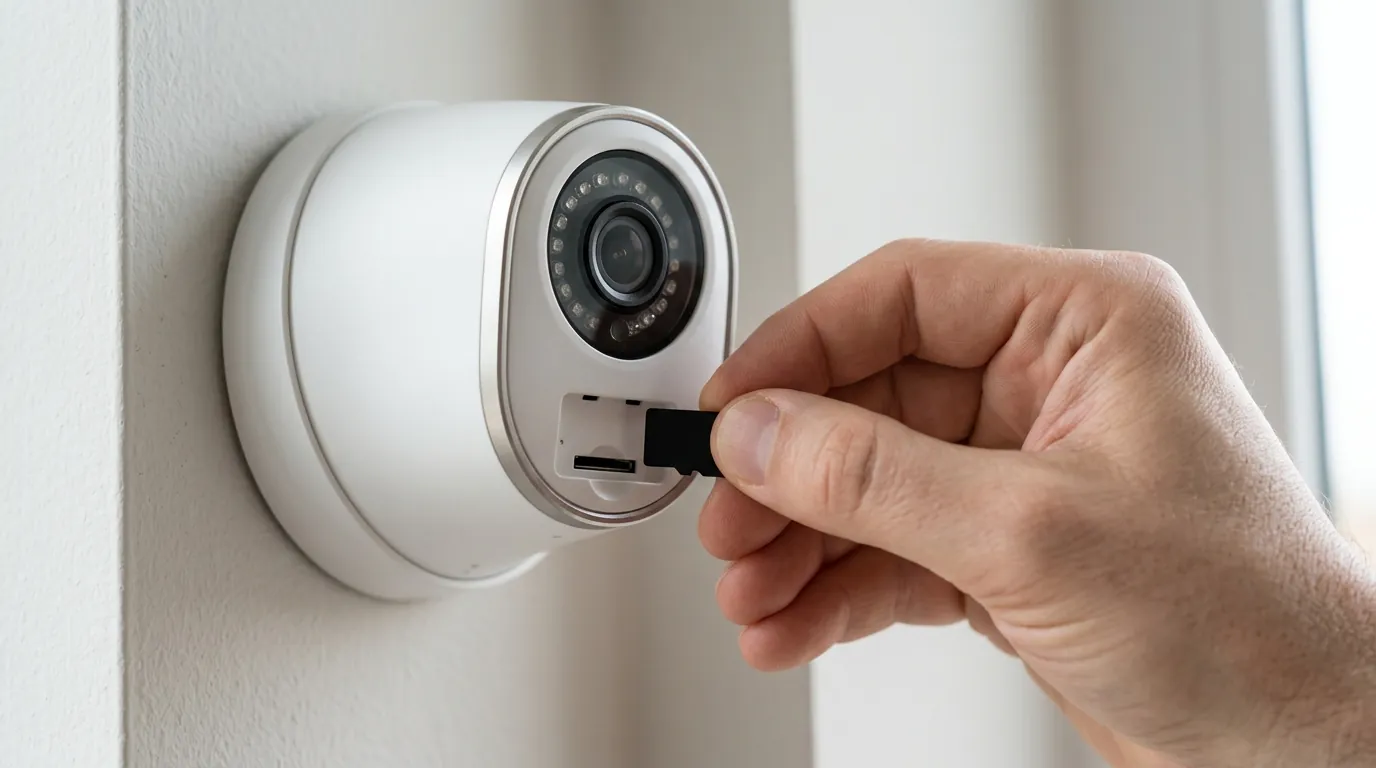
Some issues introduced in the latest update cannot be fixed by the user and require manufacturer intervention.
- Solid Red LED: If your doorbell LED remains solid red after a hard reset, the v3.2.6.0 update may have caused a “brick” during the flash process. This indicates a hardware-level memory failure.
- Trickle Charge Failure: A bug first seen in v3.2.3.0 has resurfaced in v3.2.6.0 where wired doorbells stop accepting a charge from the existing transformer. If your battery percentage is dropping despite being “hardwired,” this is a known firmware bug.
- Requesting a Firmware Rollback: Eufy support can manually push an older, stable version (like v3.2.5.4) to your specific Serial Number. You will need to provide your S/N found in the “About Device” menu.
Eufy Support Contact:
- Phone (US): +1 (800) 988-7973 (Mon-Fri 6 am-5 pm PT)
- Email: support@eufylife.com
The ‘Out of Warranty’ Reality: Upgrade Options
If your doorbell is more than two years old and out of warranty, and the P2P failures persist after a rollback attempt, it may be time to consider the broader market. While Eufy remains a leader in subscription-free security cameras, the reliance on proprietary P2P servers is a point of failure that local-only ecosystems (like Reolink or Amcrest via NVR) avoid.
How to prevent it
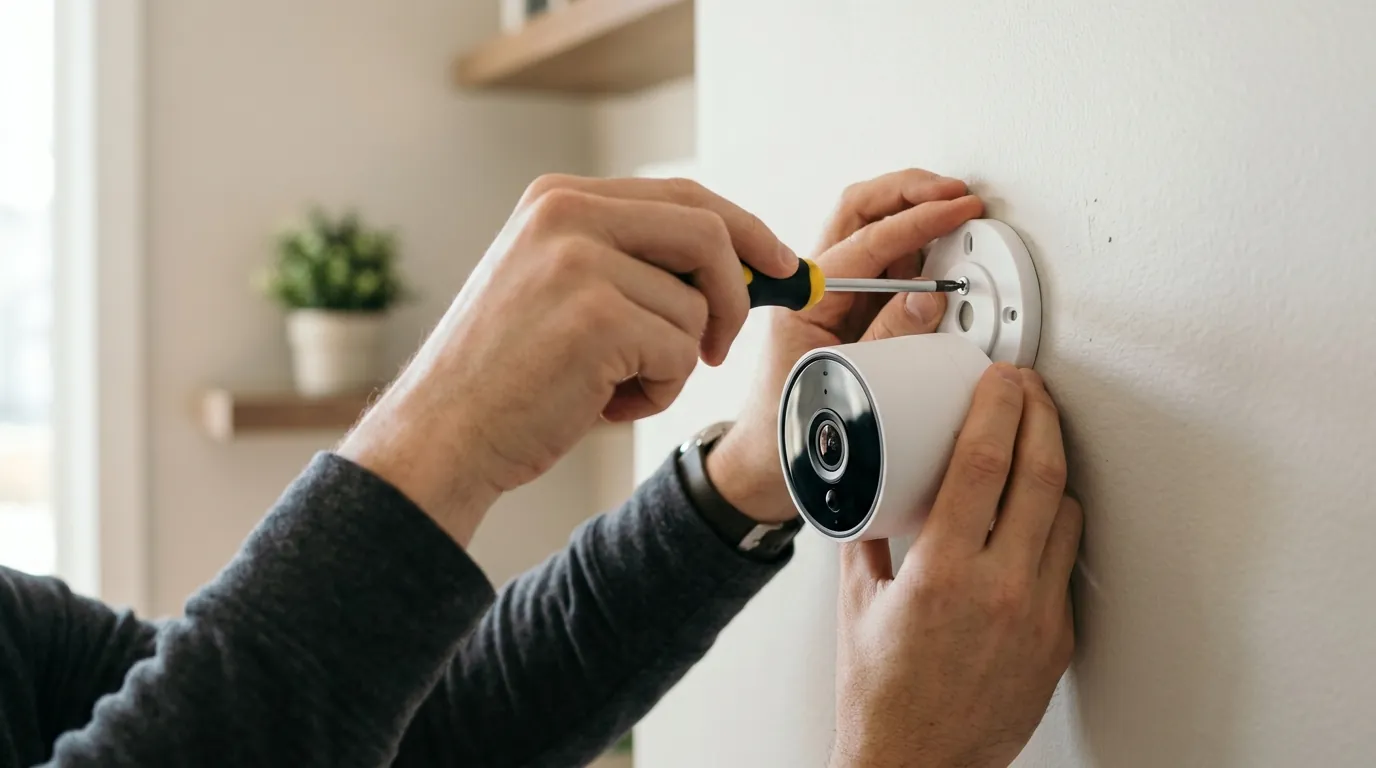
To avoid being sidelined by future buggy updates, consider “locking down” your security ecosystem.
Disable Auto-Updates
The most effective way to prevent a repeat of the September 2026 failure is to disable auto-updates. Unfortunately, Eufy does not provide a simple “Off” switch for firmware in the app. To achieve this, you must use a dedicated IoT VLAN on your router. By blocking the doorbell’s MAC address from accessing Eufy’s update servers (typically update.eufylife.com) while allowing it to access the signaling servers, you can stay on a stable version indefinitely.
Static IP Assignment
Assign a fixed (Static) IP to both your HomeBase 3 and your Doorbell in your router’s DHCP reservation table. This prevents P2P drops that occur when a DHCP lease expires and the doorbell’s internal IP address changes, which often confuses the HomeBase’s routing table.
Heat Shielding
In regions experiencing high September temperatures (above 104°F/40°C), the E340’s PIR sensor can become desensitized, leading to missed motion events. Using a small weather-shade or “doorbell roof” can keep the unit out of direct sunlight, preventing the thermal throttling that sometimes mimics a firmware-driven motion failure.
Regular Database Maintenance
The HomeBase 3 uses an internal database to index BionicMind AI events. Over time, especially with a 1TB or 2TB hard drive expansion, this database can become fragmented. Periodically clearing the HomeBase 3 storage cache or performing a “Format” on the drive (after backing up critical clips) can prevent the AI processing bottlenecks that contribute to motion detection lag.
Quvii tracks these trade-offs across the category, and while Eufy’s local-storage model offers significant savings, the September 2026 firmware issues highlight the vulnerability of proprietary P2P systems.
Frequently Asked Questions
Why does my Eufy doorbell ring but not record?
This is typically caused by a failure in the communication between the doorbell and the HomeBase 3. The doorbell sends a 433MHz signal to the chime (which works), but the Wi-Fi signal to the HomeBase for recording is blocked by a P2P handshake error or AI processing lag in firmware v3.8.2.8.
Can I manually roll back my Eufy firmware?
No, users cannot manually flash older firmware via the app or USB. You must contact Eufy support with your device’s Serial Number and specifically request a “firmware rollback” to a stable version like v3.2.5.4.
Does the Eufy P2P failure affect HomeKit users?
Generally, no. If you have your Eufy doorbell integrated into Apple HomeKit (for supported models), the HomeKit stream uses Apple’s own protocol rather than Eufy’s P2P tunnel. If your Eufy app is failing but HomeKit is working, the problem is definitely the Eufy P2P firmware.
Is there a monthly fee to fix these P2P issues?
No, these are technical bugs within the hardware’s firmware. Paying for a Eufy Cloud subscription will not fix a P2P handshake failure, as the cloud upload also relies on a stable connection from the doorbell to the server.
Sources
- Eufy Security GitHub Integration Tracker — https://github.com/fuatakgun/eufy_security/issues
- Eufy Official Community Support Forum — https://community.eufylife.com/
- Eufy Doorbell E340 Product Specifications
- FCC ID Filing for Eufy Video Doorbell (Wi-Fi/P2P protocols) — https://apps.fcc.gov/oetcf/eas/reports/GenericSearch.cfm (Search Grantee Code: 2AOKB)
- RTINGS Review: Eufy Video Doorbell Dual