
Fix: Eufy Home Assistant Integration Not Loading (2026 Guide)
For Home Assistant power users, the Eufy integration is often the “canary in the coal mine” for breaking changes. Because Eufy does not provide an official API for third-party developers, the community-led integration relies on a complex bridge of cloud-scraping and local websocket connections that can be disrupted by a single firmware update or a minor change in Home Assistant’s core code.
Quick Answer: Most Eufy Home Assistant loading issues in 2026 are caused by expired 2FA tokens or regional API mismatches. To fix this, re-authenticate your account in the eufy-security-ws add-on and ensure push notifications are enabled in the official Eufy app. If your entities are “Unavailable” following the June 2026 updates, you must update the HACS integration to version 8.2.4 or later to resolve the RGBA image processing bug.
The symptom
Related: Fixing the Reolink Camera App ‘Connection Failed’ Error (2026) · Ring Doorbell Alexa Live View Connection Failed? 2026 Fixes · Reolink Battery Doorbell Wake Capture Not Working? 2026 Fixes
When the Eufy integration fails, it rarely does so quietly. Usually, users are met with a dashboard full of “Unavailable” or “Unknown” entities where camera feeds and motion sensors used to be. Unlike a simple Wi-Fi outage, these symptoms persist even if the official Eufy Security app on your phone is working perfectly.
The most common indicators of a breakdown in 2026 include:
- Entity State “Unavailable”: All camera entities, including motion sensors and battery levels, show as unavailable in the Home Assistant (HA) dashboard.
- Log Errors: The
eufy-security-wsadd-on logs display specific tracebacks, such asKeyError: access_tokenorNo stations found. - The “Spinning Circle”: When attempting to start a live stream (P2P or RTSP), the media player card shows a loading icon indefinitely without ever establishing a handshake.
- Stale Sensors: Motion and person detection sensors stop updating, remaining stuck in “Clear” or “Detected” state despite physical activity. This is frequently observed after the Home Assistant Core 2026.6.4 update.
Common Error Codes in 2026
In the eufy-security-ws logs, look for the generateFid error. This typically indicates that Eufy’s backend has flagged the virtual device ID used by the integration as suspicious, often due to too many login attempts or an expired session. Another frequent culprit is the 401 Unauthorized error, which points directly to a 2FA (Two-Factor Authentication) token that has reached its 90-day expiration limit.
The ‘Spinning Circle’ of Death
If your entities are visible but streams won’t load, the issue is likely the websocket bridge. In 2026, the transition between the cloud-based “handshake” and the local P2P stream has become more sensitive to latency. If the integration takes longer than 10 seconds to authenticate the stream, Home Assistant will time out the request, leaving you with a blank or spinning preview.
What’s likely happening
The fundamental challenge with Eufy and Home Assistant is the lack of an official, documented API. The integrations we use today—specifically the eufy_security integration by fuatakgun and the eufy-security-ws add-on by bropat—are masterpieces of reverse engineering. However, because they “mimic” a mobile phone or a web browser, they are vulnerable whenever Eufy changes its backend security protocols.
The Impact of the June 2026 Firmware Update
In June 2026, Eufy pushed firmware version 3.7.8.4 to HomeBase 3 units. This update changed the way P2P (Peer-to-Peer) streaming tokens are generated and shared. Simultaneously, Home Assistant Core 2026.6.4 introduced a change in how the platform processes alpha-channel (RGBA) images. Because Eufy motion thumbnails often include transparency layers, the mismatch caused the integration to crash when trying to render an event image. This specific bug is documented in GitHub Issue #1430.
Cloud Handshakes vs. Local Control
While Eufy advertises “local storage,” the authentication process for their cameras is almost entirely cloud-dependent. Every time you restart Home Assistant or attempt to view a stream, a “handshake” occurs with Eufy’s servers. If Eufy’s server rejects the integration’s credentials—which happens more frequently now as they tighten 2FA requirements—the local connection to your HomeBase 3 never initializes.
| Issue | Affected Version | Status / Workaround |
|---|---|---|
| RGBA Image Processing Error | HA Core 2026.6.4 | Update to Eufy Security Integration v8.2.4 |
| P2P Streaming Token Failure | HomeBase 3 v3.7.8.4 | Re-sync local keys in ‘eufy-security-ws’ |
| Token Expiration (401 Error) | Cloud API (All) | Manual re-authentication via 2FA |
| Device Discovery Failure | eufy-security-ws < 1.8.0 | Update add-on to latest stable branch |
Dated Timeline of the 2026 Incident
- 2026-06-05: Eufy begins the rollout of HomeBase 3 firmware v3.7.8.4, introducing new P2P encryption headers.
- 2026-06-10: Home Assistant Core 2026.6.4 is released; users immediately report “Entity Unavailable” errors.
- 2026-06-12: Community developers identify a conflict between the new HA image processing engine and Eufy’s thumbnail format (Issue #1430).
- 2026-06-18: Developer
fuatakgunreleases Eufy Security Integration v8.2.4, providing a permanent fix for the June stability issues.
Quick fixes (in order of likelihood)
Before diving into complex network diagnostics, follow these steps to resolve the most common authentication and configuration errors.
Refresh the 2FA Token
Eufy tokens are no longer “permanent.” Even if you have a dedicated account for Home Assistant, the session will eventually expire.
- Open your Home Assistant Sidebar and go to Settings > Add-ons > eufy-security-ws.
- Go to the Configuration tab.
- Ensure your username and password are correct.
- Restart the add-on.
- Check the Logs tab. If you see a prompt for a 2FA code, you must enter it in the add-on configuration or via the notification that appears in the HA UI.
Verifying Push Notification Permissions
The Home Assistant integration does not “poll” Eufy cameras for motion; it waits for Eufy to send a push notification to the “virtual” phone (the integration). If push notifications are disabled in the official Eufy Security app, Home Assistant will never see a motion event.
- Open the Eufy Security app on your phone.
- Go to Security (tab) > [Your HomeBase/Camera] > Settings.
- Ensure that “Push Notification” is checked for the security mode you are currently using (e.g., Home or Away).
The ‘Region Swap’ Trick
In 2026, some users have found that Eufy’s regional API endpoints (e.g., North America vs. Europe) do not always sync perfectly. If you are getting “No stations found” errors, try changing the COUNTRY code in your eufy-security-ws configuration. For example, some US-based users have reported that switching the country code from US to DE (Germany) or SE (Sweden) forces the integration to hit a different API cluster that may have more up-to-date account records.
Restart Sequence
The order in which you restart components matters. If the websocket bridge starts after the integration, the connection will fail.
- Go to Settings > Devices & Services and Disable the Eufy Security integration.
- Go to Settings > Add-ons and Restart the
eufy-security-wsadd-on. - Wait 30 seconds for the logs to show “Connected to Eufy Cloud.”
- Enable the Eufy Security integration.
Deeper diagnostics
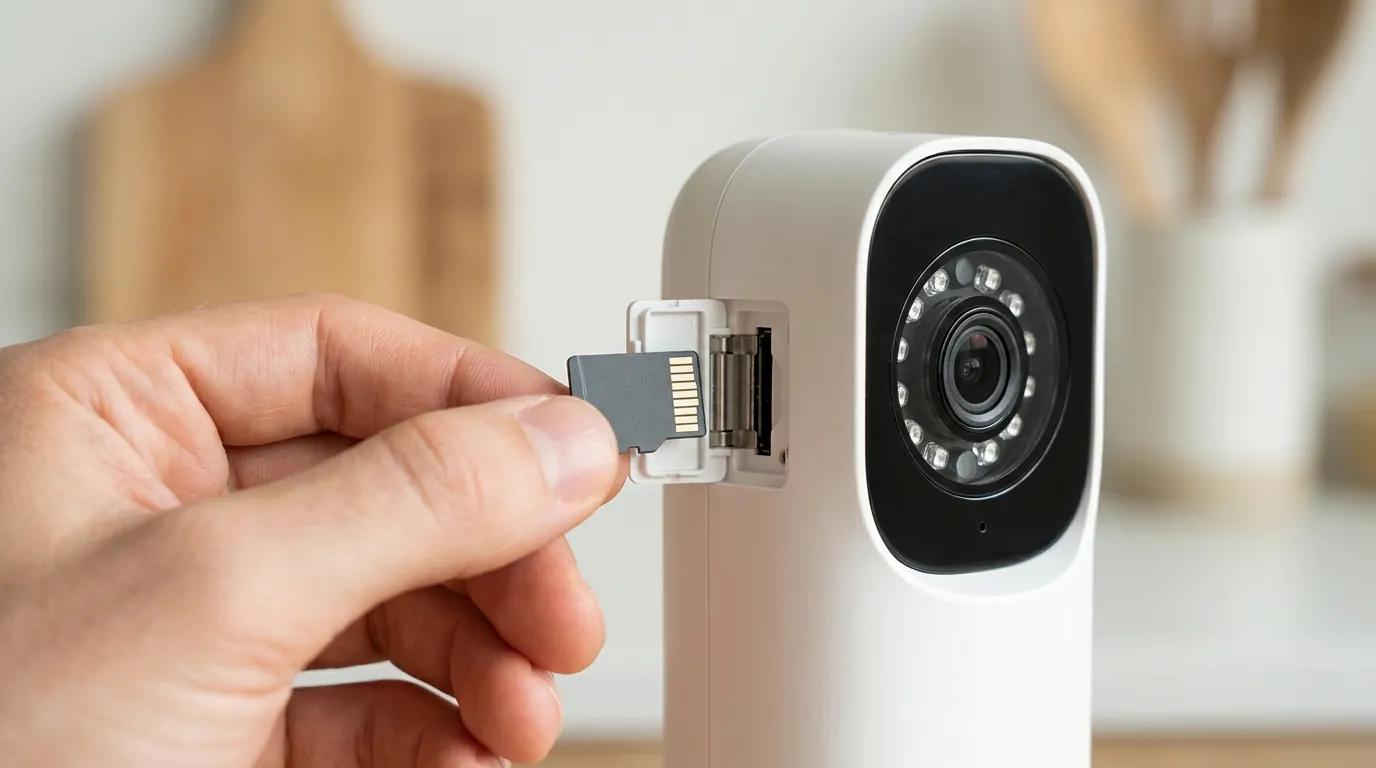
If the quick fixes don’t work, the issue may lie in your local network configuration or a version mismatch between the HACS integration and the websocket bridge.
Analyzing Websocket Logs
The eufy-security-ws log is your best diagnostic tool. Look for these specific strings:
Connected to station [Serial Number]: This means the bridge can see your HomeBase.- An error indicating the P2P connection failed: This suggests a networking issue, likely related to UDP port blocking.
Heartbeat timeout: This indicates that the connection between Home Assistant and the Eufy cloud is being throttled or blocked by a firewall.
Static IP Configuration for HomeBase 3
Eufy HomeBases are notorious for changing their internal IP addresses when a DHCP lease expires. Since the integration often relies on a direct local connection for streaming, a changed IP will break the link.
- Access your router’s admin panel.
- Locate the HomeBase 3 (often listed as
eufyHomeBaseor by its MAC address). - Assign a Static IP or DHCP Reservation.
- Update the IP address in the Home Assistant Eufy integration settings if prompted.
Required Network Ports
If you are running Home Assistant in a Docker container or across different VLANs, ensure the following ports are open and routable:
| Port | Protocol | Purpose |
|---|---|---|
| 3000 | TCP | Websocket communication between HA and the Add-on |
| 9000 | UDP | P2P Discovery and command execution |
| 9002 | TCP/UDP | RTSP/P2P Video stream data |
When to contact support
It is important to manage expectations: Eufy official support will not help you with Home Assistant. Their standard response is that third-party integrations are unsupported and may violate their terms of service if they “stress” the cloud API.
Community vs. Manufacturer Support
Instead of contacting Eufy, look to the community developers who maintain these tools.
- GitHub Issues: Check the fuatakgun/eufy_security repository for active bugs. If you find an issue that matches yours, post your logs (with serial numbers and passwords redacted).
- Home Assistant Community: The “Third Party Integrations” section of the HA Forums is highly active. Search for “Eufy 2026” to find the latest troubleshooting threads.
The Reality of DIY Integration Maintenance
If you find yourself troubleshooting your Eufy integration every few weeks, you have reached the limit of what an unofficial cloud-scraped integration can provide. These tools are maintained by volunteers in their spare time. When Eufy makes a major backend change, it can take days or weeks for a fix to be developed and tested.
How to prevent it
The key to a stable Eufy-HA setup is isolation. The more you treat the integration like a separate “user” in the Eufy ecosystem, the less likely it is to break.
Setting Up a Dedicated HA User Account
Never use your primary Eufy account for the Home Assistant integration.
- Create a new email address.
- In the official Eufy app, go to Family & Friends > Share Device.
- Invite the new email address as an Admin (Admins are required for some PTZ and sensor controls).
- Log into the Eufy app on a spare phone with that new account to accept the invite and set up 2FA.
- Use these new credentials exclusively for the
eufy-security-wsadd-on. This prevents the “session kick” that happens when you open the Eufy app on your phone while Home Assistant is trying to poll the cameras.
The Case for Native Local-First Hardware
If the maintenance overhead of Eufy becomes a burden, it may be time to consider hardware that offers a native, official Home Assistant integration. Cameras that support ONVIF or have a documented local API do not break when the manufacturer updates their cloud servers.
For a reliable, subscription-free experience that never requires a cloud handshake for Home Assistant to function, the Reolink Video Doorbell (Wi-Fi or PoE) is the current gold standard in 2026. Retailing in the $100 range, it provides a “Platinum” level integration with Home Assistant, meaning the developers of HA and Reolink work together to ensure updates do not break functionality.
Quvii tracks these trade-offs across the category to help users decide when a DIY workaround is worth the effort and when a hardware upgrade is the more economical choice in terms of time spent troubleshooting.
Frequently Asked Questions
Does Eufy have an official Home Assistant integration?
No. As of 2026, Eufy does not provide an official API or integration for Home Assistant. All current integrations are community-developed and rely on reverse-engineering Eufy’s private web and mobile APIs.
Why do my Eufy cameras show as “Unavailable” after a Home Assistant update?
This is usually due to a “breaking change” in Home Assistant’s core code that affects how third-party integrations handle data. For example, the June 2026 update (2026.6.4) changed image processing, requiring an immediate update to the Eufy HACS integration (v8.2.4) to restore functionality.
Can I use Eufy cameras without any cloud connection in Home Assistant?
Generally, no. While some local P2P streaming is possible with the HomeBase 3, the initial authentication and “handshake” required to start those streams still must pass through Eufy’s cloud servers. For a truly 100% local experience, cameras with native ONVIF support are recommended.
How often do I need to refresh my Eufy 2FA token?
In 2026, Eufy tokens typically expire every 30 to 90 days. If you notice your entities have gone “Unavailable” and your logs show a 401 Unauthorized error, you likely need to re-authenticate through the eufy-security-ws add-on configuration.
Sources
- fuatakgun/eufy_security GitHub Repository — https://github.com/fuatakgun/eufy_security
- bropat/eufy-security-ws GitHub Repository — https://github.com/bropat/eufy-security-ws
- Home Assistant Core 2026.6 Release Notes — https://www.home-assistant.io/blog/2026/06/05/release-20266/
- Eufy Security Support: Firmware Changelogs
- GitHub Issue #1430: RGBA Image Processing Bug — https://github.com/fuatakgun/eufy_security/issues/1430