
Fix Eufy Home Assistant 'Entity Unavailable' Errors (2026 Guide)
When your Eufy camera dashboard suddenly displays the dreaded “Entity Unavailable” status, it often happens at the exact moment you need to check a notification. Because the Eufy-Home Assistant ecosystem relies on an unofficial cloud-wrapper, these breaks are usually tied to backend API changes or local authentication timeouts.
Quick Answer: Eufy entities usually go “unavailable” due to expired 2FA sessions or Eufy’s 2026 API migration. Restart your eufy-security-ws add-on and check the Home Assistant “Devices & Services” tab for a 2FA re-authentication prompt. If using a HomeBase 3, ensure you are on firmware v3.8.2.8 or higher to resolve P2P handshake failures.
The symptom
Related: Fix: Ring-MQTT Reolink Motion Sensor Integration (2026 Guide) · Fix Eufy E340 (T8214) Livestream Unknown Error: 2026 Guide · Wyze App 3.18.0.918 Update Issues: Fix Offline & Notification Bugs
The primary indicator of a breakdown is the visual failure of the Home Assistant (HA) dashboard. Instead of a thumbnail or a “streaming” button, users see a red exclamation mark or the text “Entity not available.” While the official Eufy Security mobile app typically continues to function, the bridge between Eufy’s servers and your local HA instance has been severed.
Key symptoms reported by users in early-to-mid 2026 include:
- Dashboard Stalls: Picture Entity cards showing “Unknown” or “Unavailable” for cameras, doorbells, and floodlights.
- Sensor Freezes: Binary sensors for motion or person detection remain stuck in a “Detected” state for hours, failing to reset even after the area is clear.
- HomeBase 3 Ghosting: The S380 HomeBase appears as an active device, but all attached cameras (child entities) show as unavailable.
- Streaming Initialization Failures: The “Stream” attribute remains “idle” or “unavailable,” even if the sensor entities appear to be online.
Common Error Logs in HA Core
To diagnose the specific cause, you must examine the Home Assistant Core logs (Settings > System > Logs). Look for these specific strings:
eufy_security.errors.CameraError: Could not initialize camera— This suggests the integration sees the device but cannot establish a P2P (Peer-to-Peer) connection.P2PClientProtocol.lookup(): station: [ID] - All address lookup tentatives failed.— This indicates the local websocket cannot find your HomeBase on the network.
The ‘No Stations Found’ Error
A frequent log entry in the eufy-security-ws add-on is HTTPApi.refreshStationData - No stations found. This is rarely a hardware failure. Instead, it typically indicates a regional server mismatch. If your Eufy account was created on the EU server but your integration is configured for US (or vice versa), the API returns an empty list of devices, causing all entities to go unavailable.
What’s likely happening
The stability of Eufy in Home Assistant changed significantly in late 2025 and early 2026. Because Eufy does not provide an official local API for Home Assistant, the community-maintained integration (managed by bropat and fuatakgun) must adapt to Eufy’s cloud changes in real-time.
The 2026 API Shift
In January 2026, Eufy began a phased rollout of its “Mega Platform” migration (v6 API). This update unified the backend for Eufy, Soundcore, and Anker products but deprecated several legacy REST endpoints used by the HACS eufy_security integration. This migration caused a spike in “Entity Unavailable” reports as the older wrappers could no longer parse the new JSON response structures.
| Feature | Legacy API (Pre-2026) | Mega Platform (v6 API) |
|---|---|---|
| Auth Method | OAuth 2.0 / Persistent Tokens | Mandatory 2FA / Rolling Tokens |
| P2P Handshake | UDP Hole Punching | Encrypted WebSocket / P2P v3 |
| HomeBase 3 Support | Partial (Beta) | Native / Required for v6 |
| HA Stability | Moderate | High (with v8.2.x+ integration) |
Session Token Timeouts
Eufy now mandates Multi-Factor Authentication (MFA/2FA) for all accounts. When you first set up the integration, Home Assistant is treated as a “trusted device.” However, if Eufy’s security policy triggers a global logout—common after a HomeBase firmware update—your HA session token expires. Unlike the mobile app, HA cannot always proactively ask for a new code, leading to the “Unavailable” state.
HomeBase 3 Firmware v3.8.2.0 Issues
The HomeBase 3 (S380), priced in the $130-160 range, received a major firmware update (v3.8.2.0) in March 2026. This update introduced a stricter P2P handshake protocol. Users on the fuatakgun/eufy_security GitHub repository reported that this version frequently dropped local connections to the eufy-security-ws docker container, requiring a hard reboot of the HomeBase to restore entity status.
Quick fixes (in order of likelihood)
Before diving into complex YAML edits, follow this sequence to restore your entities.
- Restart the eufy-security-ws Add-on: Navigate to Settings > Add-ons > eufy-security-ws and click “Restart.” This forces the websocket server to attempt a fresh login and often clears “Stale Token” errors.
- Check HA Notifications: If a restart doesn’t work, look at the “Repairs” section in Home Assistant. Eufy often sends a 2FA request that appears as a “Configurator” notification. Enter the 6-digit code sent to your email or phone immediately.
- Verify the Secondary Account: Never use your primary Eufy admin account for Home Assistant. If you log into the Eufy app on your phone with the same account HA is using, the phone will “kick” the HA session, making entities unavailable. Create a “Guest” account in the Eufy app, share all cameras with it, and use those credentials for the HA integration.
- Update HACS Integration: Ensure you are running at least version 8.2.4 of the
eufy_securityintegration. This version, released in April 2026, contains the necessary patches for the Mega Platform API migration.
2FA Re-authentication Checklist
- Open the Eufy Security mobile app and ensure no “New Login Detected” alerts are pending.
- Check your spam folder for the Eufy verification code.
- In HA, go to Settings > Devices & Services > Eufy Security > Configure.
- Re-enter your credentials to trigger a fresh MFA prompt.
Deeper diagnostics
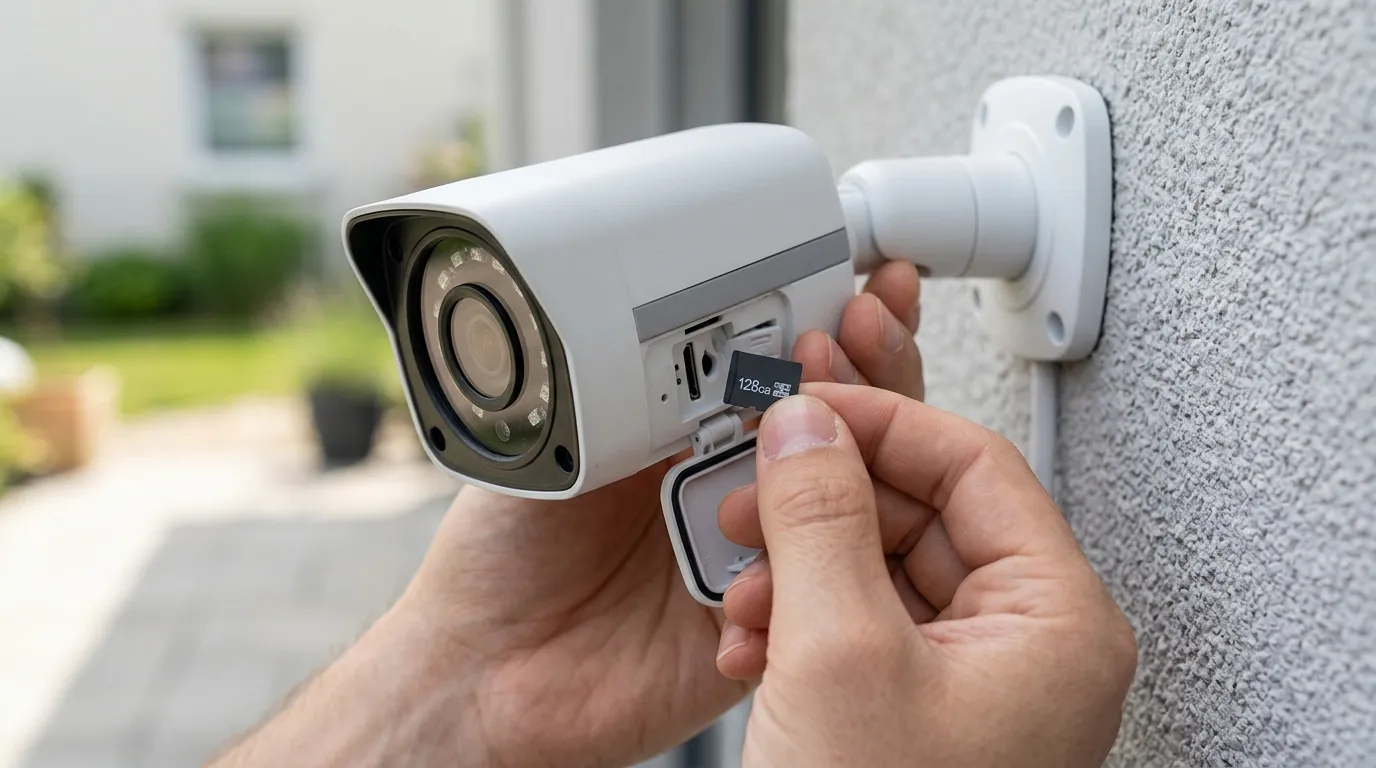
If quick fixes fail, you need to look at the communication between the websocket server and Eufy’s cloud.
Analyzing eufy-security-ws Logs
Open the eufy-security-ws add-on logs and look for the handshake sequence. A successful connection looks like this:
INFO: Connected to Eufy Cloud. Found 4 stations and 6 devices.
A failed handshake due to the 2026 API changes often looks like this:
ERROR: HTTPApi.authenticate: login failed with error: MFA_REQUIRED
or
ERROR: P2PClientProtocol.lookup(): station: T8010XXXX - All address lookup tentatives failed.
If you see the “All address lookup tentatives failed” error, the issue is local network communication. This is common if your HomeBase and Home Assistant instance are on different VLANs or if the HomeBase has changed IP addresses.
Network & Port Verification
The eufy-security-ws add-on typically communicates over port 3000.
- Port Conflicts: Ensure no other add-on (like Grafana or a custom Node-RED flow) is attempting to use port 3000.
- IP Binding: In the integration configuration, ensure you are pointing to the correct IP address of the machine running the add-on (usually
127.0.0.1if running as a local add-on).
RTSP vs. P2P
If your entities are “Available” but the live stream fails, check the Eufy app. Firmware updates often disable “RTSP Stream” settings on individual cameras. Go to Camera Settings > Storage > NAS (RTSP) and ensure it is toggled ON. If you are using a model that doesn’t support RTSP (like the SoloCam series), the integration must use P2P streaming, which is significantly more taxing on the eufy-security-ws server and more prone to “Unavailable” timeouts.
Upgrade/Alternative Decision
If the instability of cloud-dependent integrations becomes a burden, many users transition to “local-first” hardware. For example, the Reolink Duo 3 PoE (typically in the $150-180 range) offers a native Home Assistant integration that does not require a cloud account or a community wrapper. It provides a 180-degree field of view and local RTSP/ONVIF support, which eliminates the “Entity Unavailable” issues caused by manufacturer API changes.
When to contact support
Because this is a community-driven integration, Eufy’s official customer support will not help you with Home Assistant issues. In fact, mentioning Home Assistant to Eufy support may result in them stating the device is being used in an “unsupported configuration.”
- When to contact Eufy: Only if the cameras are also showing as “offline” or “unavailable” in the official Eufy Security mobile app. This indicates a hardware failure or a genuine Eufy cloud outage.
- GitHub Community: If the mobile app works but HA doesn’t, visit the fuatakgun/eufy_security or bropat/eufy-security-ws repositories. Search for your specific firmware version (e.g., “HB3 v3.8.2.0”).
- Required Diagnostic Info: If you open a GitHub issue, you must provide your “Diagnostic JSON.” Go to the Eufy Security device in HA, click the three dots, and select “Download diagnostics.” Scrub any sensitive serial numbers before posting.
How to prevent it
“Self-healing” your smart home can prevent the frustration of unavailable entities.
Set Static IPs
Assign a permanent DHCP reservation in your router for your HomeBase 3 and your Home Assistant host. If the HomeBase reboots and grabs a new IP, the eufy-security-ws server will continue looking at the old address, leading to a “Station Not Found” error.
Automated Add-on Restarts
You can create a “Watchdog” automation in Home Assistant that automatically restarts the Eufy add-on if a critical entity (like the Front Door Motion sensor) stays “unavailable” for more than 10 minutes.
Example YAML for a Self-Healing Automation:
Note: To find your specific add-on slug, go to the add-on page in your browser; the slug is the string at the end of the URL (e.g., 402f1039_eufy_security_ws).
alias: "Self-Heal Eufy Integration"
description: "Restarts Eufy add-on if entities go unavailable"
trigger:
  - platform: state
    entity_id: binary_sensor.front_door_motion
    to: "unavailable"
    for:
      minutes: 10
action:
  - service: hassio.addon_restart
    data:
      addon: "402f1039_eufy_security_ws"
  - service: notify.mobile_app_your_phone
    data:
      title: "Eufy Reset"
      message: "Eufy entities were unavailable. Restarting the websocket server."
Issue Timeline (2026)
To understand if your issue is part of a wider trend, consult this timeline of major 2026 incidents:
- 2026-01-10: Eufy begins “Mega Platform” v6 API rollout. Legacy HACS versions (v7.x) begin showing “Entity Unavailable” for all cloud-connected sensors.
- 2026-02-22: HomeBase 3 Firmware v3.8.2.0 released. Widespread reports of P2P handshake timeouts.
- 2026-03-05:
eufy-security-wsv1.8.2 released. This version optimized the P2P lookup logic to handle the new HB3 firmware. - 2026-04-12: HACS
eufy_securityv8.2.4 released. This version is considered the “stable” fix for the 2026 API migration, introducing better 2FA session persistence. - 2026-07-01: (Current Status) Integration is stable, but requires active 2FA monitoring and the use of a dedicated Guest account.
By maintaining the latest community patches and using a dedicated account, most “Entity Unavailable” errors can be resolved without hardware changes. However, for users requiring 100% uptime, transitioning to local-only hardware remains the most robust long-term solution.
Frequently Asked Questions
Why does my Eufy camera work in the app but not in Home Assistant?
The official app uses Eufy’s private, encrypted communication channels. Home Assistant relies on a community-made “bridge” (the eufy-security-ws add-on) that mimics a web browser or mobile device. If Eufy changes their API or security protocols, the bridge breaks until community developers update the code, even while the official app remains functional.
Do I need a subscription to use Eufy with Home Assistant?
No, a paid Eufy cloud subscription is not required for the Home Assistant integration. However, you do need a functional Eufy cloud account (free) because the integration must authenticate with Eufy’s servers to retrieve device keys and P2P addresses for streaming.
Can I block Eufy cameras from the internet and still use them in HA?
Generally, no. Because the integration requires an initial cloud handshake to get the P2P encryption keys, the cameras and the HomeBase must have internet access to start the stream. If you want a completely offline system, you should look into cameras with native ONVIF or RTSP support that don’t require a cloud login.
Sources
- fuatakgun/eufy_security GitHub Repository
- bropat/eufy-security-ws GitHub Repository
- Eufy Security Support - HomeBase 3 Specifications
- Home Assistant Community - Eufy Security Integration Thread