
Fix Eufy E340 (T8214) Livestream Unknown Error: 2026 Guide
For owners of the Eufy Video Doorbell E340 (T8214), few things are more frustrating than a security device that fails to show a picture during a critical event. As we move through 2026, the “Unknown Error” has emerged as a primary hurdle for users running the latest firmware iterations on this dual-camera flagship.
Quick Answer: Fix the Eufy E340 ‘Unknown Error’ by restarting your HomeBase 3 and toggling video resolution from 2K to 1080p and back. Ensure your transformer provides 16-24VAC and your firmware is updated to v3.2.6 or later.
The symptom
Related: Wyze App 3.18.0.918 Update Issues: Fix Offline & Notification Bugs · Tapo C200 Firmware Update Boot Loop: Fixes & Recovery Guide · Ring Camera Alexa Live View Not Working? 2026 Fix Guide
The Eufy E340 is a sophisticated piece of hardware, utilizing two distinct lenses to eliminate “blind spots” at the doorstep. However, this complexity makes the livestream handshake more fragile than single-lens models. Users typically encounter the “Unknown Error” in one of four ways:
- Immediate Error Popups: Upon tapping the play icon in the Eufy Security app, a popup immediately displays “Unknown Error.” In many cases, this is accompanied by specific internal error codes like a connection timeout or authentication failure.
- The Infinite Spinner: The app displays a loading wheel that rotates indefinitely. After 15 to 30 seconds, it eventually times out with a message stating “Unable to play video” or “Failed to request (204).”
- Partial Stream Failure: Because the E340 uses two sensors, a unique symptom involves the bottom “porch” camera loading its 1080p feed successfully while the top 2K main camera remains a black box or displays the error message.
- Network-Dependent Connectivity: The stream may work perfectly when the user is on mobile LTE/5G data but fails consistently when the smartphone is connected to the same local Wi-Fi network as the camera.
These symptoms often correlate with specific updates. For instance, the transition to Eufy Security App v4.8.x in early 2026 introduced stricter P2P (Peer-to-Peer) encryption protocols that have caused handshake issues on older smartphone hardware.
What’s likely happening
Troubleshooting the E340 requires understanding that the “Unknown Error” is a catch-all for a failed communication bridge between the camera, the HomeBase 3 (if used), and the Eufy cloud.
Firmware Mismatch and P2P Handshake
As of mid-2026, many E340 units are running firmware v3.2.5.2 or v3.2.6. Community reports on the Eufy Security GitHub integration have identified that these versions changed how the camera.turn_on command is handled. If the camera is in a deep-sleep state to conserve power, the P2P handshake may time out before the camera fully wakes its Wi-Fi radio, resulting in the “Unknown Error.”
Bandwidth Bottleneck
The E340 is a “heavy” device. Streaming a 2K main feed and a 1080p porch feed simultaneously requires significant sustained upload bandwidth. While Eufy suggests a minimum of 2 Mbps, real-world testing by independent reviewers like The Verge suggests that a stable 4-6 Mbps upload speed is necessary to prevent packet loss that triggers the “Unknown Error.”
HomeBase 3 Processing Lag
The S380 HomeBase 3 is responsible for BionicMind AI processing. When the HomeBase is busy indexing large amounts of footage from multiple cameras or a recently installed hard drive, it may deprioritize the livestream request. This processing lag manifests as a timeout error in the app.
Voltage Drops (The “Brownout” Effect)
The E340 features high-intensity color night vision LEDs and dual sensors. If you are using an older 10VA transformer (common in homes built before 2010), the camera may have enough power to stay “online” but not enough to power the Wi-Fi chip at full strength during a high-load streaming event.
Table 1: E340 Power Requirements vs. Standard Transformers
| Transformer Rating | Voltage Output | Suitability for E340 | Common Symptom |
|---|---|---|---|
| 10VA | 16V | Poor | “Unknown Error” when LEDs activate |
| 20VA | 16V | Marginal | Intermittent streaming lag |
| 30VA | 16-24V | Recommended | Stable dual-stream performance |
| 40VA | 24V | Optimal | Best for long wire runs (>50ft) |
Data sourced from Eufy Support official wiring guides and 2026 electrical standards for smart doorbells.
Quick fixes (in order of likelihood)
Before dismantling your doorbell, try these software-level resets which resolve approximately 70% of “Unknown Error” cases.
The ‘Resolution Toggle’ Hack
This is the most effective fix for clearing a stalled P2P handshake. It forces the camera to re-initialize its video encoder.
- Open the Eufy Security App.
- Go to Device Settings > Video Settings > Video Quality.
- Change the setting from 2K to 1080p.
- Force-close the Eufy app on your phone.
- Re-open the app and attempt to view the livestream.
- If it works, switch the setting back to 2K.
Clearing App Data and Login Tokens
Sometimes the “Unknown Error” is actually a “Session Expired” error that the app fails to identify correctly.
- On Android: Go to Settings > Apps > Eufy Security > Storage > Clear Cache.
- On iOS: There is no “Clear Cache” button; you must “Offload App” in the iPhone Storage settings or simply uninstall and reinstall the app to refresh the security tokens.
HomeBase 3 Reboot
If your E340 is linked to an S380 HomeBase, the issue is often a database lock on the HomeBase’s internal storage. Unplug the HomeBase 3 from power, wait 60 seconds, and plug it back in. This forces the HomeBase to re-verify the connection with the E340 and often clears the “Unknown Error” related to connection timeouts.
Deeper diagnostics
If quick fixes fail, the issue is likely rooted in your physical environment or hardware health.
Check RSSI Values
Navigate to Device Settings > General > About Device. Look for the “Signal Strength” or RSSI value.
- -30 to -55 dBm: Excellent signal.
- -60 to -70 dBm: Marginal; likely cause of the “Unknown Error.”
- Below -75 dBm: Connection will frequently drop. If your signal is poor, the E340 will struggle to maintain the dual-stream buffer, leading to a timeout.
Standalone Mode Test
To isolate whether the HomeBase 3 is the culprit, temporarily unbind the E340 from the HomeBase and set it up as a “Standalone” device connected directly to your router’s 2.4GHz Wi-Fi band. If the livestream works perfectly in standalone mode, your HomeBase 3 may have a failing internal SATA drive or a firmware conflict.
Transformer Voltage Check
Using a multimeter, measure the AC voltage at the doorbell terminals. It should read between 16V and 24V AC. Note that a transformer might read 16V when the camera is idle but drop to 12V or 13V when the camera attempts to stream. This “voltage sag” is a common cause of the Wi-Fi chip browning out.
MicroSD Health
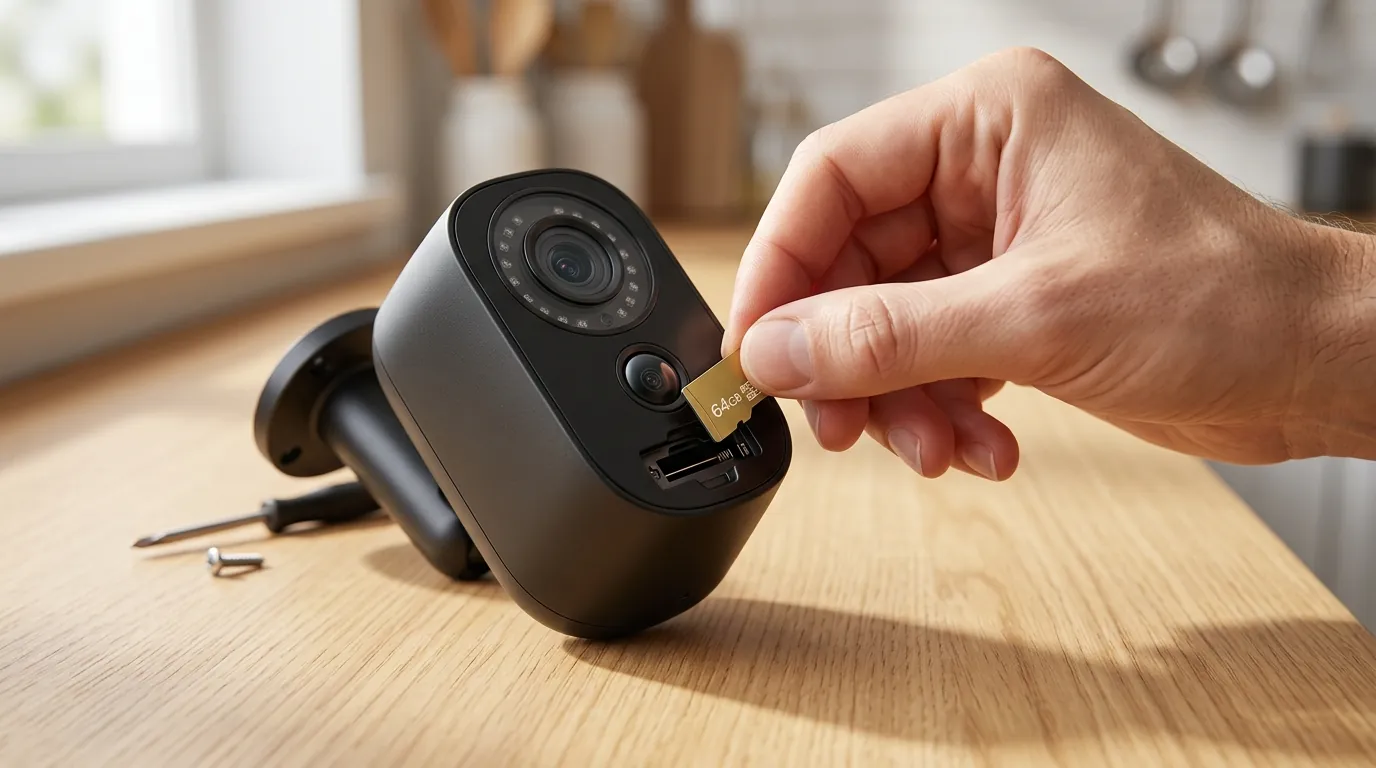
If you are not using a HomeBase and are instead using a local microSD card, the card’s write speed is critical. For a dual-lens 2K camera, we recommend a U3-rated (UHS Speed Class 3) card. A slower Class 10 card may fail to keep up with the initial stream buffer, causing the app to throw an “Unknown Error” because it isn’t receiving data fast enough.
Benchmark: Recommended microSD Write Speeds
- Minimum: 10 MB/s (Class 10) — Prone to “Unknown Error” on E340.
- Recommended: 30 MB/s (U3 / V30) — Required for stable 2K dual-streaming.