
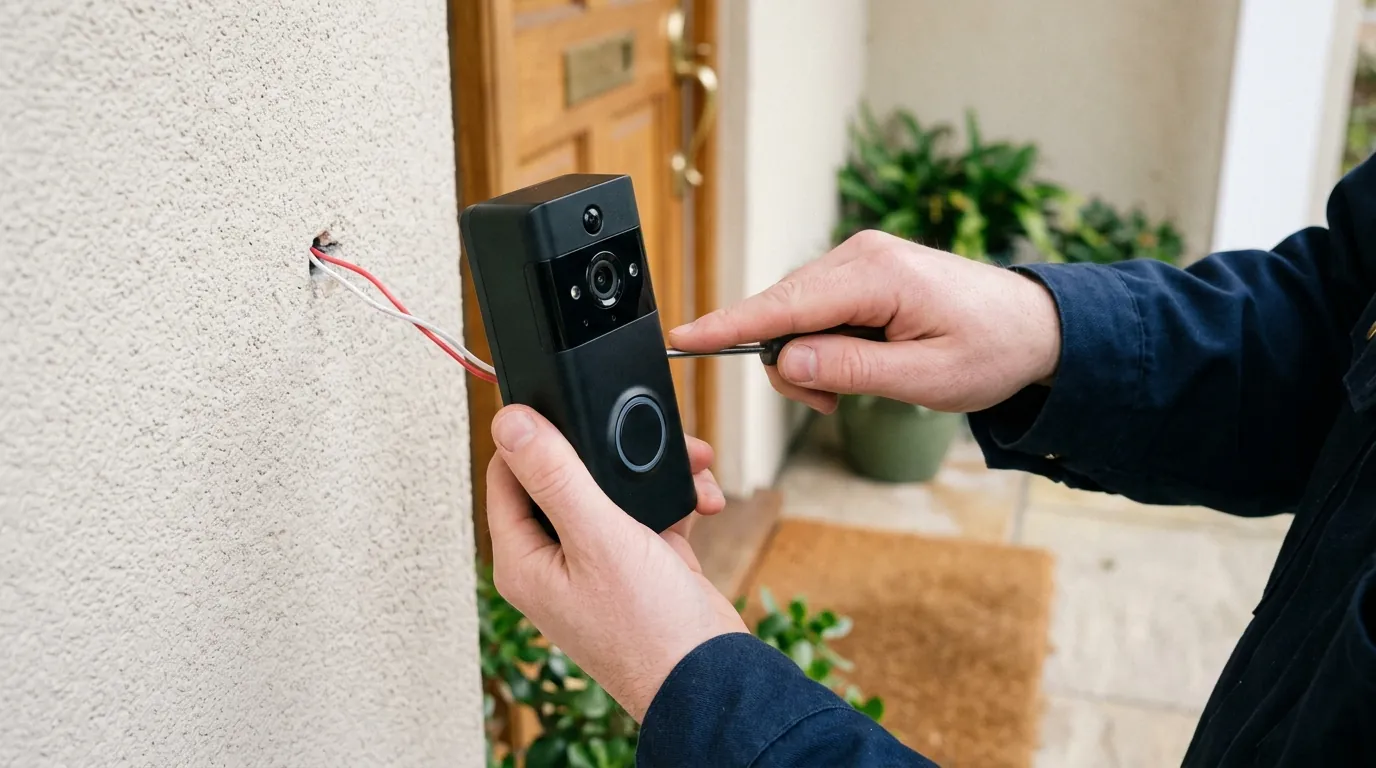
Eufy E340 Doorbell Mechanical Chime Not Working? Fixes & Tips
A doorbell that notifies your phone but leaves your hallway silent is only doing half its job. For owners of the Eufy Video Doorbell E340, the transition from a traditional button to a dual-camera smart system often results in a mechanical chime that either buzzes weakly or fails to strike at all.
Quick Answer: To fix a silent Eufy E340 mechanical chime, enable “Existing Doorbell Chime” and select “Mechanical” within the Eufy Security app settings. Critically, ensure your doorbell transformer is rated for 16V-24V AC and at least 30VA; standard 10VA transformers cannot power the E340’s dual cameras and the physical striker simultaneously. Do NOT install the blue bypass jumper wire if you intend for the indoor chime to ring.
The symptom
Related: Tapo C200 Offline After Firmware Update? 2026 Fix Guide · Eufy E340 Doorbell Livestream Not Loading? 6 Fixes (2026) · Fix Eufy Home Assistant ‘Entity Unavailable’ Errors (2026 Guide)
When the Eufy E340 is installed correctly, pressing the doorbell button should trigger three simultaneous events: the LED ring on the camera pulses blue, a push notification arrives on your mobile device, and the indoor mechanical chime strikes its metal plates (the classic “ding-dong”). When the chime fails, it usually manifests in one of four ways.
Silent Chime vs. Buzzing Chime
A completely silent chime often points to a configuration or wiring error where the electrical circuit is never completed. However, a “buzzing” or “humming” chime is a more specific diagnostic clue. This occurs when the solenoid (the electromagnet that moves the striker) receives enough voltage to vibrate but lacks the amperage (current) to fully pull the plunger back and release it against the tone bar. This is a hallmark sign of “power starvation,” where the E340’s dual-lens system is consuming the lion’s share of the available energy.
The ‘Phone-Only’ Notification Loop
In this scenario, the camera functions perfectly as a security device. You receive high-resolution 2K alerts and “Delivery Guard” notifications, yet the house remains quiet. This indicates that the E340 is successfully connected to your Wi-Fi and HomeBase 3 (if applicable), but the internal relay responsible for closing the physical circuit to your chime is either disabled in software or physically bypassed in the wiring.
Unlike digital chimes, which play a recorded sound through a speaker, a mechanical chime relies on a physical plunger and striker. If you remove the cover of your chime box and see two metal plates and a spring-loaded pin, you have a mechanical system that requires a high-energy pulse to operate.
What’s likely happening
The Eufy E340 is one of the most power-hungry consumer doorbells on the market. Unlike older single-lens models, it features a primary 2K sensor, a secondary 1080p downward-facing lens, and a sophisticated radar/PIR detection suite. This “dual-camera tax” changes the electrical requirements of your home’s doorbell circuit.
The Dual-Camera Power Tax
Standard North American homes built before 2020 typically utilize a 16V/10VA transformer. While 16 volts is sufficient to wake the camera, 10VA (Volt-Amps) describes the total “buffer” of power available. When the E340 is actively streaming or recording, it draws significant current. When the button is pressed, the doorbell must suddenly close a relay to send power to the mechanical chime. If the transformer is only 10VA, the voltage drops instantly, leaving the chime with a weak “buzz” and occasionally causing the doorbell itself to reboot.
The Jumper Wire Misconception
Eufy includes a blue “Bypass Jumper” wire in the E340 box. This wire is intended for users who have an incompatible chime or who want to bypass the chime entirely to provide maximum constant power to the camera. If a homeowner (or an electrician following Ring/Nest instructions) installs this jumper between the “Trans” and “Front” terminals on the chime box, the mechanical chime is permanently removed from the circuit. The E340 can only ring the chime if this circuit remains “open” until the button is pressed.
| Component | Eufy E340 Requirement | Standard Legacy Setup |
|---|---|---|
| AC Voltage | 16V - 24V AC | 10V - 16V AC |
| Power Capacity | 30VA Minimum | 10VA Typical |
| Circuit Type | Series (Non-bypassed) | Series |
| Chime Compatibility | Mechanical or Digital | Mechanical only |
Note: Requirements sourced from the official Eufy E340 product specifications.
Quick fixes (in order of likelihood)
Before dismantling your transformer, check the logic and simple physical connections. Most chime failures are resolved in the Eufy Security app.
Correcting the App Logic
The E340 is designed to be versatile, supporting battery power, Eufy’s own digital plug-in chimes, and legacy mechanical chimes. By default, the mechanical relay may be disabled to save power.
- Open the Eufy Security App (ensure you are on version 4.8.0 or later).
- Tap the ”…” icon on your E340 doorbell feed and select the Gear (Settings) icon.
- Navigate to Indoor Chime.
- Select Existing Doorbell Chime.
- Ensure the toggle is ON and specifically select Mechanical.
- Follow the on-screen prompt to “Test” the chime. If it rings now, your settings were the culprit.
Physical Chime Maintenance
If the app settings are correct but you hear a faint “thud” rather than a “ding,” the issue may be physical. Over years of inactivity, the plungers inside mechanical chimes can collect dust or become “sticky” due to paint overspray from home renovations.
- Remove the chime cover.
- Gently push the plungers with your finger. They should slide freely and snap back via spring tension.
- Warning: Never use WD-40 or oil on doorbell plungers, as this attracts dust and will eventually seize the mechanism. Use a dry cotton swab to clean the shaft if necessary.
Deeper diagnostics
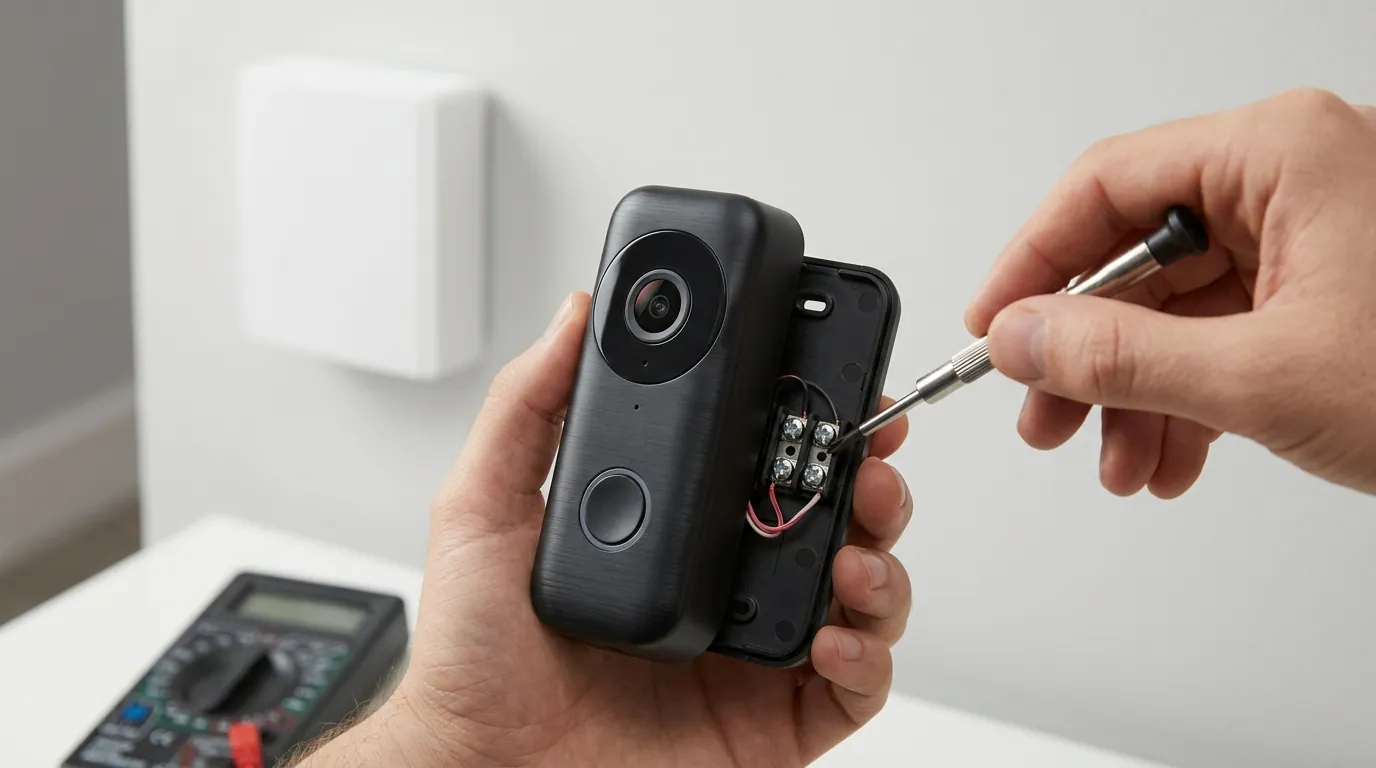
If the app is configured and the plungers are clean but the chime remains silent, you must verify the electrical integrity of the system using a multimeter.
Measuring Voltage Under Load
A transformer might read 16V when the doorbell is idle, but that voltage can “sag” when the E340’s cameras and IR lights are active.
- Set your multimeter to AC Voltage.
- Touch the probes to the two screws on the back of the E340 mounting plate.
- A healthy reading for an E340 should be between 18V and 24V AC. If the reading is closer to 14V or 16V, the transformer is likely struggling to maintain the load required for a mechanical strike.
Identifying Your Transformer’s VA Rating
Locate your doorbell transformer. It is usually mounted to the side of your electrical panel, or hidden in a basement, attic, or utility closet. Look for the stamp on the metal housing. If it reads “16V 10VA”, it is underpowered for the E340. You are looking for a rating of 30VA or 40VA.
The Recommended Upgrade: Newhouse Hardware 24V 40VA Transformer
For homeowners experiencing intermittent chime failures or “ghost” reboots, the industry-standard solution is upgrading to a high-capacity transformer. The Newhouse Hardware 24V 40VA (or similar models from Edwards Signaling) provides the necessary “headroom” to power the dual-camera array while still having enough reserved energy to throw the mechanical striker with force.
The ‘Screwdriver Test’
To rule out a broken chime box, perform a “bridge test”:
- Go to your indoor chime box and remove the cover.
- Use a screwdriver with an insulated handle to briefly touch the “Trans” terminal and the “Front” terminal simultaneously.
- If the chime rings, your transformer and chime box are working perfectly. The issue lies either in the E340’s internal relay or the wiring run to the door. If it does not ring, your transformer or the chime itself is dead.
When to contact support
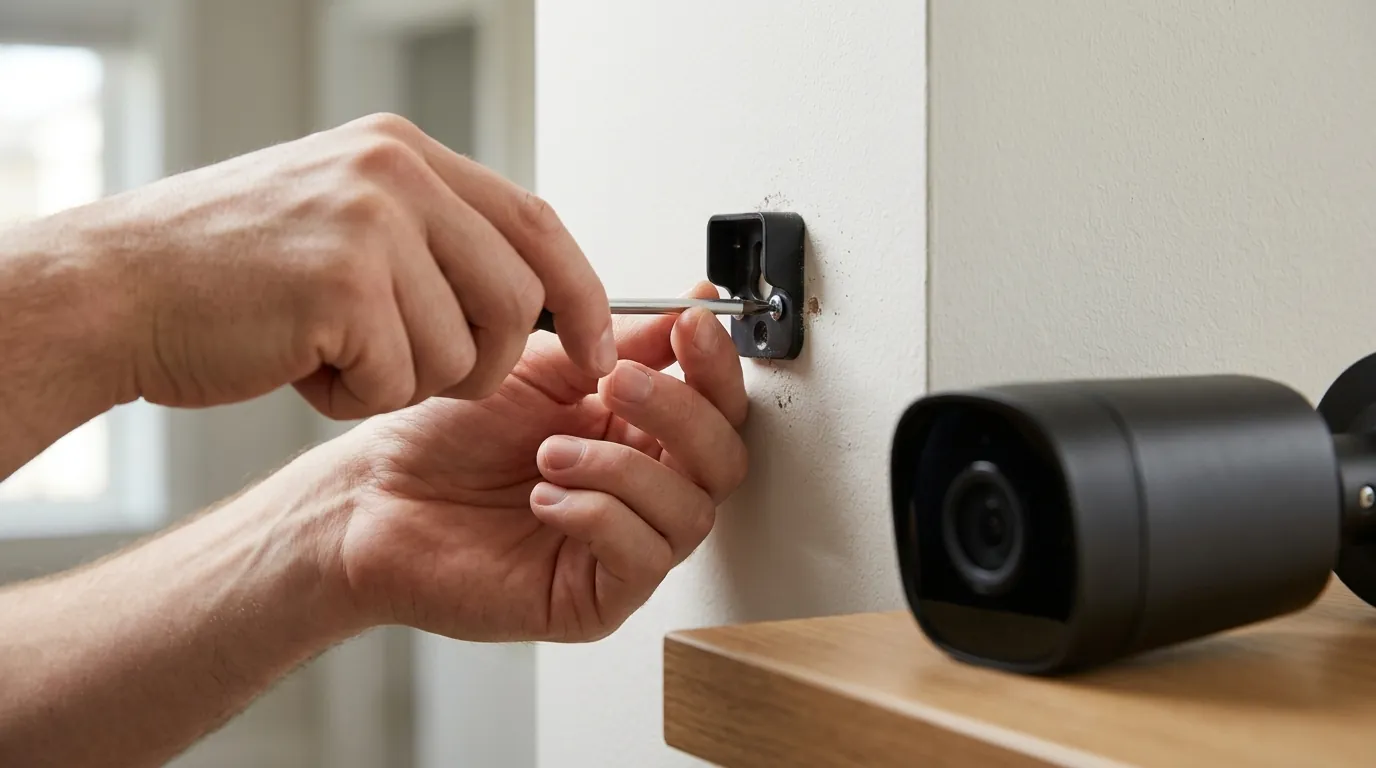
If you have verified 24V/30VA power and the “Screwdriver Test” works, but the E340 refuses to trigger the chime despite the “Mechanical” setting being active, the device may have a hardware defect.
- Internal Relay Failure: The E340 uses a small physical relay to bridge the wires when the button is pressed. Like any mechanical component, this can fail. If the doorbell is new and fails the “Test” in the app despite proper voltage, contact Eufy for a warranty claim.
- Firmware Regressions: As of August 2026, Google and community forums have not published a specific “bugged” firmware version for the E340 chime, but users should verify they are on the latest build (typically v3.x.x.x for the E340).
- Support Channels:
- Phone (US): +1 (800) 988-7973 (Mon-Fri 6 AM - 5 PM PT).
- Live Chat: Available via the Eufy Support Portal.
Prepare your serial number (found on the back of the device or in the app under Device Info) and your transformer specs before calling. Eufy support will almost always ask for the VA rating of your transformer as the first troubleshooting step.
How to prevent it
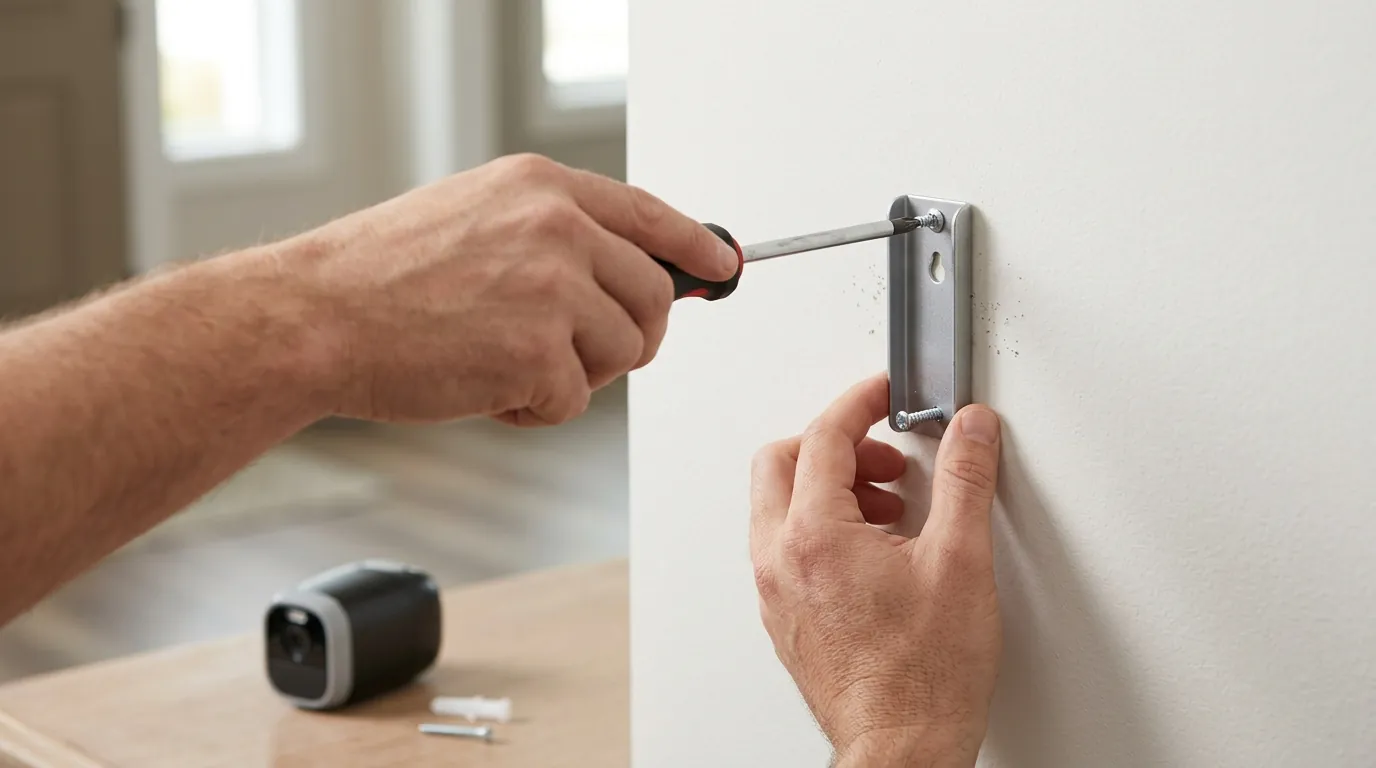
Once your chime is ringing reliably, a few maintenance habits can prevent future “silent” episodes.
Managing Power Settings
In extreme cold, battery-assisted doorbells like the E340 can struggle. Cold weather increases the internal resistance of the battery, which the E340 uses as a “buffer” for high-current events like ringing a chime. If you live in a climate that drops below 0°F (-18°C), consider disabling the “Dual-Detection” (Radar + PIR) feature during the winter months to reduce the baseline power draw.
Firmware Vigilance
Eufy frequently updates the “Indoor Chime” logic to improve compatibility with various regional chime brands (such as Nutone or Heath Zenith). Check the Eufy Security app monthly for updates. While the E340 usually updates automatically overnight, a stalled update can occasionally cause peripheral features like the mechanical relay to hang.
Keep the Battery Installed
Even if you are hardwiring the E340, do not remove the battery pack. The E340 is designed to use the hardwired AC connection to trickle-charge the battery, which then acts as a capacitor. This battery buffer is essential for providing the “burst” of energy required to move a mechanical chime plunger. If the battery is removed or completely depleted, the hardwired connection alone may not be enough to trigger a loud, crisp “ding-dong.”
Frequently Asked Questions
Can I use a digital chime with the E340?
Yes. The E340 supports existing digital chimes (those that play a melody through a speaker), but you must select “Digital Chime” in the app settings. Digital chimes often require a longer “ring time” to complete their melody, which can be adjusted in the Eufy app’s chime settings menu.
Why does my doorbell reboot every time someone rings it?
This is a classic symptom of an underpowered transformer (usually 10VA or 15VA). When the button is pressed and the chime relay closes, the power draw exceeds what the transformer can provide. The voltage drops so low that the E340’s processor shuts down. Upgrading to a 30VA or 40VA transformer resolves this.
Do I need the Eufy HomeBase 3 for the mechanical chime to work?
No. The mechanical chime is triggered by a physical relay inside the E340 doorbell unit itself. While the HomeBase 3 provides expanded storage and AI features, the basic function of ringing your house’s existing chime is handled locally by the doorbell’s wiring.
Will the E340 ring my chime if the Wi-Fi is down?
Yes. Because the mechanical chime is triggered by a physical circuit closure when the button is pressed, it will function even if your internet or Wi-Fi is offline, provided the doorbell has power from the transformer.
Sources
- Eufy E340 Product Manual and Specifications — https://www.eufy.com/products/t8213
- Eufy Support: How to Hardwire Your Video Doorbell
- FCC ID Filing: Anker/Eufy T8213 (E340) — https://fccid.io/2AOKB-T8213
- Newhouse Hardware: Transformer Compatibility Guide — https://newhousehardware.com/
- Reddit r/EufyCam: Community Troubleshooting for Mechanical Chimes — https://www.reddit.com/r/EufyCam/