
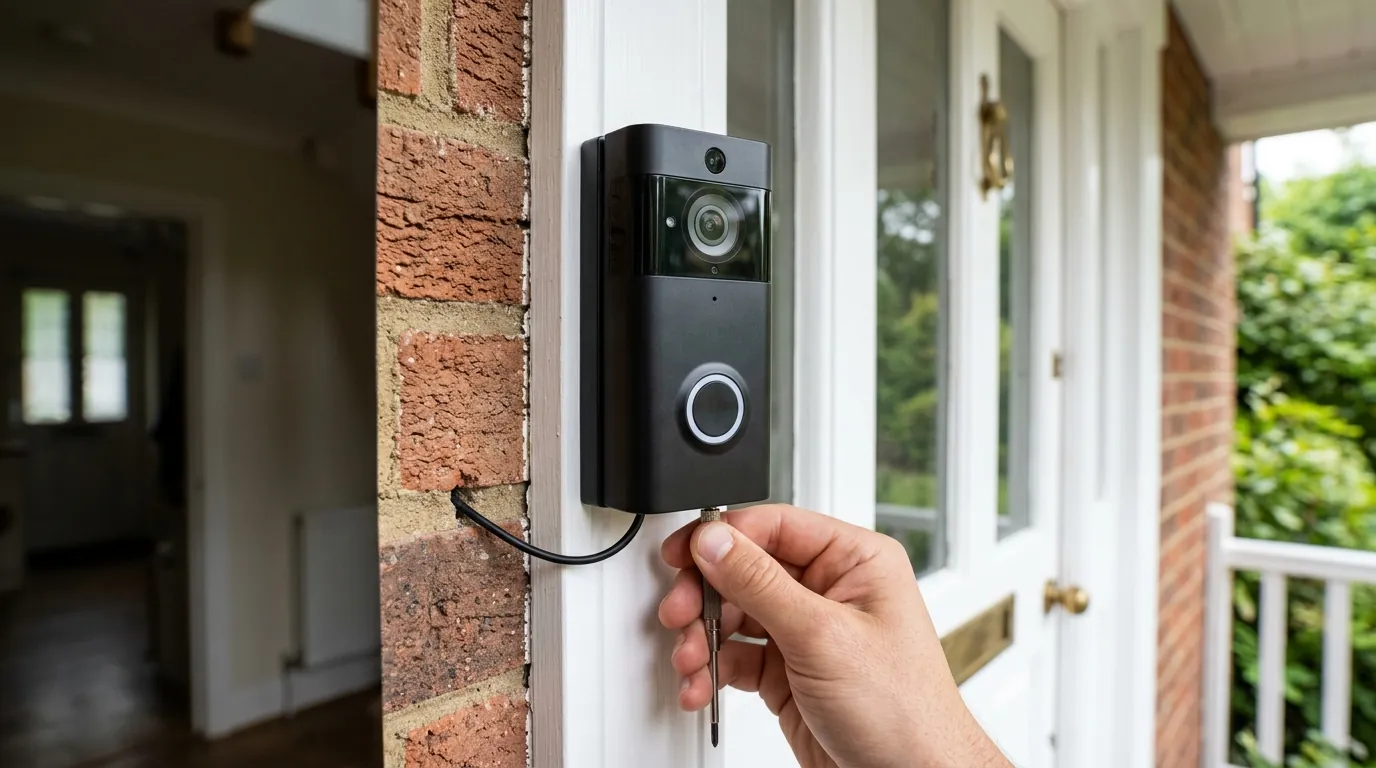
Fix eufy E340 Doorbell Livestream Errors: 2026 Troubleshooting
The eufy Video Doorbell E340 is a sophisticated dual-camera system that requires high-bandwidth Peer-to-Peer (P2P) handshakes to function, making it more susceptible to livestream timeouts than single-lens models. If you are encountering a “Failed to play live stream” error, the issue usually lies in the encryption handshake between the doorbell and the HomeBase 3 or insufficient voltage from your existing transformer.
Quick Answer: Fix eufy E340 livestream errors by restarting your HomeBase 3 and ensuring your doorbell transformer provides at least 16V-24V AC with 30VA power. Most “failed to play” errors stem from 2.4GHz signal interference or the doorbell incorrectly using battery-saving logic while hardwired. Ensure your eufy Security app is updated to at least v4.9.2 and the doorbell is on firmware v3.3.x or higher.
The symptom
Related: Wemo Smart Video Doorbell Drops Off HomeKit? Fixes for 2026 · Eufy E340 Doorbell Mechanical Chime Not Working? Fixes & Tips · Tapo C200 Offline After Firmware Update? 2026 Fix Guide
Owners of the eufy E340 often report a specific set of failures that differ from standard Wi-Fi drops. Because the E340 utilizes two distinct camera sensors—a 2K primary lens for faces and a 1080p downward-facing lens for packages—the livestreaming process requires two simultaneous encrypted streams to be decoded by the eufy Security app.
The most common symptom is the “Unable to connect to doorbell” message (often accompanied by Error -204), which appears after a 10-15 second “Establishing secure connection” hang-up. In some cases, users experience a partial failure where the bottom package camera loads successfully, but the primary 2K lens remains black or displays a “loading” spinner indefinitely. This indicates a failure in the Peer-to-Peer (P2P) handshake, where the mobile device fails to negotiate a secure tunnel with the HomeBase 3 (S380) or the doorbell’s internal storage.
Identifying P2P Connection Failures
A P2P failure is distinct from a total “Device Offline” error. If you can see the doorbell’s status, battery level, and settings in the app, but cannot view the live feed, the doorbell is connected to the internet, but the direct video tunnel is being blocked. This is frequently caused by the app’s inability to decrypt the stream fast enough or a timeout in the HomeBase 3’s local AI processing.
Dual-Lens Sync Issues
Because the E340 is essentially two cameras in one housing, it demands double the processing power. If the primary lens fails to load while the secondary one works, the device is likely suffering from “power starvation” or a firmware bug where the high-resolution 2K stream is prioritized lower than the 1080p stream during low-voltage events.
| Error Code | Meaning | Likely Root Cause |
|---|---|---|
| Error -3 | Connection failed | Router/Firewall blocking P2P port 80/443 |
| Error -13 | Encryption error | HomeBase 3 storage database corruption |
| Error -204 | P2P Handshake Timeout | Weak 2.4GHz signal or 2K stream congestion |
| Error -503 | Service unavailable | eufy cloud authentication outage |
What’s likely happening
To troubleshoot the E340, you must understand the technical overhead of a dual-camera system. Unlike the older eufy 2K single-lens doorbells, the E340 transmits a significantly larger data packet.
The Role of the S380 HomeBase
If your E340 is paired with a HomeBase 3 (S380), the livestream does not go directly from the doorbell to your phone. Instead, the video is sent to the HomeBase, which applies BionicMind AI (face recognition) and saves the footage to the internal or expanded hard drive before relaying it to your mobile device. This “Edge” storage architecture adds a layer of latency. If the HomeBase 3’s CPU is busy indexing old footage or if the hard drive is experiencing high write-latency, the livestream handshake will time out.
Voltage Requirements for Dual-Camera Operation
The E340 is marketed as a “battery or wired” doorbell, but this is a common point of failure. When hardwired to an existing chime transformer, the E340 requires significantly more amperage than a standard doorbell. A traditional 16V 10VA transformer—common in many older US homes—is often insufficient to power the Wi-Fi radio, the dual-camera sensors, and the IR night vision LEDs simultaneously. When the camera attempts to start a 2K livestream, the power draw spikes; if the voltage drops below a certain threshold, the Wi-Fi chip resets, causing the “failed to play” error.
Bandwidth Requirements
The E340 requires a dedicated upload speed of at least 2Mbps to maintain a stable dual-stream. If your home network’s 2.4GHz band is congested by other smart home devices, the P2P handshake may fail simply because the “handshake” packet was lost in the noise.
Quick fixes (in order of likelihood)
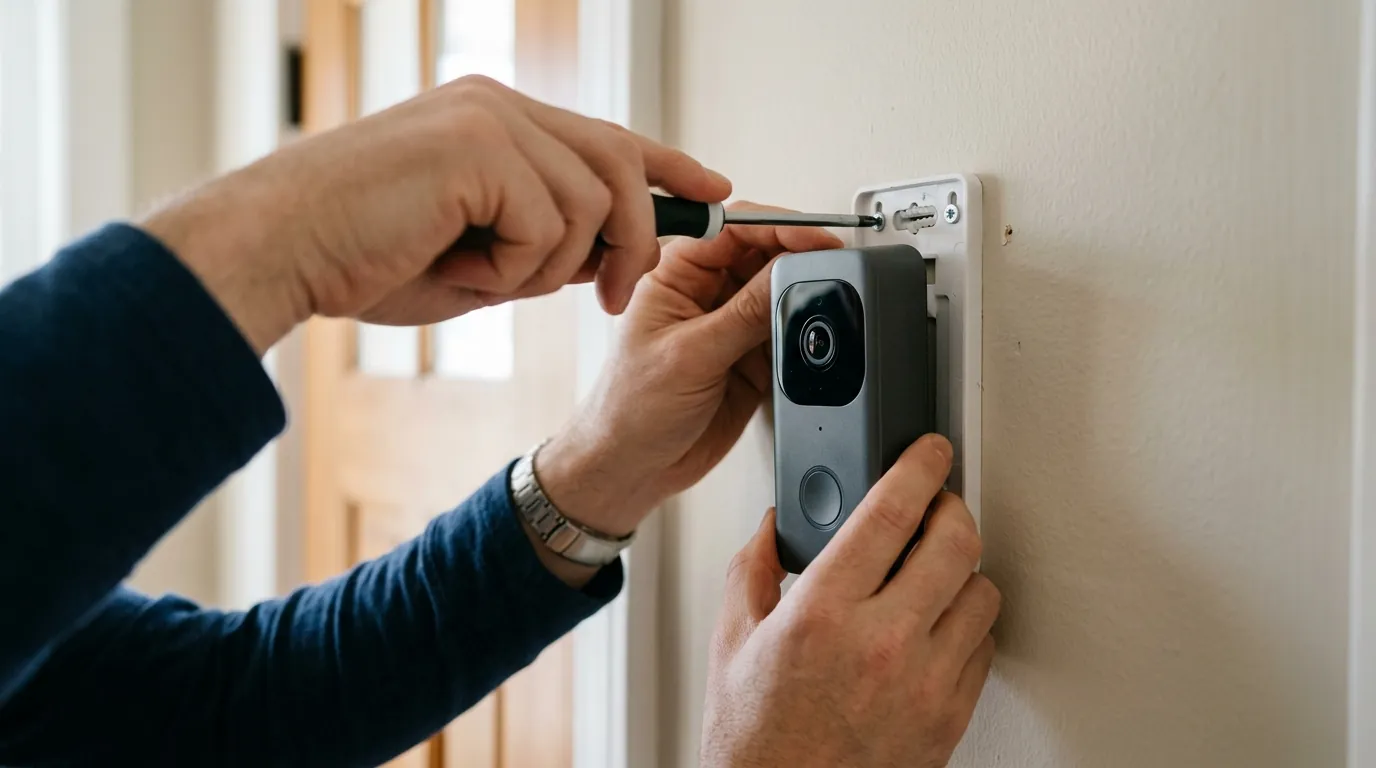
Before dismantling your doorbell or checking wires, perform these software-level resets which resolve approximately 60% of livestreaming errors reported by the eufy community.
The 30-Second Power Cycle
The HomeBase 3 (S380) can occasionally suffer from “cache bloat” where the local AI database becomes sluggish.
- Unplug the HomeBase 3 from its power source.
- Wait 30 seconds to allow the capacitors to fully discharge.
- Plug it back in and wait for the LED to turn solid blue.
- Restart your smartphone and attempt the livestream again.
Adjusting Video Quality Settings
If your E340 fails to load in 2K but works occasionally, the P2P tunnel may be struggling with the high bitrate.
- Open the eufy Security app.
- Go to Settings > Video Settings > Streaming Quality.
- Change the setting from “2K HD” to “Auto” or “1080p.” This reduces the initial data payload required to start the stream, making it more resilient to minor signal fluctuations.
Clearing the App Cache
The eufy Security app (v4.9.2 and newer) stores local decryption keys. If these become stale, the app will fail to decode the stream.
- Android: Go to Settings > Apps > eufy Security > Storage > Clear Cache.
- iOS: There is no “Clear Cache” button; you must “Offload App” under Settings > General > iPhone Storage > eufy Security, then reinstall it. This keeps your settings but refreshes the system binaries.
Deeper diagnostics
If quick fixes fail, the problem is likely physical or related to network architecture.
Testing the Transformer Voltage
The E340 is highly sensitive to voltage drops. According to eufy’s official support documentation, the E340 requires a transformer outputting 16V-24V AC.
- Use a digital multimeter set to “AC Voltage.”
- Touch the probes to the two screws on the back of the doorbell.
- A reading of 16V is the bare minimum; however, if you see the voltage dip below 15V when the doorbell button is pressed or when the IR lights turn on, your transformer is underpowered.
- For the E340, we recommend a 24V 40VA transformer to ensure stability during dual-camera operation.
Bypassing VPN and Mesh Node Issues
Many users forget that active VPNs on their mobile devices block the P2P tunneling eufy uses. If you are on a VPN, the app cannot find the “local” path to the HomeBase 3. Furthermore, if you use a Mesh Wi-Fi system (like Eero or Orbi), the doorbell may be “sticking” to a distant node rather than the closest one. Check the “Signal Strength” in the eufy app; if it is below 3 bars, the dual-stream will almost always fail to initialize.
The GitHub #1125 Bug (Battery Logic)
A significant community-reported issue, documented in GitHub Issue #1125, highlights a firmware quirk where the E340, even when hardwired, may still follow battery-saving protocols. This causes the camera to “sleep” too deeply, resulting in a failed P2P handshake when you attempt to wake it for a livestream. If your battery percentage is low despite being hardwired, the camera may be prioritizing charging over streaming.
Firmware and App Version Timeline
Tracking the resolution of these bugs requires looking at the 2024-2026 update cycle.
- Q4 2023: Initial reports of “Unknown Error” and P2P timeouts on the E340 (T8214).
- May 2024: GitHub Issue #1125 identifies that hardwired units are still behaving like battery units, causing stream delays.
- August 2024: eufy releases Firmware v3.3.2.1 for the E340, which improved P2P connection stability for HomeBase 3 users.
- 2025 - Early 2026: Minor patches released to support the eufy Security app v5.x ecosystem. As of August 2026, ensure your doorbell is on at least v3.3.x and your app is v4.9.2 or higher. If your app does not show an update, eufy has not publicly published a newer version for your specific region as of today.
When to contact support
If you have verified your voltage (16V-24V) and refreshed your HomeBase but still cannot stream, you may have a hardware defect.
Interpreting LED Error Codes
The LED ring around the doorbell button provides diagnostic feedback:
- Flashing Red: The doorbell is disconnected from the Wi-Fi or HomeBase.
- Solid Red: This often indicates an internal storage failure or a critical hardware error. If the LED stays solid red after a reboot, the unit is likely defective.
- Flashing Blue/Yellow: The doorbell is in pairing mode or updating firmware. Do not interrupt this process.
The Replacement Decision
The E340 comes with a 12-month limited warranty. If your unit is failing due to a hardware-level Wi-Fi radio defect (common in early production batches), eufy typically requires a video of the “Failed to play” error and a photo of your multimeter reading before issuing an RMA.
If your E340 is out of warranty and continues to struggle with livestreaming, the Reolink Video Doorbell WiFi (available in the $100 range) is a popular alternative. It offers a more robust RTSP/ONVIF implementation, which allows for faster, more reliable local streaming without the proprietary P2P handshake delays found in the eufy ecosystem.
How to prevent it
Long-term stability for the E340 requires optimizing the environment for its high data and power demands.
Network Optimization
Security cameras are sensitive to IP address changes. If your router reassigns an IP address to your HomeBase 3, the doorbell may lose its “route” for the P2P stream.
- Log into your router’s admin panel.
- Find the DHCP Reservation or Static IP section.
- Assign a permanent IP address to both the HomeBase 3 and the E340 Doorbell. This ensures the communication path remains “locked.”
Long-term Power Stability
If you are currently using a 16V 10VA transformer, it is working at its absolute limit. Over time, heat will degrade the transformer’s efficiency, leading to more frequent livestream failures. Upgrading to a 24V 40VA transformer provides the necessary “headroom” for the E340’s dual sensors and IR night vision to function without starving the Wi-Fi chip of power.
Optimal HomeBase 3 Placement
The HomeBase 3 acts as the bridge. For the best livestream performance, the HomeBase should be:
- Within 20 feet of the doorbell.
- Placed away from large metal objects or thick masonry walls.
- Elevated (on a shelf, not on the floor).
- Connected via Ethernet to your router rather than Wi-Fi to reduce the total “hops” the video data must take.
Frequently Asked Questions
Why does my eufy E340 work on Wi-Fi but fail on cellular data?
This is usually caused by a “P2P Block” from your cellular carrier or a VPN on your phone. When on cellular, the app must use a “STUN/TURN” server to find your doorbell. If your carrier (like T-Mobile or Verizon) has strict NAT settings, the handshake will fail. Try disabling any “Data Saver” modes on your phone.
Does the eufy E340 require a subscription to fix livestreaming?
No. Livestreaming is a core feature that does not require a eufy Cloud subscription. However, if you have a subscription, the app may attempt to upload a thumbnail to the cloud before starting the P2P stream; if your internet upload speed is slow, this can actually delay the livestream.
Can I use the E340 without a HomeBase 3?
Yes, the E340 can connect directly to your Wi-Fi and store footage on a built-in 8GB eMMC. However, using it without a HomeBase 3 often results in faster livestream starts because the data doesn’t have to hop through a secondary hub, though you lose the advanced BionicMind AI features and expanded storage.
What is the best transformer for the eufy E340?
While eufy specifies 16V-24V AC, real-world testing from the r/HomeSecurity community suggests that a 24V 40VA transformer is the gold standard for dual-camera doorbells. This prevents the voltage sag that causes the 2K lens to fail during night-time streaming.
Sources
- eufy Support — Video Doorbell E340 Power Requirements
- GitHub — fuatakgun/eufy_security Issue #1125: Hardwired Battery Logic
- RTINGS — eufy Video Doorbell E340 Review and Performance Data
- eufy Official — Firmware Update Logs and Security App Versions