
Eufy Doorbell Motion Detection Not Working: July 2026 Fixes
Eufy’s reputation for subscription-free AI is facing a critical test as owners report silent doorbells and missed deliveries throughout early July 2026. If your E340 or S330 has stopped alerting you to visitors, you are likely caught in a firmware-related breakdown affecting the HomeBase 3 ecosystem.
Quick Answer: A July 2026 bug affecting Eufy E340 and S330 doorbells on HomeBase 3 is causing “Human Only” detection to fail. To fix it, toggle to “All Motion” or format your HomeBase storage to clear corrupted AI cache.
What happened
Related: Eufy ‘Silent Registration’ Discovery: What It Means for Your Privacy · Ring Plugin Not Streaming? July 2026 Update & Privacy Bug Explained · Eufy Push Notifications Broken in HAOS 2026.6.4: How to Fix
As of July 6, 2026, a significant volume of technical support requests and community reports indicates a widespread failure in the motion detection pipeline for Eufy’s flagship dual-lens doorbells. The issue is not a hardware failure of the Passive Infrared (PIR) sensors; rather, it is a software “handshake” error between the doorbell and the HomeBase 3 (S380) Edge Engine.
The problem specifically targets the “Human Only” detection setting. When a person approaches the door, the doorbell’s physical sensors often trigger—evidenced by the LED ring illuminating—but the BionicMind AI fails to categorize the event as a human. Consequently, the HomeBase 3 does not record the clip or push a notification to the user’s smartphone. This “silent failure” has been traced back to firmware v3.2.3.0 for the E340 and the v3.4.x firmware branch for the HomeBase 3.
The HomeBase 3 Connection Bug
The HomeBase 3 is designed to offload AI processing from the camera to a centralized hub. This “Edge” processing is intended to improve accuracy and battery life. However, in the current July 2026 service climate, the communication link between the doorbell’s raw motion trigger and the HomeBase 3’s BionicMind AI processing appears to be timing out or returning a “null” result. Users on r/EufyCam have noted that while the doorbell functions perfectly in “Standalone” mode (connected directly to Wi-Fi without a HomeBase), the integration with the S380 hub is where the detection logic collapses.
Human Only vs. All Motion: The AI Breakdown
The failure is localized within the BionicMind AI’s filtering layer. Eufy doorbells use a two-step detection process:
- PIR Trigger: The physical sensor detects heat and motion.
- AI Verification: The BionicMind engine analyzes the frames to see if the motion is a person, pet, or vehicle.
Currently, the AI Verification step is failing to return a “Human” match even when subjects are directly in front of the lens. When users switch to “All Motion,” the AI verification is bypassed or lowered in priority, allowing the PIR trigger to directly initiate a recording. This confirms that the lenses and sensors are functional, but the intelligence layer is currently compromised.
| Component | Affected Version | Status (as of July 6, 2026) |
|---|---|---|
| HomeBase 3 (S380) | v3.4.5.x | Investigating AI Cache Errors |
| Video Doorbell E340 | v3.2.3.0 | Human Detection Intermittent |
| Video Doorbell S330 | v2.1.8.x | Human Detection Intermittent |
| BionicMind Engine | v2.0 | Metadata Corruption Reported |
Why it matters for buyers
For those currently shopping for a video doorbell in the $150-200 range, this disruption highlights the inherent risks of “Edge” computing. Eufy’s primary competitive advantage over brands like Ring or Google Nest is its “no-subscription” local AI. By processing data on the HomeBase 3 rather than the cloud, Eufy promises faster alerts and better privacy. However, when the local AI engine fails, the user is left with a non-functional security device that cannot be easily patched via a cloud-side server update.
The Local Storage Trade-off
Buying into the Eufy ecosystem means prioritizing local storage (HDD/SSD support up to 16TB on HomeBase 3) and one-time hardware costs. This July 2026 bug serves as a reminder that local processing requires robust, bug-free firmware. Unlike cloud-based systems where detection logic can be tweaked on the manufacturer’s servers, Eufy owners are dependent on firmware pushes to their specific local hardware.
Is BionicMind AI Still the Gold Standard?
Until this recent instability, BionicMind was widely considered a top-tier consumer AI for facial recognition and false-alert filtering. In a July 2026 comparison, the reliability of the AI is being called into question. If the AI cannot consistently identify a human, the “Smart” features of the camera are effectively neutralized.
Decision Framework: July 2026 Buying Advice
- If you are a Renter: The E340 remains a strong choice due to its battery flexibility and dual-camera package detection, but be prepared to use “All Motion” mode until the current firmware stabilizes.
- If you are a Homeowner seeking 100% reliability: You may want to wait for the confirmed rollout of firmware v3.2.5.x or consider a wired alternative like the Reolink Video Doorbell, which uses simpler (though less “smart”) on-device detection.
- If you are Privacy-Focused: Despite the current bug, Eufy’s local encryption and lack of police cooperation programs (unlike Ring) keep it as a top contender for those who want their data off the cloud.
Total Cost of Ownership (TCO) Comparison (3-Year Estimate) Pricing based on July 2026 market bands.
| Brand/Model | Hardware Cost | Monthly Sub | 3-Year Total |
|---|---|---|---|
| Eufy E340 + HomeBase 3 | $180 (Doorbell) + $150 (Hub) | $0 | $330 |
| Ring Battery Doorbell Pro | $200 | $5/mo (Basic) | $380 |
| Google Nest Doorbell (Gen 2) | $180 | $8/mo (Aware) | $468 |
Impact on existing owners
The impact on current Eufy owners ranges from minor inconvenience to significant security gaps. Many users rely on their doorbells to monitor for package deliveries and “porch piracy.” With “Human Only” detection failing, these events are going unrecorded.
Security Gaps and Notification Fatigue
The most immediate consequence is the “silent front door.” Owners have reported arriving home to find packages on their doorstep with zero corresponding notifications or recordings in the Eufy Security app. To combat this, many have switched to “All Motion” detection. While this ensures the camera records, it creates a new problem: notification fatigue. In “All Motion” mode, every passing car, swaying tree branch, or shadow triggers a notification. For users in high-traffic areas, this can result in hundreds of useless alerts per day, eventually leading them to ignore their security notifications entirely.
The Battery Drain Side Effect
For owners of the battery-powered E340 and S330, the July 2026 bug is also a battery killer. When the AI processing fails, the camera often enters a “processing loop” where it stays awake longer than necessary trying to analyze a motion event that it eventually fails to categorize. Furthermore, switching to “All Motion” forces the camera to wake up and record far more frequently. Users who typically see 3-6 months of battery life are reporting depletion in as little as 10-14 days during this disruption.
User Sentiment Analysis
On community platforms like r/EufyCam, the consensus is one of frustration. Users who invested in the HomeBase 3 for its expanded AI capabilities feel that the “Edge” ecosystem is currently less stable than the older, simpler HomeBase 2 or standalone Wi-Fi setups. There is a growing demand for a “Legacy Mode” that would allow the doorbell to perform basic motion detection without HomeBase 3 intervention during these firmware crises.
What to do now
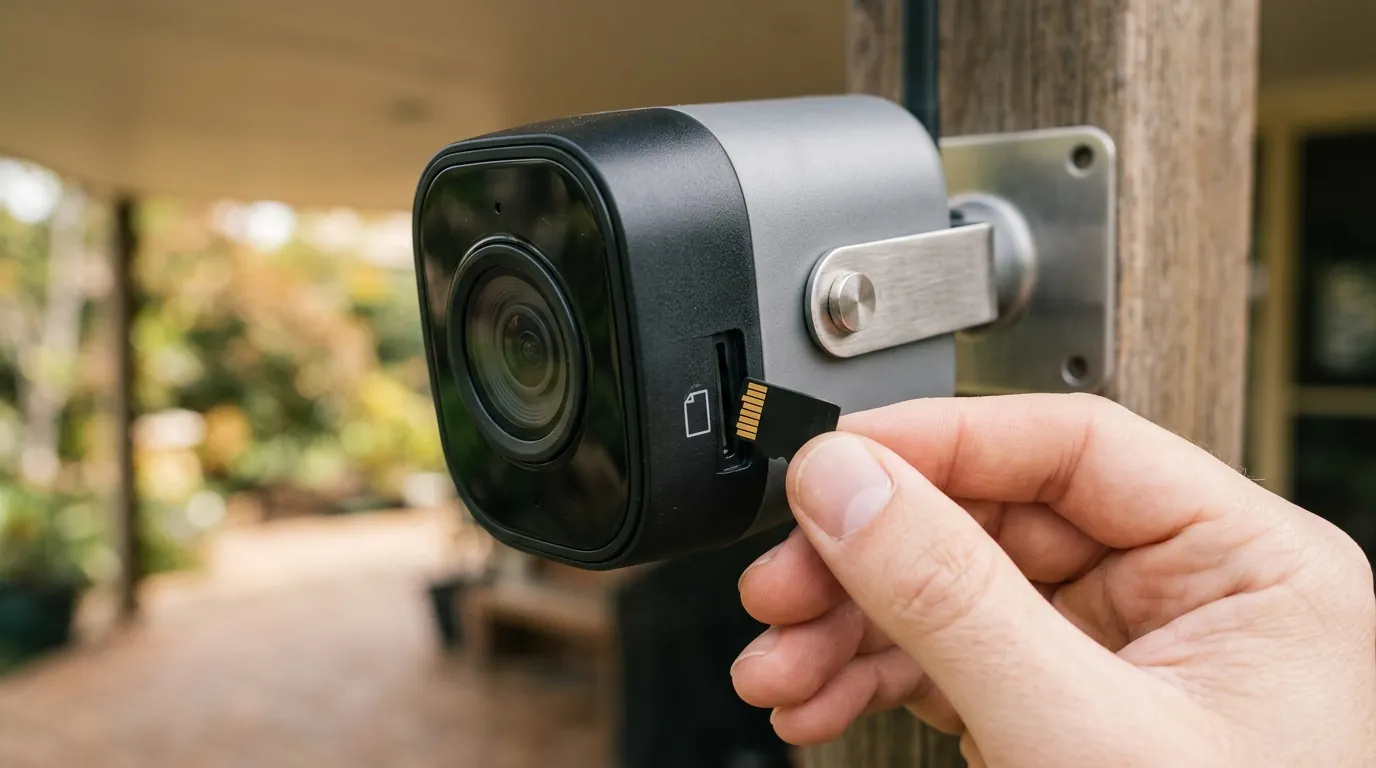
If your Eufy doorbell is currently failing to detect motion, do not assume the hardware is broken. Follow this 5-step recovery guide to restore functionality while waiting for a permanent firmware fix.
Step-by-Step: Troubleshooting the July 2026 Bug
- The Sensor Toggle: In the Eufy Security app, go to Settings > Motion Detection. Toggle the “Motion Detection” switch to OFF. Wait 30 seconds, then toggle it back to ON. This forces the PIR sensor and the AI software stack to re-initialize their communication link.
- The “All Motion” Compromise: If “Human Only” is still failing, change the Detection Type to All Motion. Set your sensitivity to a 4 or 5. This is a temporary measure to ensure you are actually recording events, even if it means more false positives.
- Format HomeBase 3 Storage: Many users have found success by clearing the AI metadata cache. This is done by formatting the storage in the HomeBase 3.
- Warning: This will erase all previous recordings. Back up any important clips to your phone first.
- Navigate to HomeBase 3 Settings > Storage Management > Clear All Data/Format.
- Check for Firmware v3.2.5.x: As of July 6, Eufy has begun a staged rollout of an emergency patch (v3.2.5.x for doorbells). Go to Settings > General > About > Check for Firmware Update. If it is not available, proceed to Step 5.
- Request a Manual Firmware Push: If your doorbell is still “blind” to humans, contact Eufy Support via the app’s “Help” section. Provide your device Serial Number (SN) and specifically mention “Motion detection failure on HomeBase 3.” Support agents have the ability to “push” specific firmware versions to individual devices that are not yet in the general rollout pool.
How to Request a Manual Firmware Push
When contacting support, be technical and concise. State: “My E340 is running v3.2.3.0 and is failing to trigger Human Detection events while connected to HomeBase 3. I have already attempted a PIR toggle and storage format. Please push the latest stable firmware to SN: [Your SN Here].” This typically bypasses the first level of generic troubleshooting scripts.
Frequently Asked Questions
Why does my Eufy doorbell work in the daytime but not at night?
This is often related to the “Sensitivity” settings and the lack of contrast for the AI to identify a human shape. In July 2026, the firmware bug has exacerbated this, as the AI requires even clearer “Human” signatures to trigger. Increasing sensitivity to the maximum or adding a porch light can help the BionicMind AI identify subjects in low light.
Can I use the E340 doorbell without a HomeBase 3?
Yes, the E340 can function as a standalone device by connecting directly to your 2.4GHz Wi-Fi. In standalone mode, it uses basic on-device AI and stores footage to a built-in 8GB eMMC. Many users are temporarily switching to this mode to bypass the HomeBase 3 AI bugs currently being reported.
Will formatting my HomeBase 3 delete my facial recognition data?
Yes, formatting the internal storage or the added hard drive/SSD will clear the BionicMind AI “learned” faces. You will need to re-label your frequent visitors once the system is back up and running. However, this is often necessary to clear the corrupted cache causing the motion detection failure.
Does Eufy charge for the AI features if the local detection fails?
No, Eufy does not currently gate its AI features behind a subscription. If the local AI fails, you do not lose money on a subscription, but you do lose the core functionality of the camera. This is the primary difference between Eufy and competitors like Arlo or Ring, where AI is handled in the cloud via a paid plan.
Sources
- Eufy Official Support: Video Doorbell E340 Specs
- Reddit: r/EufyCam Community Troubleshooting Thread July 2026
- Eufy Privacy Policy & Data Handling
- RTINGS: Eufy Video Doorbell Dual Review & Lab Tests
Quvii tracks these trade-offs across the security camera category to provide vendor-neutral buying intelligence.