
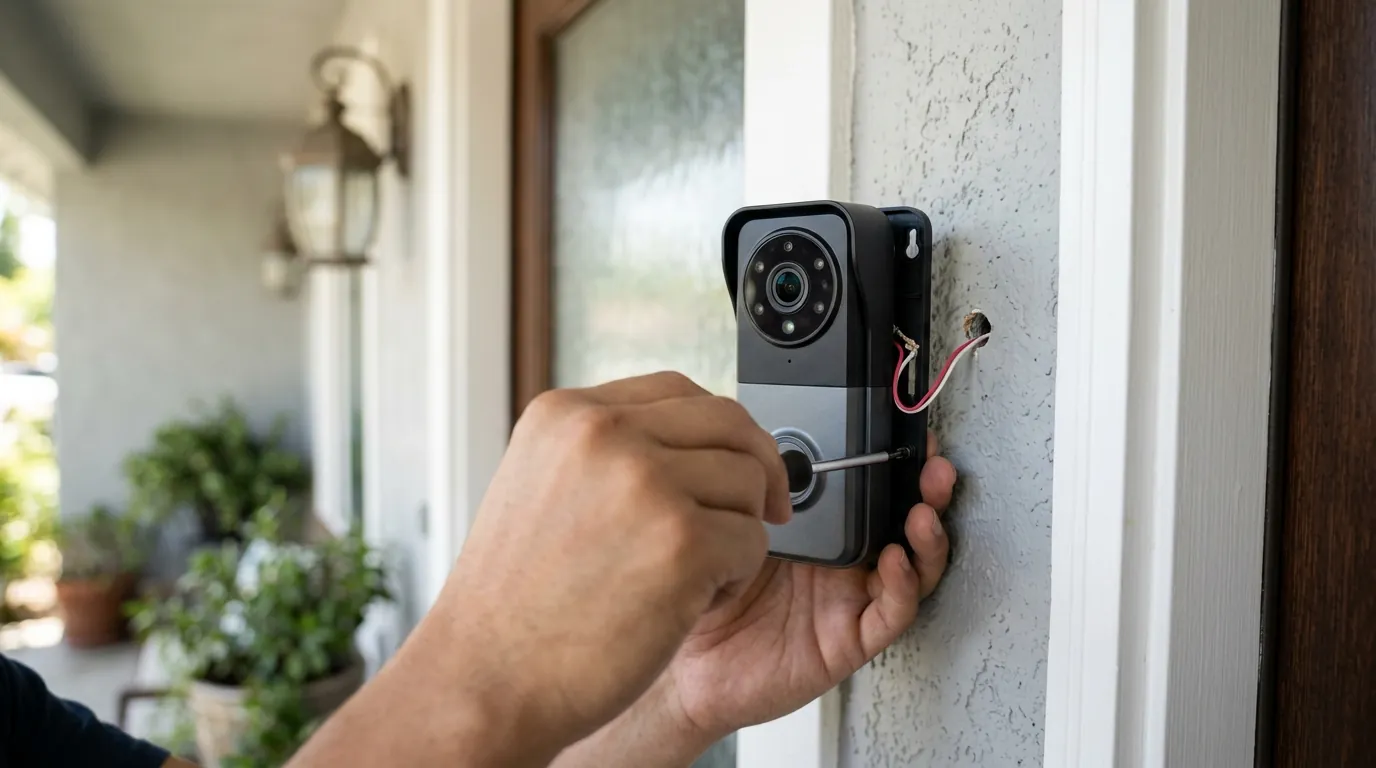
eufy Doorbell HomeKit Integration Not Working? 2026 Fix Guide
For users deeply embedded in the Apple ecosystem, a “No Response” error on a front-door camera isn’t just a technical glitch—it is a significant security blind spot. As of mid-2026, the integration between eufy doorbells and HomeKit remains one of the most common points of failure reported by smart home enthusiasts.
Most eufy doorbells (E340, Dual, 2K) do not natively support HomeKit. Only the 2026 Video Doorbell S4 offers native HomeKit Secure Video via HomeBase 3. For other models, check your Homebridge/Scrypted bridge or network mDNS settings.
The symptom
Related: Ring Doorbell Alexa Integration Not Working? 2026 Fix Guide · Fix eufy E340 Doorbell Livestream Errors: 2026 Troubleshooting · Wemo Smart Video Doorbell Drops Off HomeKit? Fixes for 2026
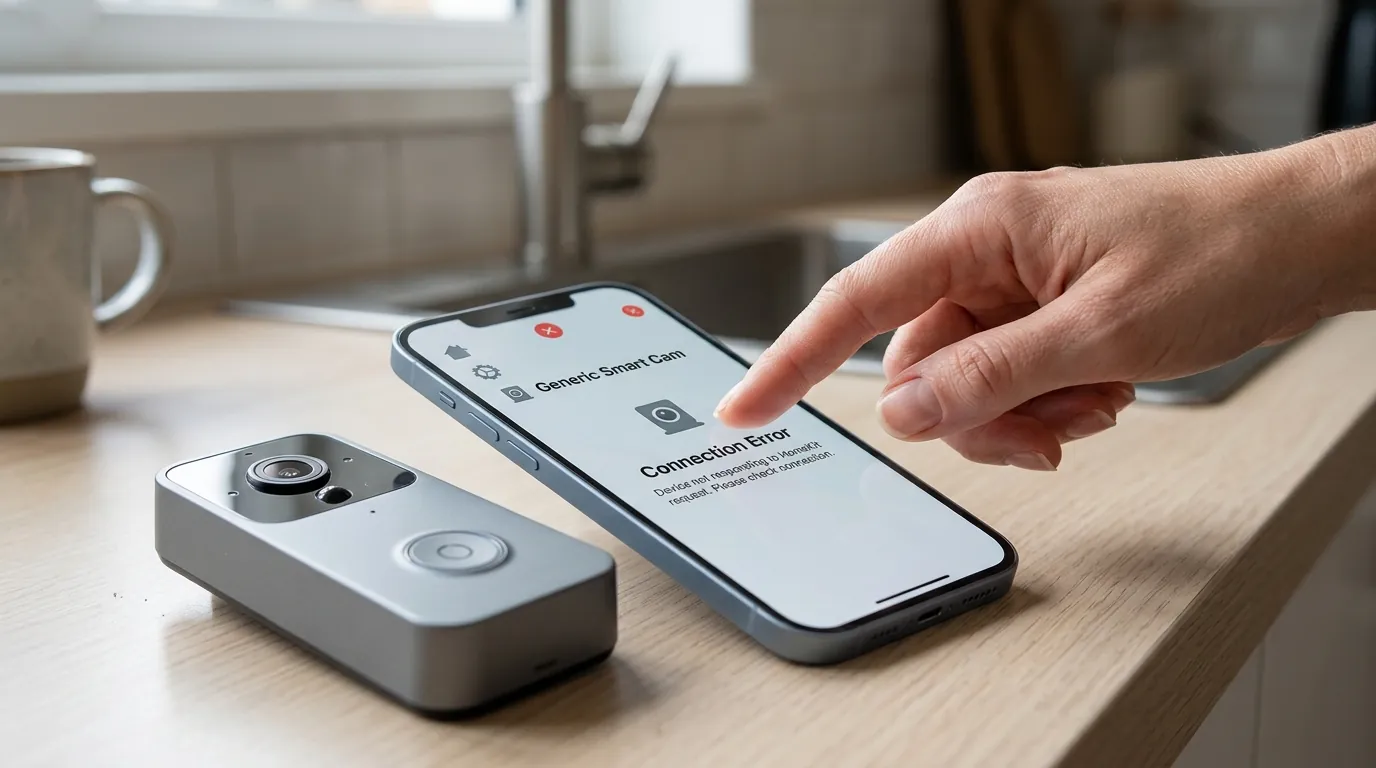
When the eufy-to-HomeKit handshake fails, the symptoms are usually immediate and binary. Unlike the eufy Security app, which may still provide a sluggish feed over a cellular connection, the Apple Home app requires a high-integrity local handshake that often breaks without a descriptive error message.
Common Error Messages
The most frequent indicator is the “No Response” status displayed in the Apple Home app. This usually appears as a red exclamation mark or a grayed-out tile. In some cases, the Home app may display “Updating…” indefinitely. According to user reports on the eufy Community Forum, this often occurs even when the doorbell is fully functional and reachable within eufy’s proprietary app.
The ‘Spinning Wheel’ of Death
Users often report that while the thumbnail snapshot in the Home app updates every few minutes, clicking the tile results in an infinite spinning wheel. This indicates that the Home Hub (Apple TV or HomePod) can see the device’s status but cannot establish the encrypted RTSP stream required for a live view. This is a hallmark of an mDNS (Multicast DNS) failure or a session timeout between the HomeBase and the Apple Home Hub.
What’s likely happening
The root cause of eufy HomeKit failures in 2026 generally falls into three categories: hardware incompatibility, “EdgeAgent” bridging logic errors, or network discovery suppression.
The Native Support Reality Check
The primary source of frustration is often a misunderstanding of which models actually support Apple’s protocol. For years, eufy has pivoted away from native HomeKit support in favor of its own “Edge” ecosystem. As of August 2026, the compatibility matrix remains strict.
| Model | Native HomeKit Support | HomeKit Secure Video (HKSV) | Required Bridge | Resolution in HomeKit |
|---|---|---|---|---|
| Video Doorbell S4 | Yes | Yes | HomeBase 3 | 1080p (HKSV Limit) |
| Video Doorbell E340 | No | No | N/A (Official) | — |
| Video Doorbell Dual (S330) | No | No | N/A (Official) | — |
| 2K Battery Doorbell | No | No | N/A (Official) | — |
| 2K Wired Doorbell | No | No | N/A (Official) | — |
Source: eufy Official Compatibility List 2026
HomeBase 3 vs. HomeBase 2 Bridge Logic
The HomeBase 3 (S380) uses a protocol layer called “EdgeAgent” to manage communication between cameras and external ecosystems. While the HomeBase 3 is powerful, it introduces a layer of abstraction that can fail. If the HomeBase 3 loses its HomeKit “pairing” status, every camera bridged through it—including the S4 doorbell—will drop from the Home app simultaneously.
Network Discovery and mDNS
HomeKit relies on Bonjour (mDNS) to allow the Apple Home Hub to find the HomeBase on the local network. Many modern routers, especially those with “Smart Connect” or “AI Band Steering” enabled, may isolate the 2.4GHz band (where the HomeBase resides) from the 5GHz band (where the Apple TV or iPhone often resides). If the router’s firewall or settings block Port 5353, the Home app will report “No Response” because the discovery “shout” from the Apple TV never reaches the eufy HomeBase.
Quick fixes (in order of likelihood)
Before diving into complex network logs, perform these high-probability fixes. These address the “state” of the devices rather than their configuration.
The ‘Reboot Everything’ Method
In a HomeKit ecosystem, the order of operations matters.
- Unplug the HomeBase 3 for 30 seconds.
- Unplug your Apple Home Hub (Apple TV or HomePod).
- Restart your iPhone.
- Plug the HomeBase in first and wait for the LED to turn solid blue.
- Plug the Apple Home Hub back in. This forces a fresh mDNS broadcast and often resolves “Updating” loops.
Checking App Permissions
Following the iOS 19.x and 20.x updates, Apple tightened “Home Data” permissions. Navigate to iOS Settings > Privacy & Security > HomeKit and ensure the eufy Security app is toggled ON. If this is off, the app cannot pass the necessary digital tokens to the Home app to authorize the doorbell stream.
SSID Alignment
Ensure your HomeBase is not on a “Guest” network. Most Guest networks have “Client Isolation” enabled by default, which prevents the HomeBase from talking to the Apple TV. For the most stable experience, assign both the HomeBase and the Home Hub to the same 2.4GHz/5GHz combined SSID, or ensure they are on the same VLAN if using advanced networking gear.
Deeper diagnostics
If basic reboots fail, the issue likely lies in the communication protocol itself or, for older doorbells, the third-party bridge configuration.
mDNS Troubleshooting
To verify if your HomeBase is even broadcasting its HomeKit presence, download a tool like the Discovery DNS-SD Browser (available on the iOS App Store).
- Open the app and look for the
_hap._tcp(HomeKit Accessory Protocol) section. - If you do not see an entry for “eufy HomeBase” or “eufy Doorbell,” the issue is the HomeBase firmware or your router blocking mDNS.
- Check your router settings for “IGMP Snooping” and ensure it is Enabled. This helps manage multicast traffic like HomeKit discovery.
Third-Party Bridge (Homebridge/Scrypted) Debugging
Since models like the E340 and Dual lack native support, many users use Scrypted or Homebridge (using the homebridge-eufy-security plugin).
- Check Logs: Look for
EAI_AGAINorSocket Timeouterrors in your Scrypted console. These suggest that the eufy cloud servers are rate-limiting your bridge. - Plugin Version: As of mid-2026, ensure you are running at least version 2.x of the eufy-security plugin. Google has not published a specific changelog for the latest June 2026 patch, but community contributors on GitHub note that recent eufy API changes require the latest “token-refresh” logic to maintain HomeKit connectivity.
Router Firewall and Port Settings
The Apple Home Hub communicates with the eufy HomeBase over local ports. If you have a restrictive firewall, ensure that traffic is allowed on:
- Port 5353 (UDP): For mDNS discovery.
- Port 80/443 (TCP): For initial setup and authentication.
- Dynamic High Ports: For the RTSP video stream.
When to contact support
There are scenarios where the hardware or the manufacturer’s firmware is the definitive bottleneck.
Warranty and Firmware Rollbacks
If your Video Doorbell S4 worked perfectly until a specific firmware update (common during the March 2026 update cycle), you may need a firmware rollback. eufy does not allow users to roll back firmware manually. You must contact eufy support with your device’s Serial Number (SN) and request they push the previous stable version to your HomeBase.
Timeline of 2026 Connectivity Issues:
- January 15, 2026: First reports of “No Response” following HomeBase 3 system update.
- February 12, 2026: eufy Support acknowledges an issue with HKSV clip recording on the S4 model in the Official Community Forums.
- May 2026: Patch released for HomeBase 3 (Version not publicly specified in app changelog) to address mDNS discovery lag.
The Native HomeKit Alternative
If you find yourself spending more time troubleshooting bridges than viewing your footage, it may be time to consider a natively supported alternative. The Aqara Smart Video Doorbell G4 remains the primary competitor in 2026.
| Feature | eufy Video Doorbell S4 | Aqara Video Doorbell G4 |
|---|---|---|
| Native HKSV | Yes | Yes |
| Face Recognition | Local (HomeBase 3) | Local (Doorbell) & iCloud |
| Power Type | Battery or Wired | Battery or Wired |
| Storage | 16GB+ (Expandable) | MicroSD & 7-day Cloud |
| Price Band | Around $200 | Around $120 |
Source: Aqara G4 Product Specifications
How to prevent it
Stability in a HomeKit environment is built on network predictability.
Network Stability Best Practices
The single most effective way to prevent “No Response” errors is to assign a Static IP to your HomeBase 3 and your Apple Home Hub.
- Log into your router’s web interface.
- Locate the “DHCP Reservation” or “Static IP” section.
- Select the HomeBase and the Apple TV/HomePod.
- Save the settings and reboot the router. This ensures that even if the power flickers, the devices always look for each other at the same network “address.”
Firmware Management Strategy
Disable “Auto-Update” in the eufy Security app settings. While security patches are important, eufy’s history with HomeKit stability suggests that “Day 1” firmware often contains bugs that break the delicate Apple handshake. Wait 7–10 days after a firmware release and check the r/EufyCam subreddit to see if HomeKit users are reporting issues before manually updating.
Scenario-Based Recommendations
- If you are a renter: Stick with the Aqara G4. Its native HomeKit support is more resilient to the basic Wi-Fi routers typically found in apartments.
- If you are a homeowner with HomeBase 3: The eufy S4 is the only logical choice for native support, but ensure the HomeBase is connected via Ethernet to your router to minimize latency.
- If you already own an E340/Dual: Do not wait for a native HomeKit update. These models prioritize eufy’s dual-lens processing, which exceeds HomeKit’s current 1080p single-stream specifications. Use Scrypted on a dedicated Raspberry Pi for the most stable “unofficial” integration.
Frequently Asked Questions
Does the eufy Doorbell E340 work with HomeKit?
No, the eufy E340 does not natively support HomeKit or HomeKit Secure Video. While it can be bridged using third-party software like Homebridge or Scrypted, this is not an officially supported configuration and may result in higher latency or missing features like package detection within the Apple Home app.
Why does my eufy doorbell say “No Response” in the Home app but work in the eufy app?
This usually indicates a local network discovery issue. The eufy app often communicates via the cloud, whereas HomeKit requires a direct local connection between your Apple Home Hub and the eufy HomeBase. If your router blocks mDNS traffic or if the devices are on different Wi-Fi bands, the Home app will fail to connect.
How do I add my eufy doorbell to HomeKit Secure Video?
Only specific models like the Video Doorbell S4 support this. To set it up, open the eufy Security app, go to Doorbell Settings > HomeKit Setup, and follow the prompts to generate a QR code. You then scan this code inside the Apple Home app. You must have an active iCloud+ subscription to use the “Secure Video” recording features.
Can I use HomeBase 3 to bring my old eufy doorbell into HomeKit?
Generally, no. While the HomeBase 3 (S380) can store footage from older doorbells, it does not act as a HomeKit bridge for devices that were not originally HomeKit-compatible. The “HomeKit Bridge” feature is limited to specific camera models and the newer S4 doorbell.
Sources
- eufy Support: Compatibility Between eufy Devices and HomeKit
- GitHub: homebridge-eufy-security plugin
- Aqara Official: Smart Video Doorbell G4 Specs — https://www.aqara.com/en/product/smart-video-doorbell-g4
- Apple Support: Use HomeKit Secure Video — https://support.apple.com/en-us/102554
- eufy Community: HomeBase 3 and HomeKit issues thread