
Eufy Security Cloud Storage Pricing Changes 2026: What You’ll Pay
Eufy’s long-standing promise of “zero monthly fees” is facing its most significant challenge yet as we move through 2026. While the core local-storage value proposition remains intact for older hardware, a new tier of AI-driven features and specialized hardware is shifting the brand toward a hybrid subscription model.
Quick Answer: In 2026, Eufy cloud storage remains around $3/mo per camera, but a new ‘Basic Plan’ for the HomeBase Professional S1 introduces paid AI and cellular backup features. Local storage on HomeBase 3 remains subscription-free.
What happened
Related: Eufy Security App 4.8.0 Login Issues: Fixes & Legacy App News · Eufy Security Camera Offline: Troubleshooting & What to Do in June 202 · Google Nest Cam’s Familiar Faces Gets Major June 2026 AI Update
The landscape of the Eufy ecosystem has shifted significantly with the introduction of the 2026 Subscription Agreement. For nearly a decade, Eufy marketed itself as the primary alternative to Ring and Arlo by emphasizing a “no monthly fees” philosophy. However, the release of the HomeBase Professional S1 hardware in late 2025 marked the beginning of a “Local-First, Cloud-Enhanced” strategy. This shift acknowledges that while video can be stored locally, the compute-heavy AI features and redundant connectivity many modern users demand require recurring revenue to maintain.
Eufy has stabilized its cloud storage tiers for 2026 into two primary buckets: the Basic Plan (around $3/mo per camera) and the Premier Plan (around $10/mo for up to 10 cameras). Both provide a 30-day rolling history of event-based clips. Crucially, the new “Basic Plan” for the HomeBase S1 is not just about storage; it is a service-level agreement that unlocks specific hardware capabilities that are physically present in the device but dormant without an active subscription.
The HomeBase Professional S1 Requirement
The HomeBase Professional S1 is Eufy’s first high-end bridge designed to compete with “prosumer” NVRs. Unlike the HomeBase 3 (S380), the S1 includes an integrated 4G LTE radio for cellular backup. To activate this backup—and to utilize the multi-path connectivity that prevents burglars from using Wi-Fi jammers—users must subscribe to a paid tier.
According to Eufy’s updated 2026 service terms, the S1 is marketed as “subscription-ready.” While it still supports a 2.5-inch SATA drive for local video storage, the advanced logic that manages cross-camera tracking and cellular failover is gated behind the new Basic Plan. This represents the first time Eufy has “paywalled” hardware-level features, a move that has sparked significant debate in the r/HomeSecurity community.
AI Feature Creep: The GPT Assistant and 3D Modeling
The most notable change in 2026 is the introduction of the “eufy Expert GPT Assistant.” This is a generative AI interface that allows users to query their security footage using natural language—for example, “Show me every time a delivery driver wearing red walked onto the porch last week.”
Processing these queries requires significantly more server-side power than standard PIR (Passive Infrared) motion detection. Consequently, the GPT Assistant and the new “3D Home Model” visualization—which creates a digital twin of your property to show exactly where an intruder moved in three-dimensional space—are only available to those on a paid cloud plan. These features rely on metadata being sent to Eufy’s AWS-hosted environment for processing, moving the brand further away from its “100% local” origins.
| Feature | Local Storage (HB3) | Basic Plan (S1/Cloud) | Premier Plan (Cloud) |
|---|---|---|---|
| Monthly Cost | $0 | Around $3/mo | Around $10/mo |
| Camera Limit | Up to 16 | 1 Camera | Up to 10 Cameras |
| Video Retention | Up to 16TB (User HDD) | 30 Days (Cloud) | 30 Days (Cloud) |
| AI GPT Assistant | No | Yes | Yes |
| Cellular Backup | No | Yes (S1 Hardware) | Yes (S1 Hardware) |
| 3D Home Modeling | No | Yes | Yes |
| Warranty Extension | Standard | eufyCare+ Included | eufyCare+ Included |
Why it matters for buyers
For the average consumer, the 2026 changes mean the “Total Cost of Ownership” (TCO) calculation is no longer as simple as “buy the camera, pay nothing else.” While you can still opt for a HomeBase 3 and a set of S330 (eufyCam 3) units to avoid fees, you are now making a conscious choice to forgo the most advanced security intelligence the brand offers.
The gap between Eufy and its competitors like Ring or Arlo is narrowing in terms of feature parity, but Eufy still holds a significant advantage in long-term costs. For a user who wants the “best” version of Eufy, the 5-year TCO has risen, but it remains a fraction of the cost of a fully cloud-dependent system.
The End of the ‘Zero Fee’ Marketing Era
Eufy’s marketing has pivoted. You will notice that 2026 retail packaging for the S1 and the E330 Professional series now uses the phrase “Local-First” rather than “No Monthly Fees.” This subtle change in language is a direct result of the “feature lockouts” mentioned above.
For buyers, this means vetting the hardware more carefully. If you purchase an S1 HomeBase expecting cellular backup to work out of the box, you will be disappointed to find a subscription prompt in the app. However, for the privacy-conscious buyer who strictly wants local video without any AI “frills,” the HomeBase 3 remains the gold standard for consumer-grade plug-and-play security.
Evaluating the Value of eufyCare+
Another addition to the 2026 plans is the expansion of eufyCare+. Previously a standalone extended warranty, it is now bundled into the Premier Plan. This offers a “replacement guarantee” for hardware failures and, in some regions, includes a theft protection reimbursement if a camera is stolen while actively recording. For homeowners with $1,000+ invested in a multi-camera array, the $10/mo Premier Plan acts more like an insurance policy than just a storage fee.
Decision Framework: Which Path Should You Choose?
- The “Pure Local” Homeowner: If you own your home and have a stable Wi-Fi/Ethernet network, buy the HomeBase 3 and an 8TB SATA drive. Skip the subscription. You lose the GPT Assistant, but you keep your data off the cloud and your monthly bill at $0.
- The High-Security Renter: If you can’t hardwire your home and worry about Wi-Fi jammers or power outages, the HomeBase S1 with the Basic Plan is the better choice. The cellular backup provides peace of mind that local-only systems cannot match.
- The Multi-Property Owner: If you are managing a primary home and a vacation rental, the Premier Plan is the most cost-effective way to get 30-day cloud redundancy for up to 10 cameras across both locations, ensuring you have evidence even if a HomeBase is stolen during a break-in.
5-Year Total Cost of Ownership (TCO) Comparison
| Brand/Tier | Hardware Cost (Avg) | Monthly Fee | 5-Year Total |
|---|---|---|---|
| Eufy (Local Only) | $450–$550 | $0 | $450–$550 |
| Eufy (Basic/S1) | $500–$600 | $3/mo | $680–$780 |
| Ring (Protect Plus) | $350–$450 | $10/mo | $950–$1,050 |
| Arlo (Secure Multi) | $400–$500 | $13/mo | $1,180–$1,280 |
Impact on existing owners
If you currently own a HomeBase 2 or HomeBase 3, the 2026 pricing changes are largely “opt-in.” Eufy has maintained a commitment to legacy support, meaning your existing local storage functionality will not be disabled or moved behind a paywall. However, the “AI envy” factor is real.
Will Your HomeBase 3 Become Obsolete?
The HomeBase 3 (S380) is not obsolete, but it has reached its feature ceiling. Firmware updates in early 2026 have stabilized its compatibility with almost all Eufy devices (including the older SoloCams and Doorbell batteries), but it lacks the NPU (Neural Processing Unit) power required for the 3D Home Model feature.
Existing owners are seeing a slight adjustment in annual cloud storage rates—typically an increase of around $5 to $10 per year—to account for inflation and increased AWS hosting costs. If you are on an older annual plan, check your “Subscription Management” tab in the Eufy Security app to see if your next renewal reflects these 2026 rates.
The 24/7 Recording Export Hurdle
A persistent frustration for Eufy owners in 2026 remains the “Export Problem.” While Eufy allows for 24/7 recording on its wired cameras (like the E330 Professional), downloading large chunks of that footage remains cumbersome.
Unlike professional NVRs that allow for a simple USB export of raw .mp4 files, the Eufy app still encourages “manual recording” (screen recording) for clips longer than 5 minutes. While the 2026 app update introduced a “Bulk Export” feature for the HomeBase 3, it is restricted to event-based clips, not the continuous 24/7 stream. This is a deliberate design choice to push users toward cloud event storage, where clips are pre-trimmed and easier to share with law enforcement.
Privacy and Notification Thumbnails
Following the 2022/2023 notification thumbnail vulnerabilities, where unencrypted images were found to be accessible via the cloud, Eufy has overhauled its privacy interface. In the 2026 app version, there is a clear “Privacy Dashboard” that shows exactly what data is hitting the cloud.
By default, “Notification Thumbnails” still upload a small image to Eufy’s AWS servers so you can see who is at the door without opening the app. For 2026, Eufy has implemented end-to-end encryption (E2EE) for these thumbnails, but they are still technically “off-site.” Owners who want a 100% air-gapped experience must disable these thumbnails, which reverts notifications to text-only alerts.
What to do now
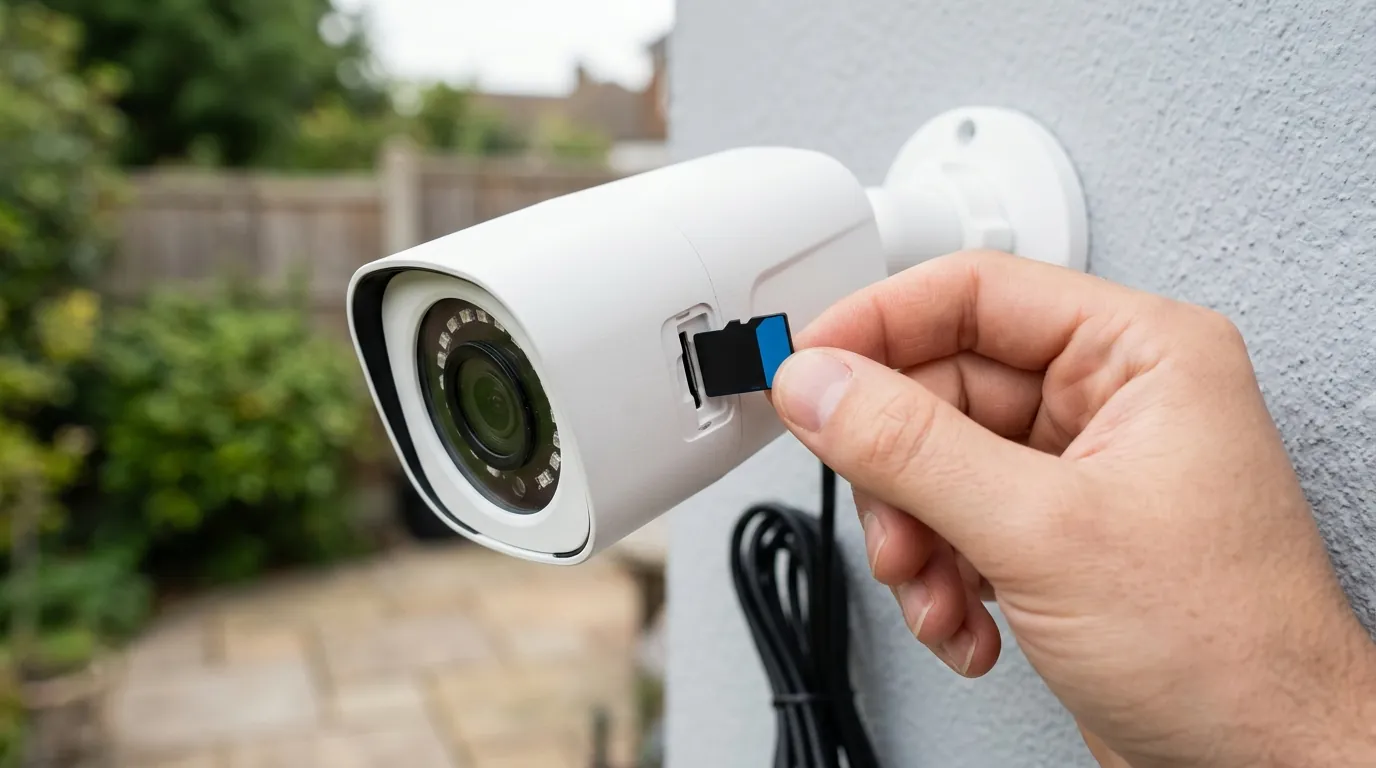
If you are evaluating Eufy in 2026, your strategy should be dictated by your tolerance for subscriptions and your technical comfort level.
Optimizing HomeBase 3 Storage
To maintain the “Quvii-preferred” no-subscription model, we recommend maximizing the hardware you already have. The HomeBase 3 supports up to 16TB of storage via a 2.5-inch SATA drive. In 2026, a 2TB SSD can be found in the “under $100” range, providing months of event storage or weeks of 24/7 footage for 2-3 cameras.
Steps to Hardening Eufy Privacy in 2026:
- Disable Cloud Thumbnails: In the app, go to Settings > Notifications > Content and select “Text Only.” This ensures no images are sent to AWS.
- Use Local AI Only: Avoid activating the GPT Assistant or 3D Modeling features, as these require cloud metadata processing.
- Firewall the HomeBase: If you are a power user, place your HomeBase on a separate VLAN and block its WAN access, though this will disable remote viewing unless you use a VPN.
- Set Up 2FA: Ensure your Eufy account uses TOTP-based Two-Factor Authentication (like Google Authenticator) rather than SMS, which remains vulnerable to SIM swapping.
When to Jump Ship: Reolink and UniFi as 2026 Alternatives
If Eufy’s move toward “subscription-ready” hardware like the S1 feels like the beginning of the end for their “no fees” promise, there are two primary alternatives to consider in 2026.
Reolink (Argus 4 Pro / Altas PT Ultra): Reolink has doubled down on the “no-cloud” model. Their 2026 lineup offers 4K/120fps recording and true local-only AI that does not require a subscription for any features. The trade-off is a slightly less polished app experience compared to Eufy.
Ubiquiti UniFi (G5 Series): For those willing to invest in a dedicated NVR (Network Video Recorder), UniFi Protect is the gold standard for 2026. It is completely air-gapped, requires no subscriptions, and offers professional-grade hardware. However, it requires a wired PoE (Power over Ethernet) infrastructure, making it difficult for renters or those without existing low-voltage wiring.
Quvii tracks these trade-offs across the category to ensure you aren’t caught off guard by “feature creep” or hidden costs. While Eufy remains a top recommendation for its ease of use, the 2026 pricing changes mean buyers must now read the fine print more carefully than ever before.
Frequently Asked Questions
Does Eufy require a subscription for the HomeBase 3 in 2026?
No, the HomeBase 3 (S380) does not require a subscription for its core features, including local video storage, human/vehicle detection, and facial recognition. Subscriptions are only required if you want 30-day cloud backup or the new 2026 AI features like the GPT Assistant.
What is the difference between the Basic and Premier plans in 2026?
The Basic Plan (around $3/mo) covers a single camera with 30 days of cloud history and unlocks S1 hardware features like cellular backup. The Premier Plan (around $10/mo) covers up to 10 cameras and includes eufyCare+ extended warranty benefits.
Can I still use Eufy cameras without any internet access?
Most Eufy cameras require an internet connection for initial setup and for sending notifications to your phone. While they can record to a HomeBase 3 locally without an active internet connection, you will not be able to view live feeds or receive alerts remotely without a WAN connection.
Is the Eufy GPT Assistant worth the monthly fee?
For most users, the standard AI (Human/Vehicle/Pet detection) is sufficient. The GPT Assistant is a “luxury” feature for power users who need to search through hundreds of hours of footage using specific text queries. It is not necessary for basic home security.
Sources
- Eufy Official — eufy.com/cloud-storage-pricing
- Eufy Privacy Policy — eufy.com/privacy-policy
- The Verge — theverge.com/2022/11/30/23486758/eufy-security-camera-unencrypted-cloud-storage
- RTINGS — rtings.com/camera/reviews/eufy/cam-3-s330
- FCC ID Search (Anker Innovations) — fccid.io/2AOKB