
Wyze Cam v4 Power Adapter Recall: 2026 Status & Safety Guide
Safety concerns regarding home security hardware often spread faster than official notices, particularly for high-volume brands like Wyze.
Quick Answer: As of June 2026, there is no official CPSC recall for the Wyze Cam v4 power adapter. Most queries refer to the 2022 Wyze Cam Outdoor recall or the Pan v3 cable replacement program. Always use UL-certified 5V/2A adapters.
What happened
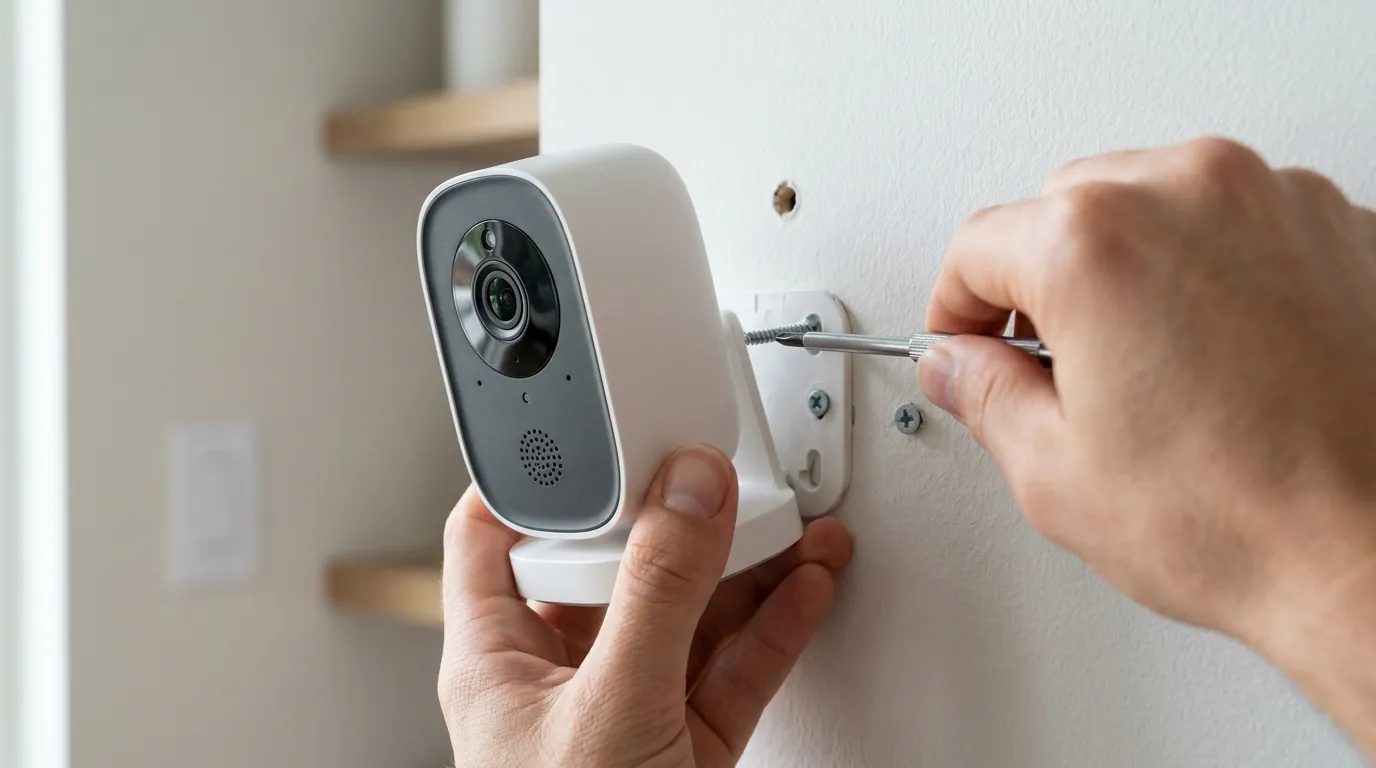
As of June 10, 2026, the U.S. Consumer Product Safety Commission (CPSC) has not issued any recall or safety alert specifically targeting the Wyze Cam v4 or its included power adapter. The Wyze Cam v4, which launched as a successor to the popular v3, continues to be sold through major retailers without active safety restrictions. However, the surge in “recall” searches is not accidental; it is driven by a combination of historical brand issues, community-driven troubleshooting, and sophisticated phishing attempts targeting the Wyze user base.
Understanding the distinction between a formal government recall and a manufacturer “service advisory” or a community-reported bug is essential for maintaining a safe smart home environment.
The 2022 Wyze Cam Outdoor Recall Explained
Much of the current confusion stems from historical reports involving the original Wyze Cam Outdoor (Model: WVOD1). In late 2022, several community threads and tech news outlets began discussing potential safety risks associated with the Outdoor model’s power delivery. While some users reported issues with the physical integrity of the power bricks, it is important to clarify that no official CPSC recall was ever finalized for the WVOD1 power adapter.
The “search trend” for a 2022 recall often conflates Wyze with other smart home brands that did undergo major power-related recalls during that period. For example, Ring and other manufacturers have faced CPSC actions regarding battery overheating or adapter failures. For Wyze, the 2022 era was marked more by a significant security vulnerability disclosure (the Bitdefender report) than by a physical hardware recall.
Wyze Cam Pan v3 Power Cable Issues
In 2024 and 2025, the Wyze Cam Pan v3 became the center of a different kind of power discussion. Users reported frequent “power cycling” where the camera would reboot during a pan-and-tilt operation. This was largely attributed to the power draw of the motors exceeding the stability of the provided cable or adapter.
While Wyze did not initiate a CPSC-mandated recall for these cables, they did address the issue through firmware updates designed to manage motor power consumption and, in some cases, provided individual replacements for users through their standard support channels. This “voluntary support” approach is often mistaken for a formal recall in internet archives, leading v4 owners to worry that their newer hardware might be subject to similar failures.
Verifying Official CPSC Announcements
To verify if a device is truly under recall, consumers should rely on the CPSC Recall Database rather than social media headlines. A formal recall involves a specific “Recall Number,” a defined “Remedy” (such as a refund or replacement), and a public statement regarding the hazard (e.g., fire, shock, or injury).
As of June 2026, searching “Wyze” on the CPSC portal yields no results for the Cam v4 power adapter. Users should also be aware of a persistent phishing campaign reported on r/wyzecam throughout 2025 and 2026. These emails often use the subject line “Urgent Safety Recall Notice” and prompt users to log in to a fake portal to “claim a replacement adapter,” with the goal of harvesting Wyze account credentials. Always verify recall news by visiting the manufacturer’s official support site directly.
Why it matters for buyers
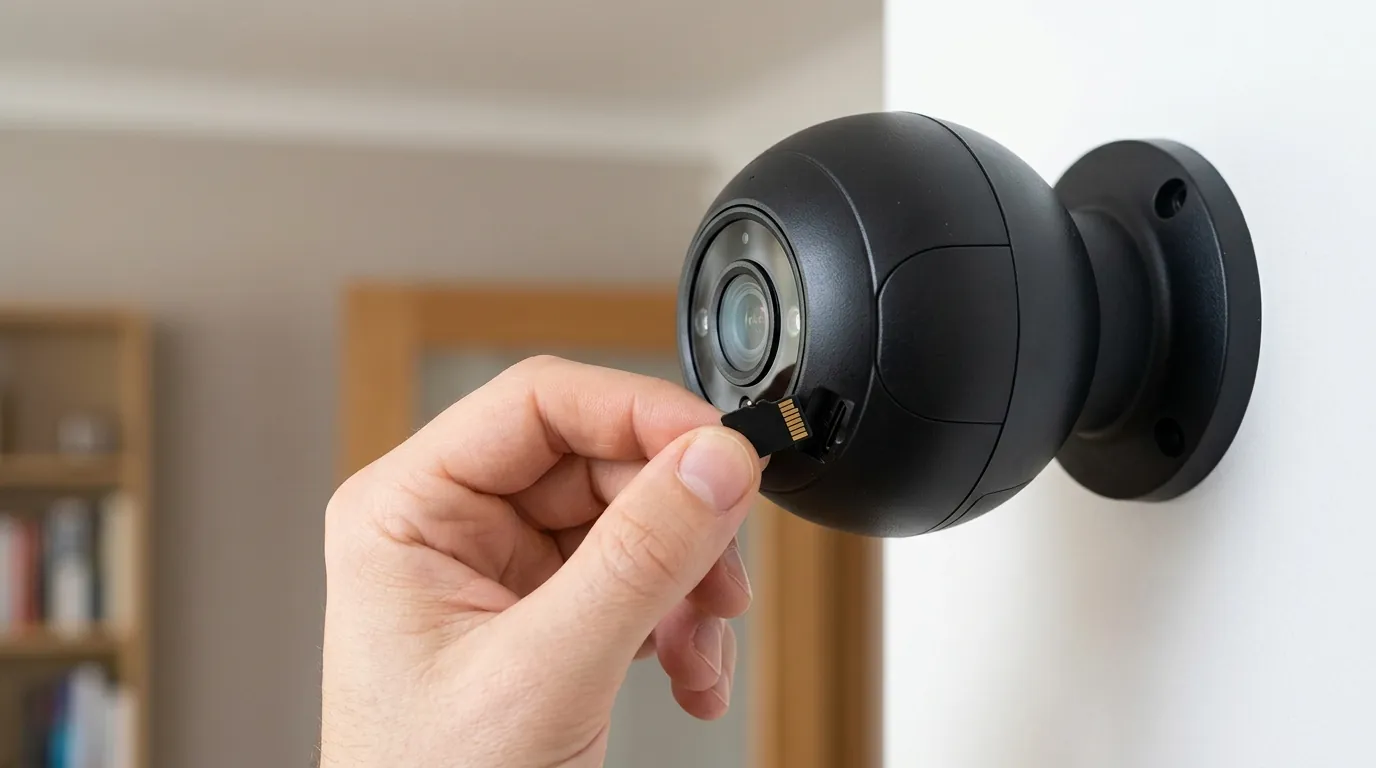
For the consumer security market, the power adapter is the most common point of failure and the highest potential fire risk. While the Wyze Cam v4 itself is a low-voltage device, the “wall wart” adapter converts 120V AC house power into 5V DC. If this component is manufactured with thin margins or lacks proper certification, it can become a liability during 24/7 operation.
The Cost of Budget Hardware
Wyze has built its brand on the “under $50” price point, often selling hardware at near-cost to drive subscription revenue via Cam Plus. This business model requires extreme efficiency in the supply chain. While the camera sensor and processor are the stars of the spec sheet, the bundled accessories—like the USB cable and power brick—are often where budget brands find savings.
Compared to brands like Reolink or Eufy, which often bundle more robust, weather-sealed power assemblies, Wyze’s standard indoor-rated USB brick is a basic component. For buyers, the trade-off is clear: you receive a highly capable 2.5K camera for a low entry price, but the secondary components may not have the same longevity as professional-grade equipment.
Electrical Safety in Constant-On Devices
Security cameras are “constant-on” devices. Unlike a phone charger that you unplug when finished, a camera adapter is under load 24 hours a day, 365 days a year. The Wyze Cam v4 requires a 5V/2A (10-watt) power supply to function correctly, especially when the high-intensity IR LEDs or the integrated spotlight are active at night.
| Power Standard | Meaning for US Consumers | Safety Implication |
|---|---|---|
| UL Listed | Tested by Underwriters Laboratories to meet US safety standards. | Highest safety assurance for fire prevention. |
| ETL Listed | Tested by Intertek to meet the same standards as UL. | Equivalent to UL; widely accepted by insurance. |
| CE Mark | Manufacturer’s declaration of conformity with European standards. | Not a safety certification for the US market; self-declared. |
| IP65/66 | Ingress Protection rating for dust and water. | Critical for the connection point, not just the camera. |
Using an adapter that lacks UL or ETL certification in a constant-on scenario is a significant risk. If an uncertified adapter causes a fire, some homeowners’ insurance providers may use the lack of “approved equipment” as grounds to complicate or deny a claim.
Subscription-Free vs. Hardware Longevity
The total cost of ownership (TCO) for a Wyze Cam v4 is often higher than the sticker price suggests. While the hardware is affordable, the reliance on a micro-USB power system creates a “mechanical” expiration date. Micro-USB ports are prone to corrosion in humid environments and physical wear.
| Camera Model | Resolution | Power Type | Est. 3-Year TCO (Hardware + Sub) |
|---|---|---|---|
| Wyze Cam v4 | 2.5K (QHD) | 5V/2A Micro-USB | ~$100 - $120 (with Cam Plus) |
| Reolink E1 Pro | 2K (QHD) | 5V/2A DC Barrel | ~$50 - $70 (No sub required) |
| Eufy OutdoorCam | 2K | 5V/2A Micro-USB | ~$60 - $80 (No sub required) |
| Wyze Cam Pan v3 | 1080p | 5V/2A Micro-USB | ~$110 - $130 (with Cam Plus) |
Note: TCO estimates based on mid-2026 subscription rates and hardware price bands.
Impact on existing owners
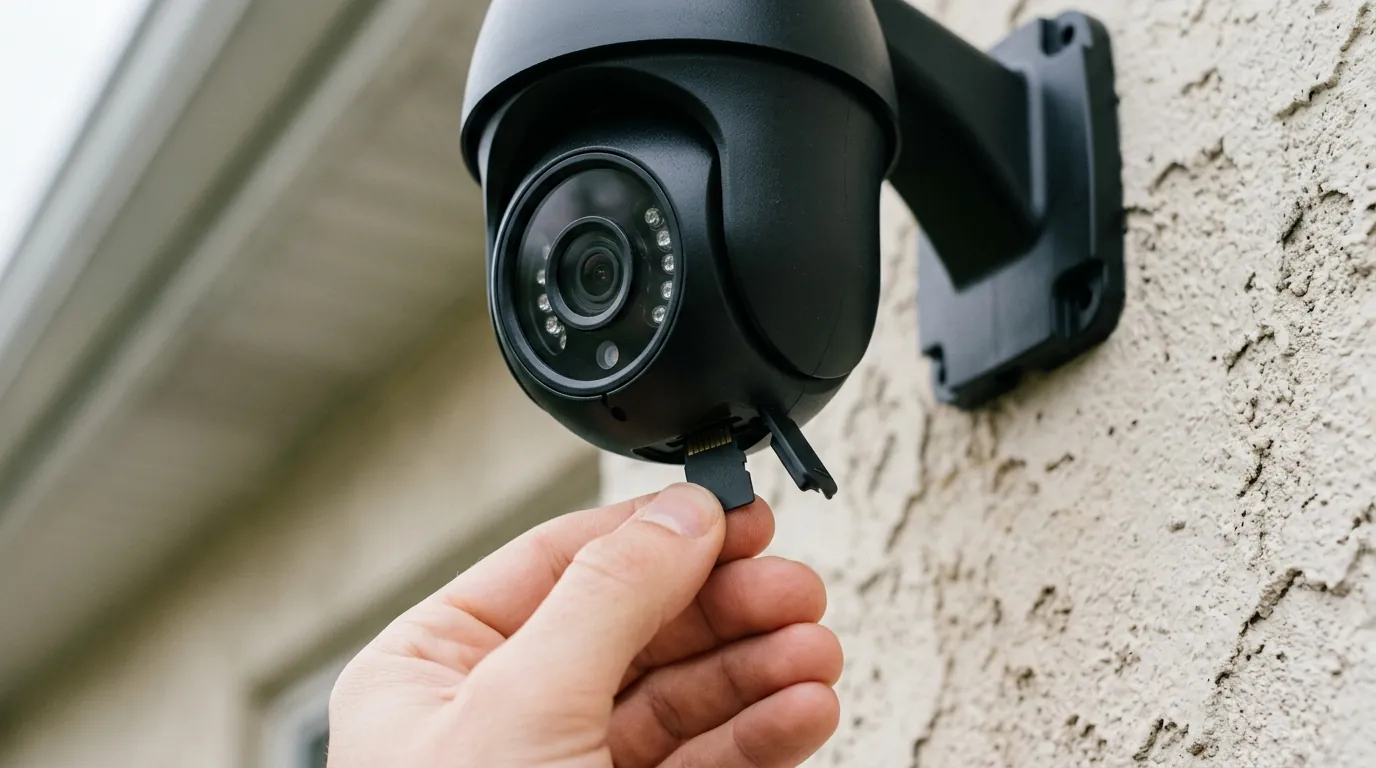
If you currently own a Wyze Cam v4, the lack of an official recall doesn’t mean you should ignore the health of your power supply. Electrical components can degrade over time, particularly if they are exposed to heat or power surges.
How to Inspect Your v4 Power Adapter
To ensure your hardware is safe, perform a physical inspection of the adapter and cable every six months.
- Check Model Markings: Look for the UL or ETL “circle” logo on the flat face of the power brick. If the brick only features a “CE” mark or has no regulatory markings at all, it was likely not intended for the US market or is a third-party replacement of unknown quality.
- Verify the Output: The Wyze Cam v4 brick should specify an output of
5.0V == 2.0A. Using an older 1A brick from a Wyze Cam v2 or v1 will result in underpowering the v4, leading to crashes when the spotlight or night vision kicks in. - Inspect the Port: Unplug the micro-USB cable from the back of the camera and look for green or white crusting (corrosion), which indicates moisture has reached the pins.
Troubleshooting Intermittent Power Issues
Many “failure” symptoms that users mistake for hardware defects are actually power-delivery issues. If your v4 is exhibiting the following behaviors, the adapter or cable is likely the culprit:
- Coil Whine: A high-pitched whistling or buzzing sound coming from the wall plug.
- Frequent Reboots: The camera goes offline and plays the “Ready to Connect” chime randomly.
- Night Vision Failure: The camera works during the day but reboots the moment the IR lights click on at dusk.
- Image Artifacts: Purple tinting or “rolling lines” on the video feed can indicate “dirty” power from a failing capacitor in the brick.
Wyze Support Channels in 2026
If you suspect your adapter is faulty, Wyze typically offers a 1-year limited warranty for cameras purchased through authorized retailers (Amazon, Wyze.com, Home Depot). In 2026, the primary method for filing a claim is through the Wyze Support Portal. Be prepared to provide:
- A photo of the bottom of the camera showing the MAC address and Model Number (WYZEC4).
- A photo of the regulatory markings on the power adapter.
- Proof of purchase (digital receipt).
What to do now
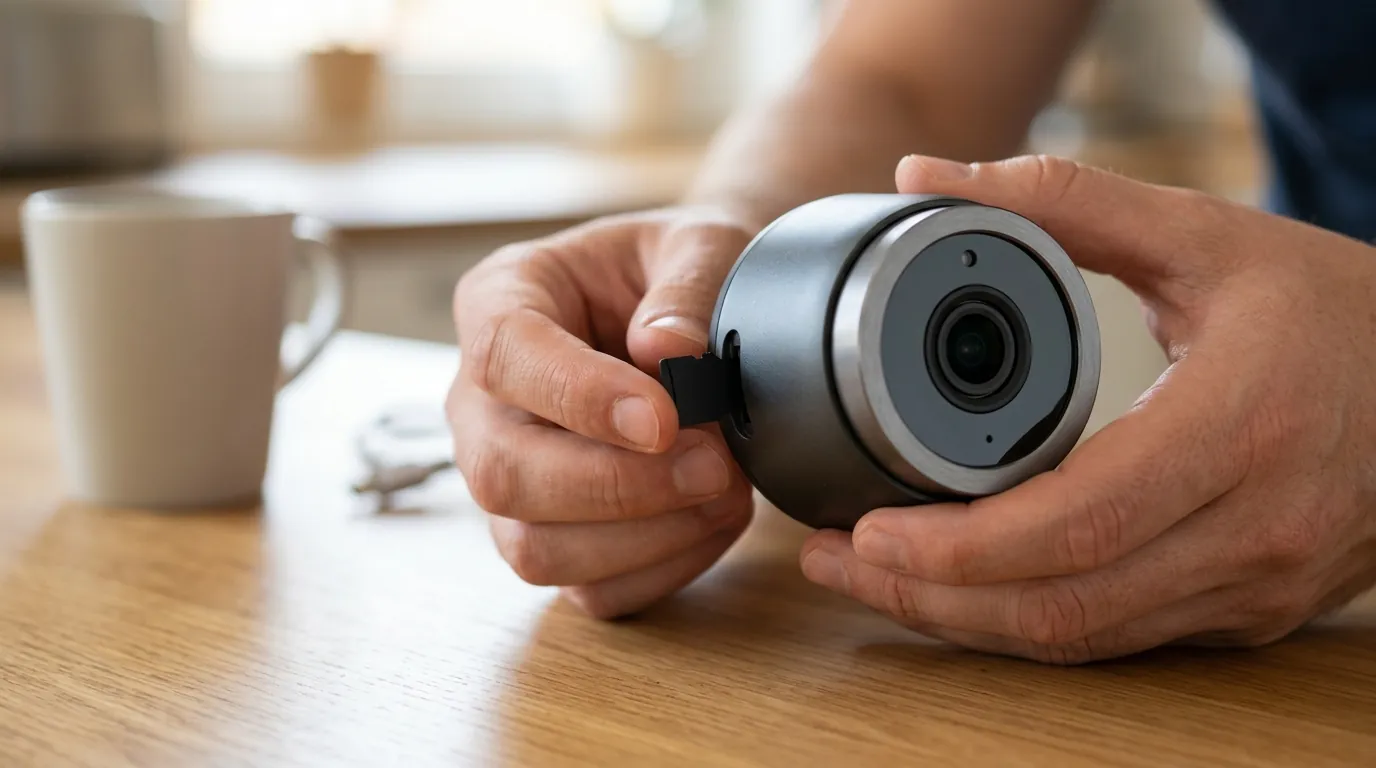
Even without a recall, proactive safety management is the hallmark of a secure home. If you are concerned about the long-term reliability of the stock Wyze power equipment, there are several upgrade paths available.
Recommended Replacement Adapters
If your stock adapter is showing signs of heat or noise, or if you simply want a higher-quality component, you can replace the USB brick with a third-party unit from a reputable manufacturer. Ensure the replacement is rated for at least 5V/2A.
- Anker 12W Wall Charger: A highly reliable, UL-certified single-port USB-A charger that fits the v4 power requirements perfectly.
- UGREEN 10W Adapter: A compact alternative that often features better thermal management than generic “white label” bricks.
- Apple 12W USB Power Adapter: While more expensive, these are among the most rigorously tested 5V/2.4A bricks on the market and are fully compatible with Wyze cables.
Weatherproofing Your Power Connection
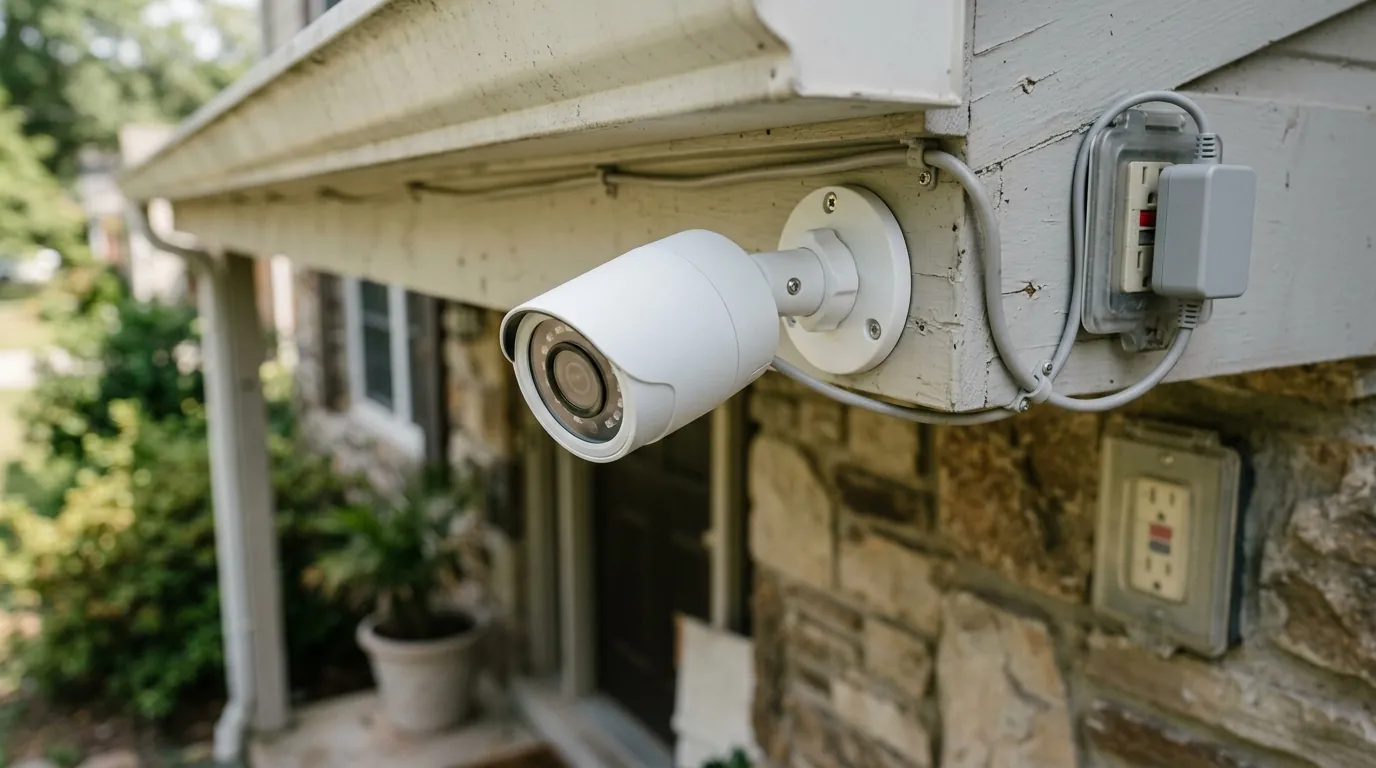
The most common cause of “adapter failure” for the Wyze Cam v4 is not a manufacturing defect, but improper outdoor installation. The power brick itself is not waterproof and must be plugged into an indoor outlet or a weather-rated “in-use” cover.
When routing the cable outdoors:
- Use a Drip Loop: Ensure the cable hangs lower than the entry point into the wall or the camera, so rainwater drips off the wire rather than running into the electronics.
- Dielectric Grease: Applying a small amount of non-conductive dielectric grease to the micro-USB plug can prevent pin corrosion in humid climates.
- GFCI Protection: Always plug outdoor-mounted cameras into a GFCI (Ground Fault Circuit Interrupter) protected outlet to prevent shocks in the event of water ingress.
When to Upgrade to a Professional NVR System
If you find yourself replacing adapters every year or worrying about the fire safety of “wall wart” chargers, it may be time to move beyond the “budget Wi-Fi” category. Users who prioritize reliability often migrate to Power over Ethernet (PoE) systems.
PoE cameras, such as those from Reolink or Amcrest, receive both data and power through a single Ethernet cable. The power is managed by a centralized PoE switch or NVR (Network Video Recorder), eliminating the need for individual USB bricks scattered throughout the house. This setup is inherently safer, as it uses standardized power negotiation (802.3af/at) and eliminates the low-quality AC adapters associated with budget Wi-Fi cameras.
Decision Framework: Should You Keep Your Wyze v4?
- If you are a renter: The Wyze Cam v4 remains a top choice. Its plug-and-play nature is ideal for temporary setups. Just ensure the adapter is in a well-ventilated area and not tucked behind a heavy sofa where heat can build up.
- If you are a homeowner: Consider the v4 for “low-stakes” monitoring (e.g., watching a pet). For perimeter security or fire-sensitive areas, look toward a PoE system or a brand with higher-tier power certifications.
- If you see a “Recall” email: Do not click links. Go to
cpsc.govorwyze.commanually to check for updates.
By staying informed and prioritizing UL-certified power components, you can enjoy the high-resolution benefits of the Wyze Cam v4 without compromising your home’s electrical safety.
Sources
- Wyze Cam v4 Official Product Specs — https://www.wyze.com/products/wyze-cam-v4
- CPSC Official Recall Database — https://www.cpsc.gov/Recalls
- FCC ID Filing for Wyze Cam v4 (WYZEC4) — https://fccid.io/2AUIU-WYZEC4
- RTINGS Security Camera Reviews & Testing
- UL Solutions: How to Identify a UL Listed Product