
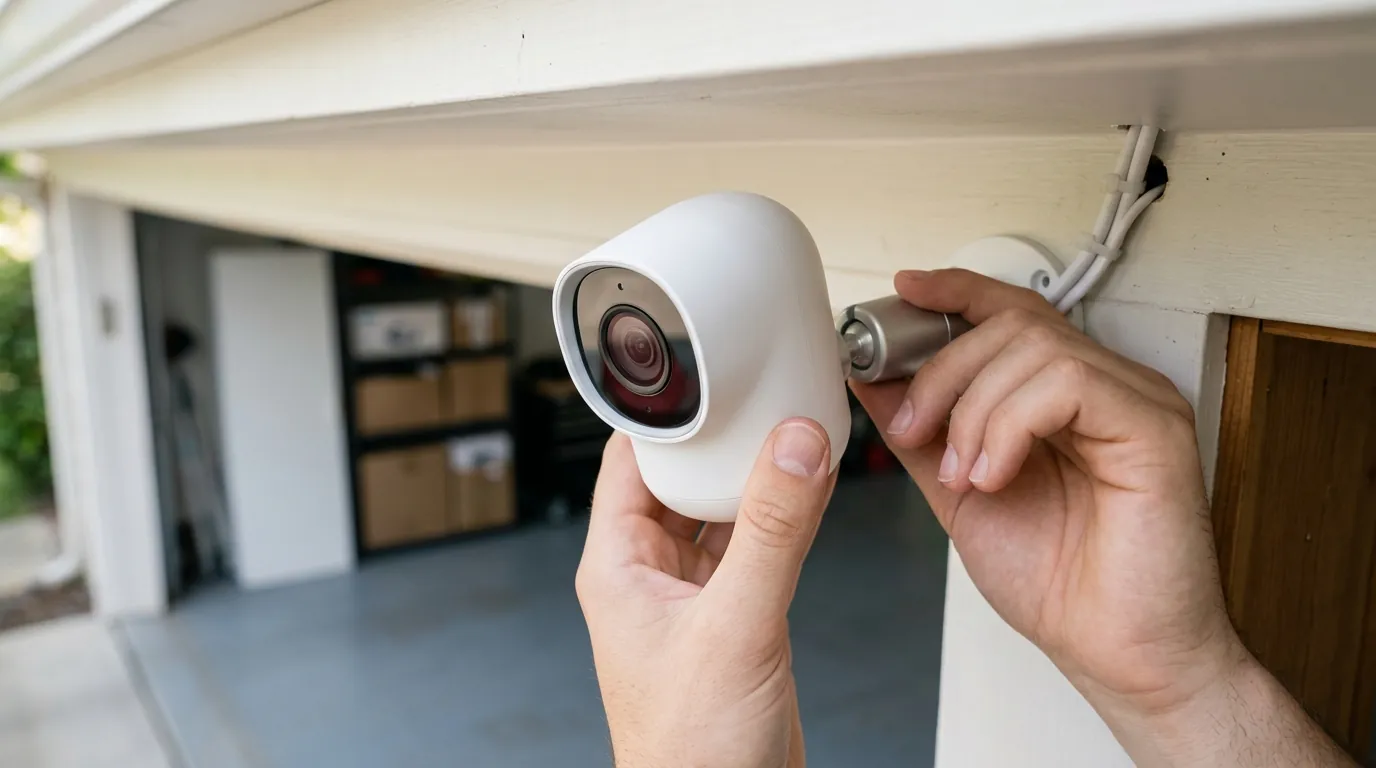
Botslab W101 Window Camera Launch: Dual-Lens 2.5K Security
The challenge of monitoring a home’s exterior from behind a pane of glass has long been the “white whale” of DIY security, plagued by infrared glare and mounting restrictions. The launch of the Botslab W101 marks a significant shift in this niche, introducing a dual-lens architecture designed to monitor both sides of the glass simultaneously without a single drill bit touching the wall.
Quick Answer: Launched June 10, 2026, the Botslab W101 is a dual-lens window camera featuring 2.5K resolution for both indoor and outdoor views, F1.0 aperture for color night vision through glass, and tool-free electrostatic mounting.
What happened
Related: Eufy Cam E330 Professional Overheating: 2026 Sun Exposure Guide · June 2026 Android Security Patch: Critical Camera Hub Vulnerabilities · Wyze Window Cam Firmware 1.3.0.48 Update: Security & Performance
On June 10, 2026, Botslab (the smart home security arm of 360 Smart Life) officially released the W101 Window Camera to the North American and European markets. The device arrives shortly after receiving a Red Dot Design Award, a distinction largely earned for its unique “sandwich” form factor that allows it to cling to the interior of a window while providing a 360-degree-style awareness through two distinct lenses.
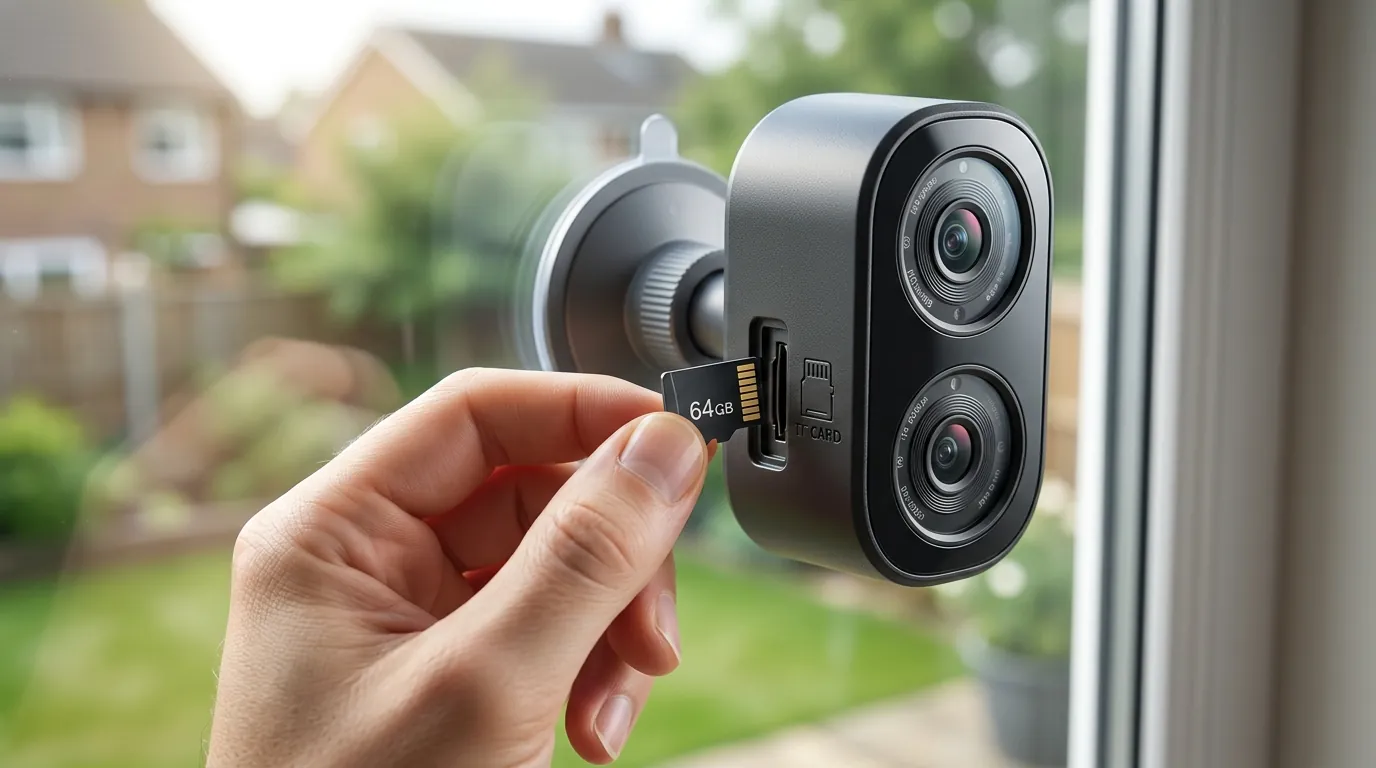
The headline feature is “Dual-View” technology. Unlike previous window cameras that focused solely on the street, the W101 houses two independent 2.5K (4-megapixel) sensors. The “OutView” lens monitors the exterior through the glass, while the “InView” lens covers the interior room. This effectively turns a single window pane into a comprehensive security hub for entry points like front porches or balcony sliders.
Technically, the W101 addresses the primary failure point of window cameras: night vision. Standard cameras use Infrared (IR) LEDs that reflect off glass, blinding the sensor at night. Botslab has bypassed this by utilizing an F1.0 large-aperture lens system. By allowing significantly more light into the sensor, the camera can maintain full-color imaging in low-light conditions without the need for reflective IR illumination.
Positioned as a “no-drill” solution, the W101 is aimed squarely at renters and apartment dwellers who are often prohibited from mounting hardware to exterior siding or masonry. The unit is currently priced in the under $100 range for single units, with multi-pack bundles available for those seeking whole-home coverage.
D1: Technical Specifications Comparison
| Feature | Botslab W101 | Wyze Window Cam (Legacy) | Girafit W150 |
|---|---|---|---|
| Resolution | 2.5K (2560 x 1440) x2 | 1080p (1920 x 1080) | 2.5K (Single Lens) |
| Lens Count | Dual (Indoor + Outdoor) | Single (Outdoor Only) | Single (Outdoor Only) |
| Aperture | F1.0 (Color Night Vision) | F1.6 (IR-dependent) | [information unavailable] |
| Wi-Fi | Dual-Band (2.4/5GHz) | 2.4GHz Only | 2.4GHz Only |
| Mounting | Electrostatic Sticker | Adhesive Tape | Adhesive Tape |
| Storage | MicroSD (up to 256GB) | MicroSD (up to 32GB) | MicroSD (up to 128GB) |
| Power | USB-C (Wired) | USB-A (Wired) | USB (Wired) |
The Dual-Lens Innovation: OutView vs. InView
The W101 is the first consumer-grade window camera to successfully integrate two high-resolution sensors into a chassis small enough to avoid obstructing the user’s view. According to Botslab’s official product documentation, the OutView lens features a wide-angle field of view optimized for porch monitoring, while the InView lens is designed to capture the immediate interior perimeter. This configuration is particularly useful for monitoring package deliveries and verifying if a door was left ajar from the inside, all from a single app feed.
Solving the Glare Problem: The F1.0 Optical Breakthrough
The shift to an F1.0 aperture is the most critical technical upgrade in the W101. In photography and surveillance, a lower f-number indicates a wider lens opening. Most consumer cameras hover between F1.6 and F2.0. By moving to F1.0, the W101 collects roughly 2.5 times more light than standard sensors. This allows the camera to rely on ambient streetlights or porch lights to produce a color image at night, completely eliminating the need for IR LEDs that typically cause “white-out” reflections when placed against glass (PRNewswire).
Tool-Free Installation: The Electrostatic Sticker Method
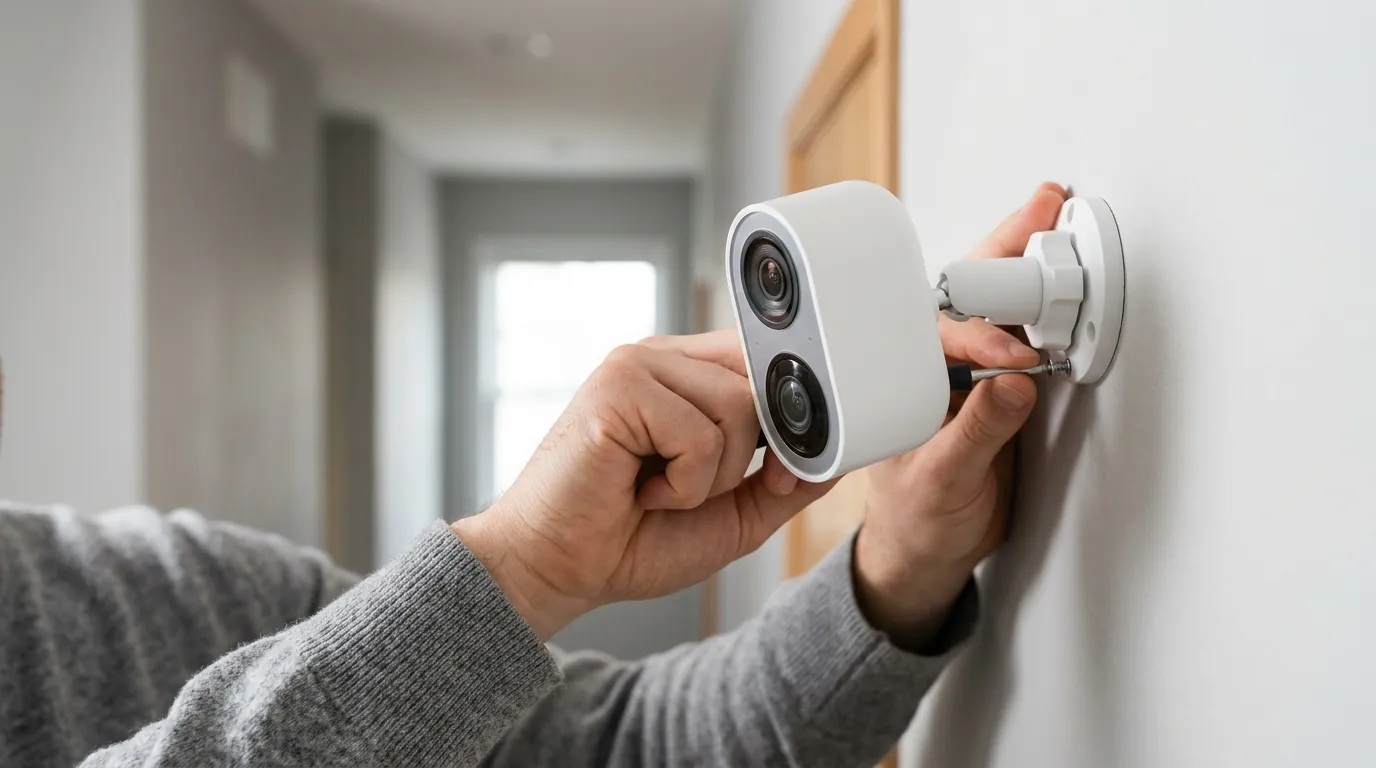
Traditional window cameras rely on VHB (Very High Bond) adhesives that can be difficult to remove or leave permanent residue. The W101 utilizes an electrostatic sticker—similar to those used for dash cams—to adhere the mounting bracket to the glass. This method relies on atmospheric pressure and static charge rather than chemical glues, making it an ideal no-drill security camera solution. The bracket also features a cable management channel to keep the USB-C power run flush against the window frame.
Why it matters for buyers
For the average consumer, the W101 represents a consolidation of hardware. Previously, securing an apartment entry required an outdoor camera (often banned by HOAs) and an indoor camera. By combining these into a single window-mounted unit, buyers reduce their initial hardware investment and simplify their network load.
The inclusion of dual-band Wi-Fi (2.4GHz and 5GHz) is equally significant. In high-density apartment buildings, the 2.4GHz spectrum is often saturated, leading to dropped frames and lagging notifications. The W101’s ability to utilize the 5GHz band ensures that the high-bandwidth 2.5K dual streams remain stable, providing a smoother “live view” experience.
The Renter’s Edge: Security Without Property Damage
Renters face a unique challenge: they need security but cannot modify the building. The W101 addresses this by remaining entirely inside the thermal envelope of the home. Because it doesn’t require drilling through exterior walls for power or mounting, it circumvents most lease restrictions. This makes it a top contender for those seeking window security cameras that can be removed in seconds without leaving a trace.
Local Storage vs. Cloud: Breaking the Subscription Cycle
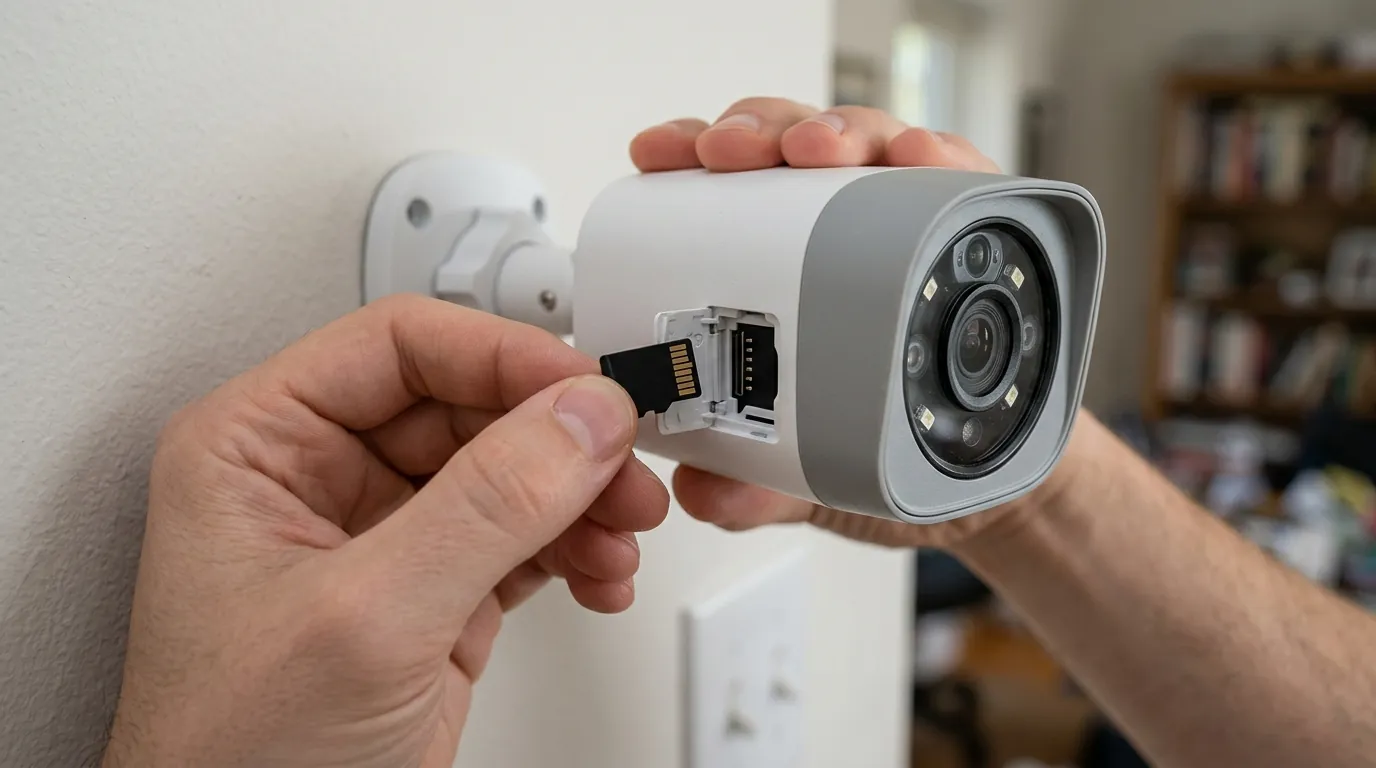
In an era where brands like Ring and Arlo are increasingly locking basic features behind monthly paywalls, Botslab has maintained a no-subscription security camera option. The W101 supports local recording to a microSD card (up to 256GB). Using H.265 (HEVC) video compression, the device can store weeks of motion events or several days of continuous 2.5K footage without requiring a cloud plan.
D3: Total Cost of Ownership (3-Year Estimate)
| Expense Item | Subscription-Required Brand | Botslab W101 (Local Storage) |
|---|---|---|
| Initial Hardware | Around $100 | Around $90 |
| Storage Medium | $0 (Included in Cloud) | Around $35 (256GB High-Endurance Card) |
| Monthly Subscription | $5.00/mo (Basic Plan) | $0 |
| 3-Year Total | Around $280 | Around $125 |
Note: Botslab does offer an optional cloud service for off-site backup, but core AI features like human detection remain functional with local storage.
Enhanced Privacy: Physical Caps and Software Blocks
With an “InView” lens constantly facing the living area, privacy is a valid concern. Botslab has addressed this by including a physical privacy shutter for the internal lens and a “Geofencing Privacy Mode” in the app. This feature automatically disables the internal camera and microphone when it detects the user’s smartphone is home, ensuring that indoor monitoring only occurs when the premises are vacant.
Impact on existing owners
For those already invested in the Botslab or 360 Smart Life ecosystem, the W101 integrates seamlessly. It uses the same “Botslab” app as the company’s dash cams and outdoor PTZ units, allowing for a unified dashboard. However, users should be aware that the dual-stream nature of the W101 requires a specific app version (v2026.6 or later) to correctly display the picture-in-picture view.
Ecosystem Compatibility: Alexa and Google Home Integration
The W101 maintains compatibility with major smart home platforms. Users can stream the “OutView” feed to an Echo Show or Google Nest Hub. It is important to note that, as of the June 2026 launch, most third-party smart displays can only show one stream at a time; users must specify “show me the window outdoor view” to access the relevant feed.
Upgrading from Single-Lens Window Cameras
Owners of the older Botslab W302 will find the W101 a substantial upgrade. The jump from 1080p to 2.5K resolution provides the digital zoom headroom necessary to read license plates or identify faces at a distance. Furthermore, the W302 relied on a specialized “blackout” shroud to prevent internal light reflection; the W101’s F1.0 lens and improved sensor housing make this bulky accessory unnecessary.
Privacy Policy 2026: What’s Changed for Data Security
Following a privacy policy update on April 1, 2026, Botslab has clarified its data handling procedures. The company now explicitly states that AI processing for human and vehicle detection is performed “edge-side” (on the camera itself) rather than in the cloud. This reduces the amount of sensitive visual data transmitted over the internet. Furthermore, the policy confirms that local microSD data is encrypted and cannot be read by simply removing the card and inserting it into a PC without the owner’s account credentials (Botslab Privacy Center).
What to do now
If you are considering the W101, the first step is to audit your windows. While the F1.0 lens is a massive improvement, it cannot see through windows with heavy metallic “low-E” coatings or dark tints, which can distort colors and reduce light transmission by up to 40%.
D2: Decision Framework for the W101
| If you are a… | Prioritize… | Recommendation |
|---|---|---|
| Apartment Renter | Non-permanent mounting | Ideal. Use the electrostatic mount on a clean window. |
| RV/Van Owner | Low power & Dual-band Wi-Fi | Strong Choice. Dual-band helps in crowded campgrounds. |
| Homeowner | Highest possible resolution | Consider W510. If you can mount outside, the 4K W510 is superior. |
| Privacy Advocate | Local-only data | Ideal. Pair with a high-endurance SD card and skip the cloud. |
Pre-Installation Checklist: Glass and Signal Prep
- Clean the Glass: Use a 70% isopropyl alcohol solution to clean the interior mounting area. Any oils or dust will cause the electrostatic sticker to fail over time.
- Test Wi-Fi Strength: Place your phone against the window glass where the camera will sit. If you cannot get at least two bars of 5GHz Wi-Fi, consider a mesh node nearby; 2.5K dual-streams are sensitive to signal jitter.
- Check for Obstructions: Ensure the window screen is on the outside of the glass. If your screen is between the camera and the street, it will create a “moiré effect” (a mesh pattern) on the video.
Selecting the Right MicroSD for 24/7 Recording
Because the W101 records two streams simultaneously, the write-load on the microSD card is doubled compared to standard cameras. We recommend “High Endurance” cards specifically rated for surveillance or dash cam use (e.g., SanDisk High Endurance or Samsung PRO Endurance).
- 128GB Card: Provides approximately 4–6 days of continuous dual 2.5K recording.
- 256GB Card: Provides approximately 9–12 days of continuous dual 2.5K recording.
Is the W101 Right for Your Home Layout?
The W101 is most effective when placed on a window that is parallel to a walkway or entry path. Because the camera sits flat against the glass, its “lateral” view is limited compared to a camera mounted on a swivel arm. If your window is recessed deeply into a wall, the “OutView” lens may have a narrowed field of vision. In such cases, the Botslab W510—which offers more articulation—might be a better, albeit more invasive, alternative.
Frequently Asked Questions
Does the Botslab W101 work with double-pane or triple-pane windows?
Yes, the F1.0 lens system is designed to handle the slight internal reflections inherent in multi-pane glass. However, users may notice a slight “ghosting” effect on bright light sources (like streetlamps) due to the light bouncing between the panes. This is a physical limitation of glass, not the camera sensor.
Can I turn off the internal camera if I only want to see outside?
Yes. The Botslab app allows you to independently toggle the “InView” and “OutView” lenses. You can also use the physical privacy slider to mechanically block the internal lens while leaving the external lens active for security.
What happens if the power goes out?
The W101 is a wired camera and does not contain an internal battery. If power is lost, recording will stop. For critical security, we recommend plugging the camera’s USB-C adapter into a small Uninterruptible Power Supply (UPS) to maintain coverage during short outages.
Will the electrostatic mount fall off in extreme heat or cold?
Electrostatic mounts are generally more stable than suction cups in extreme temperatures because they do not rely on a rubber seal that can harden or crack. However, in climates with extreme direct sunlight (over 100°F), the glass temperature can exceed the operating range of the camera itself. Ensure your window has some shade or is double-paned to insulate the device.
Does the W101 support ONVIF or RTSP for third-party NVRs?
As of the current firmware (v2026.6), Botslab has not enabled official ONVIF support for the W101. The device is intended to be used within the Botslab app ecosystem or via official integrations with Alexa and Google Home.
Sources
- Botslab Official Site — https://www.botslab.com
- PRNewswire: Botslab AI Security Solutions
- Android Authority: Botslab Brand Transition
- Morningstar: Botslab Product Launch News