
Blink Camera Credential Stuffing: July 2026 Security Advisory
Reports from security researchers and community forums in early July 2026 indicate a sharp increase in unauthorized access attempts targeting Blink Home Monitor accounts. This advisory details the current credential stuffing threat and provides a technical roadmap for securing existing hardware or transitioning to local-storage alternatives.
Quick Answer: A July 2026 advisory warns of a spike in credential stuffing attacks targeting Blink accounts. Users should immediately update passwords to unique strings and enable TOTP-based 2FA (Authenticator App) within the Amazon/Blink security settings. For those seeking to eliminate cloud-account vulnerabilities, the Reolink Altas PT Ultra is a top local-storage alternative that offers 4K continuous recording without a mandatory subscription.
What happened
Related: Ubiquiti UniFi Protect CVE-2026-3482: Critical Patch Guide · EZVIZ HP7 Home Assistant Stream Fails: 2026 Firmware & Fixes · Nest Camera Wi-Fi Dropping After 2026 Update? Causes & Fixes
In the first two weeks of July 2026, Blink users began reporting an influx of “unauthorized login” notifications and unexpected account lockouts. Security analysts have identified this as a coordinated credential stuffing campaign. Unlike a traditional data breach where a company’s central servers are compromised, these attacks leverage external data leaks to gain access to individual user accounts.
The 2026 Credential Landscape
The current threat is powered by massive, aggregated databases of leaked credentials circulating in underground forums. By mid-2026, these databases have grown to include over 24 billion username-password pairs harvested from thousands of historical third-party breaches. Attackers use automated “botnets” to programmatically test these credentials against the Blink login portal. Because many users reuse the same password across multiple sites—such as social media, retail outlets, and security apps—a breach at a minor fitness app three years ago can now grant an attacker access to a home’s camera feed.
Why Blink Accounts are Targeted
Blink accounts are particularly high-value targets due to their deep integration with the Amazon ecosystem. A successful compromise of a Blink login often provides a foothold into the user’s broader Amazon account, potentially exposing stored payment methods, purchase histories, and other smart home controls via Alexa. Furthermore, the sheer volume of Blink devices in the wild—driven by aggressive Prime Day discounting over the last several years—provides a target-rich environment for automated scripts.
Why it matters for buyers
For those currently shopping for a security system, this advisory highlights the inherent risks of “cloud-first” ecosystems. Budget-friendly models like the Blink Outdoor 4 and the Mini 2K+ (released in late 2025) are designed to be easy to set up, but that convenience often comes at the cost of increased exposure to internet-based attacks.
The Hidden Cost of Cloud-Only Security
Blink cameras are heavily dependent on Amazon’s cloud servers for authentication and video processing. Even when using a Sync Module 2 for “local storage,” the camera must still “check in” with the cloud to authorize the user before a clip can be viewed. This architecture creates a single point of failure: if the account is compromised via credential stuffing, the physical location of the storage (local or cloud) becomes irrelevant, as the attacker has gained the “keys” to the front door.
Subscription Fatigue vs. Data Privacy
The “Great Blink Meltdown of 2025”—a multi-day service outage that left millions of cameras offline—already pushed many buyers toward local-storage brands. This July 2026 security advisory further complicates the value proposition. Buyers are increasingly wary of “subscription traps” where features like person detection and extended cloud history are locked behind a monthly fee (typically $100-120 per year for a “Plus” plan), yet the burden of account security remains entirely on the user.
Table 1: Blink 2026 Model Lineup and Security Update Guarantees
| Model | Resolution | Primary Storage | Security Update Guarantee | Power Type |
|---|---|---|---|---|
| Blink Outdoor 4 | 1080p | Cloud / USB Local | Dec 2028 | AA Lithium |
| Blink Mini 2K+ | 2K (1440p) | Cloud / USB Local | Dec 2030 | Wired (USB-C) |
| Blink Video Doorbell 2 | 2K (1440p) | Cloud / USB Local | Dec 2029 | Battery/Wired |
| Blink Wired Floodlight | 1080p | Cloud / USB Local | Dec 2028 | Hardwired |
Note: Security update guarantees are based on Amazon’s policy of providing updates for at least four years after the device is last available for purchase on Amazon.com (Amazon Device Software Security Updates).
Impact on existing owners
For current Blink owners, a successful credential stuffing attack is a severe privacy violation. Once an attacker gains access, they can interact with the home in real-time.
Privacy Risks of Unauthorized Live View
An attacker who “stuffs” their way into an account can access the Live View feature. This allows them to see and hear what is happening inside or around the home. Because Blink cameras feature two-way audio, there have been documented cases of attackers speaking to residents through the camera speakers. Additionally, attackers can download saved motion clips, potentially gaining insight into a family’s daily routine, when the house is empty, or where valuables are located.
The Vulnerability of Legacy Accounts
Users with “Grandfathered” accounts (created before 2020) or those who have not updated their security settings in several years are at the highest risk. While Blink now requires 2FA for new setups, older accounts may still rely on SMS-based 2FA. In 2026, SMS-based verification is considered “soft” security due to the prevalence of SIM-swapping attacks.
Comparison: 2FA Security Levels
- Low Security (SMS-based 2FA): Vulnerable to SIM swapping and intercepting via SS7 vulnerabilities. Often the default for older Blink accounts.
- High Security (TOTP / Authenticator App): Generates a code locally on your phone (e.g., Google Authenticator). Cannot be intercepted remotely and is the current industry standard for securing IoT accounts.
What to do now
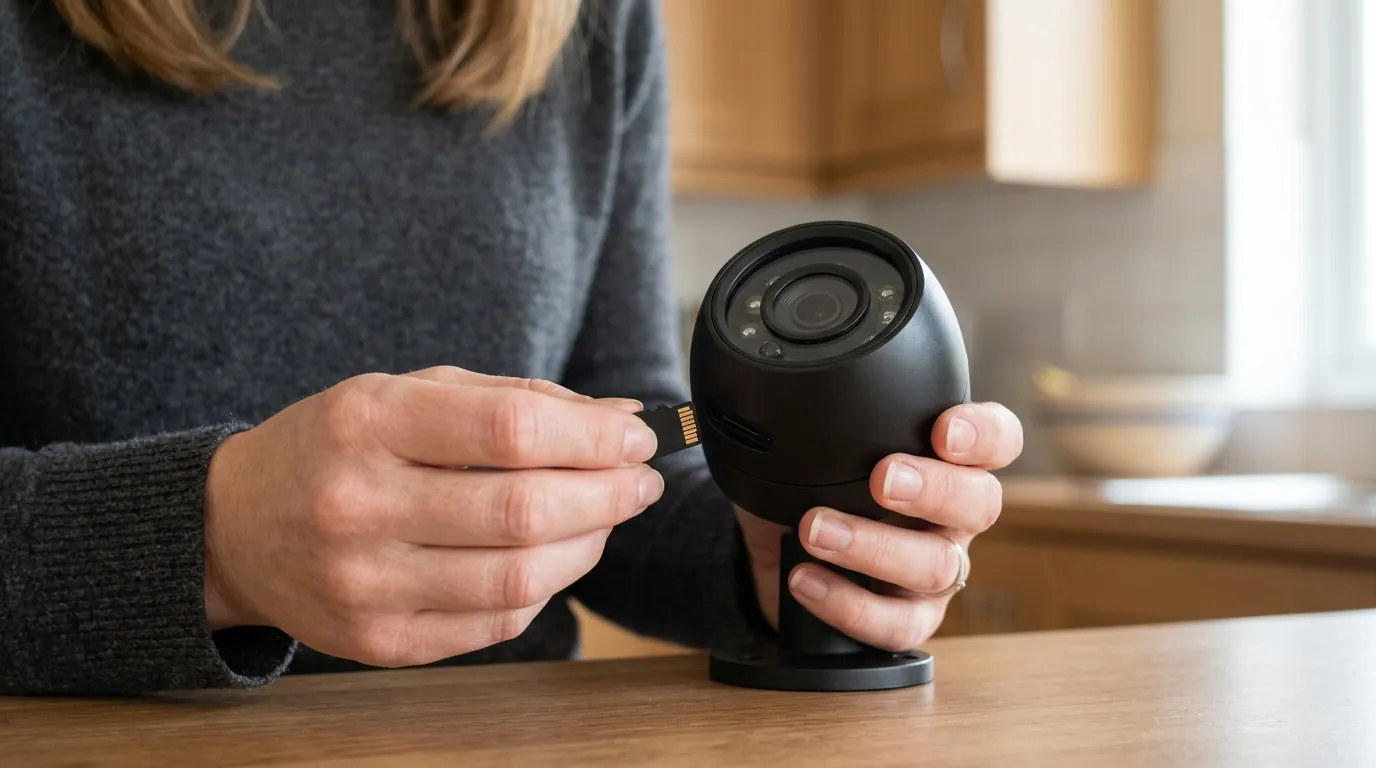
If you own a Blink system, you should assume your credentials have been tested by botnets within the last 48 hours. Immediate action is required to harden your account.
Hardening Your Blink Account
- Password Rotation: Change your Amazon/Blink password immediately. Use a unique string of at least 16 characters. Do not use this password on any other website.
- Enable TOTP: Navigate to the “Account and Login” settings in the Blink app. Switch your two-factor authentication from SMS to an “Authenticator App.” This ensures that even if an attacker has your password and clones your SIM card, they cannot access your cameras.
- Audit Authorized Devices: Review the list of devices currently logged into your account. If you see a phone or tablet you do not recognize, “Remove” it immediately to kill the active session.
Transitioning to Subscription-Free Local Storage
If the requirement for constant cloud-tethering and the risk of account hijacking are no longer acceptable, many users are moving to “Local-First” ecosystems. These systems store data on a physical drive or microSD card inside your home, often allowing for remote viewing without requiring a central cloud account for the core security functions.
A leading alternative in 2026 is the Reolink Altas PT Ultra. Unlike the Blink Outdoor 4, which is limited to short, motion-triggered clips to save battery, the Altas PT Ultra utilizes a high-capacity 20,000mAh battery to support continuous 4K recording to a local microSD card.
Table 2: Blink Outdoor 4 vs. Reolink Altas PT Ultra
| Feature | Blink Outdoor 4 | Reolink Altas PT Ultra |
|---|---|---|
| Resolution | 1080p | 4K (8MP) |
| Recording Mode | Motion-only | Continuous or Motion |
| Local Storage | USB (via Sync Module 2) | MicroSD (up to 512GB) |
| Subscription Required? | For AI/Cloud features | No (Core features free) |
| Night Vision | Infrared (B&W) | ColorX (Full Color) |
| Price Band | Under $100 | $200-250 range |
Specs sourced from Blink Outdoor 4 Product Page and Reolink Altas PT Ultra Specs.
Decision Framework: Should You Stay or Switch?
Choosing between maintaining a Blink system or switching to a local-storage alternative depends on your technical comfort level and privacy requirements.
- If you are a Renter: Stick with Blink or a similar “plug-and-play” system. The ease of mounting and the low entry price (around $60-80 for a single camera) make it ideal for temporary housing. Priority: Enable TOTP 2FA immediately.
- If you are a Homeowner: Prioritize a local-storage system like Reolink or Eufy. These systems offer better resolution (4K) and eliminate the “subscription trap.” Over three years, the lack of monthly fees pays for the higher initial hardware cost.
- If you have Limited Wi-Fi: Avoid Blink. Blink requires a stable cloud connection to function. Look for cameras with “On-board AI” and local microSD slots that can record even if the internet goes down.
Total Cost of Ownership (TCO) Analysis
When evaluating these cameras, the sticker price is often misleading. The real cost emerges over a 3-year ownership cycle.
Blink Outdoor 4 (3-Year TCO):
- Hardware (3-Camera Kit): ~$150-200
- Blink Plus Subscription ($10/mo): $360
- Replacement Lithium Batteries (Approx. 6 sets): $90
- Total: ~$600-650
Reolink Altas PT Ultra (3-Year TCO):
- Hardware (3-Camera Kit): ~$600-700
- Subscription Fees: $0
- Storage (3x 256GB MicroSD cards): ~$60
- Total: ~$660-760
While the Reolink system has a higher upfront cost, the gap narrows significantly over time. For the extra $100, the user gains 4K resolution, continuous recording, and significantly higher privacy by removing the cloud-account “front door” for attackers.
Frequently Asked Questions
Can hackers see me through my Blink camera if I don’t have a subscription?
Yes. A subscription only dictates where your video clips are stored (cloud vs. local). It does not change how you log into the app. If an attacker gains your account credentials through stuffing, they can access the “Live View” regardless of your subscription status.
Does the Blink Sync Module 2 protect me from credential stuffing?
No. While the Sync Module 2 allows you to store clips on a USB drive, the Blink app still requires an internet connection and a cloud-authenticated login to view those clips. The “handshake” happens on Amazon’s servers, which is exactly what credential stuffing targets.
How do I know if my Blink account has been compromised?
Look for “Unauthorized Login” emails from Amazon or Blink. Other signs include the camera’s blue LED light turning on when you aren’t using the app, or finding that your “Armed/Disarmed” schedule has been changed without your input.
Is the Reolink Altas PT Ultra hard to set up compared to Blink?
The Reolink Altas PT Ultra is slightly more complex because it is a larger “Pan-Tilt” camera, but it remains a DIY-friendly battery-powered device. It does not require a “Sync Module” hub; it connects directly to your Wi-Fi and stores data on an internal card, making it a self-contained security unit.
Sources
- Amazon — Device Software Security Updates
- Blink — How to Enable Two-Factor Authentication
- Reolink — Altas PT Ultra Technical Specifications
- OWASP — Credential Stuffing Prevention Cheat Sheet
- BleepingComputer — The Rise of Automated Credential Stuffing