
Best Smart Video Doorbells for Apartment Renters 2026
For renters, the security deposit is often the primary barrier to home security, but 2026 hardware has finally eliminated the trade-off between safety and a full refund.
Quick Answer: For 2026, the Reolink Battery Doorbell (2nd Gen) and Eufy E340 are the top picks for renters. They offer no-drill mounting and local storage, saving you up to $120/year in subscription fees while protecting your security deposit.
What happened
Related: Ubiquiti UniFi OS Security Vulnerabilities (June 2026): Full Guide · Eufy vs. Ring vs. Arlo: The Summer 2026 Security Camera Showdown · Ring vs. Ubiquiti UniFi 2026: The New Cost of Home Security
The landscape of renter-friendly security shifted significantly in early 2026, driven by a combination of aggressive subscription pricing from legacy brands and a technical leap in local-processing hardware. For years, apartment dwellers were forced into “cloud-only” ecosystems that required monthly fees to access basic motion recordings. That era ended with the “Great Subscription Pivot.”
The Death of the ‘Free’ Cloud Tier
In early 2026, industry giants Ring and Arlo implemented a second wave of price hikes, following the trend established in 2023-2024. Basic cloud storage plans for a single doorbell moved toward the $80–120/year range. More importantly, these brands moved previously standard features—such as person detection and rich notifications—behind these paywalls. This has made “subscription-free” models the primary search intent for savvy buyers.
Reolink’s 2026 Hardware Refresh
The June 2026 launch of the Reolink Battery Doorbell (2nd Gen) addressed the biggest complaint of the original model: the field of view. While the first generation offered a standard 2K image, the 2nd Gen introduced a 4MP 2K+ resolution with a 150°x150° head-to-toe aspect ratio. This allows renters in narrow apartment hallways to see both the face of a visitor and a package resting directly against the door. According to Reolink’s official product specifications, the 2nd Gen also transitioned to USB-C fast charging, a long-awaited upgrade from micro-USB.
Eufy’s Local-First AI Breakthrough
Eufy countered the subscription trend by moving its AI processing entirely to the edge. With the 2026 firmware update for the E340 and S4 models, Eufy’s “BionicMind” AI now claims a 99% accuracy rate for package detection without sending data to the cloud. By utilizing the Eufy HomeBase 3, renters can store months of 2K footage on a local hard drive, bypassing the need for any monthly recurring costs.
| Feature | Reolink Battery (2nd Gen) | Eufy Video Doorbell E340 | Ring Battery Doorbell Pro | Nest Doorbell (Battery) |
|---|---|---|---|---|
| Resolution | 4MP 2K+ (1:1 Ratio) | 2K (Dual Camera) | 1536p HD | 960 x 1280 |
| Storage | Local (microSD) | Local (8GB + HomeBase) | Cloud Only | Cloud Only |
| 2026 Sub. Cost | $0 | $0 | $80–100/year | $80/year |
| Power Type | Battery/Wired | Battery/Wired | Battery/Wired | Battery |
| Matter 2.0 | Yes | Yes | [information unavailable] | Yes |
Data synthesized from Reolink.com, Eufy.com, and Ring.com 2026 pricing updates.
Why it matters for buyers
For the modern renter, the value proposition of a video doorbell has shifted from “convenience” to “total cost of ownership” (TCO). In 2026, hardware that requires a subscription is increasingly viewed as a liability rather than an asset.
Financial Freedom: The $300 Renter Savings
When calculating the cost of a doorbell, renters must look beyond the initial $150-200 sticker price. A subscription-locked doorbell like a Ring or Arlo will cost an additional $240 to $360 over a typical three-year lease. By choosing a subscription-free security camera or doorbell like the Reolink 2nd Gen, that money stays in the renter’s pocket. In 2026, the hardware-only approach is the most effective way to combat “subscription fatigue.”
Lease Compliance: Avoiding the ‘Drilling’ Penalty
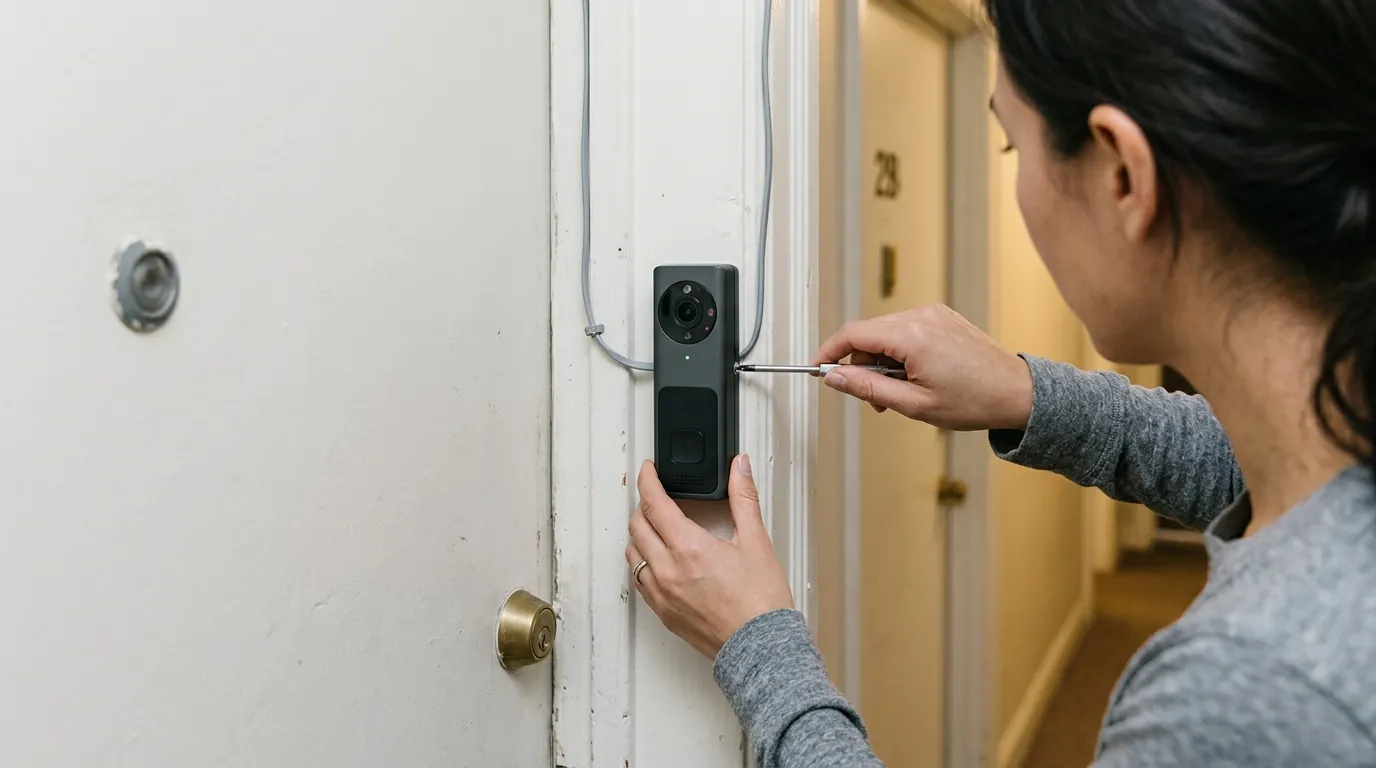
Landlords in major markets like NYC, San Francisco, and Chicago have become stricter regarding “permanent modifications.” Drilling into a doorframe or brick facade can result in a deduction from the security deposit ranging from $50 to the full cost of the frame. The emergence of high-quality tension mounts—which clamp the doorbell to the door without screws—has made video doorbells viable for every renter. Brands like Wasserstein now offer specialized “no-drill” mounts for almost every major 2026 model.
The Privacy Zone: Hallway Etiquette in 2026
Living in an apartment means your doorbell often faces a neighbor’s door. In 2026, privacy laws and HOA/building rules have become more stringent regarding “hallway surveillance.” Modern doorbells now include “Privacy Zone Masking,” allowing you to black out specific areas of the video feed (like a neighbor’s doorway) so they are never recorded or viewed. This feature is essential for maintaining lease compliance and neighborly relations in high-density buildings.
Matter 2.0: Future-Proofing Your Move
Matter 2.0 compatibility, now standard in the Aqara G410 and high-end Eufy models, is a game-changer for renters. It ensures that if you move from an apartment where you used Amazon Alexa to one where you prefer Apple HomeKit, your doorbell will follow you without compatibility issues. This interoperability makes your security investment portable across different living situations.
3-Year Total Cost of Ownership (TCO) Breakdown:
- Subscription-Locked (Ring/Nest): Hardware ($180) + 3 Years Subscription ($300) + Drilling Repair ($50) = $530
- Local-Storage (Reolink/Eufy): Hardware ($200) + 3 Years Subscription ($0) + No-Drill Mount ($30) = $230
Impact on existing owners
If you already own a video doorbell from 2023 or 2024, the 2026 landscape presents a difficult “stay or go” decision.
The ‘Legacy’ Tax: Is Your Old Doorbell Costing You Too Much?
Owners of legacy Ring (Gen 2) or Nest units are now facing “Legacy Tier” price increases. Brands are incentivizing users to move to newer hardware by raising the costs of maintaining older cloud-reliant units. If your current monthly bill has crept above $5/month, the math suggests that buying a new local storage vs cloud unit will pay for itself in less than 18 months.
Battery Health and the 3-Year Itch
Lithium-ion batteries in doorbells installed in 2023 are likely hitting a critical degradation point in 2026. Users may notice their doorbell requires charging every two weeks instead of every three months. The 2026 models, such as the Reolink 2nd Gen, offer 40% better energy density and USB-C fast charging, making the maintenance loop significantly less burdensome for renters who cannot hardwire their devices.
Upgrading for Matter 2.0 Support
Older doorbells are becoming “smart home islands.” As renters upgrade to newer, unified hubs that utilize Matter 2.0 for faster local response times, legacy doorbells often lag or fail to integrate. The resale value for these subscription-locked, non-Matter units has plummeted, while local-storage units from Eufy and Reolink hold roughly 60% of their value on the secondary market due to their “plug-and-play” nature for the next owner.
What to do now
If you are currently shopping for an apartment-safe security solution, follow this 2026 decision framework to ensure you don’t lose your security deposit or get trapped in a fee cycle.
Step 1: The Subscription Audit
Audit your current or intended monthly spend. In 2026, paying for a subscription should be an optional “luxury” for cloud backup, not a requirement for person detection. If a brand locks “Head-to-Toe” viewing or AI alerts behind a paywall, look elsewhere.
Step 2: Measuring Your Doorframe
Before buying, check the clearance between your door and the frame. Most no-drill camera mounts require at least a 1/8th inch gap to slide the steel bracket over the door.
- If you have a screen door: You will likely need a side-mounted tension bracket.
- If you have a standard door: An over-the-top “no-hole” mount is the most secure and discreet option.
The 2026 Renter’s Choice: Reolink vs. Eufy
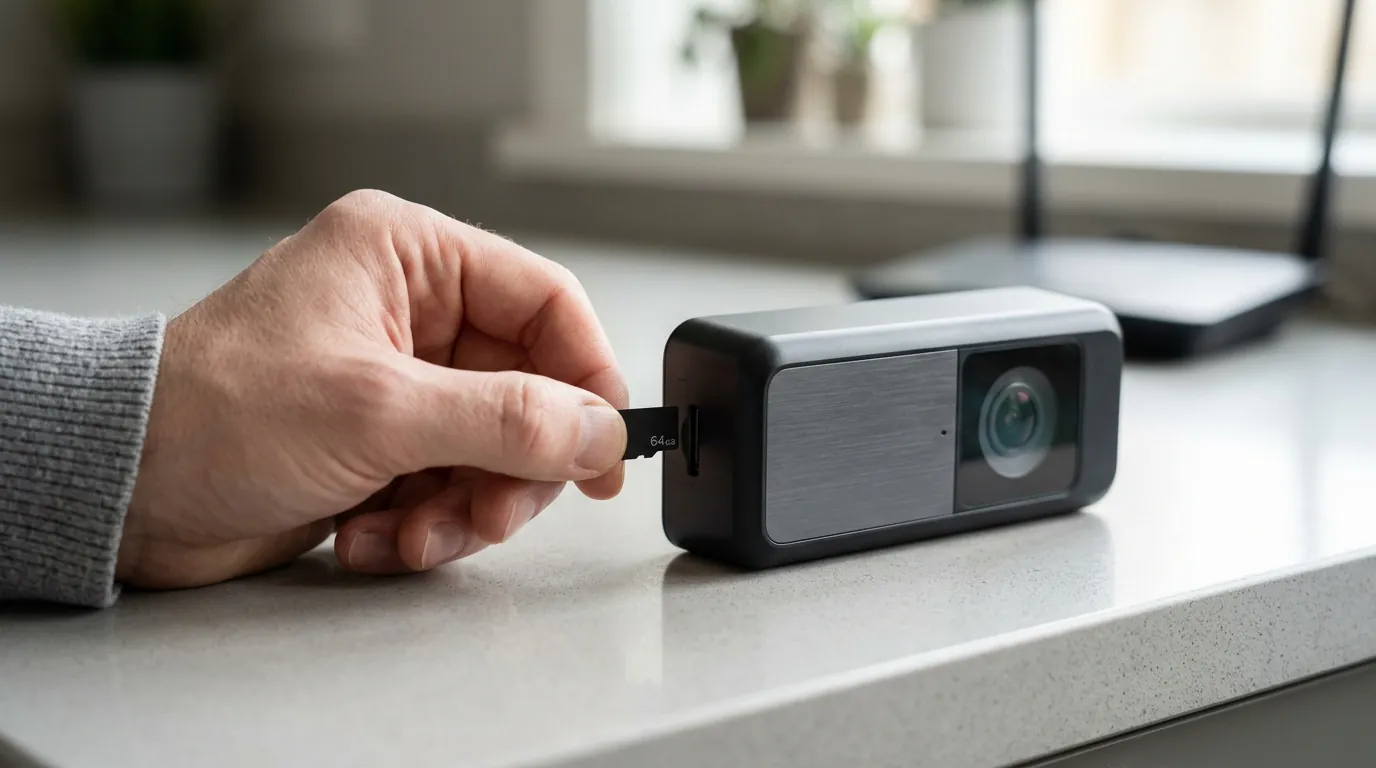
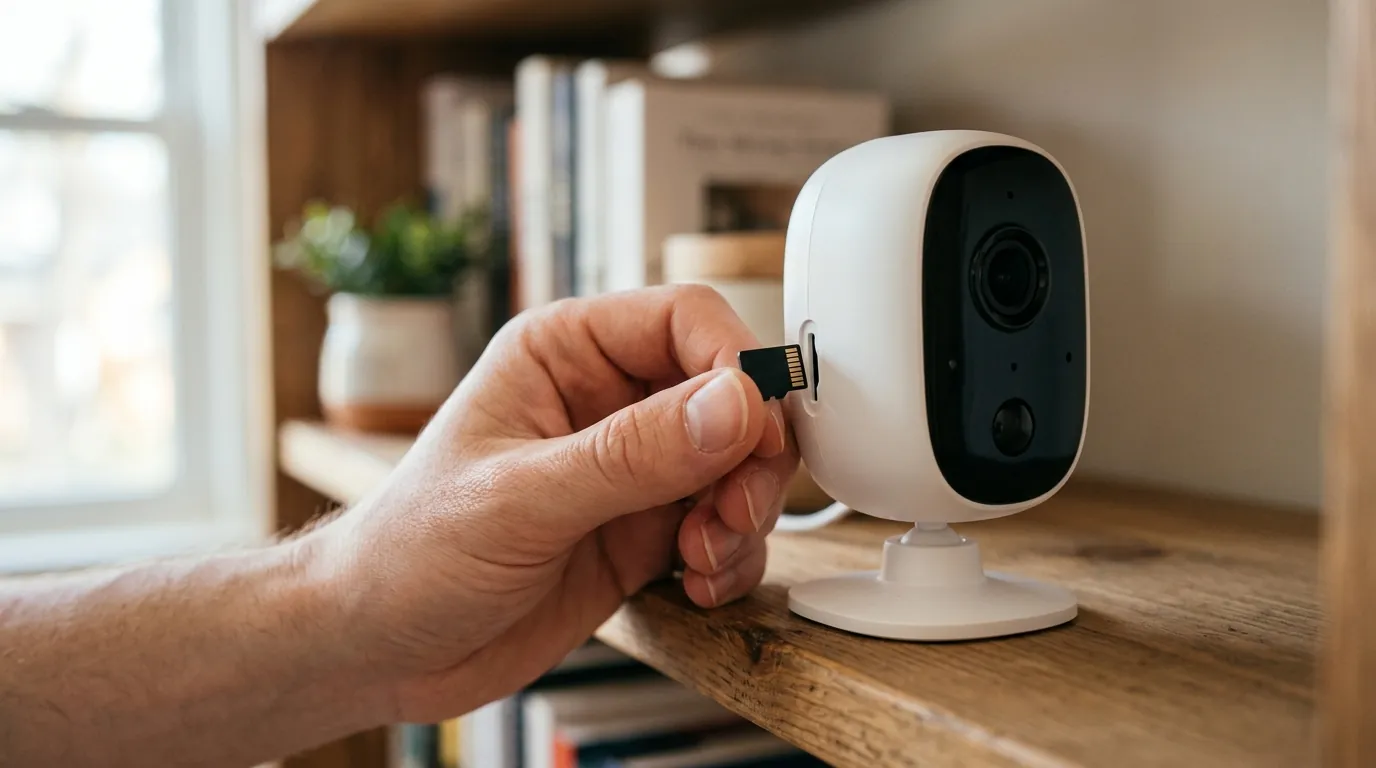
- Choose Reolink Battery Doorbell (2nd Gen) if you want the absolute simplest setup. It stores footage on an internal microSD card, meaning you don’t need any extra hubs taking up space in a small apartment.
- Choose Eufy E340 if you want the best AI features. The dual-camera setup (one facing forward, one facing down at the porch) is the gold standard for package security in 2026.
Renter-Safe Installation Checklist:
- Select a Battery Model: Avoid any unit that requires 16-24V wiring unless you have an existing chime and landlord permission.
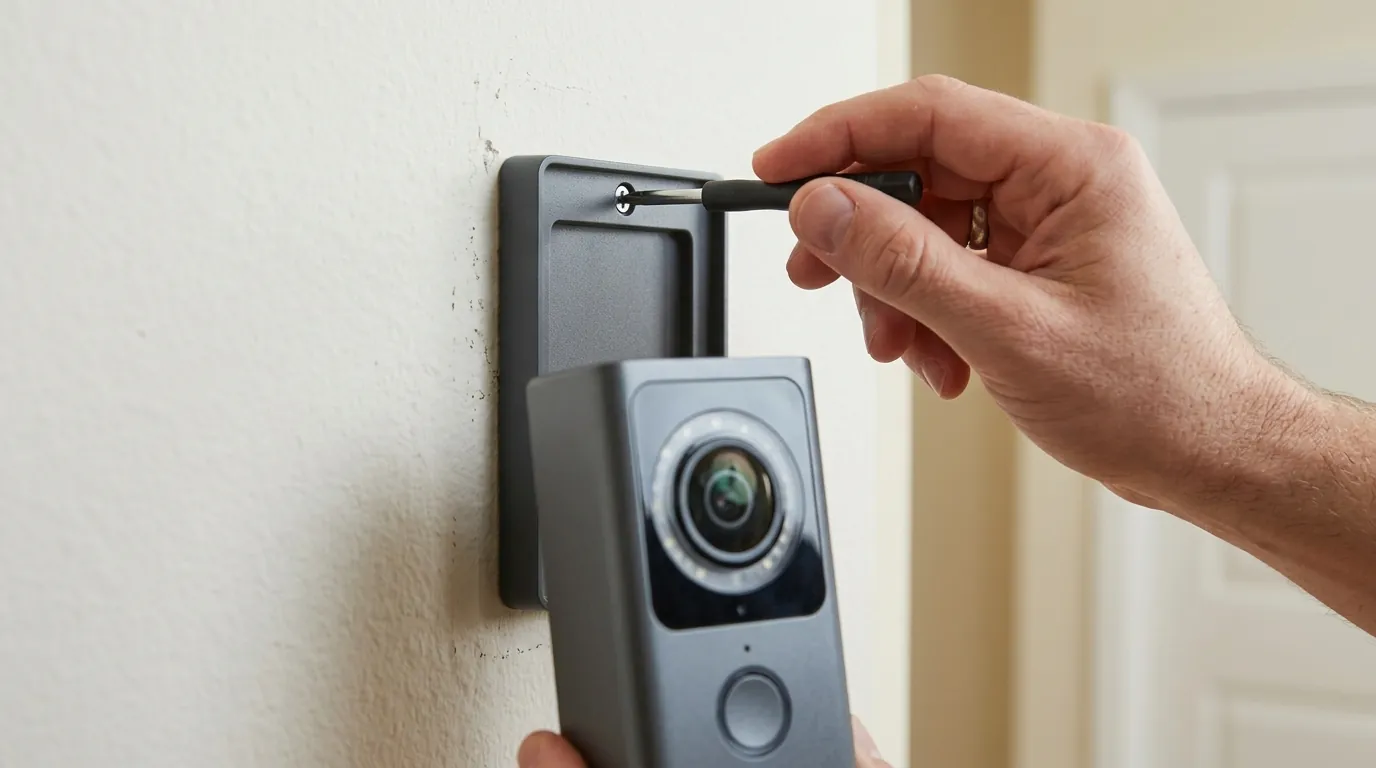
- Purchase a No-Drill Mount: Search for “Anti-Theft Video Doorbell Mount” compatible with your specific model. These use a steel housing and a tension knob to secure the camera to the door.
- Configure Privacy Zones: Immediately upon setup, use the app to mask out your neighbor’s door to avoid privacy complaints.
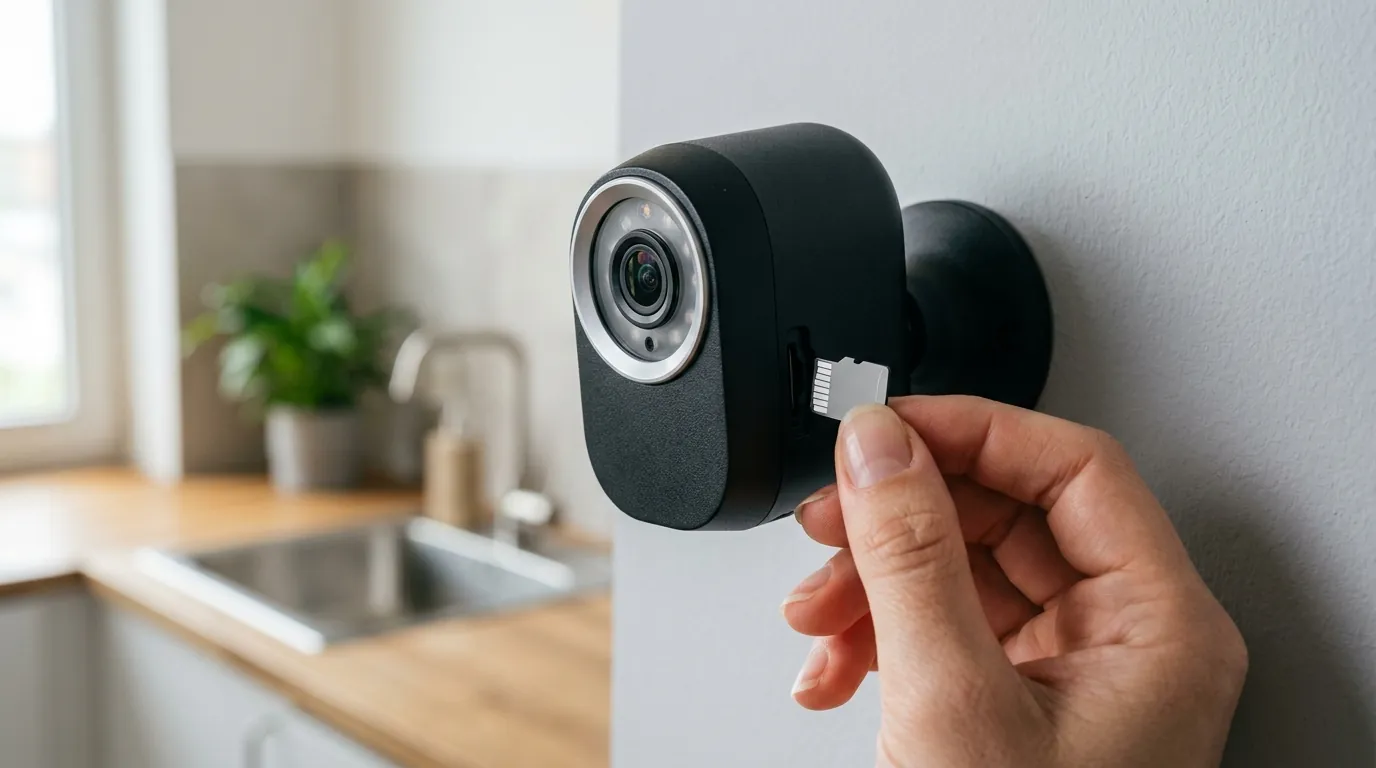
- Set Local Storage: Insert a high-endurance microSD card (V30 rating or higher) to ensure 2K footage writes correctly without lag.
| Scenario | Priority | Recommendation |
|---|---|---|
| Strict Landlord | Zero Damage | Reolink (2nd Gen) + Tension Mount |
| Package Theft Hotspot | Downward Visibility | Eufy E340 (Dual Cam) |
| Budget Conscious | Lowest TCO | Reolink Battery Doorbell |
| Smart Home Pro | Interoperability | Aqara G4 (Matter 2.0) |
The 2026 market has finally matured to favor the consumer. For renters, the move toward local storage and no-drill hardware isn’t just a tech trend—it’s a financial strategy. By choosing hardware that respects both your privacy and your lease, you can secure your front door without signing away your security deposit.
Frequently Asked Questions
Can my landlord legally stop me from installing a video doorbell?
In most US jurisdictions, landlords can prohibit any modification that involves drilling or permanent wiring. However, “no-drill” tension mounts that do not damage the property are generally treated similarly to a wreath or a doormat. Always check your specific lease for clauses regarding “surveillance” or “common area filming,” and use privacy masking to ensure you aren’t recording inside other residents’ apartments.
Do battery-powered doorbells work well in cold climates?
In 2026, battery technology has improved, but extreme cold (below -4°F / -20°C) still impacts performance. If you live in a cold climate, look for models with “Cold-Weather Endurance” ratings or units that allow for easy “pop-out” battery swapping so you can charge the battery indoors without taking down the entire mount.
Is local storage as safe as cloud storage?
Local storage (microSD or HomeBase) is private and fee-free, but it carries a physical risk: if a thief steals the doorbell itself, they may take the footage with them. To mitigate this, many 2026 renters prefer the Eufy system, which stores footage on a HomeBase kept safely inside the apartment, or Reolink models that offer optional, low-cost cloud “shadowing” for the last 24 hours of events.
Sources
- Reolink — https://reolink.com
- Eufy Security — https://eufy.com
- Ring Protect Plans — https://ring.com
- Wasserstein Home (No-Drill Mounts) — https://wasserstein-home.com
- Matter Smart Home Standard — https://csa-iot.org