
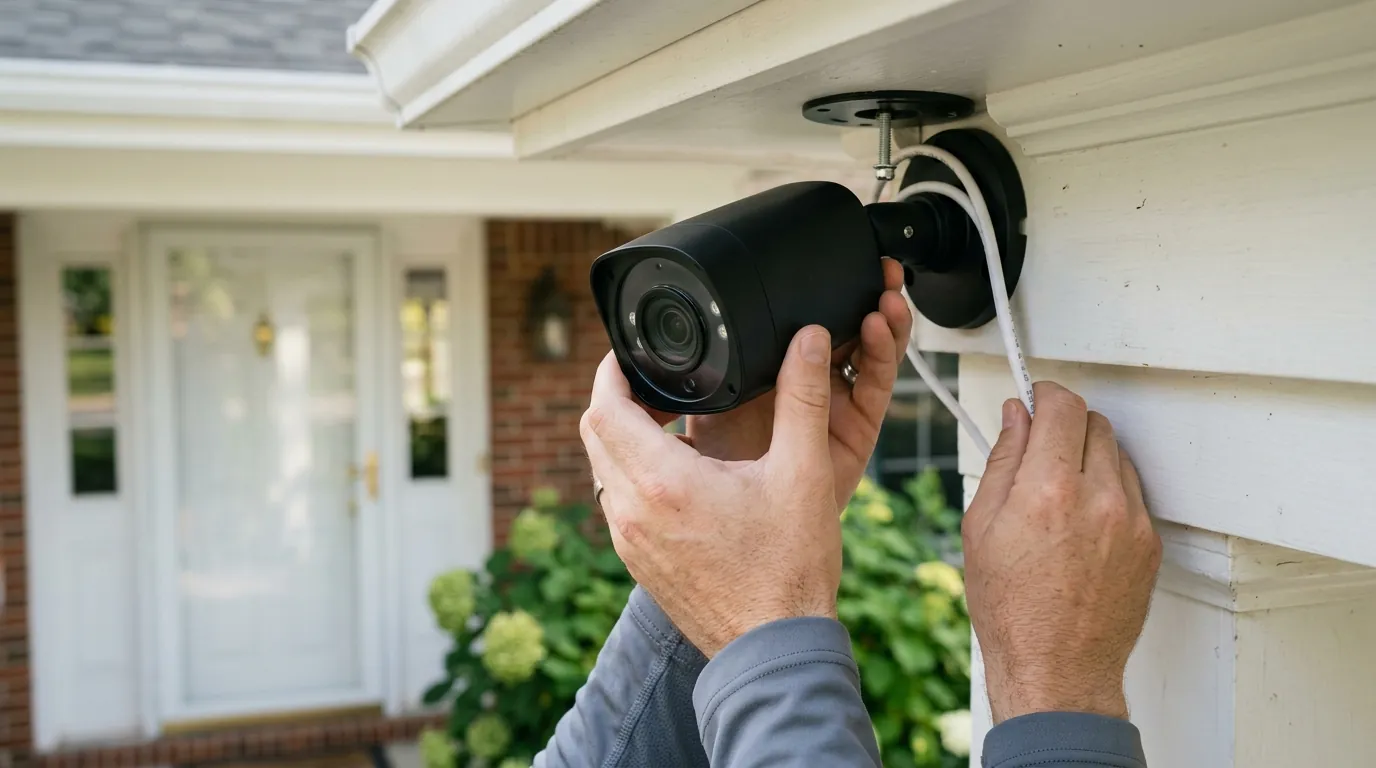
Best 4K Security Cameras Under $200: 2026’s New Value Kings
The era of grainy, pixelated security footage is ending as 4K resolution becomes the new baseline for sub-$200 standalone cameras. In 2026, high-bitrate sensors and Wi-Fi 6 connectivity have converged to make ultra-high-definition surveillance accessible to the average homeowner without the burden of monthly contracts.
In 2026, the Reolink Argus 4 Pro and TP-Link Tapo C465 are the top 4K picks under $200. Both offer Wi-Fi 6, local AI detection, and UHD resolution without mandatory subscription fees.
What happened
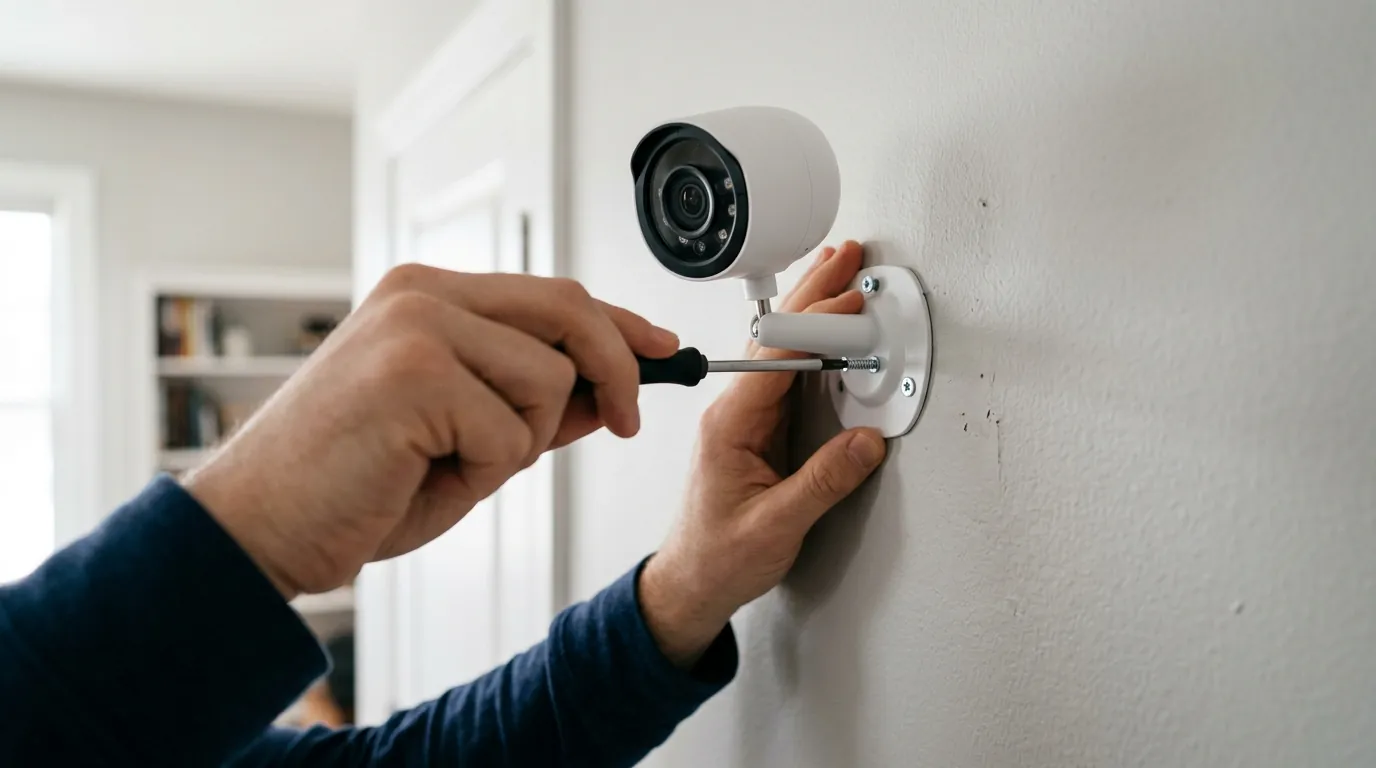
The “4K Democratization” of 2026 marks a significant shift in the consumer security market. For years, true 8-megapixel (4K) sensors were reserved for expensive, multi-camera NVR (Network Video Recorder) kits or premium standalone units costing well over $300. As of early 2026, the manufacturing costs of high-bitrate CMOS sensors have plummeted, allowing brands like Reolink, TP-Link, and Lorex to integrate professional-grade optics into consumer-level hardware.
A major catalyst for this shift was the launch of the Reolink Argus 4 Pro. This model broke the “battery bottleneck” by pairing a 4K UHD dual-lens system with efficient power management, providing a 180° field of view without the fisheye distortion typical of older wide-angle lenses. Crucially, it utilizes Reolink’s ColorX technology, which uses an f/1.0 aperture to capture full-color 4K video in near-total darkness without relying on infrared LEDs that often overexpose faces.
Simultaneously, the TP-Link Tapo C465 has redefined the solar-powered category. While previous battery cameras were limited to “event-only” recording to save power, the C465’s 2026 hardware revision supports expanded “buffer recording” and more aggressive solar harvesting, allowing it to act more like a wired unit in high-traffic areas. This release represents the first time a 4K solar unit with advanced Tapo AI person/pet/vehicle detection has stayed consistently in the sub-$200 price bracket.
Legacy players are also adapting. The Lorex 4K Spotlight (W482CAD) received significant firmware enhancements in late 2025 and early 2026. These updates improved the local AI processing speeds, reducing the “alert-to-app” latency to under two seconds—a critical metric for real-time deterrence. This camera remains a staple for those who prefer a plug-in Wi-Fi solution over battery-operated models.
Finally, the industry-wide shift to Wi-Fi 6 (802.11ax) has solved the primary complaint regarding 4K cameras: bandwidth congestion. Most 2026 budget 4K models now include Wi-Fi 6 chips to handle the 8-12 Mbps streams required for true 4K clarity, ensuring that high-resolution video doesn’t crash the home network.
2026 4K Value Comparison Table
| Feature | Reolink Argus 4 Pro | TP-Link Tapo C465 | Lorex 4K Spotlight (W482CAD) |
|---|---|---|---|
| Resolution | 4K (Dual-Lens) | 4K (Single-Lens) | 4K (Single-Lens) |
| Field of View | 180° Horizontal | 110° Horizontal | 140° Diagonal |
| Power Source | Battery / Solar | Battery / Solar | Plug-in (Wired Wi-Fi) |
| Night Vision | ColorX (Low Light) | Color (Spotlight) | Color (Spotlight) |
| Local Storage | MicroSD (Up to 512GB) | MicroSD (Up to 512GB) | MicroSD (Up to 256GB) |
| Wi-Fi Gen | Wi-Fi 6 (Dual-Band) | Wi-Fi 6 | Wi-Fi 6 |
| Price Band | $180 - $200 | $140 - $160 | $130 - $150 |
The Rise of the 180-Degree 4K Sensor
The most notable hardware trend in 2026 is the move toward dual-lens “seamless stitching.” By using two 4MP sensors and stitching the image at the edge, cameras like the Argus 4 Pro achieve a 4K horizontal resolution that covers an entire front yard or driveway. According to community testing on r/HomeSecurity, this eliminates the “blind spot” directly under or to the sides of the camera, which was a common vulnerability in older 4K models with narrower 90-110 degree lenses.
Solar-Powered 4K: No Longer a Premium Add-on
In 2026, the “solar tax” has largely vanished. Manufacturers are now bundling high-wattage solar panels (6W to 10W) with their 4K units for under $200 total. This is a significant improvement over 2023-2024 models, where a 4K camera and a compatible solar panel often pushed the total cost toward $300. The Tapo C465, for instance, is frequently sold as a complete kit, making it the value leader for remote mounting locations where running power is impossible.
Why it matters for buyers

The move to 4K is not just about a “sharper picture”—it is about the difference between observation and identification. In a security context, 1080p video often allows you to see that someone is on your property, but 4K provides the pixel density required to see who they are or what their license plate number is.
Identification vs. Observation
At 1080p, a person’s face becomes a blur of pixels at roughly 15 feet. With 4K resolution (3840 x 2160), you have four times the detail of 1080p. This allows for digital zooming—enlarging a portion of the recorded frame—without the image immediately falling apart. In 2026, 4K cameras in the sub-$200 range can reliably identify facial features at 25-30 feet and license plates at 30-40 feet, provided the lighting is adequate.
Benchmark: Pixel Density (PPI) for Identification
Data based on standard 4K vs 1080p sensor benchmarks at a 100-degree FOV.
| Distance from Camera | 1080p Resolution | 4K Resolution | Identification Potential |
|---|---|---|---|
| 10 Feet | ~55 PPI | ~110 PPI | 4K: Excellent / 1080p: Good |
| 20 Feet | ~28 PPI | ~56 PPI | 4K: High / 1080p: Low |
| 30 Feet | ~18 PPI | ~37 PPI | 4K: Moderate / 1080p: Unlikely |
The Death of the “4K Subscription Tax”
Historically, brands like Ring and Arlo required a monthly subscription to view 4K footage, even if you owned the hardware. The 2026 value kings from Reolink, Tapo, and Lorex have disrupted this model by prioritizing local storage security cameras. By supporting high-capacity microSD cards (up to 512GB), these cameras allow users to store weeks of 4K “event” footage or several days of continuous footage with zero monthly fees. Over a three-year ownership period, a “no-subscription” 4K camera saves the user approximately $120 to $360 compared to cloud-dependent competitors.
Wi-Fi 6: The Secret to Smooth UHD Streaming
A 4K video stream is data-heavy. On older Wi-Fi 5 (802.11ac) networks, multiple 4K cameras could cause significant “lag” or dropouts when other family members were streaming 4K Netflix or gaming. The integration of Wi-Fi 6 in 2026 budget models introduces OFDMA (Orthogonal Frequency Division Multiple Access), which allows the router to communicate with multiple devices more efficiently. This ensures that even if you have four 4K cameras active, the latency and stuttering are virtually eliminated.
Impact on existing owners
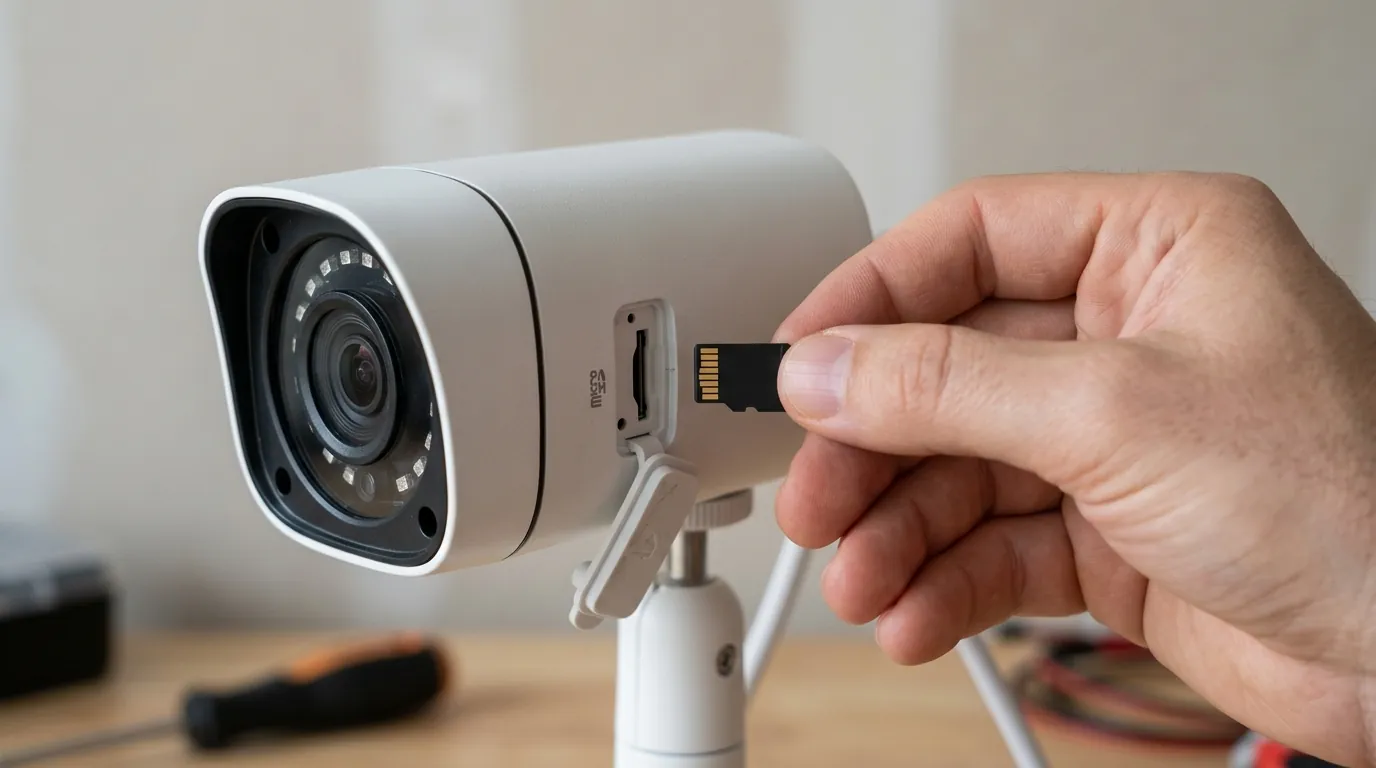
For those currently owning 1080p (2MP) or 2K (4MP) systems, the 2026 4K transition presents several logistical challenges. Upgrading a single camera is simple, but a full-home upgrade requires an audit of your existing infrastructure.
Obsolescence of 1080p
As of 2026, 1080p is increasingly viewed as “forensically insufficient” by law enforcement. While 1080p is fine for a baby monitor or seeing if a package was delivered, it rarely provides the detail needed for a successful police investigation in outdoor settings. Owners of older systems should prioritize upgrading “Identification Zones”—the front door, driveway, and side gates—to 4K while keeping 1080p cameras for general “Observation Zones” like the backyard.
Network Strain and Router Upgrades
Upgrading to multiple 4K cameras may necessitate a router upgrade. If your router is more than four years old (pre-Wi-Fi 6), it may struggle to maintain the constant 8-10 Mbps upload stream required for each 4K camera during live viewing. Before purchasing a 4K camera, users should run a speed test at the camera’s mounting location to ensure they have at least 15 Mbps of dedicated upload overhead.
Storage Turnover and Compression
4K footage is massive. A standard 4K stream at 15 frames per second (fps) can consume 20GB to 30GB of storage per day.
- 32GB Card: ~1 day of 4K storage.
- 128GB Card: ~4-5 days of 4K storage.
- 512GB Card: ~18-20 days of 4K storage.
Most 2026 cameras use H.265+ or H.266 compression. These standards are roughly 50% more efficient than the older H.264 standard, allowing 4K video to occupy the same space that 1080p video once did. However, if you are using an older NVR (Network Video Recorder) to manage your cameras, it may not be able to decode these newer compression formats, potentially requiring an NVR hardware upgrade.
3-Year Total Cost of Ownership (TCO) Comparison
Estimated costs for a single-camera setup over 3 years.
| Cost Element | 2026 Budget 4K (Local) | Legacy 4K Cloud (Sub-based) |
|---|---|---|
| Hardware Price | ~$180 | ~$200 |
| Subscription Fees | $0 | ~$360 ($10/mo) |
| SD Card (High Endurance) | ~$45 (256GB) | N/A |
| Total 3-Year Cost | ~$225 | ~$560 |
What to do now
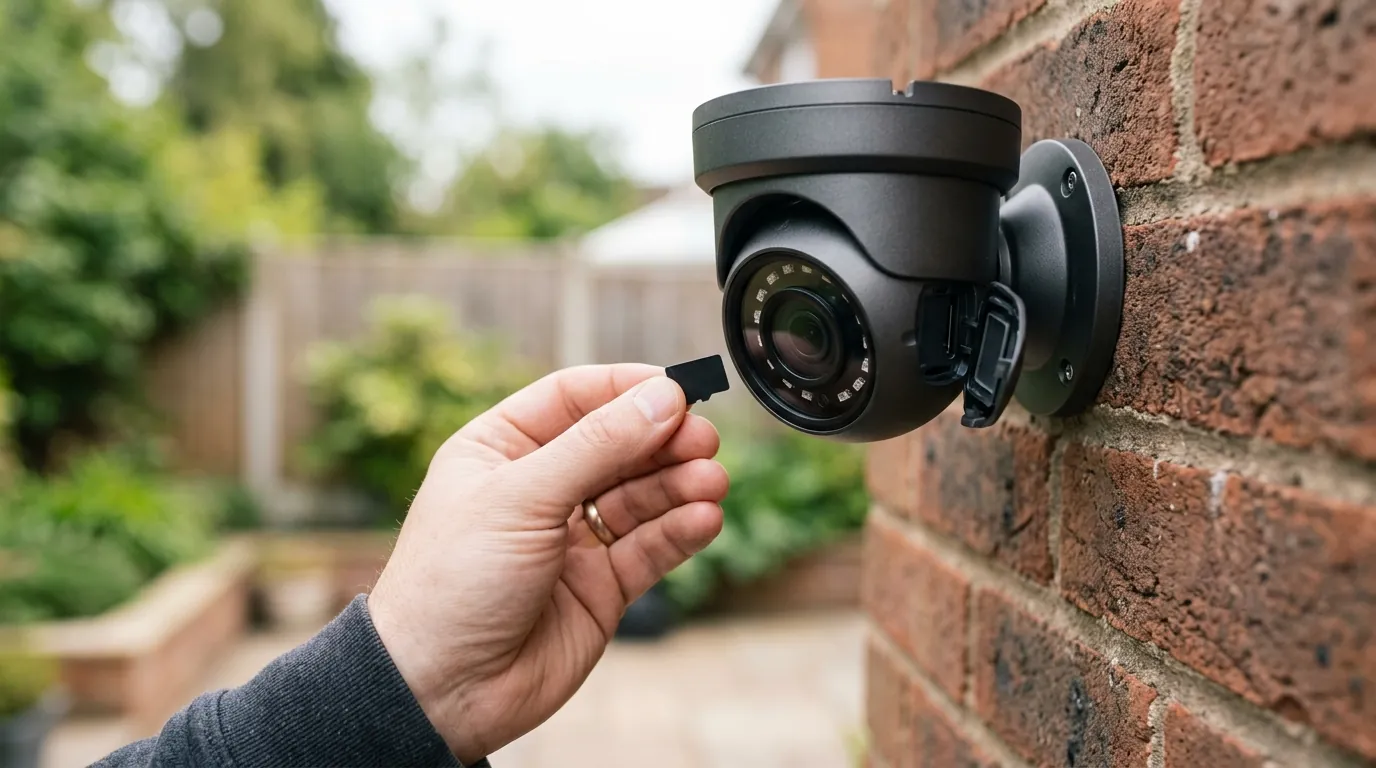
If you are in the market for a 4K camera under $200, your decision should be based on your specific mounting environment and power availability.
Audit your “Identification Zones”
Don’t feel the need to replace every camera at once. Focus your budget on the entry points. A 4K camera at the front door provides significantly more value than a 4K camera pointed at a static backyard fence. If you have a $200 budget, it is better to buy one high-quality 4K unit like the Reolink Argus 4 Pro for the driveway than two cheap 1080p units.
Choose your power path
- For Wide Coverage: Choose the Reolink Argus 4 Pro. Its 180-degree view is unmatched in this price bracket, making it ideal for wide driveways or corner mounts.
- For Reliability and Value: Choose the TP-Link Tapo C465. Its integration with the Tapo ecosystem and robust solar performance makes it the best “set it and forget it” option.
- For Continuous Recording: Choose the Lorex 4K Spotlight. Because it is a plug-in unit, it is not limited by battery life and can record 24/7 to its internal SD card, which is a significant advantage for high-security areas.
Invest in “High Endurance” SD Cards
4K video writing is an intensive process that can “burn out” standard SD cards used in cameras or phones. When buying a 4K camera, specifically look for cards labeled “High Endurance” or “V30.” These are designed for the thousands of write/erase cycles required by security surveillance.
Decision Framework: Which 4K Camera is Right for You?
- If you are a Renter: Prioritize the Tapo C465. It is entirely wire-free and can be mounted with heavy-duty outdoor adhesive or simple screws that are easy to patch later.
- If you have a Large Property: Prioritize the Argus 4 Pro. The 180-degree FOV means you likely only need one camera to cover an area that would normally require two.
- If you want 24/7 Recording: Prioritize the Lorex W482CAD. Battery cameras generally only record when they detect motion; only a plug-in 4K model like this Lorex can capture every single second of the day.
Checklist: 5 Things to Verify Before Buying
- Wi-Fi 6 Support: Does the camera support 802.11ax for stable 4K streaming?
- Field of View (FOV): Is it wide enough (140°+) to cover your target area?
- Aperture Size: Does it have an f/1.0 or f/1.4 lens for better night performance?
- Local Storage Limit: Does it support at least a 256GB microSD card?
- AI Detection: Does it include person/vehicle detection on-device without a subscription?
As the market continues to evolve, Quvii tracks these trade-offs across the category to ensure buyers aren’t lured in by high resolution numbers while sacrificing reliability or privacy.
Sources
- Reolink — Argus 4 Pro Official Specifications
- TP-Link — Tapo C465 Product Page and AI Features
- Lorex — 4K Spotlight Wi-Fi Camera (W482CAD) Support
- RTINGS — Security Camera Resolution and PPI Benchmarks
- TP-Link — Benefits of Wi-Fi 6 for Smart Home Devices
- Reddit — r/HomeSecurity: Community Consensus on 4K Standalone Cameras