
Arlo Ultra Motion Detection Not Working? September 2026 Fixes
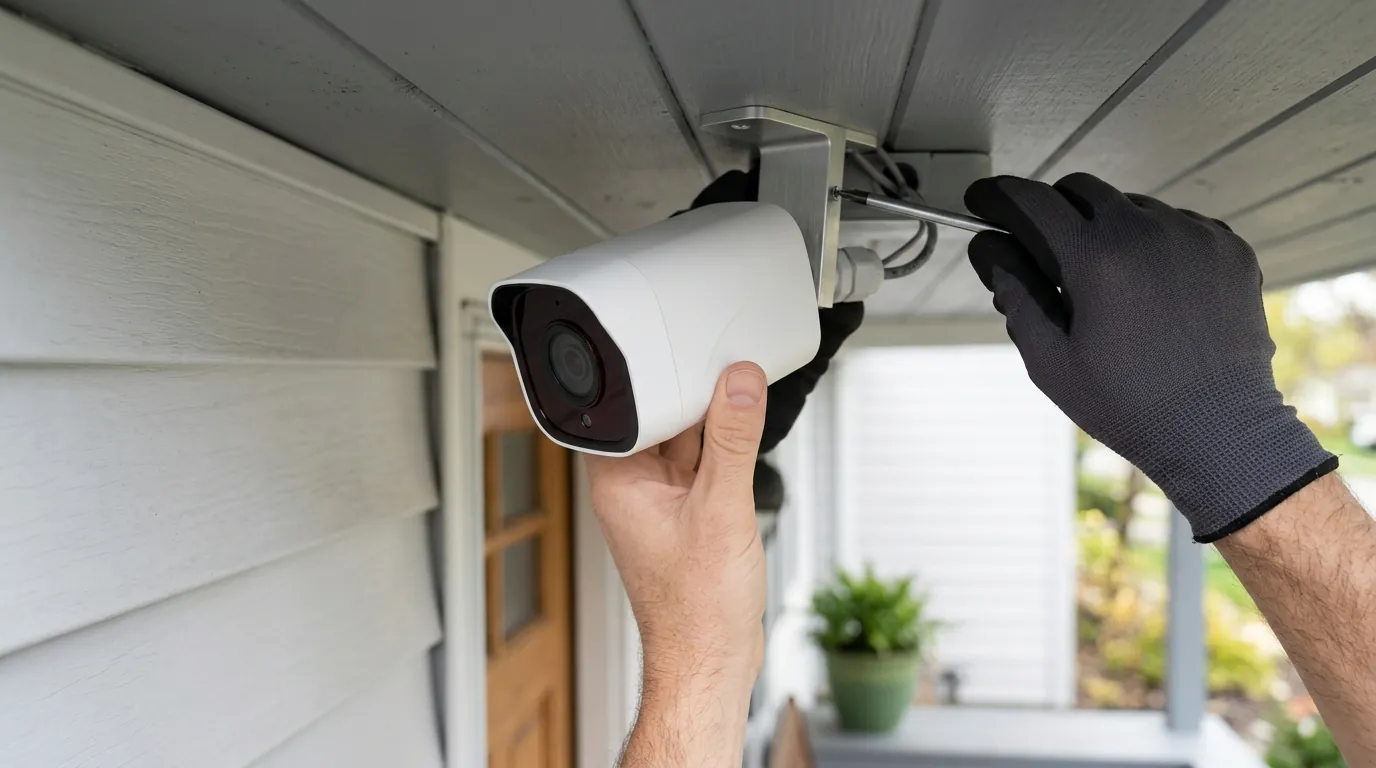
Reliable home security relies on a camera’s ability to act as a proactive sentry; when an Arlo Ultra fails to trigger during a critical event, your perimeter is effectively blind.
📝 Editorial Note: This guide is AI-assisted and game data evolves rapidly. Please cross-reference with in-game information. Updated: 2026-09-16.
Quick Answer: Check your Arlo Secure subscription status and PIR sensitivity settings first. While widespread reports of detection failures followed the September 2026 backend updates, Arlo has not publicly released a specific firmware version number for a patch as of September 16, 2026. If your hardware is failing or you are frustrated by the “feature paywall,” the subscription-free EufyCam S330 is the leading 4K alternative in 2026.
The symptom
Related: Fix: Ring Doorbell Entity Unavailable in Home Assistant (2026) · Arlo Pro 2 Cloud Storage Not Recording? 2026 Troubleshooting · Arlo Ultra Not Detecting Motion? 6 Fixes for Reliable Alerts
When motion detection fails on the Arlo Ultra or Ultra 2, the failure typically manifests in one of three ways: a total “blackout” of recordings, a significant delay that renders the footage useless, or a breakdown in the camera’s intelligent filtering.
In the first half of September 2026, users have reported a specific set of symptoms following a series of cloud-side updates to the Arlo Secure ecosystem. The most common indicator is a camera that shows “Live” video perfectly but refuses to log a library event.
Common Symptoms and Error States (September 2026)
| Symptom | Primary Cause | Affected Hardware | Status / Workaround |
|---|---|---|---|
| No Motion Clips | Subscription lapse or AI filtering logic | All Ultra Series | Verify Arlo Secure status in App |
| 5-10 Second Lag | PIR Sensitivity / 5GHz Interference | Ultra (VMC5040) | Increase sensitivity to 90%+ |
| Zones Ignored | Coordinate mapping error in v5.2 App | Ultra 2 (VMC5042) | Delete and re-draw Activity Zones |
| Rapid Amber Blink | Power/Sync conflict during trigger | All Ultra Series | Reseat battery; check for 15% threshold |
| Ghosting Effect | PIR “Wake” triggered but CV failed | All Ultra Series | Disable “Vehicle” detection to test |
Missing Clips vs. Delayed Notifications
There is a critical distinction between a camera that isn’t detecting and one that isn’t notifying. If you walk in front of your Ultra and the small LED on the front of the camera body (accessible via the “Motion Detection Test” in the app) flashes amber, the hardware sensor is working. If no clip appears in your Library, the failure is occurring in the Arlo Secure cloud processing or the “Rule” logic.
Delayed notifications, where the alert arrives 30 seconds after the event, are often tied to 5GHz backhaul congestion between the camera and the SmartHub (VMB5000/VMB4540).
The ‘Ghosting’ Effect: Why your Ultra sees nothing
Many users in late 2026 are experiencing “Ghosting,” where the camera’s Passive Infrared (PIR) sensor detects heat and “wakes” the camera, but the cloud-based Computer Vision (CV) fails to identify an object (Person, Vehicle, Animal) and discards the clip. This results in zero recorded footage despite visible movement. This is frequently caused by a mismatch between the camera’s local sensitivity and the cloud’s AI confidence threshold.
What’s likely happening
As of September 2026, the Arlo Ultra ecosystem is facing a “perfect storm” of aging hardware, sophisticated AI filtering, and recent software adjustments.
The September 2026 Update Impact
While Arlo has not published a specific firmware version number for a “September Bug” as of September 16, 2026, community consensus on the Arlo Support forums indicates that backend changes to the Arlo Secure 5.0 interface have altered how Activity Zones are processed. These zones, which were previously handled with a mix of local and cloud logic, appear to have shifted more heavily toward cloud-side verification, increasing the latency required to “confirm” motion.
Subscription-Level Filtering Logic
Arlo’s 2026 subscription tiers (Secure, Secure Plus, and Safe) use different levels of AI processing. If your subscription recently migrated or failed to renew, your camera may default to “All Motion” detection without cloud filtering. If your “Rules” are still set to only notify you for “People,” but the camera is no longer authorized for AI processing, it will detect the motion but “silence” the event because it can no longer verify the subject.
PIR Sensor Degradation
For original Arlo Ultra (H6/VMC5040) units installed around 2019–2021, the Fresnel lens—the plastic “window” covering the PIR sensor—may be experiencing UV clouding. PIR sensors detect movement by measuring changes in infrared radiation (heat). If the lens is clouded or pitted by years of sun exposure, the thermal signature of a human may not reach the sensor with enough clarity to trigger a “wake” command.
Environmental Factors: Heat Waves and PIR Accuracy
PIR technology relies on a temperature differential between the moving object and the background. During the record-breaking heat waves seen in the summer of 2026, if the ambient temperature of your porch or driveway reaches 95°F–100°F (35°C–38°C), the “heat signature” of a human (typically 98.6°F) becomes nearly invisible to the sensor. This is a physical limitation of PIR technology, not a software bug.
Quick fixes (in order of likelihood)
Before assuming the hardware is dead, perform these five steps to reset the software-to-hardware handshake.
Recalibrating the Sensitivity Slider
The 2026 Arlo Secure app update has changed the scaling for PIR sensitivity. To “wake” a stubborn sensor:
- Navigate to Device Settings > Video Settings > Motion Detection.
- Move the slider to 100% (Maximum).
- Walk in front of the camera to verify the amber LED flashes.
- Move the slider back to 80% (the recommended baseline for the Ultra series). This manual toggle often clears a “stuck” sensitivity state in the local firmware.
Refreshing the Arlo Secure App Cache
If you are seeing “Motion Detected” notifications but cannot view the clips, the issue may be your smartphone’s app cache.
- Android: Long-press the Arlo icon > App Info > Storage > Clear Cache.
- iOS: Delete the Arlo Secure app and reinstall it from the App Store. As of late 2026, the Arlo Secure app (v5.2+) requires significant local storage for the 4K preview buffer; a bloated cache can prevent the “Library” tab from updating in real-time.
Re-drawing Activity Zones
The September updates changed how the cloud maps 4K coordinate streams. If your zones were drawn prior to August 2026, they may be offset by several degrees.
- Delete all existing Activity Zones.
- Restart the camera (via the app).
- Re-draw the zones, ensuring they do not touch the extreme edges of the frame, which can cause “edge-trigger” failures.
Verifying SmartHub Connectivity
The Arlo Ultra requires a SmartHub (VMB5000 or VMB4540) for 4K streaming and optimal motion processing. Check the SmartHub’s status in the app. If the hub is experiencing high “Interference” levels (visible in the Support Tool), it may drop the “Motion Start” packet sent by the camera, causing the cloud to never receive the recording request.
Deeper diagnostics
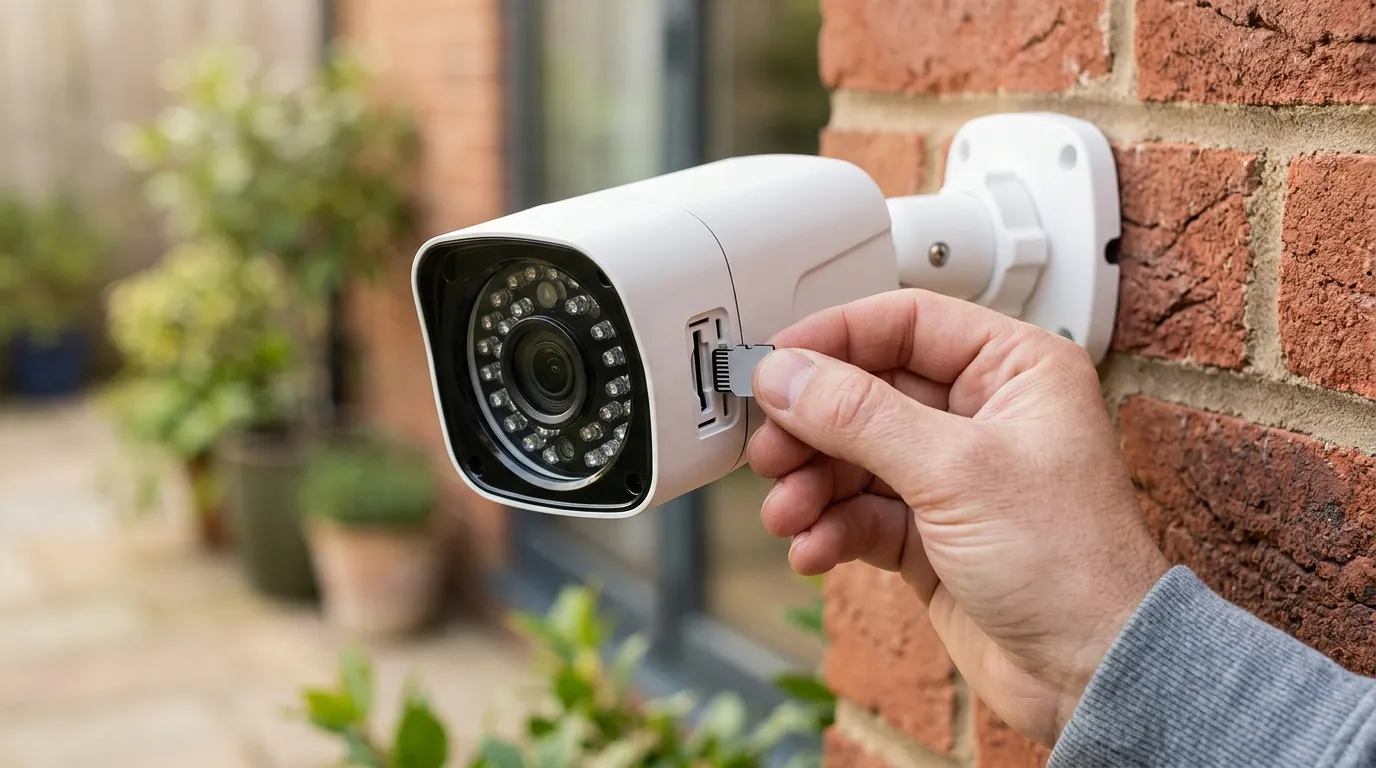
If the quick fixes fail, you must determine if the failure is in the physical PIR sensor or the network path.
Testing the PIR Sensor Hardware
To isolate the hardware, use the Cross-Triggering Test. If you have two Arlo cameras, set a “Rule” in the Arlo Secure App so that when Camera A (a working camera) detects motion, Camera B (the failing Ultra) is told to “Record Video.”
- If the Ultra records a clear 4K clip when triggered by another camera, its network connection and cloud processing are fine, but its PIR sensor is faulty.
- If the Ultra still fails to record when triggered by another device, the issue is likely a billing/subscription sync error or a SmartHub failure.
Analyzing Network Latency and RSSI
The Arlo Ultra uses a 5GHz Wi-Fi 5 or Wi-Fi 6 (on Ultra 2) backhaul. While 5GHz is fast, its range is poor. Use the “Positioning Tool” in the Arlo app to check your RSSI (Received Signal Strength Indicator).
- -30 to -60 dBm: Excellent.
- -61 to -70 dBm: Marginal; expect “Motion Failed to Record” errors.
- Below -70 dBm: Critical failure; the camera will likely drop the motion trigger packet before it reaches the hub.
Local Storage vs. Cloud Verification
Insert a Class 10, UHS-1 microSD card or USB drive into your SmartHub. In the app settings, enable Local Storage Recording. If clips appear on the local storage but NOT in the cloud Library, the issue is 100% related to your Arlo Secure subscription or Arlo’s cloud servers. If clips are missing from both locations, the camera is not triggering at the hardware level.
When to contact support
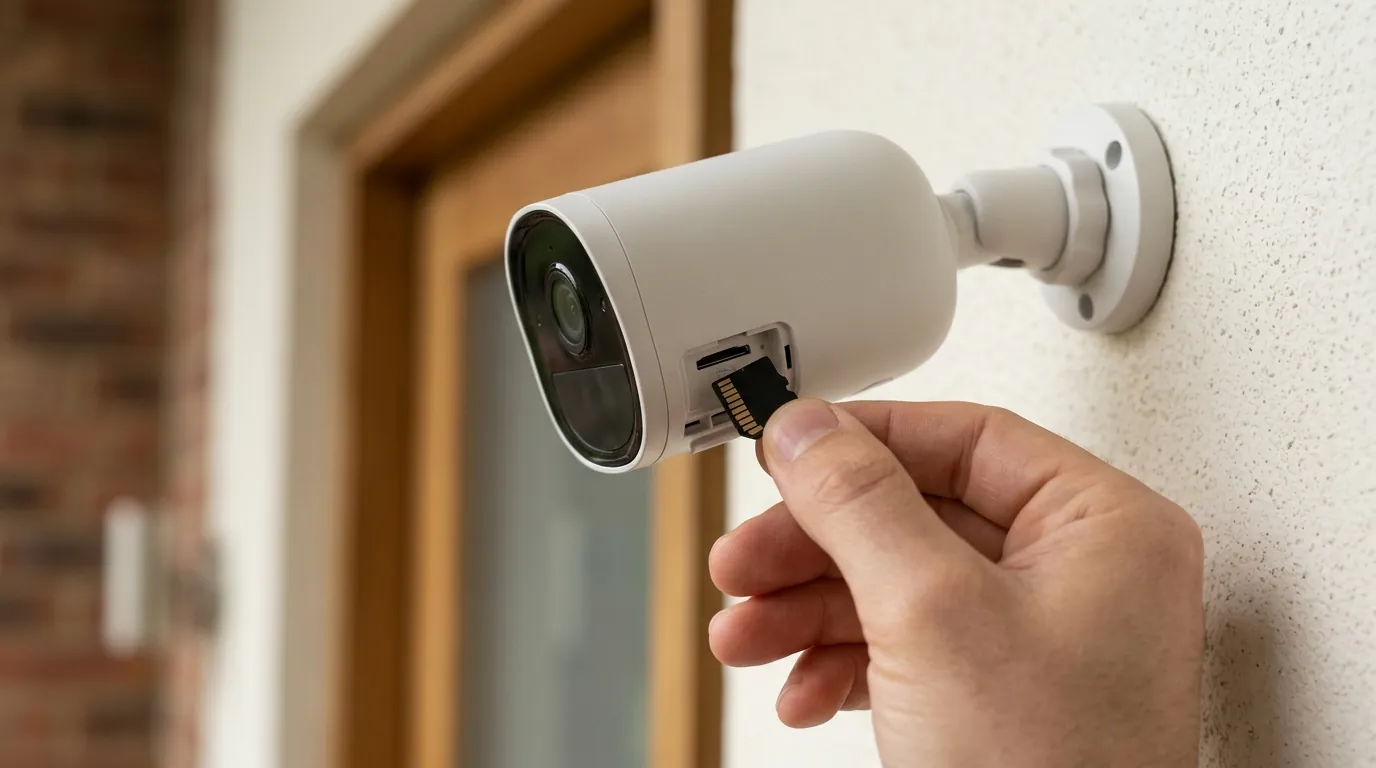
If your Arlo Ultra fails the “Motion Detection Test” (no amber LED) even after a factory reset, the hardware has likely reached its end of life.
Identifying Hardware Failure
PIR sensors are delicate. If you see physical cracks in the Fresnel lens or if the camera has been dropped, the sensor may be permanently misaligned. In 2026, Arlo Support typically recommends a replacement if the unit is more than three years old, as the cost of out-of-warranty PIR repair exceeds the camera’s value.
Understanding Arlo’s 2026 EOL Policy
Under the Arlo Legacy Policy, the original Arlo Ultra (VMC5040) has moved into a “Limited Support” phase. While cloud recording still functions for active subscribers, firmware updates are increasingly rare. If your Ultra 2 is still under a 2026 extended service plan, you may be eligible for a refurbished swap.
Value vs. Replacement: The Subscription-Free Path
If you are facing a hardware failure and are tired of the monthly fees required to make an Arlo Ultra functional, 2026 has seen a massive shift toward “Edge AI” cameras.
The EufyCam S330 (eufyCam 3) is currently the most recommended alternative for former Arlo users. It offers:
- True 4K Resolution: Comparable to the Ultra 2.
- Integrated Solar Charging: Eliminates the need to pull down cameras for charging.
- Local BionicMind AI: Recognizes faces, vehicles, and pets on the device, meaning motion detection works even if your internet is down.
- Zero Monthly Fees: It records to a HomeBase 3 with expandable storage (up to 16TB), saving the average user $120–$200 per year in subscription costs.
How to prevent it
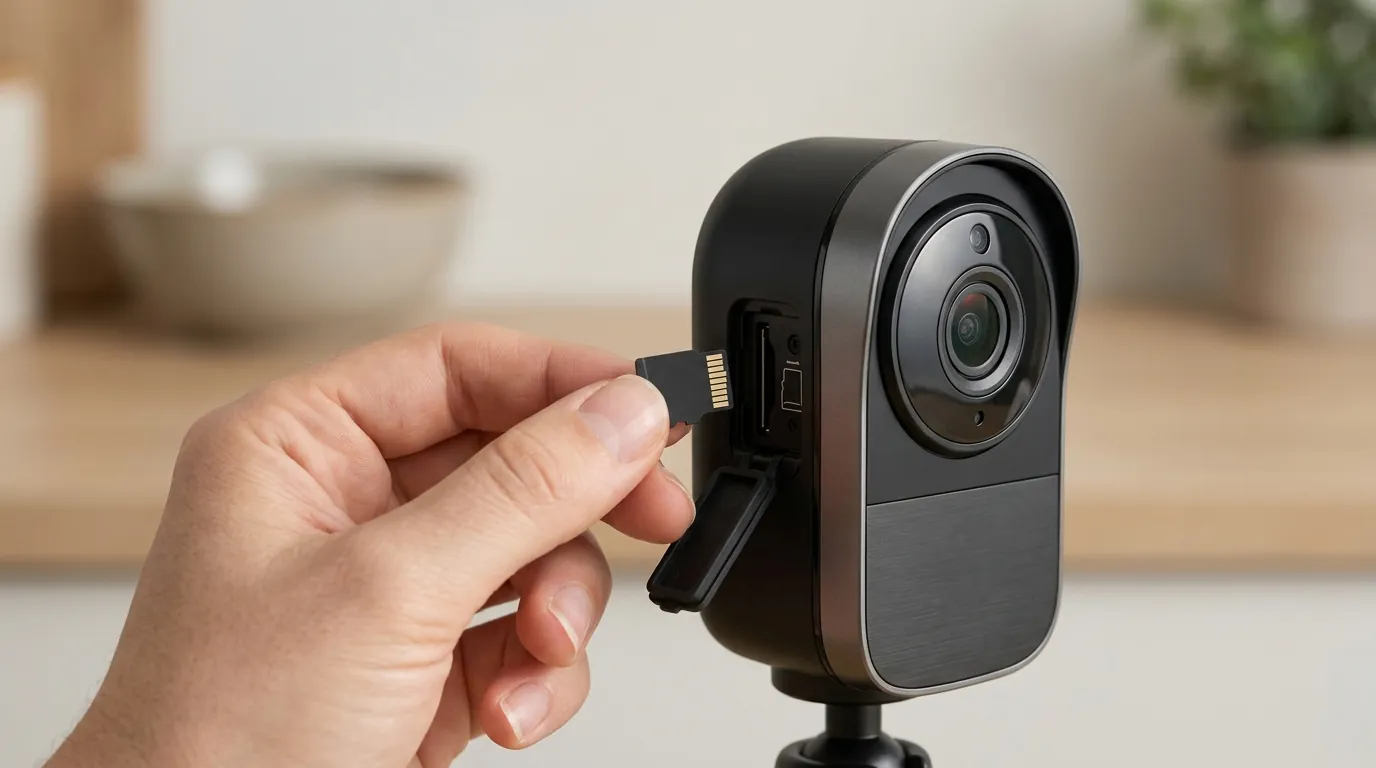
To ensure your Arlo Ultra remains reliable through the remainder of 2026, optimize the environment and power delivery.
Optimizing Camera Placement
PIR sensors are most sensitive to movement across the field of view. If a person walks directly toward the camera, the change in heat signature is minimal, leading to a “late trigger.”
- Height: Mount the camera 7 to 10 feet (2.1 to 3 meters) high.
- Angle: Position the camera so that the most likely path of an intruder crosses the lens horizontally.
Power Management Strategies
Battery-powered cameras use a “sleep” mode to conserve energy. When motion is detected, the camera must “wake up,” which takes 1–2 seconds. The Pro Tip: Hardwire your Arlo Ultra using the outdoor charging cable. When connected to AC power, the Ultra enables a “3-second lookback” feature (Pre-buffer). This allows the camera to capture the three seconds before the PIR was triggered, effectively eliminating the “late trigger” lag.
Network Optimization for 4K Security
Since the Ultra series relies on a high-bandwidth 5GHz signal, ensure your SmartHub is not tucked inside a cabinet or placed directly next to a high-power Wi-Fi 7 router, which can cause signal swamping. Moving the SmartHub just 3 feet away from other electronics can improve motion-trigger reliability by reducing packet loss.
Frequently Asked Questions
Why did my Arlo Ultra stop recording after the September update?
The most likely cause is a reset of the Activity Zone coordinates or a change in the AI confidence threshold in the Arlo Secure 5.0 cloud environment. Deleting and re-drawing your zones usually fixes this.
How do I know if my PIR sensor is actually broken?
Use the “Motion Detection Test” in the camera’s utility settings. If you walk in front of the camera and the front LED does not flash amber, the hardware sensor is either disabled in settings or physically defective.
Does the Arlo Ultra 2 have better motion detection than the original Ultra?
Yes, the Ultra 2 features a revised 5GHz antenna design (H7 hardware) which reduces the likelihood of “dropped” motion packets, though both cameras use nearly identical PIR sensor modules.
Can I fix the “late recording” lag without buying a new camera?
The most effective way to fix lag is to hardwire the camera to a permanent power source. This enables the pre-buffer feature, capturing the action before the PIR sensor even triggers the main recording.
Sources
- Arlo Support: How to change motion sensitivity — https://kb.arlo.com/000062831/How-do-I-change-the-motion-sensitivity-on-my-Arlo-camera
- Arlo Community: Ultra Series Discussion
- Arlo Legacy Policy (EOL) — https://kb.arlo.com/000063018/Arlo-Legacy-Policy
- Eufy Security: eufyCam S330 Product Specs
- FCC ID Filing: Arlo VMC5040 (Ultra) RF Exposure — https://apps.fcc.gov/oetcf/eas/reports/ViewExhibitReport.cfm?mode=Exhibits&RequestTimeout=500&calledFromFrame=N&application_id=n%2F9%2BE7X9%2B%2B%2B%2B%2B%2B%2B%2B%2B%2B%2B%2B%2B%3D%3D&fcc_id=2APLE18300389