
Arlo Secure App 6.26.0 Firmware Issues: Fixes & Workarounds
When a security system “silently disarms” itself during a routine software update, the boundary between protection and a false sense of security disappears. For thousands of Arlo users, the April 2026 rollout of version 6.26.0 of the Arlo Secure App turned high-end hardware into expensive paperweights overnight.
Quick Answer: The Arlo 6.26.0 update caused “Device Offline” errors and a “silent disarm” bug by renaming modes. To fix, manually select “Arm Away” on your dashboard and power cycle your SmartHub to restore connectivity and battery life.
What happened
Related: Wyze Cam v4 Cloud Storage: 2026 Subscription Changes & Costs · Google Nest Community Forum Deletion June 30: Save Your Data · Wyze Solar Cam Pan Recall 2026: How to Check Your Model
In late April 2026, Arlo released version 6.26.0 of its Secure App, intended to streamline the “Routines” interface and improve the handoff between Wi-Fi and Cellular data. Instead, the update triggered a series of cascading failures across the Arlo ecosystem, specifically affecting the Pro 5S, Ultra 2, and the Essential Gen 2 product lines. Within 48 hours of the release, community forums like r/Arlo and the Arlo Official Community were flooded with reports of cameras failing to record motion and SmartHubs dropping offline entirely.
The ‘Arm Away’ Migration Failure
The most critical failure involved a backend logic change. Arlo attempted to migrate users from the legacy “Arm All Devices” toggle to a new, standardized “Arm Away” state. However, the migration script failed to carry over the “Active” status for millions of users. Consequently, many systems defaulted to a “Standby” or “Disarmed” state without sending a push notification to the user. Homeowners went to sleep believing their perimeter was secured, only to find the next morning that no events had been recorded because the system was technically “Off.”
Broken UI Elements and Navigation
Beyond the arming bug, the 6.26.0 update introduced significant graphical regressions. Users on iOS and Android reported that the “Feed” view—where history is reviewed—began cropping video thumbnails from the Arlo Video Doorbell (2nd Gen), making it impossible to see a visitor’s face without opening the full clip. Additionally, the toggle for the integrated security light on the Pro 5S and Ultra 2 models appeared grayed out for many, even when the camera was fully charged and connected.
Reported Bug Impact by Hardware Model (Firmware 6.26.0)
| Hardware Model | Resolution | Primary Bug Reported | Connectivity Type |
|---|---|---|---|
| Arlo Ultra 2 | 4K HDR | Silent Disarm / Rapid Battery Drain | SmartHub (VMB5000) |
| Arlo Pro 5S | 2K HDR | Geofencing Failure / Offline Status | Dual-Band Wi-Fi |
| Arlo Essential (Gen 2) | 2K | Cropped Feed Thumbnails | Direct Wi-Fi |
| Arlo Video Doorbell | 2K | 3:00 AM Update Reboot Loop | Direct Wi-Fi |
| SmartHub VMB5000 | N/A | Solid Amber Light (Firmware Hang) | Ethernet to Router |
Data synthesized from Arlo Support Documentation and user-reported telemetry.
Firmware Update Timing
A recurring complaint involves Arlo’s mandatory update window. Firmware pushes for the 6.26.0 and subsequent 6.27.0 patches often occurred around 3:00 AM local time. While intended to minimize disruption, the update process requires the camera to reboot. In several documented cases on the Arlo Community Forums, cameras remained in a “reboot loop” for several hours, leaving homes unmonitored during the high-risk pre-dawn window.
[Image Description: A close-up of a smartphone held in a living room showing the Arlo Secure App dashboard with a ‘Device Offline’ warning on an Arlo Pro 5S camera tile.]
Why it matters for buyers
For prospective buyers, the 6.26.0 debacle serves as a case study in the risks of “Cloud-First” security. Unlike local-storage systems that function independently of the manufacturer’s servers, Arlo cameras rely on the Arlo Secure cloud to interpret “Routines” and “Modes.” When the app fails, the hardware’s intelligence is essentially neutralized.
The Risk of Forced Cloud Updates
Arlo does not currently offer a way to “opt-out” of app updates if you wish to maintain remote access. This means that even a stable, working system can be compromised by a buggy software release beyond the user’s control. This dependency is a significant differentiator when comparing Arlo to brands like Reolink or Ubiquiti, which allow users to freeze firmware versions or manage updates locally.
Evaluating Arlo vs. Local-Storage Alternatives
If you are currently shopping for a system, the 6.26.0 issues highlight the importance of the SmartHub. While Arlo markets many cameras as “Direct to Wi-Fi,” those paired with a SmartHub (VMB5000 or VMB4000) generally recovered faster from the 6.26.0 update because the Hub acts as a buffer for connectivity. However, even with a Hub, the “Silent Disarm” bug persisted because the arming logic resides in the cloud, not the local hardware.
Decision Framework: Is Arlo Right for You?
- The Renter: Arlo is a strong candidate. The wire-free design and easy setup outweigh occasional software bugs. Prioritize the Essential Gen 2 line for the best value.
- The High-Security Homeowner: Exercise caution. If you require 99.9% uptime, the cloud-dependency of the Arlo Secure App may be a dealbreaker. Consider a system with a dedicated NVR (Network Video Recorder).
- The Smart Home Enthusiast: Arlo offers excellent integration with HomeKit and Alexa, but as 6.26.0 proved, these integrations are the first to break during an update.
- The Privacy-Conscious: Review Arlo’s Privacy Pledge. They are more transparent than some competitors regarding police cooperation, requiring a warrant for all non-emergency requests.
Impact on existing owners
The fallout from 6.26.0 wasn’t just a minor inconvenience; for many, it resulted in degraded hardware performance and a total breakdown of automated security.
Battery Life Degradation on High-End Models
The Pro 5S and Ultra 2 are marketed for their 6-month battery life (based on standard usage). Following the 6.26.0 update, users reported batteries dropping from 80% to 20% in less than 24 hours. Technical analysis from community members suggests that the 6.26.0 firmware caused cameras to “poll” the server more frequently—essentially asking the cloud for instructions every few seconds rather than entering a low-power sleep state. This constant Wi-Fi activity generates heat and exhausts the lithium-ion cells.
The Breakdown of Geofencing and Automations
Geofencing—the feature that arms the system when you leave home and disarms it when you return—was severely impacted. The 6.26.0 update changed how the app requests location permissions from iOS and Android. Users who did not manually re-verify their location settings found that their cameras remained “Armed Home” (and thus not recording) even while they were miles away at work.
Total Cost of Ownership (TCO) Analysis: Arlo Ultra 2 (3-Year Outlook)
| Expense Item | Estimated Cost Band | Notes |
|---|---|---|
| Hardware (2-Camera Kit) | $450 - $550 | Includes SmartHub |
| Arlo Secure Subscription | $450 - $550 | $12.99 - $17.99/mo for 36 months |
| Replacement Batteries | $50 - $100 | Usually required after 2 years |
| Total 3-Year Cost | $950 - $1,200 | ~$30/month effective cost |
Note: Arlo’s feature set (4K recording, Cloud Activity Zones) is almost entirely locked behind the Arlo Secure Subscription. Without it, the cameras provide only basic live streaming.
What to do now
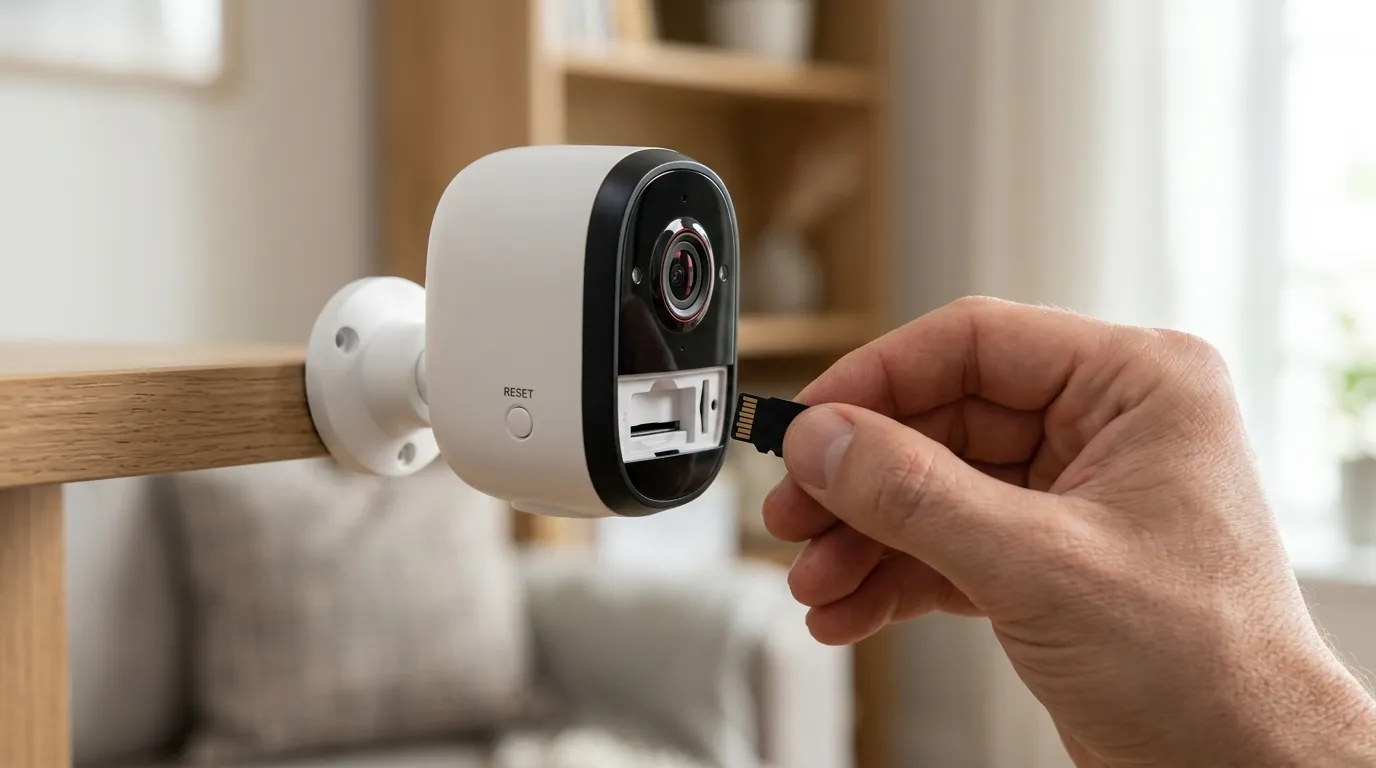
If your system is currently showing “Device Offline” or you suspect your cameras aren’t recording, follow these steps to bypass the bugs in version 6.26.0.
Step-by-Step Connectivity Restore
- Check the Web Portal: Before troubleshooting your phone, log in to my.arlo.com. If your cameras appear online there, the issue is strictly with the mobile app UI.
- The “Power Cycle” Fix: For cameras connected to a SmartHub, do not reset the cameras yet. Unplug the SmartHub (VMB5000/4540) from its power source for exactly 30 seconds. Plug it back in and wait for the LED to turn solid Blue (or Green on older models).
- Resync Stuck Cameras: If a camera is still “Offline,” bring it within 3 feet of the Hub or your Wi-Fi router. Press the sync button on the camera briefly—do not hold it, as this may trigger a factory reset.
- Update to 6.27.0: Arlo began pushing a “hotfix” (version 6.27.0) in early May 2026. Check the App Store or Google Play Store to ensure you have moved past the 6.26.0 build.
How to Verify Your System is Actually Armed
Because of the “Silent Disarm” bug, the shield icon on your dashboard may be misleading. To verify:
- Navigate to the “Routines” tab.
- Select “Arm Away.”
- Tap on the gear icon for “Arm Away” and verify that each camera has a rule assigned to it (e.g., “If Motion, then Record Video”).
- Walk in front of a camera. If you do not receive a push notification within 10 seconds, the system logic is still hung, and you may need to delete and recreate the “Arm Away” routine.
[Image Description: An Arlo SmartHub VMB5000 being power-cycled by a user in a home office setting to resolve connectivity issues.]
Troubleshooting Flowchart: Resolving ‘Device Offline’
- Is the SmartHub LED blinking Amber?
- Yes: Check your Ethernet connection or ISP.
- No: Proceed to step 2.
- Is the camera battery above 15%?
- No: Charge the camera. Arlo cameras often disable Wi-Fi to save the remaining 10% of power.
- Yes: Proceed to step 3.
- Does the camera respond to a ‘Live View’ request?
- Yes: The ‘Offline’ status is a UI ghost. Reinstall the app.
- No: Perform a hardware power cycle.
Frequently Asked Questions
Why did my Arlo system disarm itself after the update? The 6.26.0 update renamed the internal “Modes” used to control your cameras. If the app failed to map your old “Armed” setting to the new “Arm Away” routine, the system defaulted to a safe “Standby” mode to prevent accidental recordings, effectively disarming your security.
How do I stop my Arlo batteries from draining so fast? Rapid drain is usually caused by the camera constantly searching for a Wi-Fi signal. Ensure your SmartHub or router hasn’t moved. If the drain started with the 6.26.0 update, try removing the camera from the app and re-syncing it to force a fresh handshake with the cloud servers.
Can I use my Arlo cameras without the Secure App? You can view a live stream via the web portal at my.arlo.com, but most management features require the app. For local-only control, you would need to use a third-party integration like HomeKit or Home Assistant, though these still rely on Arlo’s cloud APIs to function.
Is Arlo fixing the 6.26.0 bugs? Yes, Arlo has acknowledged the issues on their community forums and has begun rolling out version 6.27.0. This patch specifically addresses the “Arm Away” migration logic and the SmartHub connectivity drops.
Does Arlo share my video with the police? According to Arlo’s Privacy Policy, they do not share your videos with law enforcement without a legally binding warrant or a court order. They do not participate in “emergency request” programs that allow access without a warrant, which is a stricter stance than some of their major competitors.
Quvii tracks these trade-offs across the category to help buyers navigate the increasingly complex world of cloud-connected security. While Arlo offers some of the best image quality in the consumer space, the 6.26.0 firmware issues serve as a reminder that software stability is just as important as megapixel counts.
Sources
- Arlo Official Support — https://www.arlo.com/en-us/support
- Arlo Privacy Pledge — https://www.arlo.com/en-us/about/privacy-center/
- Arlo Community Forums: App Version 6.26.0 Discussion — https://community.arlo.com/
- Reddit r/Arlo: 6.26.0 Bug Megathread — https://www.reddit.com/r/arlo/
- Arlo Secure Subscription Tiers — https://www.arlo.com/en-us/arlo-secure.html