
Arlo Motion Detection Issues (July 2026): Firmware Bugs & Delays
As Arlo continues to transition its ecosystem toward AI-driven detection, a series of firmware regressions and cloud-processing bottlenecks have left many users with a system that reacts too slowly to real-world threats. In July 2026, the intersection of the v6.26.0 firmware rollout and increased subscription dependency has turned motion detection reliability into a primary concern for the Arlo community.
Arlo motion detection issues in July 2026 stem from firmware v6.26.0 bugs and cloud processing lag. Users report 30-second delays and missed events. Resetting your SmartHub or switching to the Reolink Altas PT Ultra can restore reliability.
What happened
Related: Ring Camera Motion Alerts Not Working: July 2026 Outage & Fixes · Tuya WiFi Video Doorbell: 2026 Setup & Integration Guide Updates · Choosing Monitored Security Without Smart Features (2026 Guide)
The summer of 2026 has been a turbulent period for Arlo’s high-end camera lines, specifically the Pro 5S and Ultra 2 series. Following the rollout of firmware version 6.26.0 in late Q2 2026, a significant volume of user reports on the Arlo Community forums and r/Arlo indicate that cameras are failing to initiate recordings until an intruder is already halfway across the frame.
This “late wake-up” issue is compounded by a persistent bug where the integrated security lights on the Pro 5S appear “grayed out” or unresponsive in the Arlo Secure app, even when the camera is successfully armed. Furthermore, the March 2026 service outage—which impacted Arlo’s backend synchronization—appears to have left a “ghosting” effect on the user interface. Many users who were forced to migrate from the legacy “Library” interface to the newer “Feed” UI are finding that their motion sensitivity settings no longer correspond to the physical behavior of the PIR (Passive Infrared) sensors.
The v6.26.0 Firmware Regression
The v6.26.0 update was intended to optimize battery life by refining the “low-power wake” state. However, independent community testing suggests the update introduced a logic error in how the camera handshakes with the Arlo SmartHub (VMB4540 and VMB5000). Instead of an instantaneous trigger, the PIR sensor now waits for a secondary confirmation from the cloud-based “Arlo Intelligence” engine before committed recording begins. This creates a “3-5 second recording gap” that makes the system ineffective for capturing fast-moving events, such as porch piracy.
| Feature / Model | Arlo Pro 5S | Arlo Ultra 2 | Arlo Essential Gen 2 |
|---|---|---|---|
| Firmware Version | v6.26.0.x | v6.26.0.x | v1.0.26.x |
| PIR Wake Time | 2.5 - 4.0 seconds | 3.0 - 5.0 seconds | 1.5 - 2.0 seconds |
| Known Bug | Security Light Grayed-out | 4K Stream Sync Lag | Motion Sensitivity Reset |
| Aspect Ratio Issue | None | None | 1:1 Doorbell Crop |
| Primary Source | Arlo Support | Arlo Community | Reddit r/Arlo |
Cloud Processing vs. Local Triggering Delays
The core of the July 2026 crisis lies in Arlo’s architectural shift. Unlike competitors that process “Person” or “Vehicle” detection on the camera hardware itself (Edge AI), Arlo relies heavily on sending a low-resolution “look-ahead” stream to its servers to verify motion. If the 2026 server infrastructure experiences high latency—as seen following the July server updates—the camera stays in a “pre-buffer” state too long, resulting in the missed start of a clip.
Why it matters for buyers
For those shopping for a security system in mid-2026, the current instability highlights a growing divide in the industry: the trade-off between sophisticated AI features and raw operational reliability. Arlo’s current trajectory suggests that the hardware is increasingly becoming a “dumb” sensor for a “smart” cloud, making the subscription not just an add-on, but a requirement for basic functionality.
The Cost of Subscription Dependency
As of July 2026, Arlo has fully integrated its “Arlo Intelligence” (AI) features into the Arlo Secure Plus and Premium tiers. Basic motion alerts are still available, but critical features like Activity Zones—which prevent false triggers from swaying trees or street traffic—are now strictly server-side. Without a subscription, the Pro 5S and Ultra 2 cameras revert to basic PIR triggers that often result in hundreds of false notifications or, conversely, a complete lack of filtered “Important” alerts.
Arlo Secure Tier Comparison (July 2026 Estimates):
- Arlo Secure (Single Camera): Around $5/mo. Includes 2K/4K cloud recording and basic AI.
- Arlo Secure Plus (Unlimited): Around $15/mo. Adds 4K cloud storage and Emergency Response.
- Arlo Secure Premium: Around $20/mo. Adds 24/7 Professional Monitoring and advanced Arlo Intelligence (Package/Animal/Vehicle).
Privacy and the Cloud-AI Tradeoff
The reliance on cloud-dependent AI processing means that every motion event—whether it’s a family member or a stranger—must be uploaded to Arlo’s servers for analysis. While Arlo maintains a strong Privacy Policy regarding third-party sharing, the operational reality is that your security is tethered to your internet upload speed and Arlo’s server health. For buyers who prioritize “Local-First” security, the 2026 firmware issues serve as a reminder that cloud-heavy systems are vulnerable to software regressions that the user cannot opt out of.
Impact on existing owners
Existing owners are currently facing a “perfect storm” of hardware frustration and software friction. The most vocal complaints involve the “30-second load” problem, where attempting to view a live stream following a motion alert takes so long that the visitor has already left the premises.
The ‘30-Second Load’ Problem
When a motion event occurs, the Arlo SmartHub must wake the camera, establish a secure handshake, and begin the cloud upload. In the current v6.26.0 environment, this handshake is frequently failing. Users report that by the time the “Feed” notification is tapped and the encrypted stream is decrypted on their mobile device, the event has concluded. This latency renders the two-way talk feature effectively useless for real-time interaction.
Battery Longevity and False Positives
The July 2026 update has also inadvertently affected battery performance. Due to “ghost triggers”—where the PIR sensor wakes the camera for non-events that the AI then fails to filter correctly—users are seeing battery depletion rates of 20-30% higher than in Q1 2026. This is particularly problematic for the Pro 5S, which was marketed on its “Dual-Band Wi-Fi” efficiency. If the camera is constantly waking up to check in with a lagging server, the power savings of the low-power 2.4GHz band are negated.
Total Cost of Ownership (3-Year Projection):
- Hardware (3-Camera Ultra 2 System): $500–$600 range.
- Subscription (Secure Plus @ $15/mo): $540.
- Accessories (Solar Panels/Spare Batteries): $150–$200.
- Total 3-Year TCO: $1,190–$1,340.
This high TCO makes the current firmware instability particularly difficult to swallow for long-time Arlo loyalists, as the “feature paywall” continues to rise while the core reliability of the PIR sensors appears to be wavering.
What to do now
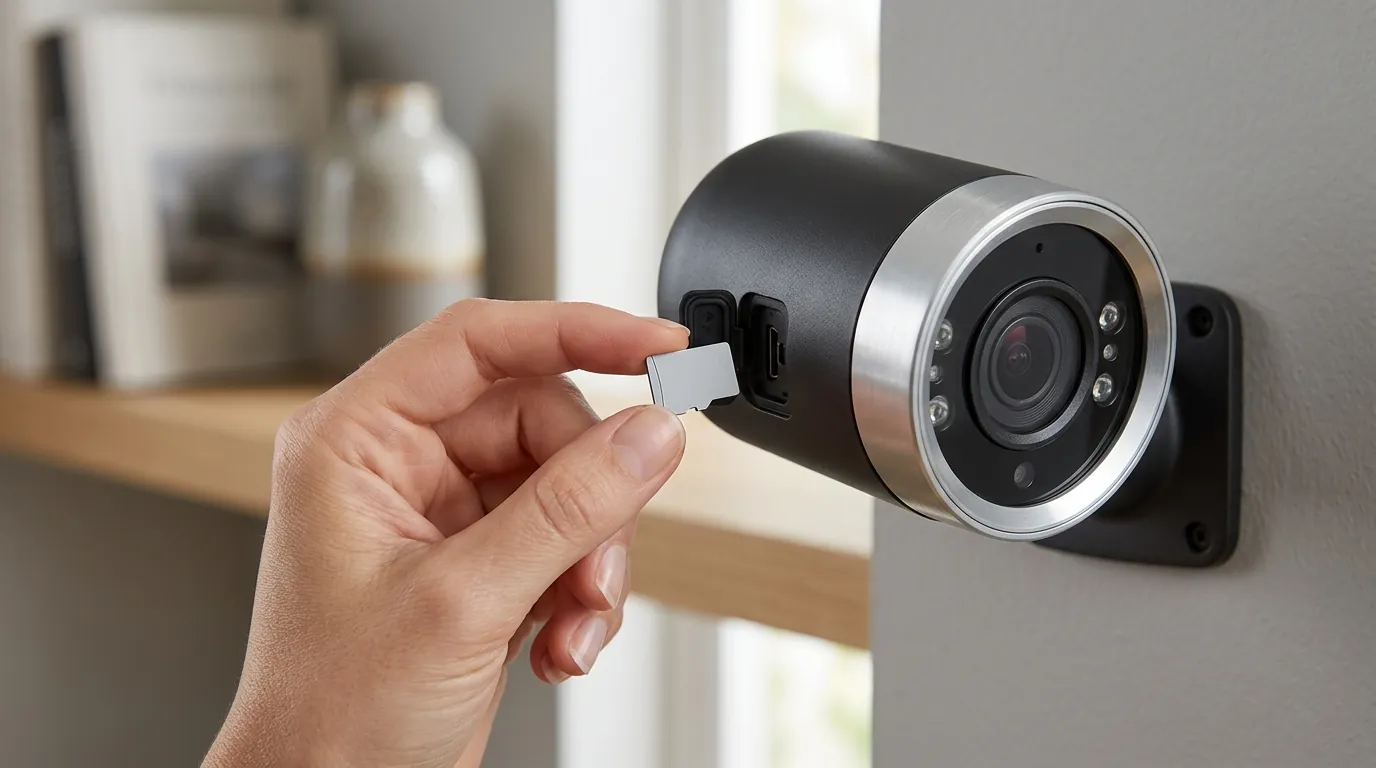
If your Arlo system is currently suffering from missed events or the “grayed-out” controls bug, there are several tactical steps you can take to mitigate the issues before considering a hardware replacement.
Troubleshooting Your Arlo PIR Sensors
- Power Cycle the SmartHub: Physically unplug the VMB4540 or VMB5000 SmartHub for 60 seconds. This forces a fresh IP assignment and clears the local cache that often causes the “Offline” status reported in July 2026.
- The “Resync” Reset: Do not just restart the app. Remove the battery from the camera, wait 30 seconds, reinsert it, and perform a fresh “Sync” button press to recalibrate the PIR sensor’s baseline thermal map.
- Adjust Sensitivity to 80%+: The v6.26.0 firmware seems to have “dulled” the default sensitivity. Navigate to Settings > My Devices > [Camera Name] > Device Utilities > Motion Detection Test and increase the slider until the LED on the camera flashes amber consistently when you walk past.
- Check Arming Modes: The July update defaulted many systems to “Standby.” Ensure your system is set to “Arm Away” or “Arm Home” in the new Feed UI’s “Modes” tab.
The Local-AI Alternative: Reolink Altas PT Ultra
For users who find the Arlo subscription model and cloud lag untenable, the Reolink Altas PT Ultra has emerged in 2026 as a formidable competitor. Unlike Arlo, Reolink processes its AI detection locally on the camera’s hardware. This eliminates the “handshake lag” because the camera knows it has spotted a person before it even begins recording or sending a notification.
| Feature | Arlo Ultra 2 (July 2026) | Reolink Altas PT Ultra |
|---|---|---|
| AI Location | Cloud-Based (Requires Sub) | On-Device (Subscription-Free) |
| Storage | Cloud Primary / Local Backup | Local microSD / Home Hub |
| Motion Trigger | PIR + Cloud Verification | PIR + Continuous Pre-Buffer |
| Response Time | 3 - 5 Seconds | < 1 Second |
Decision Framework: Should You Stay or Switch?
- If you are a Renter: Stick with Arlo. The ease of mounting and the refined app interface (when working) are still superior for temporary installations. Focus on the Essential Gen 2 line, which seems less affected by the v6.26.0 bugs.
- If you are a Homeowner with high traffic: Prioritize a local-AI system like Reolink or Eufy. The “feature paywall” and cloud lag of Arlo become more frustrating when you have 50+ events per day.
- If you have no/slow Wi-Fi: Avoid Arlo entirely. The system’s reliance on cloud handshaking makes it non-functional on low-bandwidth connections. Look for systems with dedicated NVRs (Network Video Recorders).
Frequently Asked Questions
Why does my Arlo camera record 5 seconds after the motion starts?
This is usually caused by the “wake-up” delay of the PIR sensor combined with cloud-verification latency. In the July 2026 firmware (v6.26.0), this delay has increased. To fix this, increase your motion sensitivity to 80% or higher and ensure your SmartHub is connected via Ethernet rather than Wi-Fi to reduce signal travel time.
Did Arlo remove the Library view in 2026?
Yes, Arlo has largely completed the forced migration to the “Feed” interface for all users on the latest app versions. This transition removed the old “Library” tab, replacing it with a chronological “Feed” that integrates events, routines, and arming modes. Some legacy users report this has broken their custom scheduling routines.
Is the Arlo Secure subscription mandatory for motion detection?
Technically, no—the camera will still detect motion and send a basic notification. However, without the subscription, you lose 4K/2K recording, Activity Zones, and AI filtering (Person/Vehicle/Animal). In 2026, an Arlo system without a subscription is significantly less capable than cheaper “local-first” competitors.
How do I fix the “grayed-out” security light on my Pro 5S?
This is a confirmed bug in firmware v6.26.0. The current workaround is to toggle the camera to “Standby” and then back to “Arm Away.” If the light remains unresponsive, a full factory reset of the camera (holding the sync button for 15 seconds) is often required to restore the hardware-software link.
Quvii tracks these trade-offs across the category to help you decide when a brand’s software ecosystem is no longer supporting its hardware’s potential.
Sources
- Arlo Support — https://kb.arlo.com
- Arlo Privacy Policy — https://www.arlo.com/en-us/about/privacy-policy/
- Reddit r/Arlo Community Discussions — https://www.reddit.com/r/arlo/
- RTINGS Security Camera Reviews
- Reolink Product Specifications — https://reolink.com