
Arlo Essential 2K Firmware Update Bricking: What Buyers Need to Know
Reports from early 2026 indicate a surge in Arlo Essential 2K cameras becoming unresponsive following mandatory firmware updates, leaving many users with “bricked” hardware that fails to reconnect to Wi-Fi or power on. This issue has reignited concerns regarding the long-term reliability of cloud-dependent security systems and the impact of manufacturer End-of-Life (EOL) policies on consumer hardware.
Quick Answer: Recent reports in 2026 indicate that firmware updates for Arlo Essential 2K cameras, and other Arlo devices, have led to cameras becoming inoperable or losing essential features, a phenomenon users describe as “bricking.” This issue often coincides with Arlo’s End-of-Life (EOL) policies, pushing users towards new hardware or paid subscriptions for core functionality.
What happened
Related: Ring Facial Recognition Lawsuit: 2026 Impact on Owners & Buyers · June 2026 Stealer Logs Data Breach: What Camera Owners Must Know · Why Are My Wyze Cameras Offline? June 2026 Outage & Update Guide
Throughout the first half of 2026, a growing number of Arlo Essential 2K (Gen 2) owners have reported that their devices stopped functioning immediately following a firmware push. These incidents, documented extensively on the Arlo Community forums and r/Arlo, suggest a systemic failure in how the cameras handle automated updates, particularly when battery levels are not at full capacity.
Specific Incidents and User Accounts
The most common symptom reported by users is a camera that enters a “boot loop” or becomes completely unresponsive. Owners describe a sequence where the camera’s LED indicator flashes alternating blue and orange—a signal usually reserved for firmware updates—but never returns to a solid blue “connected” state.
In several documented cases on community subreddits, users noted that their Essential 2K cameras were functional one evening and “offline” by morning. Upon physical inspection, these cameras could not be reset using the standard sync button method. Some users reported that after contacting support, they were informed their specific hardware revision was “no longer supported” for technical troubleshooting, despite the Essential 2K Gen 2 being a relatively recent release in the Arlo product timeline.
Technical Details of the ‘Bricking’ Process
The “bricking” process appears to be tied to the camera’s power management during the firmware write-cycle. The Arlo Essential 2K features an integrated battery that cannot be easily swapped. If a firmware update is initiated by the Arlo cloud servers while the camera is at a low power state (typically below 20-30%), and the camera lacks a continuous power source, the update may fail mid-write.
Because Arlo cameras rely on a proprietary partition for their operating system, a failed update can corrupt the bootloader. Without a physical data port for manual flashing—a feature missing from the Essential 2K line—the consumer has no way to “side-load” a working firmware version. This effectively turns a $100 security device into a plastic paperweight. Furthermore, some 2026 reports suggest that updates intended to “optimize” older Essential models for the latest Arlo Secure 5.0 app have inadvertently disabled Wi-Fi handshaking on certain router bands, making the cameras appear bricked to the average user.
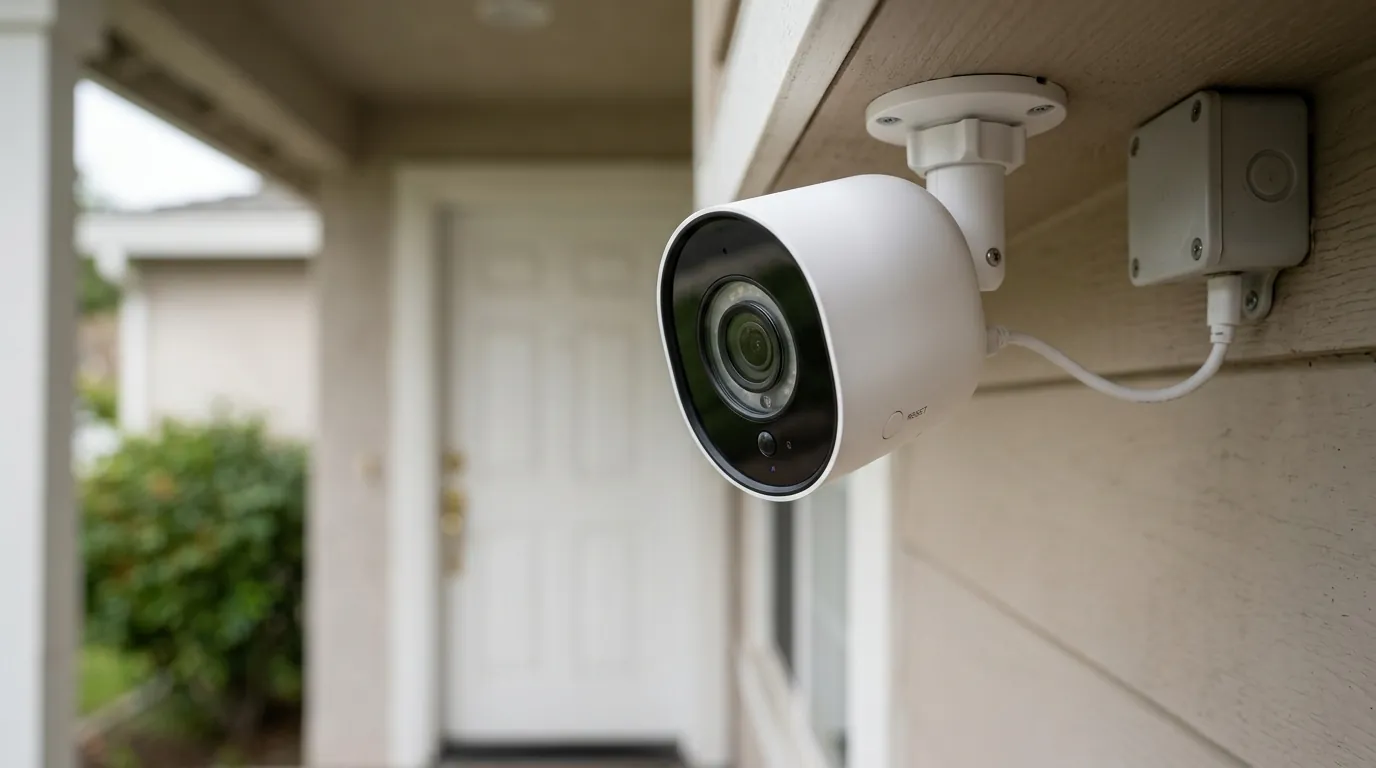
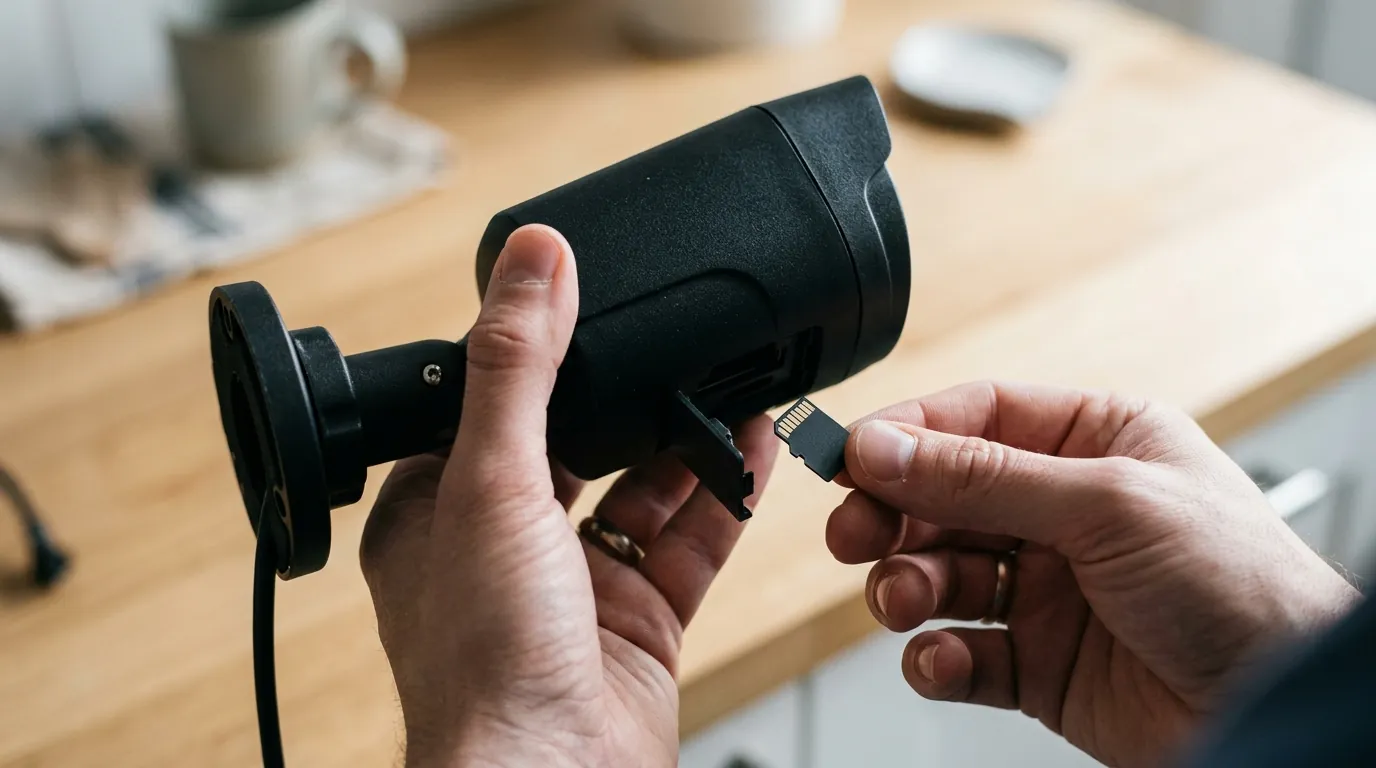
[Image Specification: Close-up of an Arlo Essential 2K camera with a blinking blue and orange light, indicating a firmware update in progress or a bricked state, installed on a home’s exterior. Aspect Ratio 16:9]
Why it matters for buyers
For a prospective buyer, the “bricking” reports are a symptom of a larger, more complex ownership model. Arlo’s business strategy has shifted heavily toward a “Hardware-as-a-Service” (HaaS) approach, where the initial purchase price is only a fraction of the total cost required to maintain a functional security system.
The Subscription Trap: Hidden Costs and Feature Lock-outs
The Arlo Essential 2K is often marketed in the “under $100” or “$150-200” price band for multi-packs, making it an attractive entry-point for home security. However, the hardware’s utility is severely limited without an Arlo Secure subscription.
As of 2026, Arlo has moved almost all “intelligence” features behind a paywall. While competitors like Eufy or Reolink offer on-device AI for person and vehicle detection, Arlo processes this in the cloud.
| Feature | Without Arlo Secure (Free) | With Arlo Secure (Paid) |
|---|---|---|
| Video Resolution | Live View Only (2K) | Cloud Recording (2K/4K) |
| Motion Alerts | Basic (All Motion) | Smart (Person, Pet, Vehicle) |
| Storage | None (No Cloud History) | 30-Day Cloud History |
| Activity Zones | Not Available | Custom Cloud Zones |
| Emergency Response | Not Available | One-Tap Fire/Police/Medical |
| Monthly Cost | $0 | Around $7.99 - $17.99 |
Data source: Arlo.com Subscription Tiers (Verified 2026).
Without a subscription, an Arlo Essential 2K camera effectively becomes a “dumb” doorbell camera that can only show you a live feed. If a package is stolen while you are not looking at your phone, there is no recorded footage to provide to the police unless you have invested in an Arlo SmartHub for local storage—an additional hardware expense in the “$80-100” range.
Arlo’s End-of-Life Policies and Consumer Trust
The most significant risk for buyers is Arlo’s End-of-Life (EOL) Policy. In early 2023, Arlo faced significant backlash for announcing the EOL of several popular models, which initially included the removal of free cloud storage. While they walked back some of the more aggressive terms, the policy remains a core part of their operations in 2026.
When a camera reaches its EOL date, Arlo may:
- Cease providing firmware updates (leaving the device vulnerable to security exploits).
- Discontinue technical support.
- Remove the device’s ability to store video in the cloud, even for legacy users.
This “forced obsolescence” means that even if your camera survives a firmware update today, its software “lifespan” is entirely at the discretion of the manufacturer’s corporate policy, not the hardware’s physical durability.
Total Cost of Ownership (TCO) Analysis
To understand the true cost of an Arlo Essential 2K over a typical three-year lifespan, buyers must look beyond the sticker price.
- Initial Hardware: Around $90 (Single Camera).
- Arlo Secure (Single Camera): ~$9.99/month x 36 months = $359.64.
- Total 3-Year Cost: ~$450.
Compare this to a subscription-free alternative like the Reolink Argus Series or EufyCam:
- Initial Hardware: Around $130.
- Subscription: $0.
- Total 3-Year Cost: ~$130.
The “Arlo Tax” is a significant consideration for budget-conscious buyers who may not realize they are committing to a $400+ investment for a single camera.
Impact on existing owners
For those who already own an Arlo Essential 2K, the 2026 firmware issues represent more than just a technical glitch; they represent a potential breach of the security promise.
Loss of Functionality and Support
When a camera is bricked, the home’s security perimeter is immediately compromised. Many owners do not realize their camera is offline until an event occurs and they find no footage in their library. For cameras that are “deemed no longer supported,” even if they aren’t fully bricked, the loss of security patches makes them a liability. In the 2026 threat landscape, unpatched IoT devices are primary targets for botnets and unauthorized access.
Customer Support Experiences and Frustrations
User sentiment on platforms like Trustpilot and the Arlo Community indicates a “support loop” frustration. Owners of bricked Essential 2K cameras report that support agents often follow a script that ends in a recommendation to “upgrade” to the latest Ultra or Pro series models, often offering a small discount code (typically 10-20%) that does not cover the cost of the failed hardware. This “upselling” during a technical failure has significantly damaged brand loyalty among long-time users.
Privacy Implications for Discarded Devices
As users discard bricked cameras, privacy becomes a concern. Arlo’s Privacy Policy, updated March 4, 2026, details extensive data collection. Arlo collects:
- Usage data and video metadata.
- Geographic location data.
- Personal identifiers for marketing.
The policy notes that Arlo may share this data with business partners for promotions. Under the California Consumer Privacy Act (CCPA) and CPRA, some of these data-sharing practices may be categorized as a “sale” of information. For owners of bricked devices, the concern is whether their data remains in Arlo’s ecosystem even after the hardware is in a landfill. Users are advised to perform a “factory reset” via the app (if the device is still partially reachable) or remove the device from their account before disposal to sever the link between the hardware ID and their personal data.
What to do now
If you are currently navigating the Arlo ecosystem or considering entering it, there are specific steps you can take to mitigate the risk of bricking and subscription lock-in.
Troubleshooting Bricked Arlo Cameras
If your Arlo Essential 2K has become unresponsive after an update, try these steps before declaring it dead:
- The “Long” Reset: Hold the sync button for a full 15-20 seconds. The LED should flash amber. If it does not flash amber, the bootloader is likely corrupted.
- Power Cycle: Plug the camera into a high-output (2A) USB wall charger and leave it for 24 hours. Sometimes a “bricked” state is actually a deep-discharge state caused by a firmware loop draining the battery.
- Router Check: Log into your router and see if the camera’s MAC address appears in the “connected devices” list. If it appears but the app says “offline,” the issue is with the Arlo Cloud handshake, not the hardware itself.
Making an Informed Purchase Decision: The Decision Framework
Before buying into a camera system in 2026, use this framework to see if Arlo fits your needs:
- Scenario A: The Renter (Temporary Setup)
- Priority: Easy install, no drilling.
- Recommendation: Arlo is viable here due to its excellent mounting accessories, but only if you are okay with the monthly subscription fee for the duration of your lease.
- Scenario B: The Homeowner (Long-term Security)
- Priority: Reliability, no monthly fees, 5+ year lifespan.
- Recommendation: Avoid Arlo. Prioritize brands with local storage (NVR or microSD) like Reolink or Lorex. Firmware updates are less likely to “brick” these devices in a way that requires a total system replacement.
- Scenario C: The Tech-Averse User
- Priority: “It just works,” high-quality app.
- Recommendation: Arlo’s app is top-tier, but the risk of “bricking” and the complexity of EOL policies may cause more stress than a simpler, local system.
Exploring Subscription-Free Security Camera Alternatives
If the “bricking” reports and subscription costs have soured your view of Arlo, several 2026 competitors offer robust alternatives with local storage as the primary focus.
| Brand | Model Equivalent | Primary Storage | AI Detection |
|---|---|---|---|
| Eufy | eufyCam S220 | HomeBase 3 (Local) | On-Device (Free) |
| Reolink | Argus 4 Pro | MicroSD / Hub | On-Device (Free) |
| TP-Link Tapo | Tapo C425 | MicroSD / Cloud | On-Device (Free) |
| Lorex | 2K Battery Camera | Home Center (Local) | On-Device (Free) |
Data based on manufacturer spec sheets as of June 2026.
For potential buyers: Thoroughly research a camera’s long-term costs, including mandatory subscriptions, before purchase. Prioritize brands that clearly outline their privacy policies and commitment to subscription-free core features. Look for cameras that offer local storage (e.g., microSD card slots or NVR/DVR compatibility) as a primary means of video storage to avoid reliance on cloud subscriptions that can be altered or revoked at any time.
Quvii tracks these trade-offs across the category to ensure buyers aren’t caught off guard by “stealth” costs or hardware expiration dates. While the Arlo Essential 2K offers impressive video quality and a sleek design, the 2026 bricking incidents serve as a reminder that in the world of cloud-connected security, you don’t always own the hardware you paid for.
Frequently Asked Questions
Can I fix a bricked Arlo Essential 2K myself?
Generally, no. Because the Essential 2K lacks a physical data port (like USB-C for data transfer) and relies on an integrated battery, there is no way for a consumer to manually “flash” the firmware if the bootloader is corrupted. If a factory reset (holding the sync button for 15+ seconds) does not work, the device usually requires a warranty replacement from Arlo.
Does Arlo offer a warranty for cameras bricked by firmware?
If your camera is within the standard one-year warranty period, Arlo typically honors a replacement for firmware-related failures. However, if the camera is outside the warranty period, even if the failure was caused by an Arlo-initiated update, users report that the company often refuses free replacements and instead offers discount codes for new hardware.
Can I use Arlo Essential 2K without a subscription in 2026?
Technically yes, but with major limitations. You can view a live stream and receive basic motion notifications. You will not have any recorded video history, smart alerts (discriminating between a person and a tree), or activity zones. To get any recording capability without a subscription, you must purchase an Arlo SmartHub (VMB4540 or VMB5000) and use a local USB drive or microSD card.
What does the blinking blue and orange light mean?
On an Arlo Essential 2K, alternating blue and orange lights indicate that a firmware update is in progress. If this light pattern persists for more than 10-15 minutes, or if the camera becomes unresponsive afterward, it indicates that the update has failed or the camera is stuck in a boot loop.
How do I prevent my Arlo camera from bricking during an update?
The best prevention is to ensure your camera is either plugged into a permanent power source or has at least 50% battery before an update occurs. Since Arlo often pushes updates automatically, keeping your cameras well-charged is the only way to minimize the risk of a power-loss failure during the critical firmware-writing phase.
Sources
- Arlo Official End-of-Life Policy — https://kb.arlo.com/000063018/Arlo-Legacy-End-of-Life-Policy
- Arlo Secure Subscription Features and Pricing — https://www.arlo.com/en-us/arlo-secure.html
- Arlo Privacy Policy (Updated March 4, 2026) — https://www.arlo.com/en-us/about/privacy-policy/
- Arlo Community Forum: Firmware Issues
- Reddit r/Arlo: Bricked Camera Reports — https://www.reddit.com/r/arlo/