
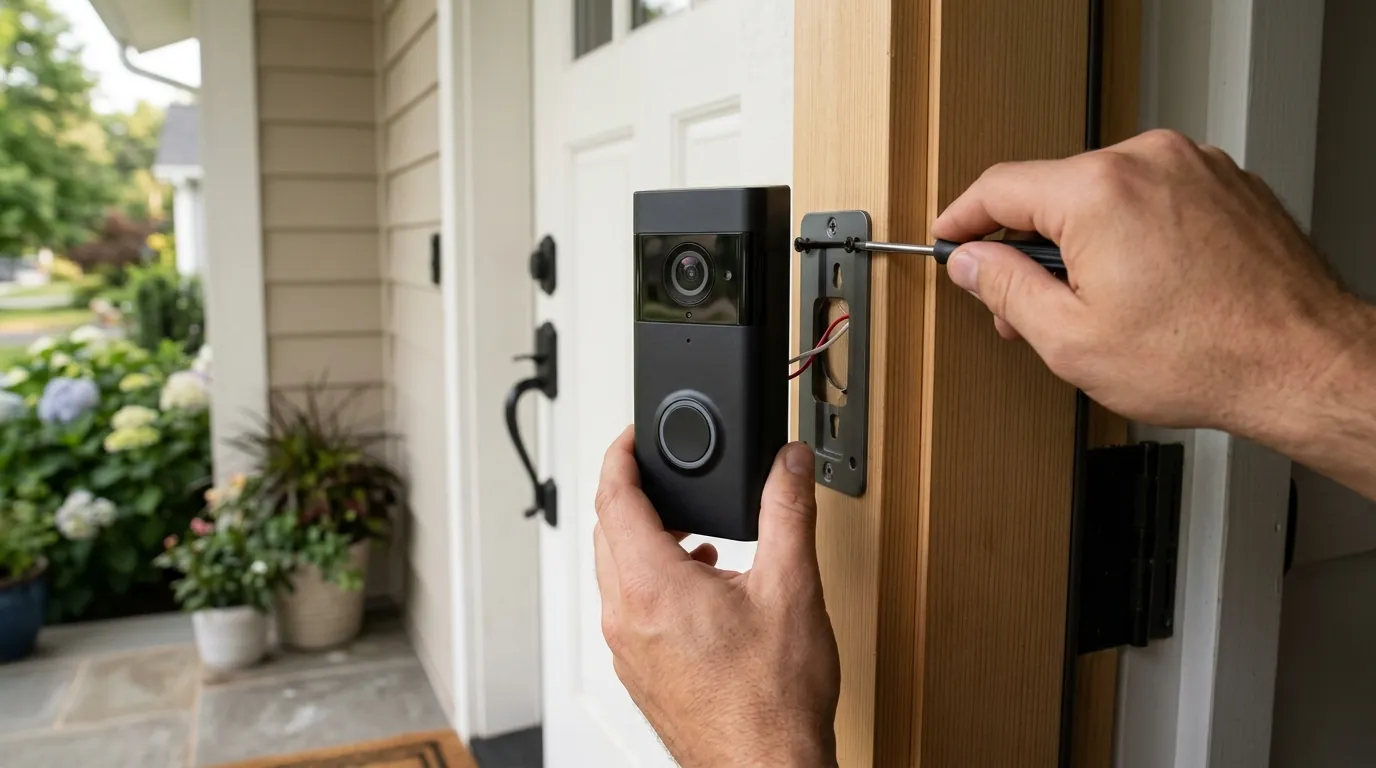
Arlo Doorbell Motion & Recording Issues: What to Know in July 2026
The reliability of your home security system hinges on consistent performance, and when a critical component like a video doorbell falters, it can leave homeowners feeling vulnerable. In early to mid-2026, Arlo doorbell users have increasingly reported significant issues with motion detection and recording, raising concerns about the effectiveness of these devices.
Arlo doorbell users, particularly in early to mid-2026, have reported ongoing issues with motion detection and recording, including missed events, delayed notifications, and inconsistent performance. These problems are often linked to recent firmware updates, subscription status, and incorrect app settings.
What happened
Related: Frigate NVR Detection Crashing After GPU Upgrade: 2026 Fixes · Arlo Motion Detection Issues (July 2026): Firmware Bugs & Delays · Ring Camera Motion Alerts Not Working: July 2026 Outage & Fixes
From March to May 2026, numerous reports emerged across Arlo community forums and independent review platforms detailing significant problems with Arlo doorbells’ core functionality: reliable motion detection and event recording. Users have described scenarios where crucial events, such as a person approaching their door or a package being delivered, were either not detected at all, or recordings were absent from their library. In other instances, recordings were partial, random, or notifications were significantly delayed, undermining the doorbell’s security purpose.
Recent Firmware Impact
Specific firmware updates have been frequently cited by users as a catalyst for new or exacerbated issues. For example, firmware versions, including one released around April/May 2026 (e.g., 6.26.0), have been linked to devices ceasing functionality, displaying cropped camera views within the Arlo app, or rendering older devices “unsupported”. This suggests that updates intended to improve performance or add features may inadvertently introduce significant bugs or compatibility problems.
Reported User Experiences
User experiences paint a picture of frustrating inconsistency. Some reports detail doorbells failing to record a person at the door, even after a button press, or only capturing a fraction of the event. Others mention that while the doorbell appears online and functional, it simply does not trigger recordings or send notifications for detected motion. Connectivity issues, such as the doorbell randomly dropping Wi-Fi connection or the chime disconnecting, have also been reported, directly contributing to missed motion events and recording failures. These issues are particularly problematic for battery-powered models, where inconsistent performance can also drain the battery faster due to repeated attempts to connect or detect.
Subscription and Connectivity Factors
The Arlo Secure subscription plays a critical role in the full functionality of Arlo doorbells, particularly for accessing cloud recording and advanced AI features like person and package detection. Many reported issues can be traced back to a lapsed subscription, an incorrect plan assignment in the user’s account, or misconfigured filtering settings within the Arlo app that inadvertently hide recordings. Furthermore, a stable Wi-Fi connection is paramount for any smart doorbell. Weak or intermittent Wi-Fi can lead to delayed notifications, missed recordings, or the device appearing offline, creating the illusion of a malfunction when the root cause is network instability.
Why it matters for buyers
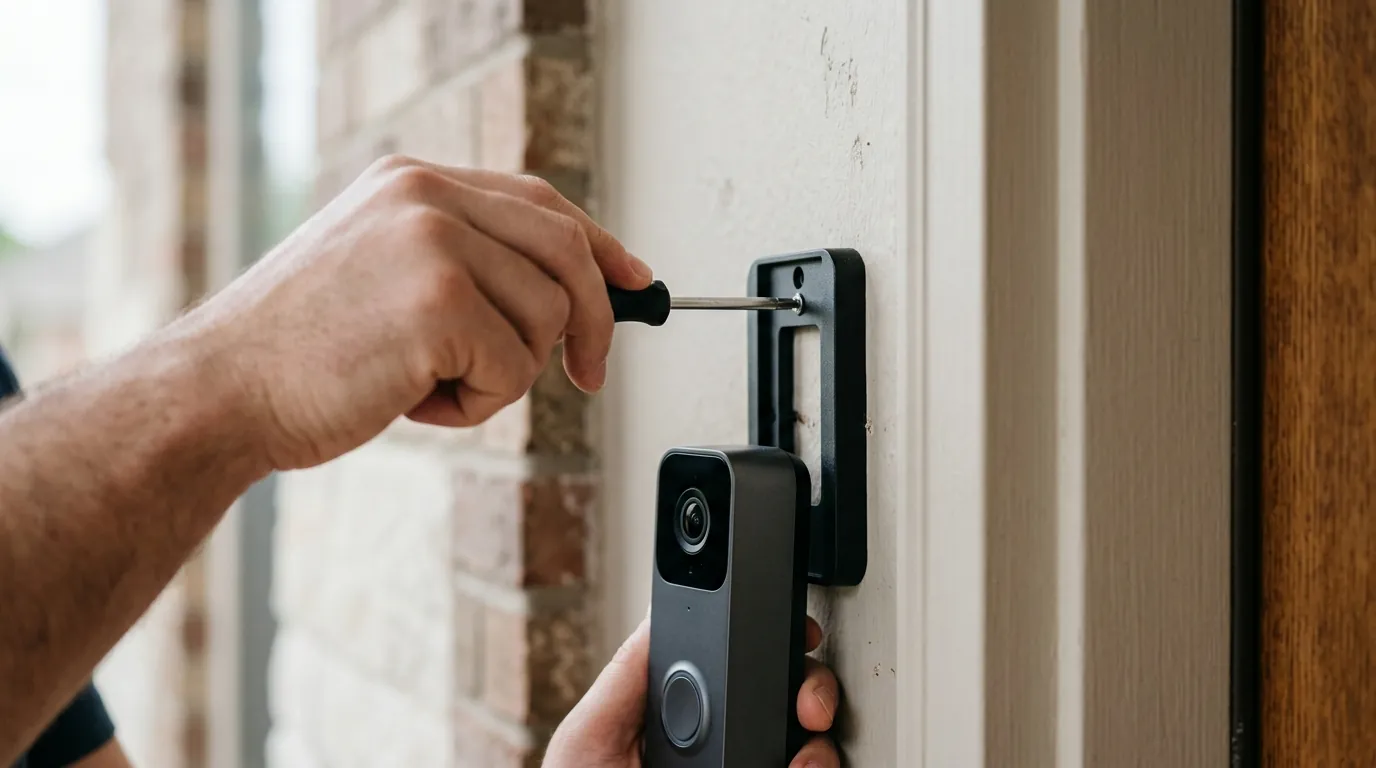
The current reports of motion detection and recording issues with Arlo doorbells are highly significant for prospective buyers, as they touch upon the fundamental expectations of a security device.
Security Implications
The primary function of a security doorbell is to reliably detect and record activity at your entryway, providing both real-time alerts and recorded evidence. Inconsistencies in motion detection and recording directly undermine this core purpose, potentially leaving critical events unmonitored or unrecorded. For buyers seeking to enhance their home security, an unreliable doorbell can create a false sense of security, failing to deliver on its most essential promise.
Hidden Costs of Ownership
Prospective buyers need to understand that the full suite of Arlo doorbell functionalities, including cloud storage for recordings and intelligent alerts (such as person, vehicle, or package detection), is typically gated behind an Arlo Secure subscription. While the initial hardware purchase might seem appealing, these ongoing subscription costs represent a significant long-term investment. Without an active subscription, many advanced features and the ability to review past events in the cloud are unavailable, limiting the device’s utility.
Long-Term Reliability Concerns
Reports of unreliable performance, coupled with challenges in customer support and firmware updates introducing new bugs or deprecating older devices, raise legitimate concerns about the long-term viability and support for Arlo doorbells. For a device intended to provide security over many years, the potential for future updates to cause issues or for devices to become “unsupported” creates an element of uncertainty that buyers should consider.
Impact on existing owners
Existing Arlo doorbell owners experiencing these issues face a direct impact on their home security and the value derived from their investment.
Loss of Functionality
Many existing Arlo doorbell owners have reported a sudden and unexpected loss of critical security features. Devices that previously functioned reliably may now fail to record, send timely notifications, or even appear offline, despite seeming to be physically operational. This can lead to a significant gap in security coverage, as events at the doorstep may go unnoticed and unrecorded.
Troubleshooting Burden
Addressing these issues often requires a multi-step troubleshooting process. Owners may need to meticulously verify active Arlo Secure subscriptions, check and adjust various in-app settings (such as modes, rules, activity zones, and sensitivity levels), and ensure robust Wi-Fi connectivity. This can be a time-consuming and frustrating endeavor, especially when the root cause is not immediately apparent. Some users have also noted discrepancies between the device’s reported status in the app (e.g., battery level, online status) and its actual performance, further complicating troubleshooting efforts.
Firmware Update Risks
While firmware updates are essential for security patches and new features, they have unfortunately been a source of new problems for some Arlo doorbell owners. Reports indicate that certain updates have caused devices to become unresponsive, experience reduced functionality, or even be rendered “unsupported,” necessitating extensive troubleshooting or even replacement. This creates a dilemma for owners: update for potential improvements and security, or risk new bugs.
Subscription Dependency
A critical aspect for existing owners is the heavy reliance on an active Arlo Secure subscription. On many Arlo doorbell models, local storage options are limited or nonexistent, meaning that without an active subscription, recordings are not saved to the cloud, and advanced AI features are disabled. This leaves a significant gap in security coverage, transforming the doorbell into little more than a smart intercom without the ability to capture and review critical events.
What to do now
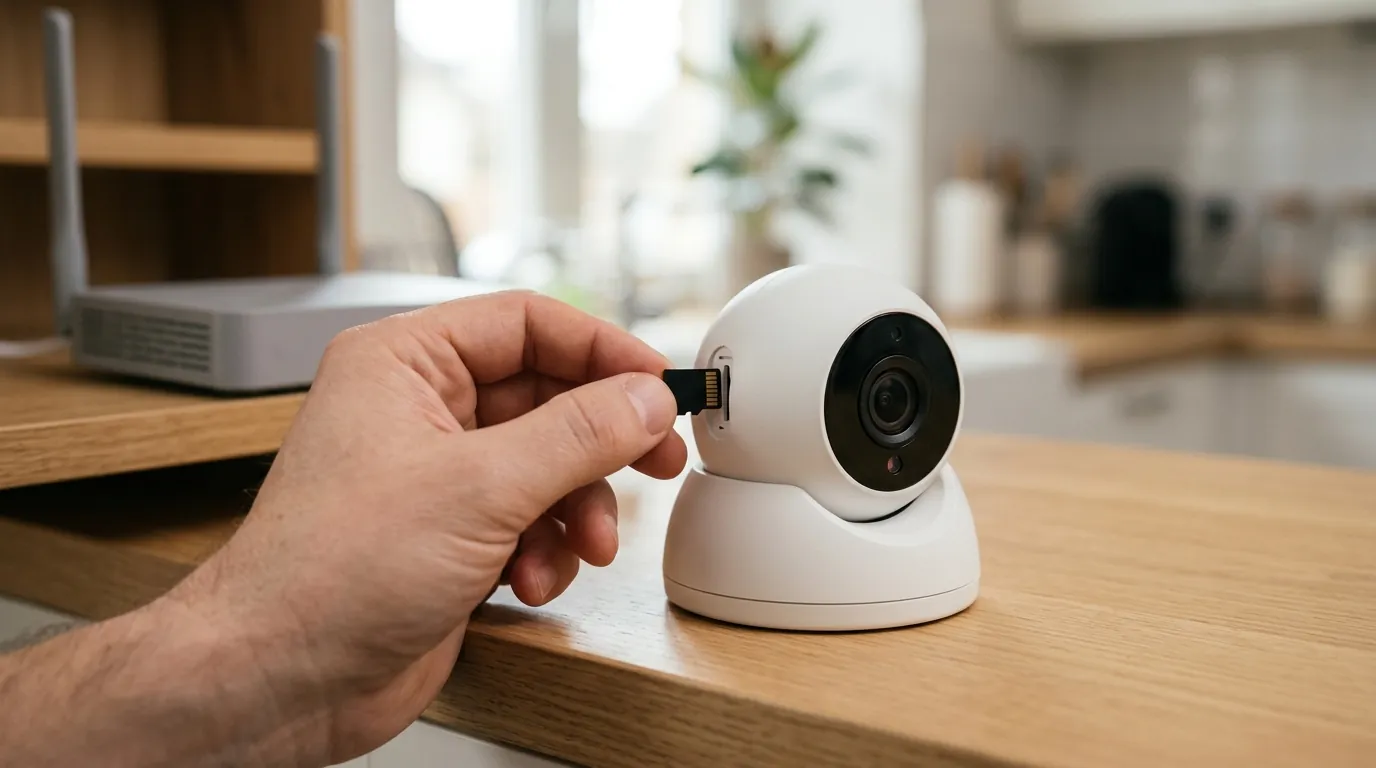
For both existing Arlo doorbell owners and prospective buyers, understanding the current landscape of reported issues and the available solutions is crucial.
Immediate Steps for Owners
If you are an existing Arlo doorbell owner experiencing motion detection or recording problems, consider these immediate troubleshooting steps:
- Verify Subscription Status: Confirm that your Arlo Secure subscription is active and that your doorbell is correctly assigned to the plan. Lapsed subscriptions or incorrect assignments are common reasons for disabled cloud recording and advanced features.
- Update Firmware and App: Ensure both your Arlo doorbell’s firmware and the Arlo Secure app are updated to their latest versions. After any firmware update, rebooting the doorbell (via the app or by temporarily removing its battery if applicable) is often recommended.
- Optimize Motion Settings: Access the Arlo Secure app to review and adjust your doorbell’s motion detection sensitivity and activity zones. Ensure activity zones are tightly drawn around areas of interest and exclude sources of false triggers like moving branches or passing traffic.
- Check App Filters: Navigate to the ‘Library’ and ‘Feed’ sections within your Arlo app and ensure that no filters are inadvertently hiding recordings from your doorbell.
- Troubleshoot Wi-Fi: Verify that your doorbell has a strong and stable Wi-Fi connection. Consider moving your Wi-Fi router closer to the doorbell or ensuring your network is configured for optimal performance (e.g., using the 2.4 GHz band for initial setup and device stability).
- Restart or Factory Reset: As a last resort, restart your doorbell via the app or by temporarily removing its battery (if applicable). If problems persist, a factory reset might be necessary. Be aware that a factory reset will remove the device from your account and delete existing recordings, so this should be a carefully considered step.
- Contact Arlo Support: If self-troubleshooting does not resolve the issues, reach out to Arlo’s official support channels. Be prepared to provide detailed information about your problem, including specific symptoms, firmware versions, and all troubleshooting steps already taken.
Long-Term Solutions
For ongoing reliability, ensure your Wi-Fi network is robust and capable of supporting multiple smart home devices. Regularly check for Arlo app and firmware updates, but also monitor community forums for reports of potential issues before updating, especially with critical security devices.
Advice for Prospective Buyers
- Research Current Reviews: Before purchasing, thoroughly research recent user reviews and community discussions for the specific Arlo doorbell model you are considering. Pay close attention to reports from early to mid-2026 to gauge its current performance and reliability.
- Understand Subscription Requirements: Be fully aware of which features require an Arlo Secure subscription and factor these ongoing costs into your budget. Evaluate whether the benefits of the subscription align with your security needs and willingness to pay.
Arlo Doorbell Comparison Table (July 2026)
| Feature | Arlo Essential Video Doorbell Wire-Free | Arlo Essential Video Doorbell Wired | Arlo Video Doorbell (Original) |
|---|---|---|---|
| Resolution | 1536p HD | 1536p HD | 1536p HD |
| Field of View | 180° diagonal | 180° diagonal | 180° diagonal |
| Night Vision | Color Night Vision | Color Night Vision | Color Night Vision |
| Power Type | Battery or Wired (via existing doorbell wiring) | Wired (existing doorbell wiring) | Wired (existing doorbell wiring) |
| Local Storage | Requires Arlo SmartHub or Base Station | Requires Arlo SmartHub or Base Station | Requires Arlo SmartHub or Base Station |
| Subscription Cost/Yr (Arlo Secure Single Camera) | Around $50-60/year | Around $50-60/year | Around $50-60/year |
| Motion Detection | Advanced PIR & Video Analysis | Advanced PIR & Video Analysis | Advanced PIR & Video Analysis |
| Smart AI Features | Person, Package, Vehicle, Animal Detection (with Arlo Secure) | Person, Package, Vehicle, Animal Detection (with Arlo Secure) | Person, Package, Vehicle, Animal Detection (with Arlo Secure) |
Decision Framework: Choosing an Arlo Doorbell
- If you’re a Renter or prefer minimal installation: Prioritize the Arlo Essential Video Doorbell Wire-Free for its battery option and simpler setup. Understand you’ll need to periodically recharge the battery.
- If you have existing doorbell wiring and seek continuous power: Prioritize the Arlo Essential Video Doorbell Wired or the Arlo Video Doorbell (Original) for consistent power and reliable operation without battery concerns.
- If you require advanced AI detection and cloud storage: Prioritize an Arlo Secure subscription regardless of the model chosen, as these features are paywalled. Factor this into your total cost.
- If you already own an Arlo SmartHub or Base Station: Prioritize models compatible with your existing hub to potentially enable local storage options, though cloud recording still requires a subscription.
Total Cost of Ownership (TCO) for an Arlo Doorbell (3-Year Estimate)
Understanding the full cost of an Arlo doorbell goes beyond the initial hardware purchase, primarily due to the essential Arlo Secure subscription.
Example: Arlo Essential Video Doorbell Wire-Free
- Hardware Cost: Around $150-200 (one-time)
- Arlo Secure Single Camera Subscription: Approximately $5-6 per month, or $50-60 annually.
- 3-year subscription cost: $55/year * 3 years = around $165.
- Feature Paywall Trap: Without the subscription, features like 30-day cloud video history, interactive notifications, smart object detection (person, package, vehicle, animal), and activity zones are unavailable. This means a significant portion of the doorbell’s advertised “smart” capabilities are locked behind the recurring fee.
Estimated 3-Year Total Cost: Hardware (around $175) + 3-Year Subscription (around $165) = Approximately $340
This estimate highlights that the ongoing subscription cost can approach or even exceed the initial hardware investment over a few years, making it a critical factor in the buying decision.
Frequently Asked Questions
Do Arlo doorbells require a subscription for motion detection?
Arlo doorbells will detect motion and send basic notifications without a subscription. However, to access cloud recording of these events, use advanced AI features like person or package detection, and set custom activity zones, an Arlo Secure subscription is required.
Can I view live video from my Arlo doorbell without a subscription?
Yes, you can typically view live video from your Arlo doorbell at any time through the Arlo Secure app without an active subscription. The subscription primarily affects recording storage, advanced detection, and notification features.
What happens to my Arlo doorbell recordings if my subscription lapses?
If your Arlo Secure subscription lapses, you will lose access to cloud recordings, smart notifications, and advanced AI detection features. Any existing cloud recordings may be deleted after a grace period, and new recordings will not be saved to the cloud.
How do I improve motion detection accuracy on my Arlo doorbell?
To improve motion detection accuracy, ensure your activity zones are precisely drawn to cover only areas of interest, adjust the motion sensitivity settings in the Arlo app, and ensure your doorbell has a strong, stable Wi-Fi connection. Reducing sources of false triggers (e.g., moving foliage) within the detection area can also help.
Are older Arlo doorbell models still supported with firmware updates?
Arlo generally provides firmware updates for its devices, but as seen in recent reports, some updates may introduce compatibility issues or even render older devices “unsupported” by new features or app versions. It is advisable to check Arlo’s official support pages for specific product lifecycle information.
Sources
- reddit.com — Arlo doorbell not recording motion, only button press. Anyone else?
- youtube.com — Arlo Video Doorbell Review 6 Months Later: Still The Best? (2024)
- bestdoorbellguide.blog — Arlo Doorbell Review 2024: Is It Worth The Investment?
- arlo.com — Arlo Secure Plans & Pricing
- arlo.com — What is the Arlo SmartHub or Base Station, and do I need one?
- arlo.com — Arlo Video Doorbell
- security.org — Arlo Privacy Policy: What You Need To Know
- youtube.com — Arlo Pro 5s 2K vs Ring Spotlight Cam Pro - (Night & Day Comparison)
- reddit.com — Arlo Doorbell not detecting motion or recording anymore
- arlo.com — My Arlo camera is not detecting motion. What do I do?
- arlo.com — Arlo Essential Video Doorbell Wire-Free
- arlo.com — Arlo Essential Video Doorbell Wired
- youtube.com — Arlo Ultra 2 vs Ring Spotlight Cam Pro - (Night & Day Comparison)
- youtube.com — Arlo Essential Video Doorbell Wire Free Review: The Good and the Bad!
- youtube.com — Best Video Doorbells 2024 - Top 5 Video Doorbells
- arlo.com — Arlo Secure Plans & Pricing