
Apple Intelligence in the Home App: 4K Video & AI Search (2026)
Apple’s long-awaited integration of generative AI into the smart home has finally arrived, fundamentally changing how HomeKit Secure Video handles security footage and event notifications.
Apple Intelligence (2026) adds 4K HomeKit Secure Video support, written activity summaries, and natural language event search to the Home app. These features require an iCloud+ 2TB plan and an A17 Pro/M-series Home Hub.
What happened
Related: Grounded Labs Oasis Device Server Outage: Smart Home Impact (Not Secur · Tapo C210 Pan/Tilt Motor Noise After Firmware Update: What to Know · Ring Camera Not Notifying or Streaming in July 2026: What to Know
In mid-2026, Apple officially transitioned the Home app into the “Home Intelligence” era with the release of iOS 27 and tvOS 27. This update represents the most significant overhaul of the HomeKit Secure Video (HKSV) architecture since its debut in 2019. For years, HKSV was criticized for its 1080p resolution cap and basic motion detection; the 2026 update addresses these technical debts by introducing high-resolution support and Large Language Model (LLM) processing for video events.
The most visible change is the introduction of Activity Summaries. Instead of receiving a generic “Person Detected” notification, users now see descriptive, text-based summaries on their Lock Screen. These summaries are generated by on-device AI or Private Cloud Compute (PCC), synthesizing visual data into natural language. For example, a notification might read: “The UPS driver left a medium-sized box on the porch and was followed by a neighbor’s golden retriever.”
Furthermore, the Home app now features Natural Language Search. Users can type or ask Siri for specific events across their entire recording history. Searching for “When did the kids get home from school?” or “Show me all the red cars that parked in front of the house this week” triggers an instant filter of recorded clips. This eliminates the need to manually scrub through timelines, a major pain point for security camera storage options.
The Shift to 4K Recording
For the first time, Apple has lifted the 1080p bitrate limit for HKSV. Compatible 4K cameras can now stream and record at their native resolution (3840 x 2160) directly to iCloud. This change required a massive expansion of Apple’s backend infrastructure to handle the significantly higher bandwidth and storage demands of 4K HEVC (H.265) video.
Generative AI Video Descriptions
The “Intelligence” in the Home app isn’t just about better motion zones. It uses a specialized version of Apple’s Foundation Models to understand context. It can distinguish between a delivery person placing a package gently and a “porch pirate” quickly grabbing one. These descriptions are indexed, making the entire video library searchable by content rather than just by timestamp.
Siri’s New Contextual Awareness
Siri has been updated to understand the spatial layout of the home better. Because the AI now understands what is happening in the video feed, you can ask contextual questions like, “Is the driveway clear?” or “Did I leave the garage door open when the mailman came?” Siri cross-references the video history with the current state of HomeKit sensors to provide an accurate answer.
| Feature | Legacy HKSV (Pre-2026) | Apple Intelligence HKSV (2026) |
|---|---|---|
| Max Resolution | 1080p HD | 4K Ultra HD |
| Event Detection | Basic (Person, Pet, Vehicle) | Contextual LLM Summaries |
| Search Method | Timeline Scrubbing | Natural Language Query |
| Notification Type | Static Snapshot | Generative Text Summary |
| Processing | Local Home Hub | Local Hub + Private Cloud Compute |
| Primary Requirement | Any iCloud+ Plan | 2TB iCloud+ Plan or higher |
Why it matters for buyers
For years, the smart home security market was bifurcated: users chose Apple for privacy or brands like Nest and Ring for advanced AI features. Apple’s 2026 update effectively erases this distinction. By bringing 4K resolution and sophisticated event analysis to the Home app, Apple has reached feature parity with high-end subscription services while maintaining its “privacy-first” stance.
This update is particularly relevant for buyers who previously avoided HKSV because of the 1080p limitation. In the professional security world, 1080p is often insufficient for identifying license plates or distant facial features. The move to 4K makes HKSV a viable alternative to local NVR (Network Video Recorder) systems for many small businesses and homeowners.
Privacy vs. Convenience: The PCC Advantage
Most competitors process AI video in the cloud, where the footage is technically accessible to the provider unless strictly end-to-end encrypted (which often breaks AI features). Apple utilizes Private Cloud Compute (PCC). When a Home Hub (like an Apple TV) isn’t powerful enough to process a complex AI request, it sends an encrypted “slice” of data to Apple’s silicon-based servers. According to Apple’s Privacy Whitepaper, this data is never stored, and Apple has no way to decrypt it. This “stateless” processing is a major differentiator for privacy-conscious buyers.
Eliminating the ‘AI Tax’ on Subscriptions
Most camera brands charge a “per-camera” fee for AI features like package detection or familiar face recognition, often ranging from $5 to $15 per month. Apple includes these features in the standard iCloud+ tiers. While the 2TB requirement is a “paywall” of sorts, it covers an unlimited number of cameras. For a home with 8 or 10 cameras, Apple’s model is significantly more cost-effective over a 3-year period than a per-camera subscription.
The End of the 1080p Bottleneck
The 1080p limit was the primary reason high-end camera manufacturers like Reolink and Lorex were slow to adopt HomeKit Secure Video setup for their flagship models. With the 4K barrier removed, we are seeing a surge of professional-grade hardware entering the HomeKit ecosystem, offering better optics, larger sensors, and improved night vision that was previously wasted on 1080p streams.
Privacy Architecture: The Data Path
- Camera: Captures 4K stream, encrypts it locally.
- Home Hub (Apple TV/HomePod): Decrypts stream; performs initial AI analysis.
- Private Cloud Compute: If the task is too heavy (e.g., generating a complex summary), an encrypted packet is sent to Apple Silicon servers for processing.
- iCloud Storage: The final 4K footage is stored with end-to-end encryption; only the user holds the keys.
Impact on existing owners
While the 2026 update brings exciting features, it also introduces a “hardware cliff.” Not every device that currently works with the Home app will support Apple Intelligence. Owners of older equipment may find themselves locked out of the most advanced features, even if they have a compatible camera.
The most significant impact is the Home Hub requirement. Apple Intelligence requires significant NPU (Neural Processing Unit) performance. This means the original HomePod and the first two generations of the Apple TV 4K are relegated to “Legacy Mode,” where they can still bridge cameras but cannot generate AI summaries or handle 4K HKSV streams.
The 2TB iCloud+ Requirement
Apple has tied the new Intelligence features specifically to the 2TB iCloud+ plan (around $9.99/mo) and higher. Users on the 50GB or 200GB plans will continue to see the legacy 1080p HKSV interface without AI summaries or natural language search. This tier-based gating is a clear move to drive higher services revenue while offsetting the massive storage costs of 4K video.
Home Hub Hardware Limitations
To act as a “Home Intelligence Hub,” the device must contain an A17 Pro chip or an M-series processor. As of mid-2026, this limits compatibility to:
- Apple TV 4K (2025/2026 models with A17 Pro or better)
- HomePod (3rd Generation)
- iPad (M1 or newer) used as a temporary hub (though Apple continues to discourage iPad as a permanent hub).
Legacy Camera Compatibility
If you currently own 1080p HKSV cameras (like the Eve Cam or Logitech Circle View), they will not magically become 4K. However, they will benefit from the AI summaries and natural language search, provided you have a compatible Home Hub and the 2TB iCloud+ plan. The AI processing happens on the stream, regardless of the source resolution.
TCO Comparison: 3-Year Cost (5 Cameras)
- Ring (Protect Plus): $100/year subscription + hardware = ~$800 total.
- Nest (Aware Plus): $150/year subscription + hardware = ~$950 total.
- Apple (2TB iCloud+): $120/year (often already paid for storage) + hardware = ~$360 additional for security (or $0 if already subscribing).
What to do now
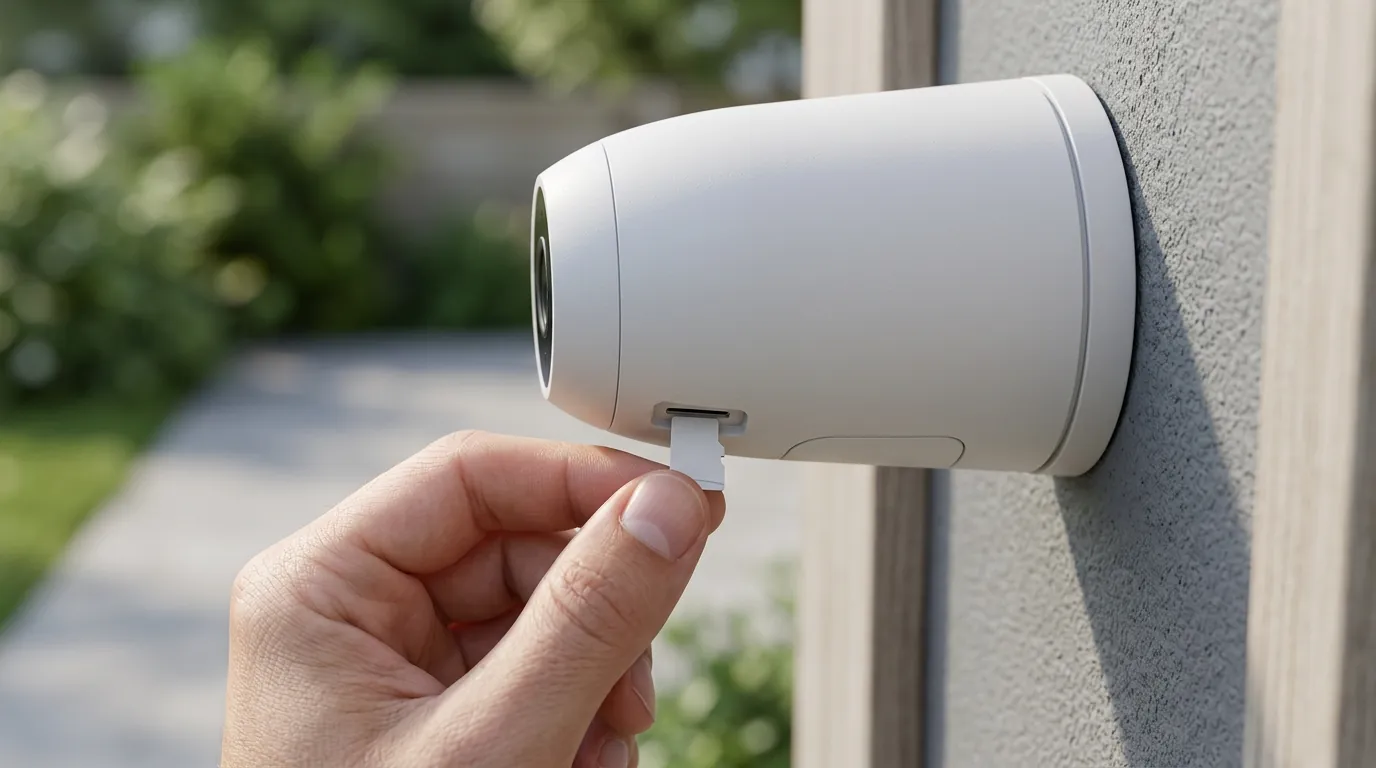
If you are looking to modernize your home security for the Apple Intelligence era, your first step should be an audit of your network and hub hardware. 4K video is demanding; a single 4K HKSV stream can consume 25 Mbps of upload bandwidth.
Optimizing Your Network for 4K AI
Before buying 4K cameras, ensure your Wi-Fi network can handle the load. We recommend a Wi-Fi 6E or Wi-Fi 7 mesh system. Unlike subscription-free security cameras that record locally to an SD card, HKSV must upload the footage to the cloud constantly. If you have five 4K cameras, you may need a fiber internet connection with at least 100 Mbps upload speed to avoid lag in your smart home automations.
Upgrading Your Camera Hardware
If you are still using 1080p cameras and want the clarity promised by the 2026 update, look for cameras explicitly labeled “4K HKSV Compatible.” Many older 4K cameras that worked with HomeKit only did so via “HomeKit-only” (live stream only) or used 1080p for the HKSV recording.
The Best 4K HKSV Pick for 2026
The Aqara Camera Hub G5 Pro has emerged as the flagship choice for this new era. It features a 1/1.8-inch sensor, 4K resolution, and dual-band Wi-Fi 6. It is one of the few cameras designed specifically to saturate the new Apple Intelligence pipeline, providing the raw detail necessary for the AI to generate highly accurate activity summaries.
Checklist for Enabling Apple Intelligence in Home:
- Update Software: Ensure all devices are on iOS/tvOS 27 or later.
- Verify Hub: Go to Home Settings > Software Update and ensure an A17 Pro/M-series device is listed as the “Connected” hub.
- Upgrade iCloud: Confirm you are on the 2TB, 6TB, or 12TB plan.
- Enable Summaries: In the Home app, go to Camera Settings > Recording Options > “Enhanced AI Summaries” and toggle it ON.
- Set Resolution: For compatible cameras, select “4K High Efficiency” in the recording settings.
As the industry shifts, Quvii tracks these trade-offs across the category to ensure buyers don’t get caught behind a hardware generation gap.
Frequently Asked Questions
Do I need a new iPhone to use Apple Intelligence in the Home app?
While you need an iPhone 15 Pro or newer to run “Apple Intelligence” on the phone itself, the Home app features specifically depend on your Home Hub (Apple TV or HomePod) and your iCloud+ plan. If your Apple TV is a 2026 model with an A17 Pro chip, you can view AI summaries on an older iPhone, though the experience will be faster on newer handsets.
Will my existing 1080p cameras get 4K video?
No. Resolution is a hardware limitation of the camera’s sensor and processor. While your 1080p cameras will gain the new AI-written summaries and natural language search features, the video quality will remain at 1080p. To get 4K video, you must purchase new 4K-capable hardware.
Does 4K HKSV use more of my iCloud storage space?
No. One of the primary benefits of HomeKit Secure Video is that the recorded footage does not count against your iCloud storage limit (e.g., your 2TB of space for photos and files). You are paying for the tier to unlock the feature, but the video data itself is stored in a separate, “unlimited” bucket for 10 days.
Can I use these features without an internet connection?
Partial functionality is available locally. Basic motion detection and some AI processing can occur on your Home Hub without an internet connection. However, Activity Summaries and Natural Language Search require Private Cloud Compute, and 4K video requires an active connection to upload footage to iCloud for storage.
Sources
- Apple — https://www.apple.com/newsroom/2024/06/introducing-apple-intelligence-for-iphone-ipad-and-mac/
- Apple Privacy Whitepaper
- Aqara Product News — https://www.aqara.com/en/product/camera-hub-g3/ (Reference for G-series evolution)
- MacRumors: HomeKit Secure Video Limits — https://www.macrumors.com/guide/homekit-secure-video/
- The Verge: Apple Intelligence Explained